Contents
I. Creating a Trackbar
1.1 createTrackbar
OpenCV uses createTrackbar() to create a Trackbar. The function is used as follows:
createTrackbar(const String& trackbarname, const String& winname,int value, int count,TrackbarCallback onChange = 0,void userdata = 0); | Position | Parameter | Purpose |
|---|---|---|
| 1 | trackbar name | Name of the Trackbar |
| 2 | winname | Name of the window to which it is bound |
| 3 | value | Initial position of the slider |
| 4 | count | Maximum position of the slider |
| 5 | TrackbarCallback | Callback function invoked when the Trackbar is adjusted |
| 6 | userdata | Data passed by the user to the callback function; defaults to 0 when unused |
1.2 Callback Function
The fifth parameter, the TrackbarCallback callback function, is used because adjusting the Trackbar generates an event. The system captures this event and sends it to the corresponding handler, so a function must be defined to process it. The callback function must follow this signature:
void callbackfunc(int value, void* userdata);value is the slider position passed to the function. userdata contains other packaged data. For example, a struct can be used to package data and send it to the callback function. When the last parameter of createTrackbar is 0, userdata is not used. In this case, data can be passed to the callback function through global variables.
II. Adjusting Image Brightness with a Trackbar
//部分代码
static void onTrack(int lightness, void* data) {
	Mat src = *(Mat*)data;	//将void类型指针转换为Mat类型指针,然后再取数据
	Mat m = Mat::zeros(src.size(), src.type());
	Mat dst = Mat::zeros(src.size(), src.type());
	m = Scalar(lightness, lightness, lightness);

	add(src, m, dst);
	imshow("Change Lightness", dst);
}

void MyDemo::checkBar_Demo(Mat& image) {
	namedWindow("Change Lightness", WINDOW_AUTOSIZE);

	int lightness = 50;
	int max_value = 100;

	createTrackbar("Value Bar", "Change Lightness", &lightness, max_value, onTrack,(void *)&image);//最后一个参数强制转换为void类型指针
	onTrack(lightness, &image);
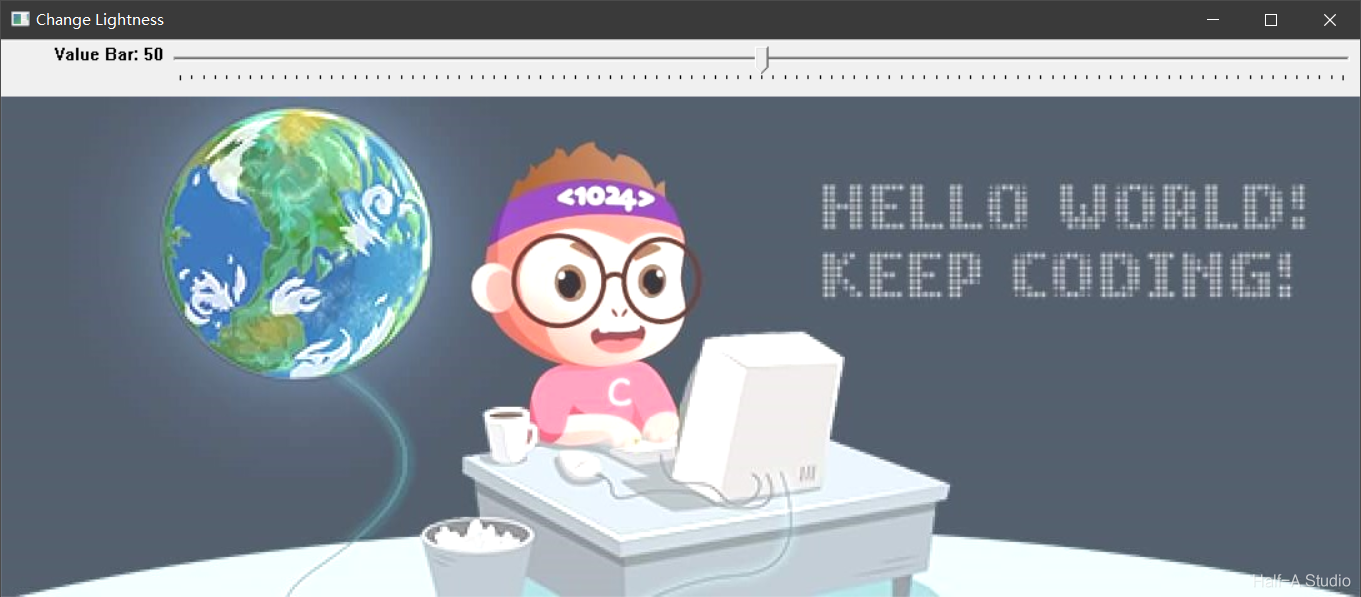
}
Comments