Installing and Using the PCL Library
The most widely used point cloud library in C++
39 posts
The most widely used point cloud library in C++
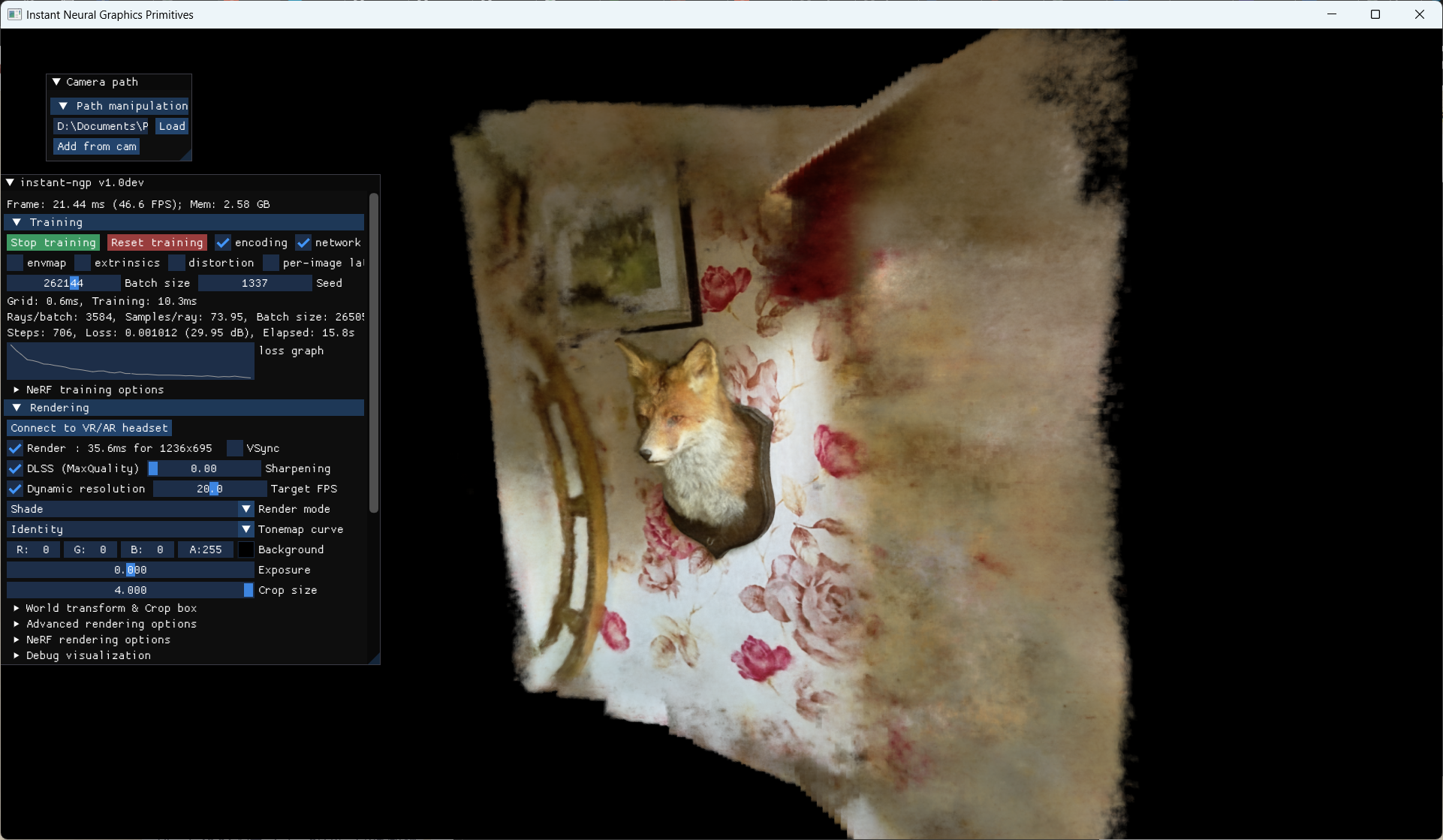
Instant-NGP, short for Instant Neural Graphics Primitives, uses multiresolution hash encoding to solve the efficiency problem encountered when parameterizing NeRF with a fully connected neural network. It greatly accelerates network training, reducing three-dimensional reconstruction time from several hours to several seconds.
Using the classic YOLO algorithm for instance segmentation
Algorithm reproduction
Notes from searching for and reading ECCV papers related to 6D pose estimation from the past three years
A review of and notes on CVPR papers related to 6D pose estimation from the past three years
I searched for papers citing DenseFusion, but so many of them had no open-source code that after reading two, I switched to focusing only on papers from top-tier conferences.
Because some projects were developed some time ago, their programs use opencv2, while most people now have opencv4 installed. Since these projects contain a lot of code, modifying the source code would be too cumbersome, therefore considering installing multiple opencv versions side by side.
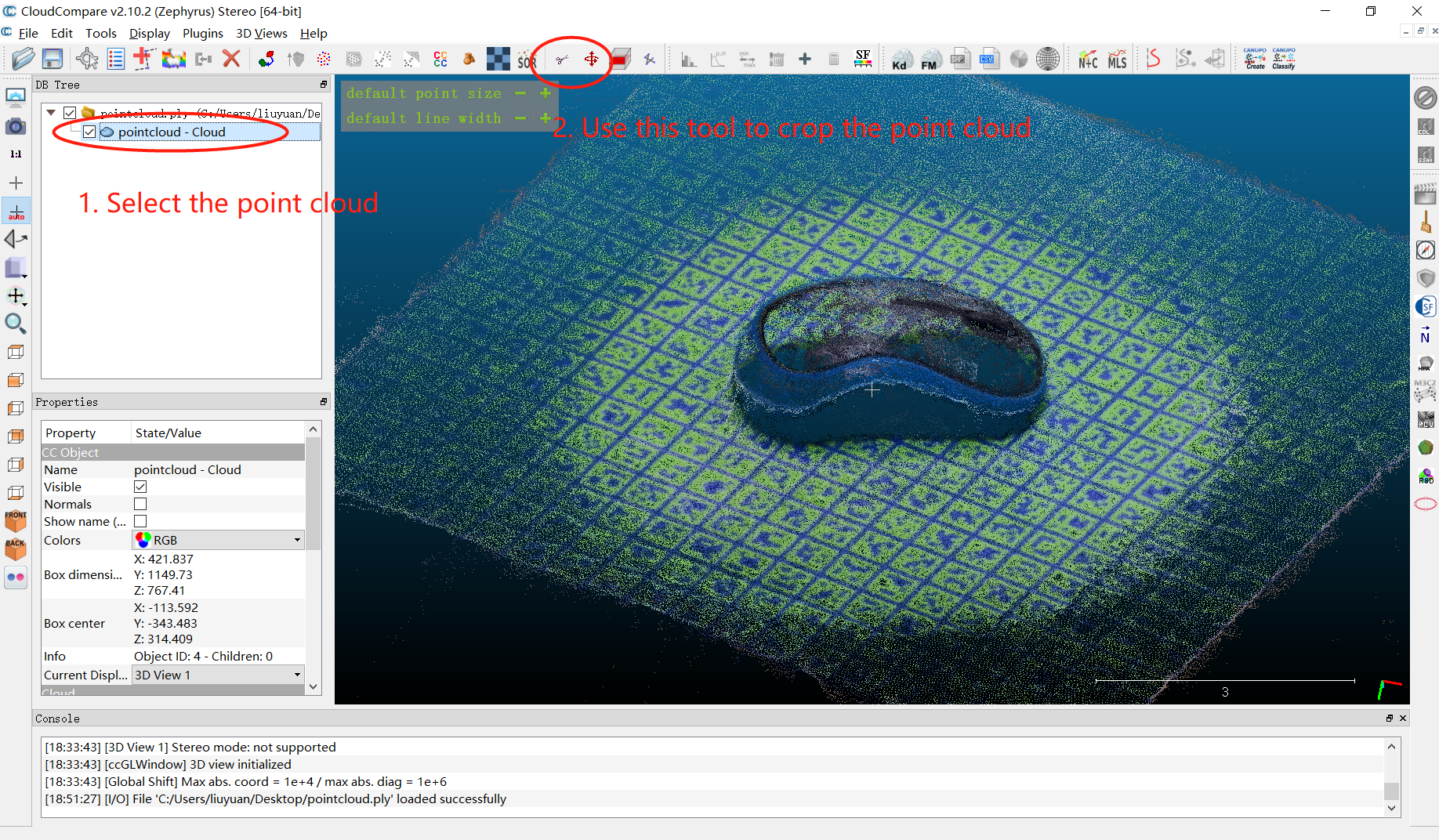
I am currently studying 6D pose estimation algorithms. The LINEMOD dataset is the most commonly used dataset in this field, but testing only on an existing dataset is not enough. Building a custom dataset is necessary for practical applications.
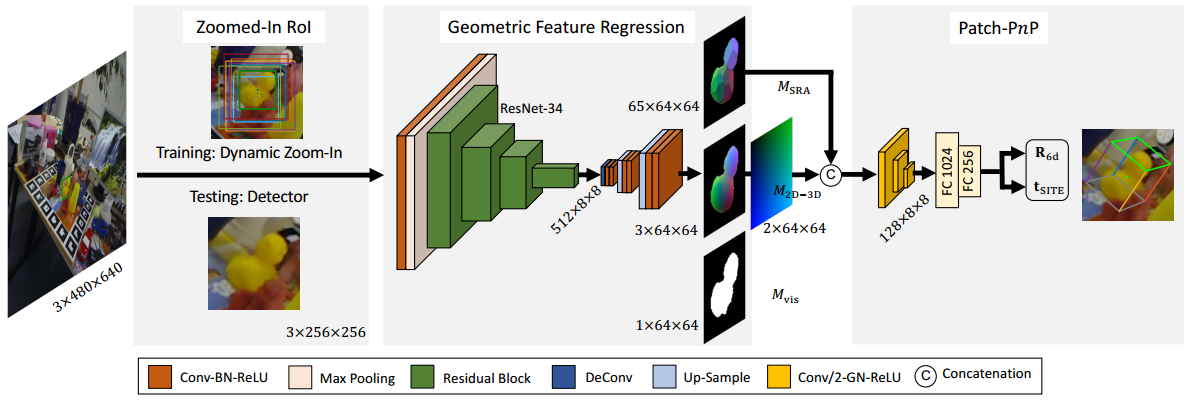
FFB6D fuses RGB and point cloud information during the feature extraction stage, then performs instance segmentation and keypoint detection.
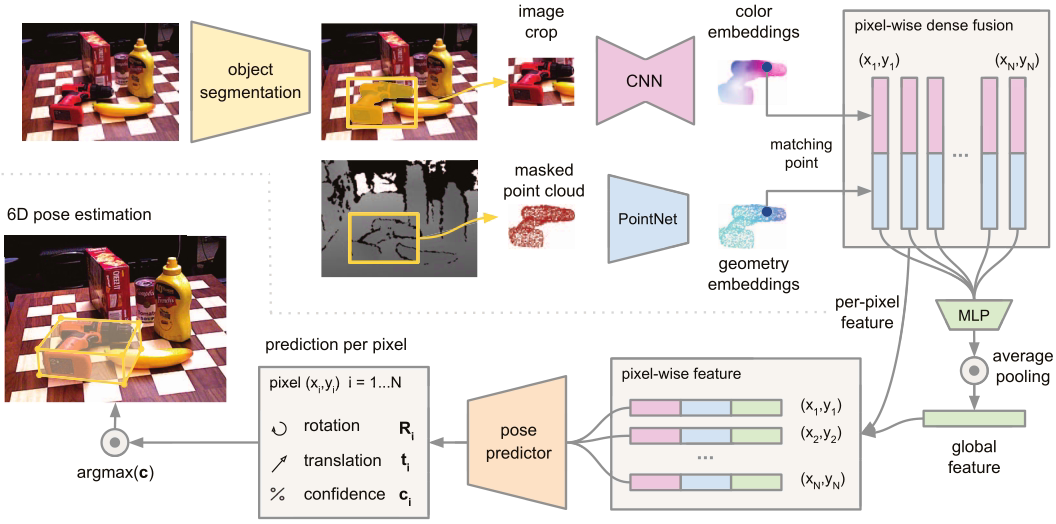
This paper proposes a heterogeneous architecture that processes two data sources (RGB and depth maps) separately and uses a novel dense fusion network to extract dense pixel-level features for pose estimation.
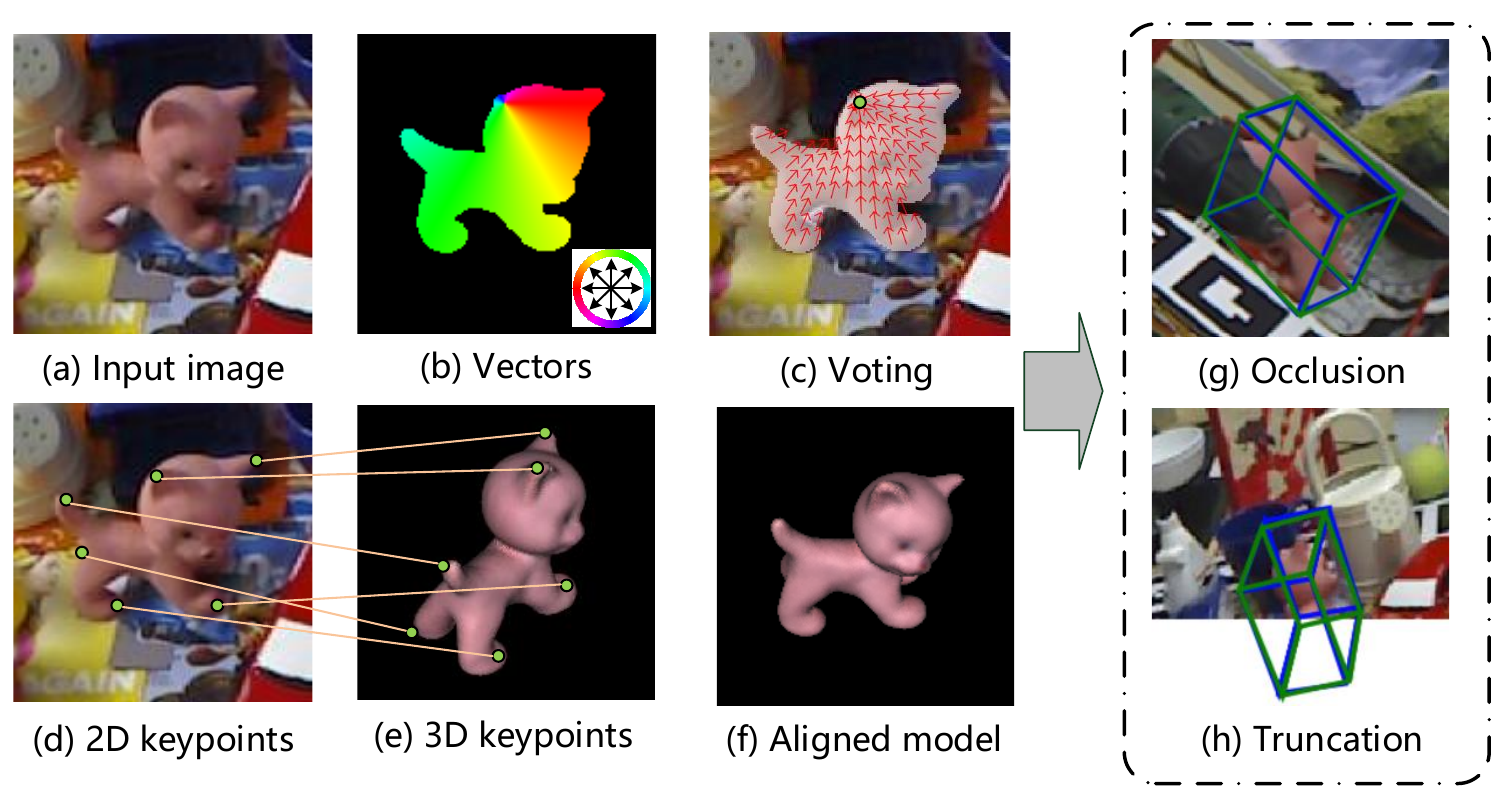
Attempted to test PVNet but gave up partway through.
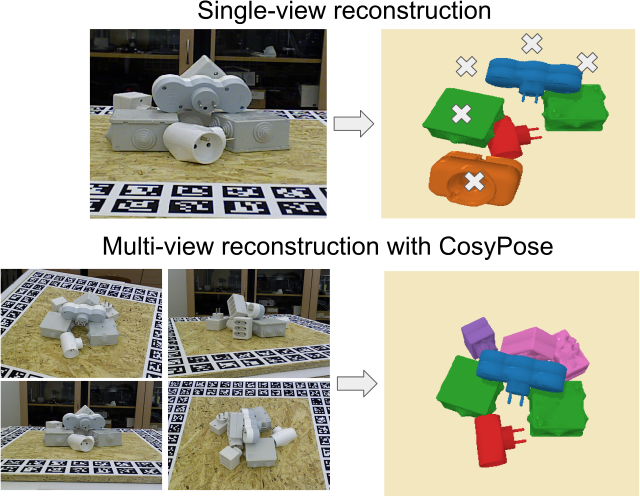
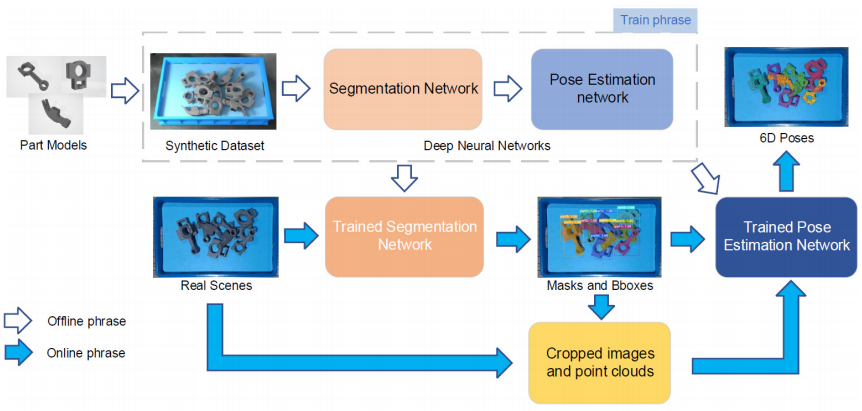
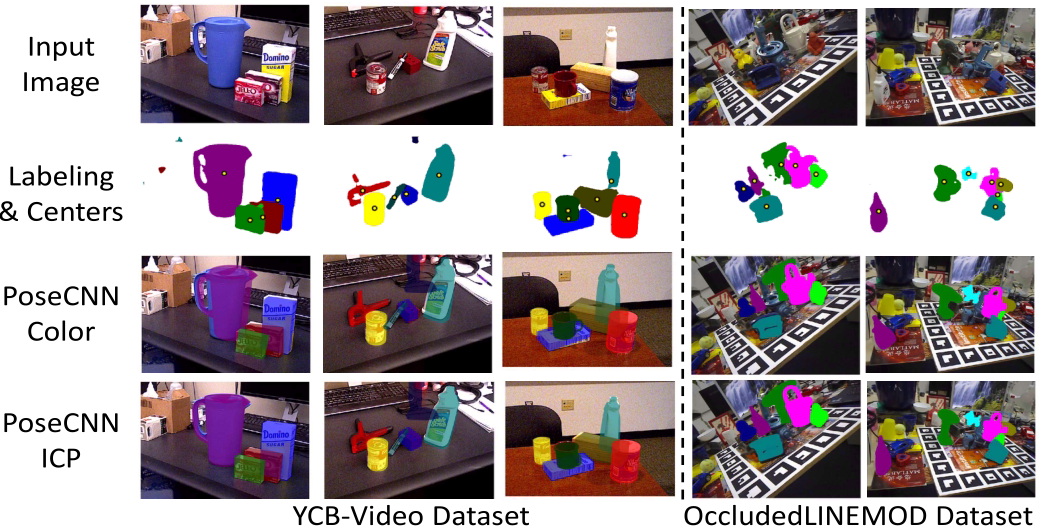
Addresses the increased difficulty of 6D pose estimation caused by occlusion and clutter between objects by combining a backbone network with ICP point matching.
The LineMod algorithm was proposed by Hinterstoisser et al. in 2011. Using template matching, it addresses real-time detection and 6D pose estimation and localization for low-texture three-dimensional objects in cluttered scenes.
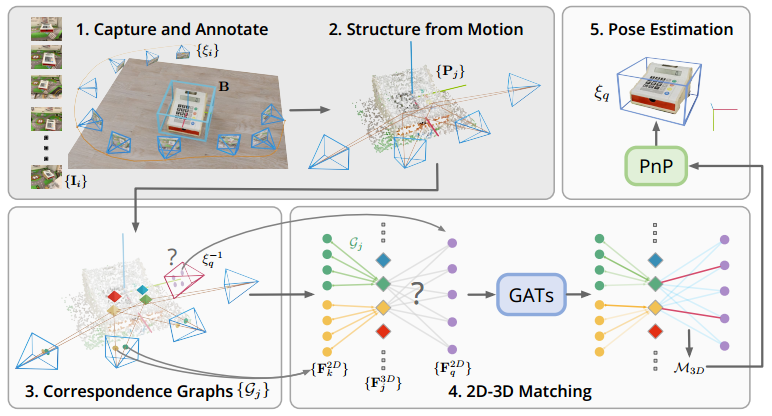
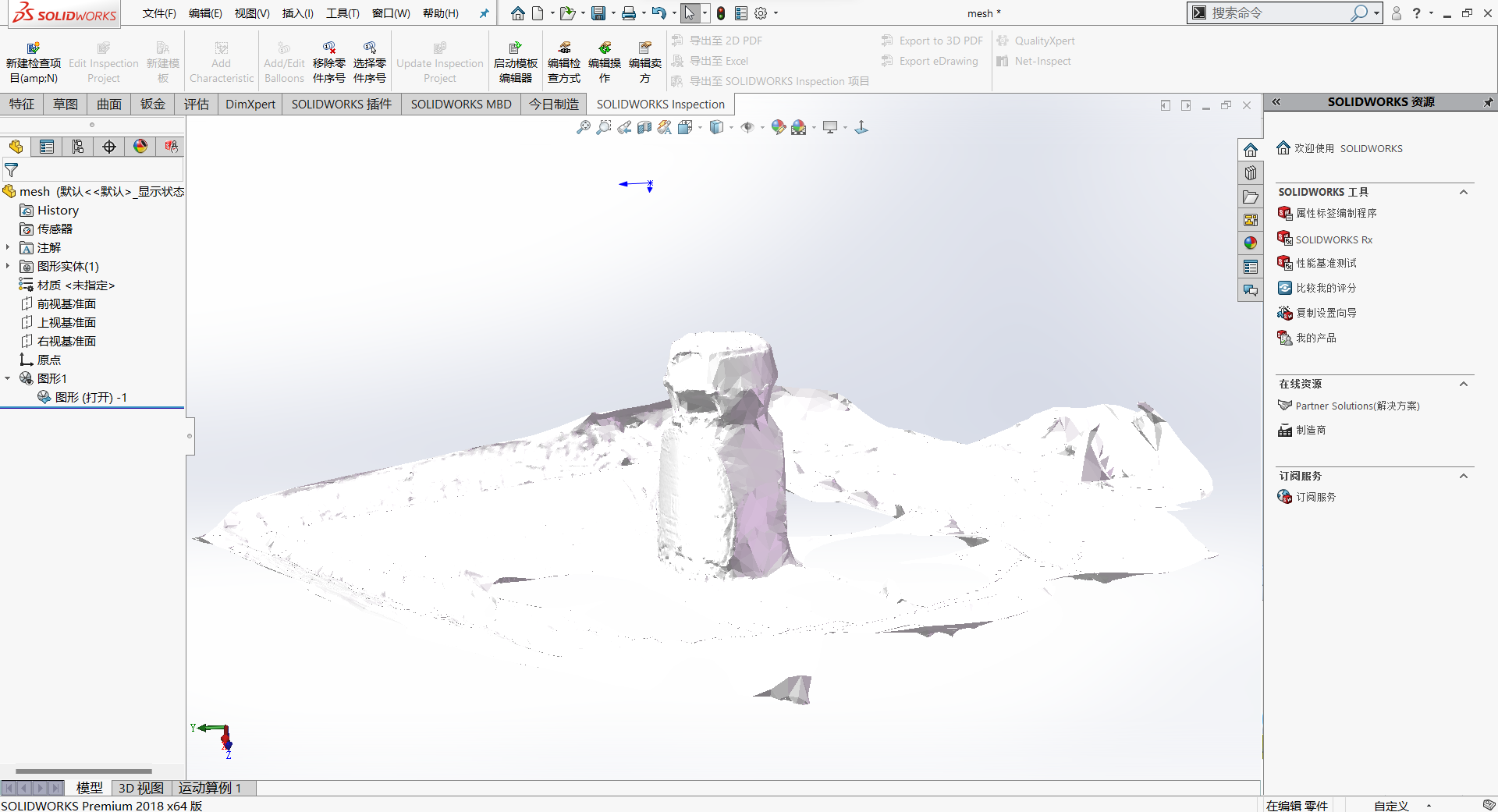
COLMAP is a general-purpose Structure-from-Motion (SfM) and Multi-View Stereo (MVS) tool with graphical and command-line interfaces. OpenMVS is one of the three-dimensional reconstruction frameworks that produces better reconstruction results, and it provides automated scripts.
Three-dimensional reconstruction uses a camera to photograph real-world objects and scenes, then processes them with computer vision techniques to obtain a three-dimensional model of the object. The main techniques involved include multi-view stereo, depth map estimation, point cloud processing, mesh reconstruction and optimization, texture mapping, Markov random fields, image segmentation, and more.
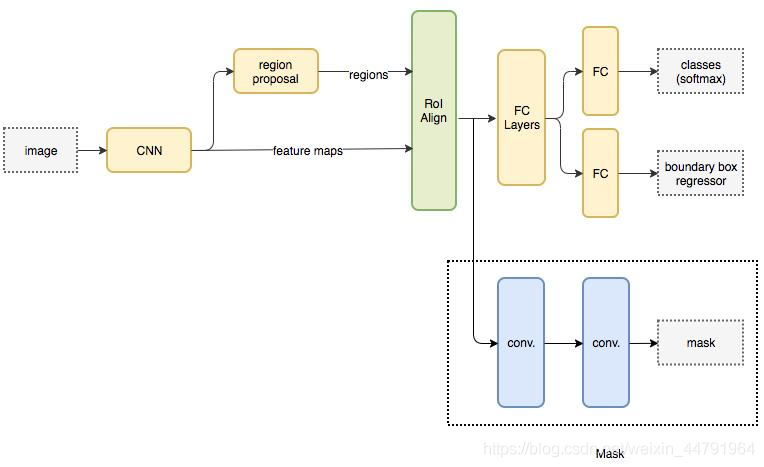
Mask R-CNN is a major 2017 work by Kaiming He. It performs instance segmentation alongside object detection and achieves excellent results.
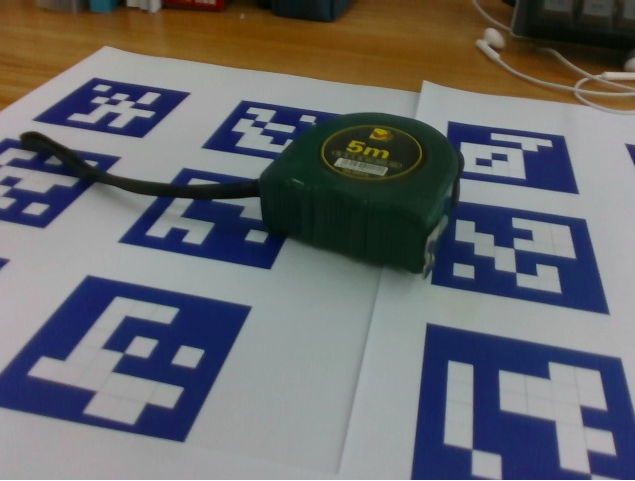
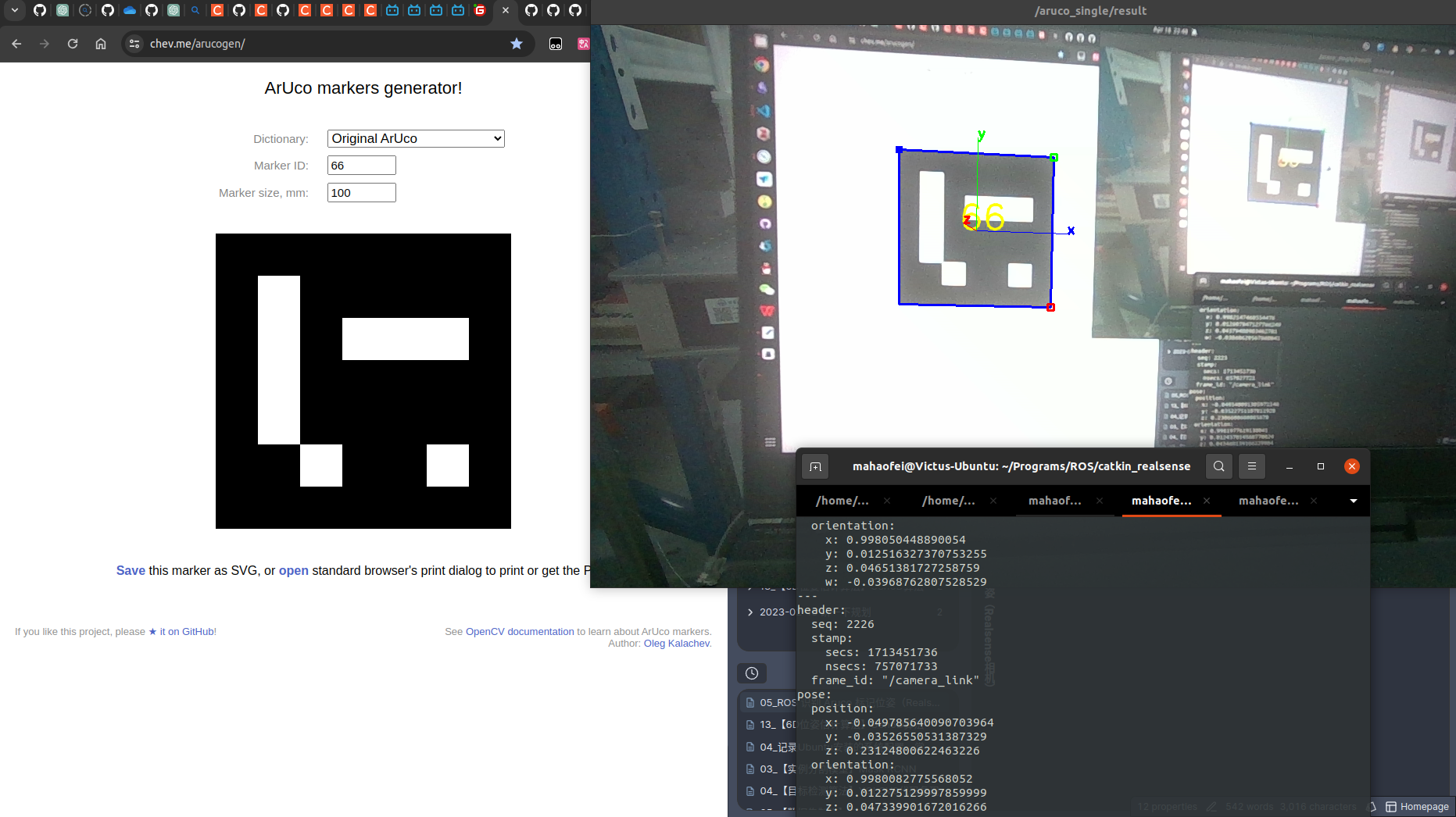
A package for detecting ArUco pose, with installation, testing, and usage instructions.
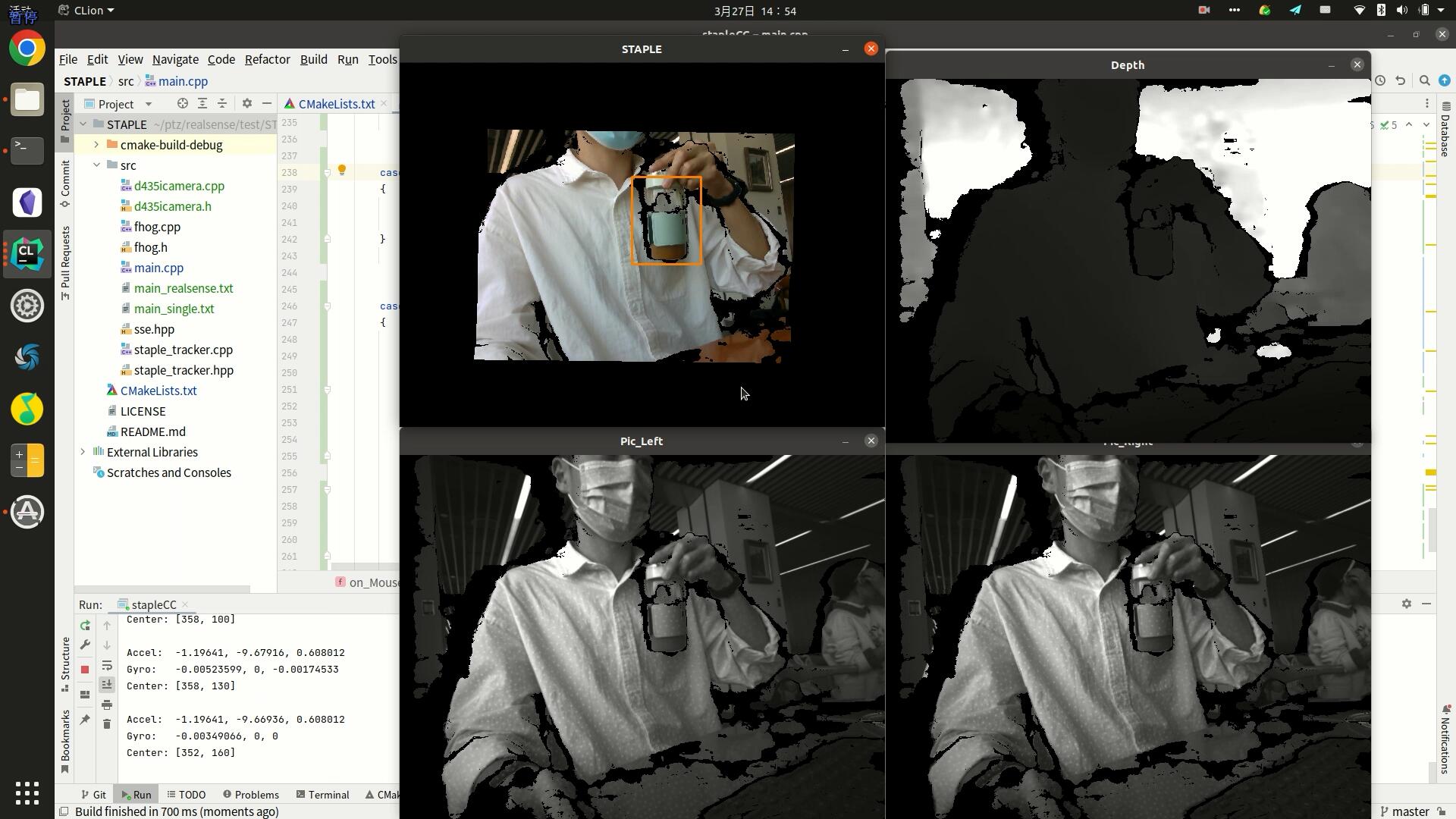
Staple combines local HOG features and global color-histogram features for object tracking. This test has been completed in Windows, Ubuntu, and ROS environments and runs successfully.
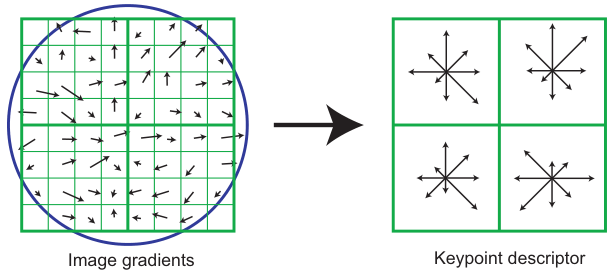
SIFT (Scale-Invariant Feature Transform) is an algorithm for detecting and describing local image features. The algorithm searches for extrema across scale space and extracts position, scale, and rotation invariants. These keypoints remain stable under changes in illumination, affine transformation, and noise. The main steps are (1) scale-space extrema detection; (2) keypoint localization; (3) orientation assignment; and (4) keypoint description and matching.
When using the OpenCV package, you may encounter ImportError: No module named cv2. I was certain that I had already installed OpenCV. After looking into it, I found that OpenCV had been installed for a different Python version than the system default, which caused the module not to be found.
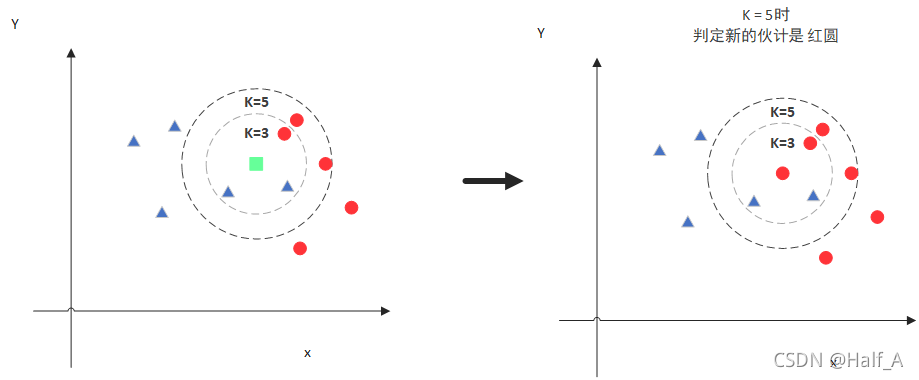
The KNN algorithm, or K-nearest neighbors algorithm, works by predicting the class of a new value x based on which class most of its K nearest neighbors belong to. The same idea applies to image recognition.
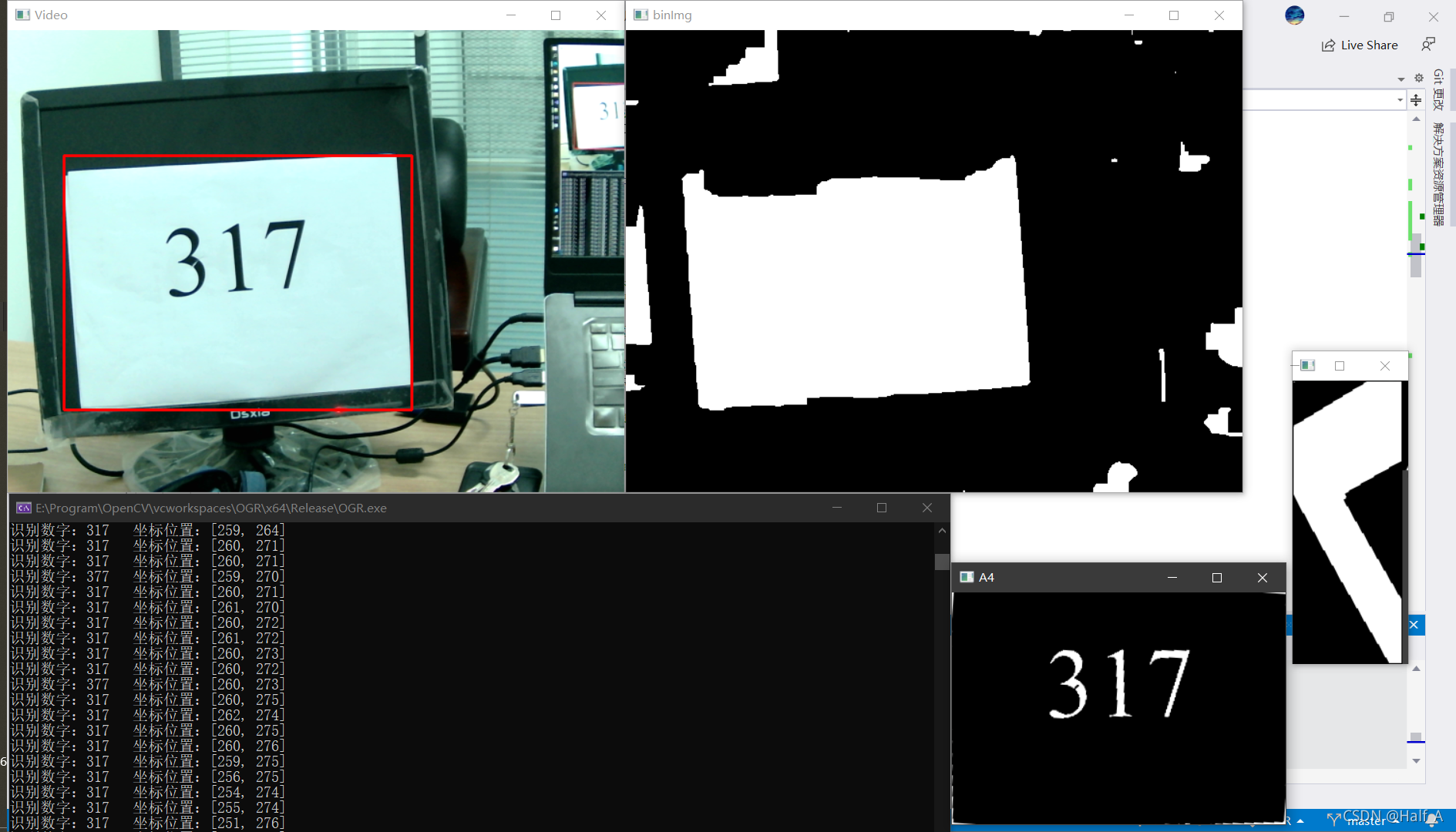
This article aims to recognize digits in camera images. Practical applications include license plate number recognition and recognizing printed digits on A4 paper in some competitions. Camera-based digit recognition consists of two steps: 1. Extract the ROI from the image, such as the rectangular license plate area or the A4 paper image. 2. Recognize digits in the ROI. Digit recognition is relatively straightforward, so this article first introduces its methods and principles.
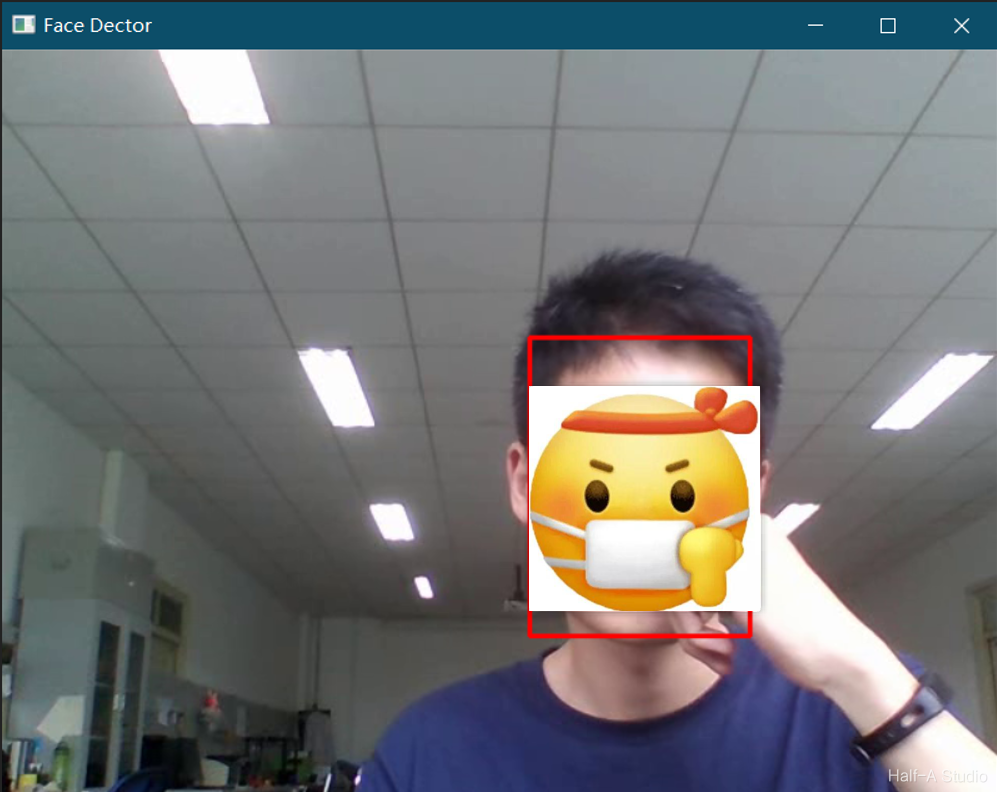
First, download all the files in `opencv/samples/dnn/face_detector/` from OpenCV's GitHub site and overwrite the files in the local directory. Then open weights.meta4 in Notepad and download the files corresponding to the two URLs it contains.
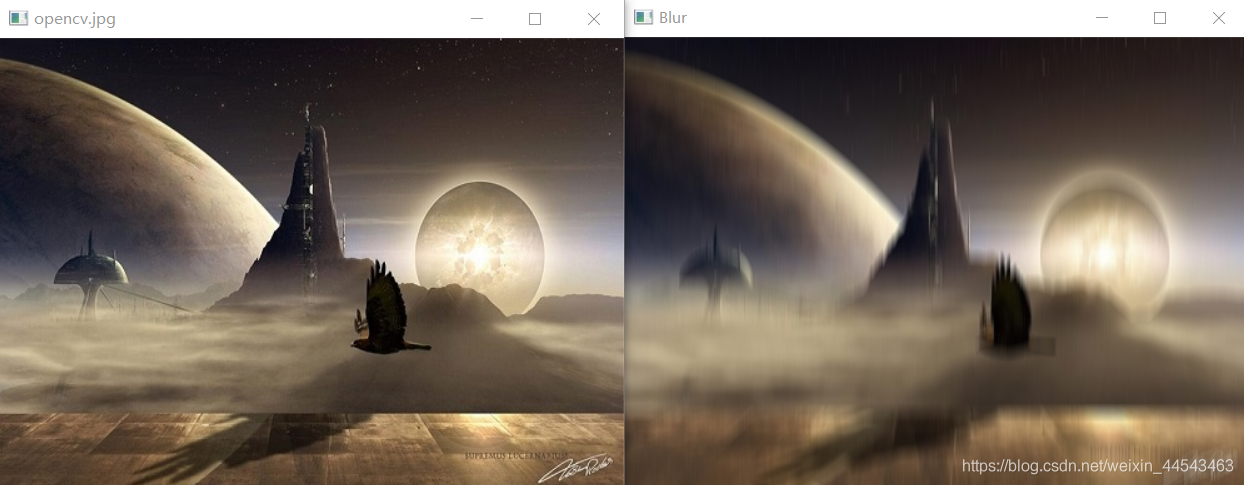
Mean filtering uses the principle of image convolution. As shown in the figure below, when the convolution kernel is a third-order unit matrix, mean filtering is performed: each third-order submatrix of the original image has its mean computed and assigned to the center element.
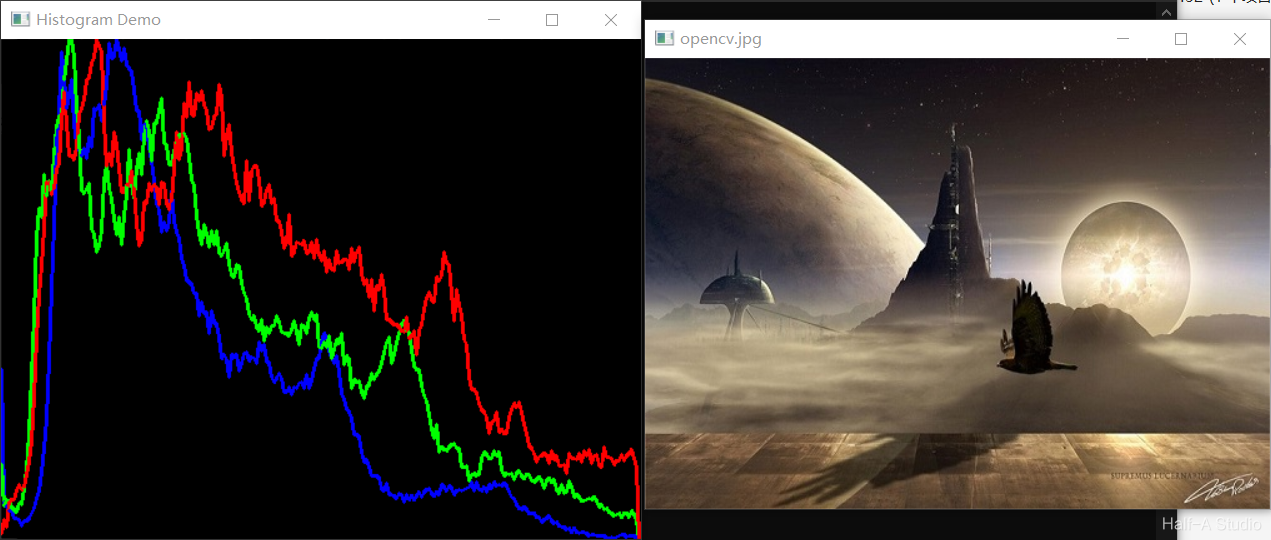
An image histogram is a statistical feature of image pixel values. It is inexpensive to compute and has many advantages, including invariance to image translation, rotation, and scaling. It is widely used across image processing, especially for grayscale image thresholding, color-based image retrieval, image classification, and backprojection tracking. Common types are grayscale histograms and color histograms.
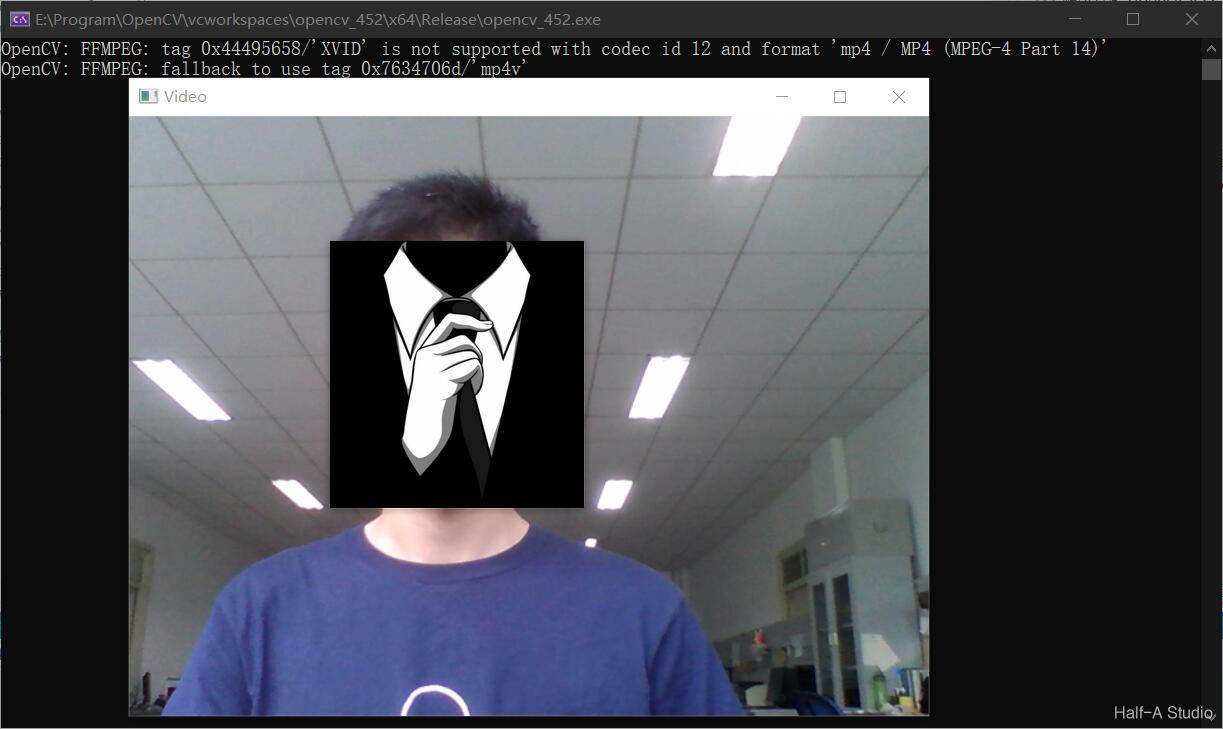
Reading and processing video is essential in image processing. In OpenCV, the main function used to read camera video is capture(). This article explains how to read camera video with OpenCV and describes the functions used to save it, including their implementation and specific details.
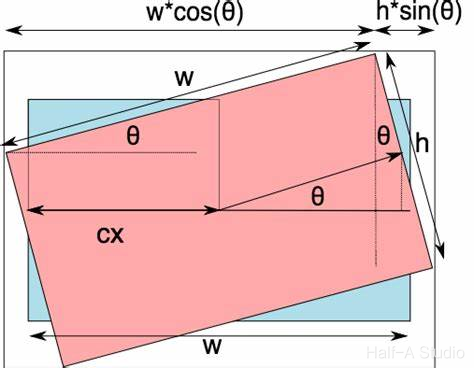
Common image transformation methods include image scaling, flipping, and rotation. In OpenCV, each of these image transformation operations has a corresponding function. This article introduces various image transformation methods through explanations of function definitions and concrete examples.
Normalization constrains the data to be processed, after processing (via some algorithm), within a certain range. This makes later data processing easier and also helps the program converge faster during runtime.
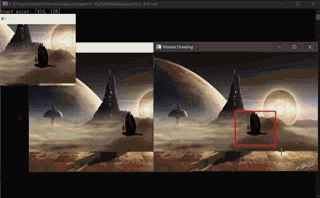
This article introduces how to handle keyboard and mouse input in OpenCV, the functions involved, and the parameters of each function. It also uses keyboard and mouse input handling to create several interesting small programs.
C and C++ provide the rand() and srand() functions for generating random numbers, and they can also be used when writing OpenCV code in C++. OpenCV also provides its own RNG class for generating random numbers, which is very convenient to use. This article mainly introduces how to use RNG and how to draw random lines based on the random numbers it generates.
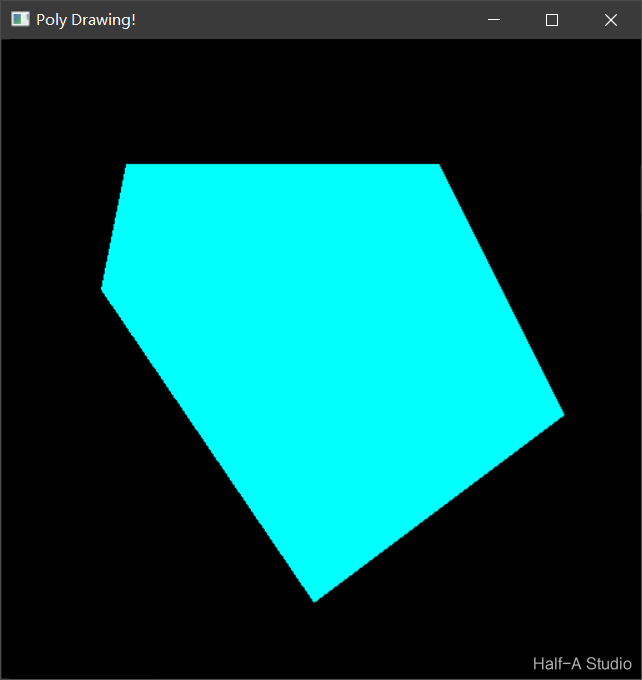
This article introduces methods for drawing rectangles, circles, lines, and ellipses with C++ and OpenCV 4. It focuses on the definitions of OpenCV built-in functions (such as rectangle(), circle(), line(), and ellipse()) and the role of each parameter, and provides example programs for reference. It also summarizes methods for drawing polygons, including the polygon-border drawing function polylines(), the polygon-filling function fillPoly(), the function for drawing multiple polygons drawContours(), and more.
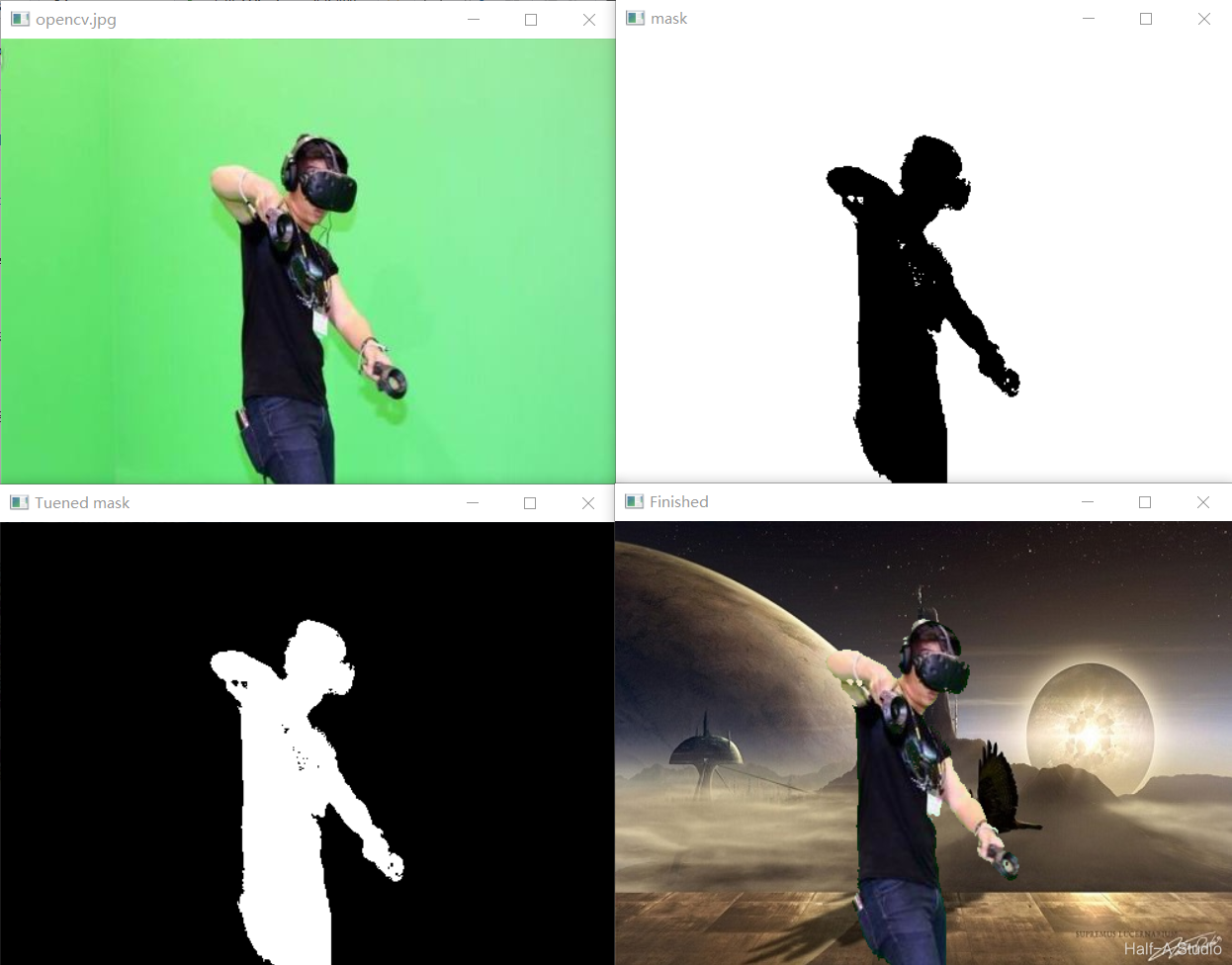
Replacing the background of a green-screen image involves ① color-space conversion, ② extracting the green-screen region, ③ inverting the green-screen region, and ④ copying the image. The various functions and code encountered along the way are also covered in detail in this article.
After splitting image channels, the output multi-channel sequence is typically stored using std::vector mv;, where mv[0], mv[1], and mv[2] correspond to the three BGR channels respectively. However, what is displayed now is essentially three single-channel images—in other words, three grayscale images. To restore intuitive color to the three images, you need to use the channel merging method described below.
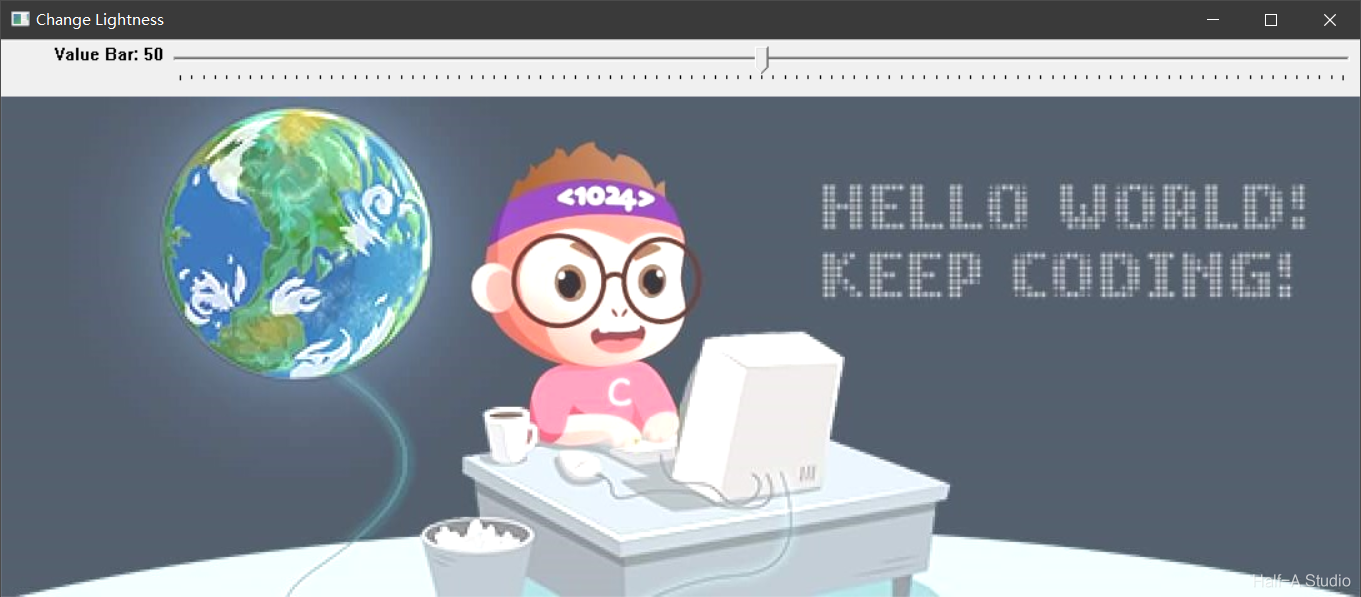
OpenCV uses createTrackbar() to create a Trackbar. The function syntax and the purpose of each parameter are shown below.
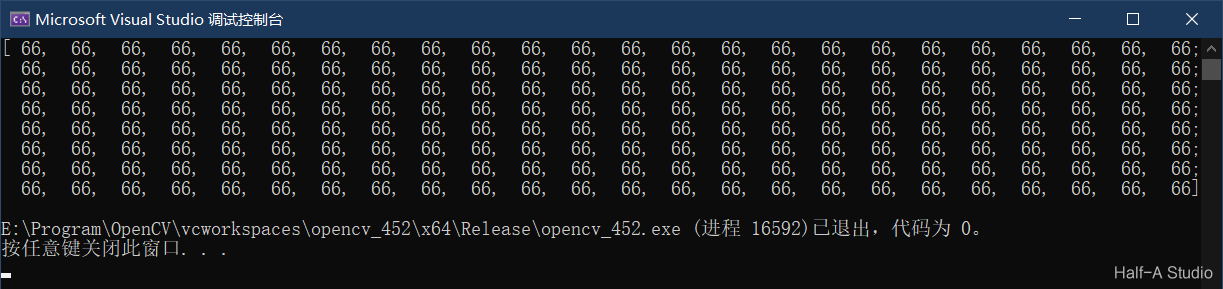
Image pixel operations include read and write operations, arithmetic operations, logical operations, and more. Pixel operations are not only diverse; operations on grayscale images and color images also have their own characteristics. Operating on pixels allows us to access every pixel in an image and implement many unexpected functions.
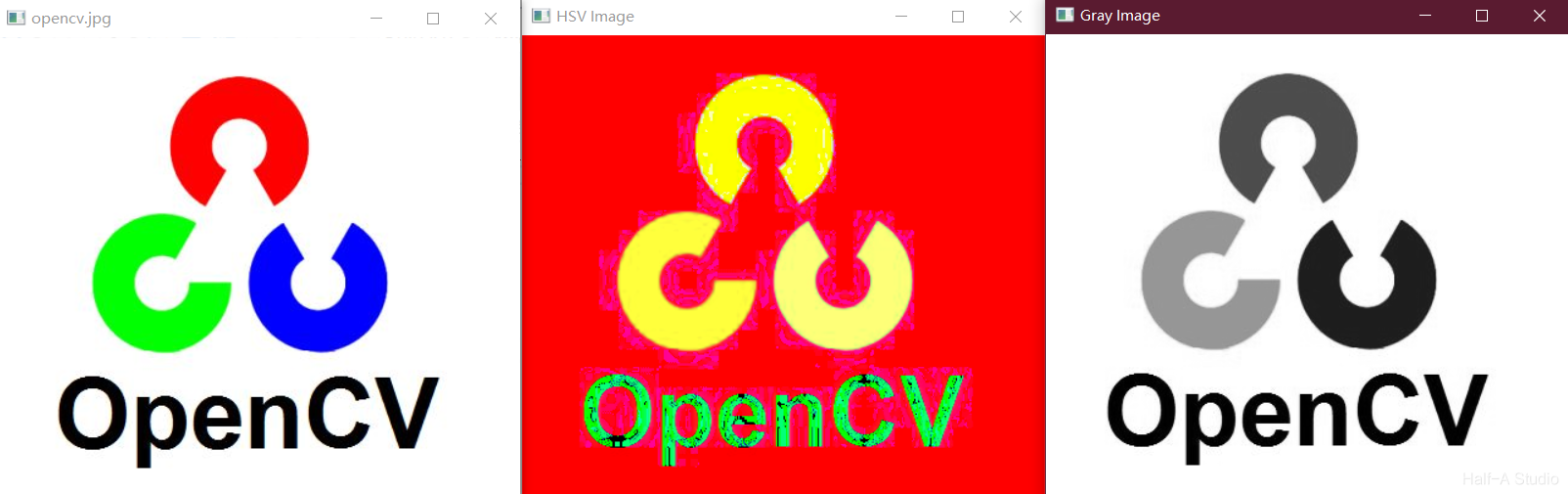
Color space conversion function: cvtColor. GRAY: grayscale, with only one Channel for the grayscale value. BGR: the BGR color space, based on the three primary colors red, green, and blue (0~255), which are combined to form various colors. HSV: the hexagonal cone model, with Hue measured in degrees (0~180), Saturation in the range 0 ~ 255, and Value in the range 0 ~ 255.
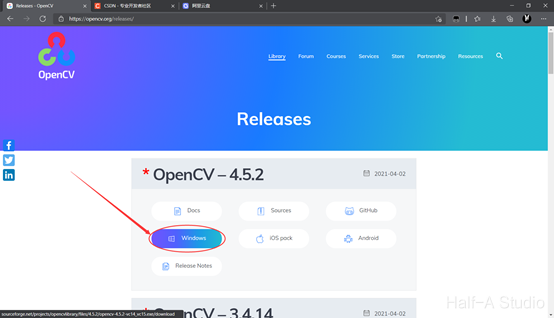
First, download and extract OpenCV. I recommend downloading the Windows installer from the official OpenCV website. If the download is too slow, I have also uploaded the OpenCV4.5.2 installer to Aliyun Drive at https://www.aliyundrive.com/s/VGkaM7vyuck. Make sure to extract it to an English-only path.