Installing TensorBoard
PyTorch version 1.2.0 or later is required.
Install with the following command:
from torch.utils.tensorboard import SummaryWriterCalling TensorBoard from Code
(1) Import the package and create a TensorBoard callback object
from tensorflow.keras.callbacks import TensorBoard
writer = SummaryWriter("logs/learning_rate_scheduler") #指定TensorBoard日志目录
(2) Import the callback during model training
global_step = 0 # 初始化 global_step 为 0

for epoch in range(num_epochs):
    for batch_idx, (data, target) in enumerate(train_loader):
        # 训练过程
        ...

        # 将学习率和训练损失添加到 TensorBoard
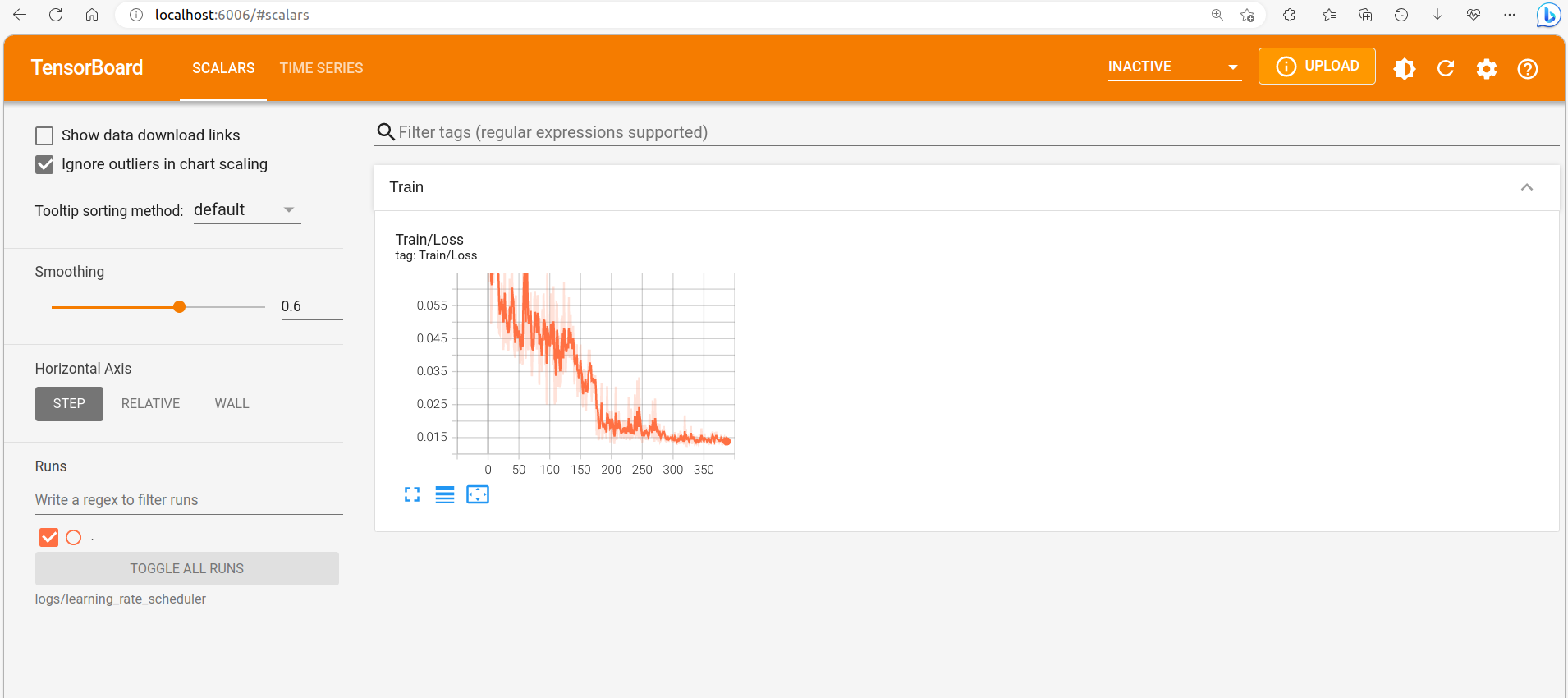
        writer.add_scalar('Train/Loss', loss, global_step=global_step)
        writer.add_scalar('Train/Learning_Rate', lr, global_step=global_step)
		global_step += 1  # 为每个batch更新 global_step 计数器
Viewing the Curves
After training starts, open a terminal and run:
tensorboard --logdir logs/learning_rate_schedulerThen open http://localhost:6006/ in your browser to view the curves.
Comments