Creating Collision Detection
Click Create Collision Detection to create a collision check. Once created, ObjectA and ObjectB are the two groups to be checked. If objects in the two groups collide, their colors will change.
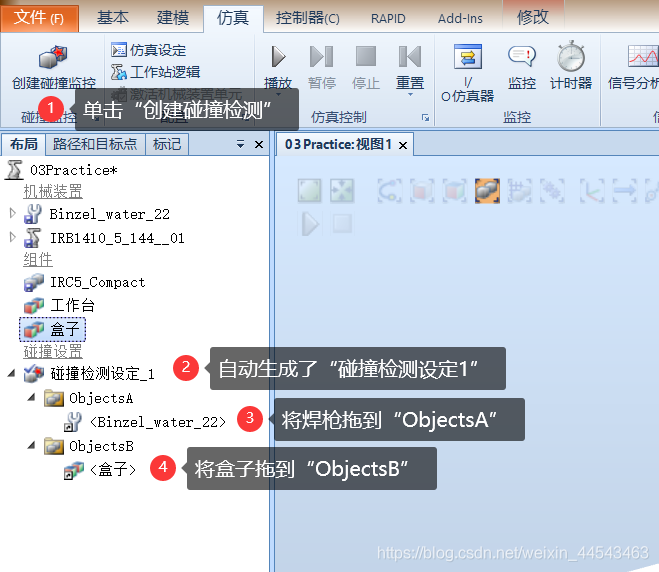
Collision Detection Settings
Set the Proximity Distance and Change Color from the right-click menu.

Simulation Demonstration
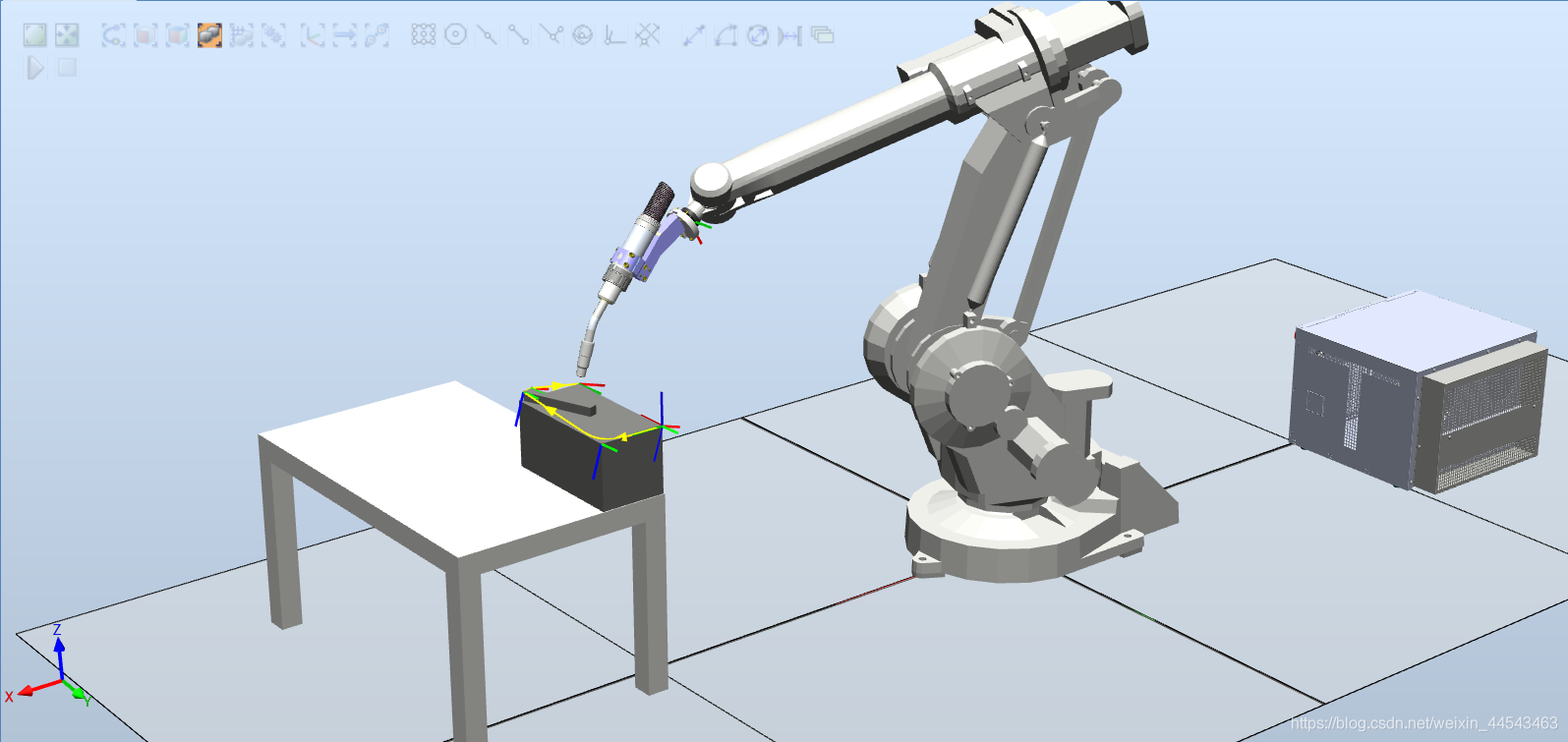
- Normal state: the welding torch and the box are not colliding, so their colors remain unchanged.
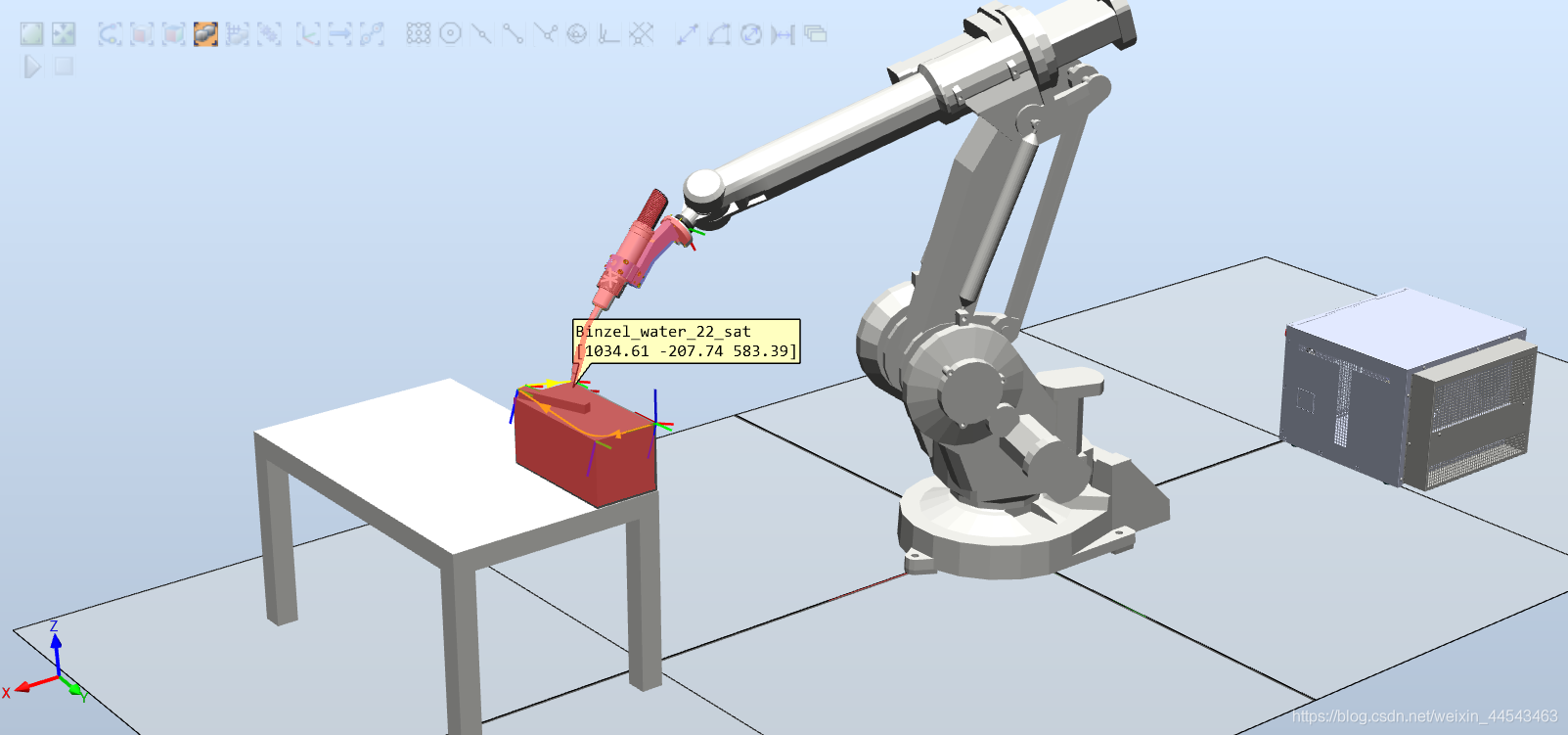
- When the welding torch collides with the box, both objects change to the configured color.
Comments