Reinforcement Learning and Imitation Learning Bug List (Updated Occasionally)
A record of bugs that may occur while setting up reinforcement learning environments and running projects, along with their solutions
12 posts
A record of bugs that may occur while setting up reinforcement learning environments and running projects, along with their solutions
A collection of various error messages encountered while using the ROS system for robot experiments, updated irregularly.
When running deep learning code for training and inference, you will inevitably encounter various errors. This article collects some of the errors I have encountered and will be updated occasionally.
I was using an STM32F103C8T6 minimum system board. After debugging the STM32 program on Windows and successfully establishing serial communication, the serial connection stopped responding after I restarted the computer.
When using the OpenCV package, you may encounter ImportError: No module named cv2. I was certain that I had already installed OpenCV. After looking into it, I found that OpenCV had been installed for a different Python version than the system default, which caused the module not to be found.
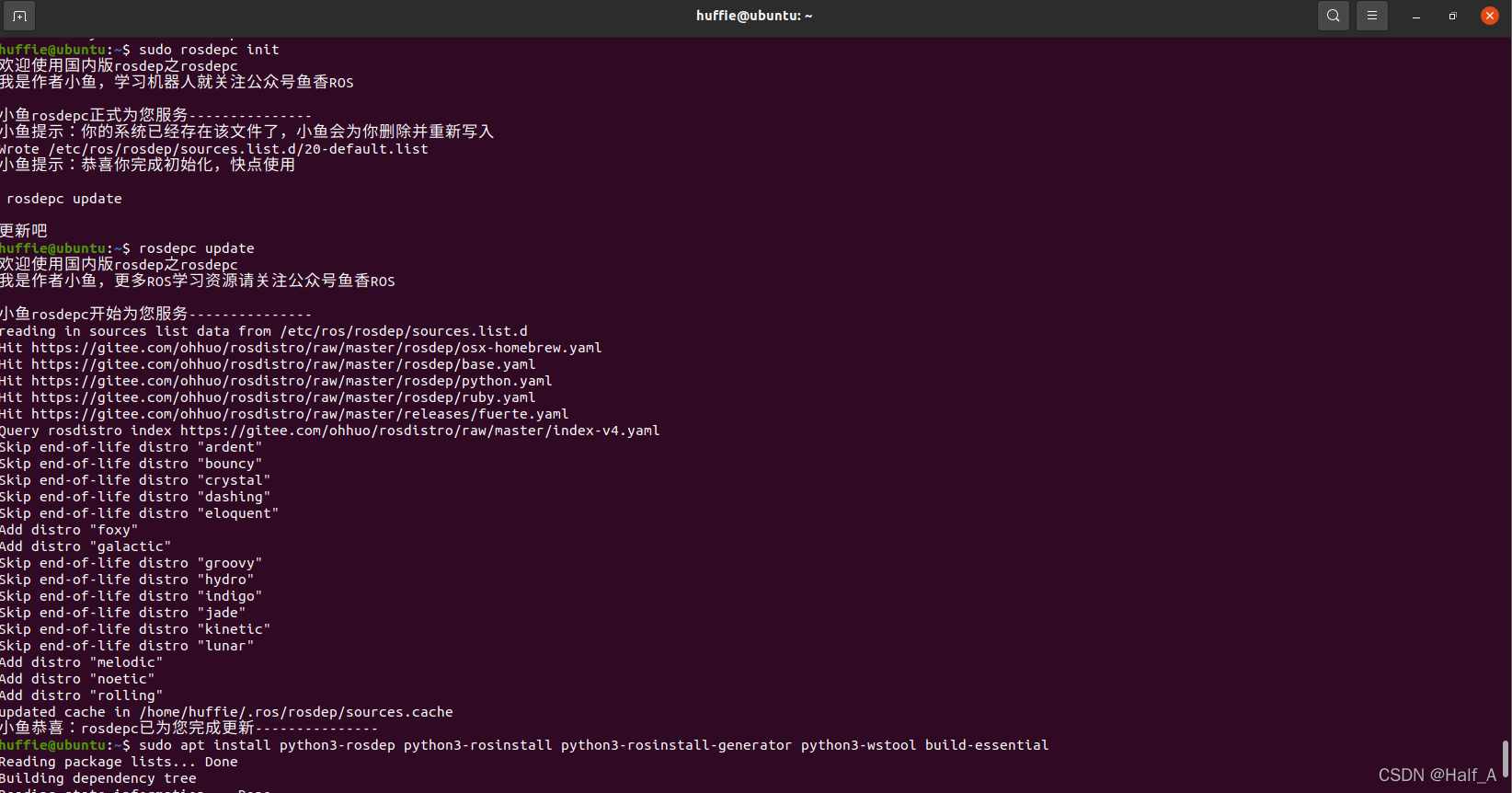
The ROS installation process is covered in my previous blog post, Installing ROS_Noetic on Ubuntu20.04. During installation, rosdep_init reports 【ERROR_cannot download_default_sources_list_from…Website_may_be down.】. rosdep_update always times out and cannot update. I finally found a reliable solution that works.
A collection of issues encountered while using Ubuntu.
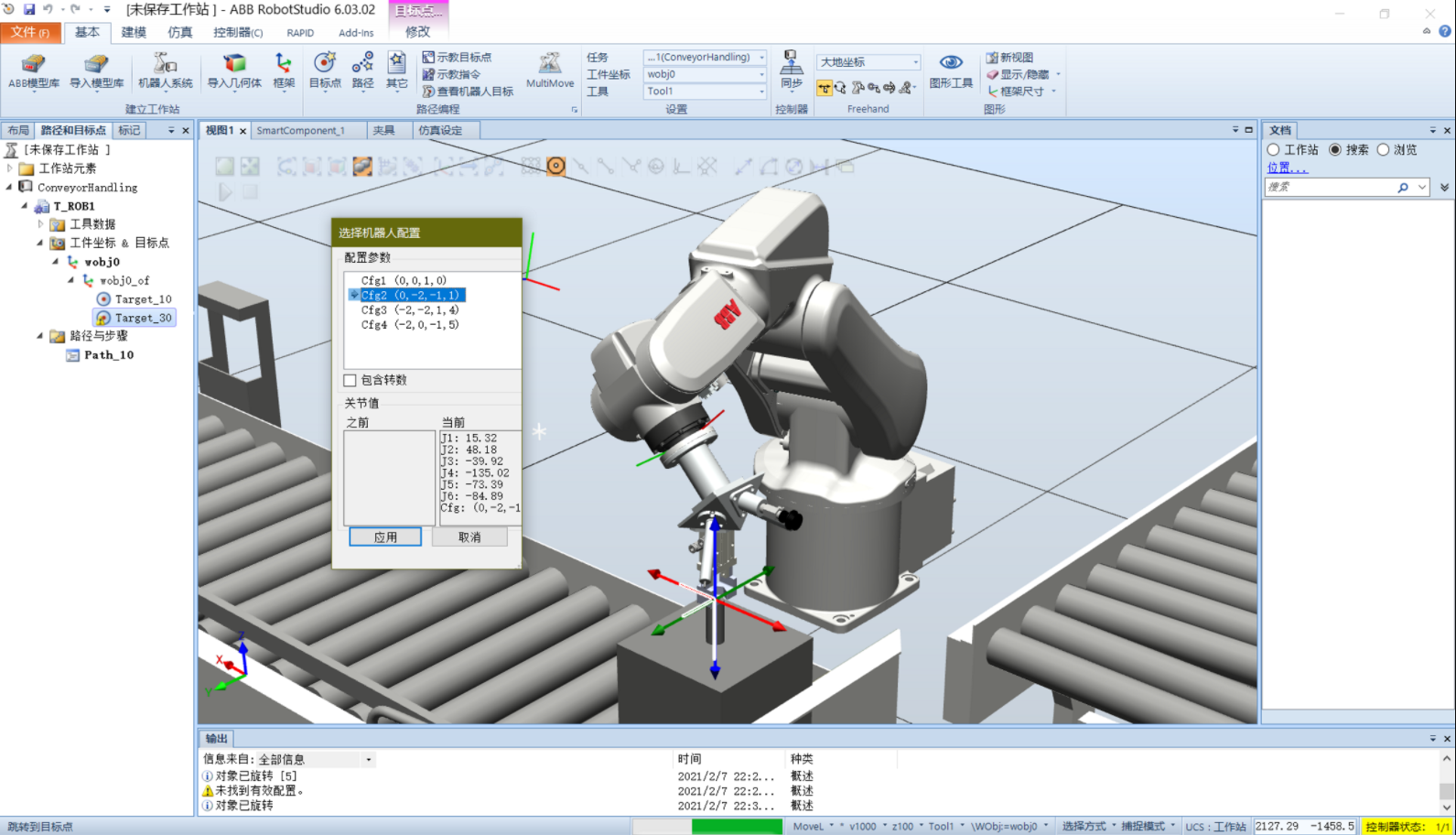
When creating a target using Create Target under Paths and Targets in RobotStudio, you may sometimes be unable to jump to the target because no valid configuration is found. Solution 1: Under Basic - Settings, select the correct tool coordinate system, such as the gripper's tool coordinate system.
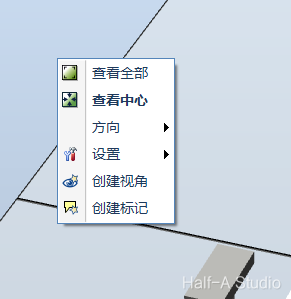
When using ABB RobotStudio, dragging the mouse to pan the view may sometimes suddenly become very slow. Right-click a blank area of the station, then click View All or View Center. This resolves the issue.
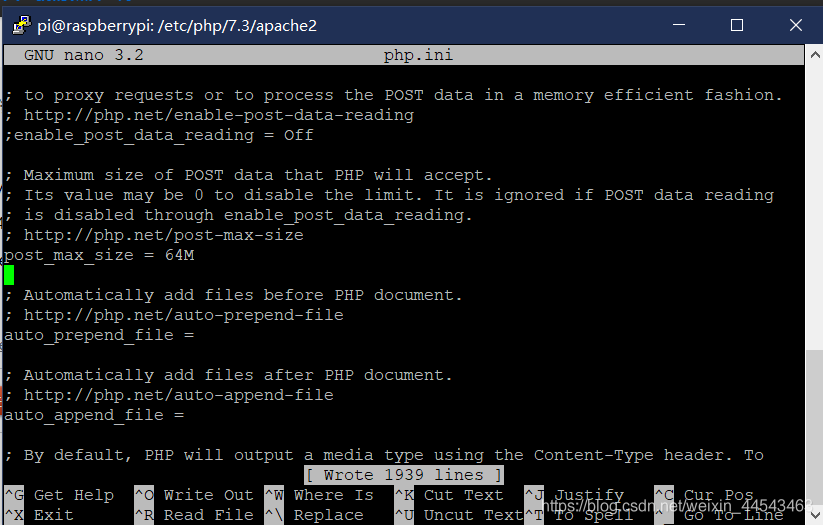
For the 413 Request Entity Too Large issue, nginx limits the upload size. The solution is as follows: 1. Open the nginx configuration file nginx.conf, usually located at: /etc/nginx/nginx.conf. 2. Add client_max_body_size 64m; to the http{} section. 64m is the maximum allowed upload size. 3. Save the file and restart nginx with service nginx restart
When entering the admin dashboard/working in the admin dashboard, you may find that the page loads very slowly. One reason is that WordPress uses Google Fonts. Solution: install the Disable Google Fonts plugin (personally tested and confirmed working in 2021.1). (Research suggests another cause is that user avatars fail to load properly, but this has already been fixed in the latest version of WordPress.)
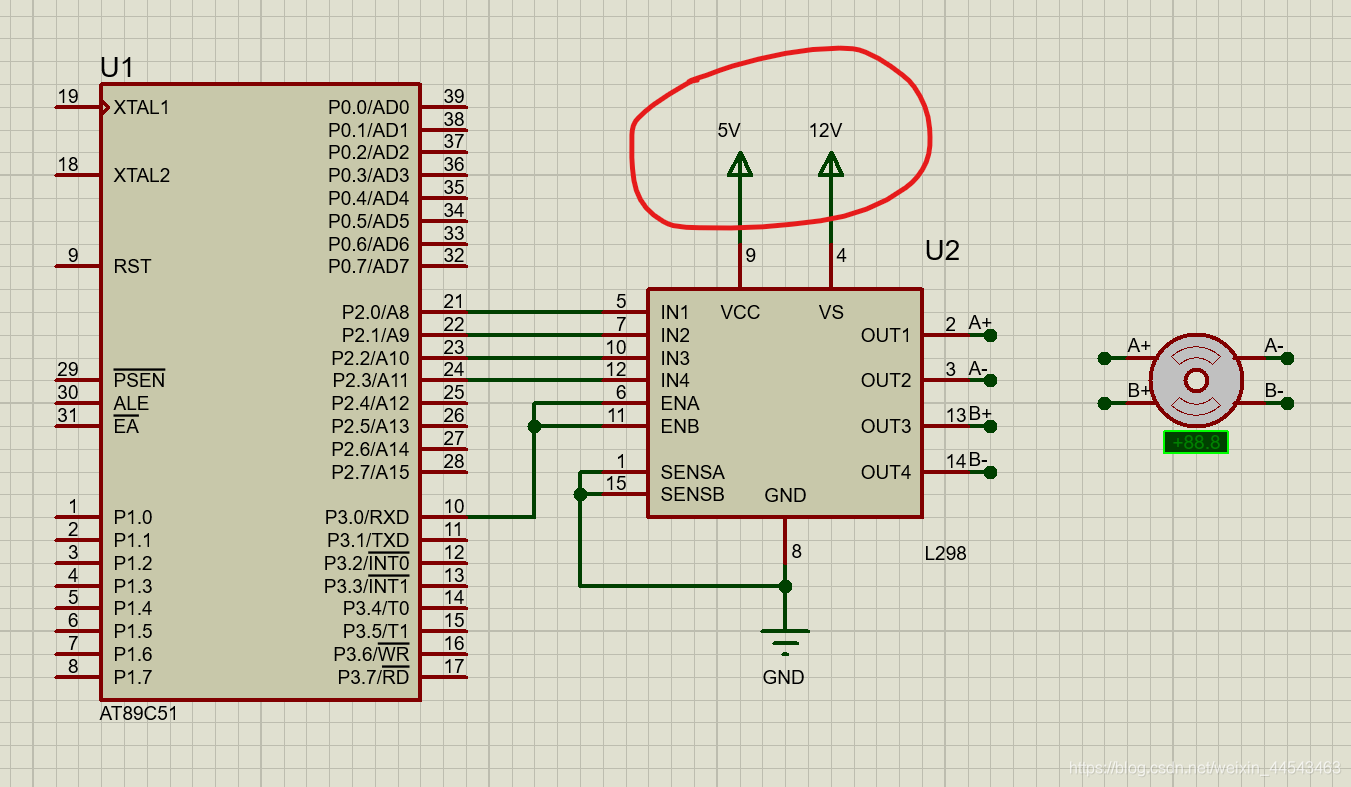
Solution: Choose Design—Configure Power Rails. Under Power Supplies, add the power supply that is not connected to a net to the list of connected nets.