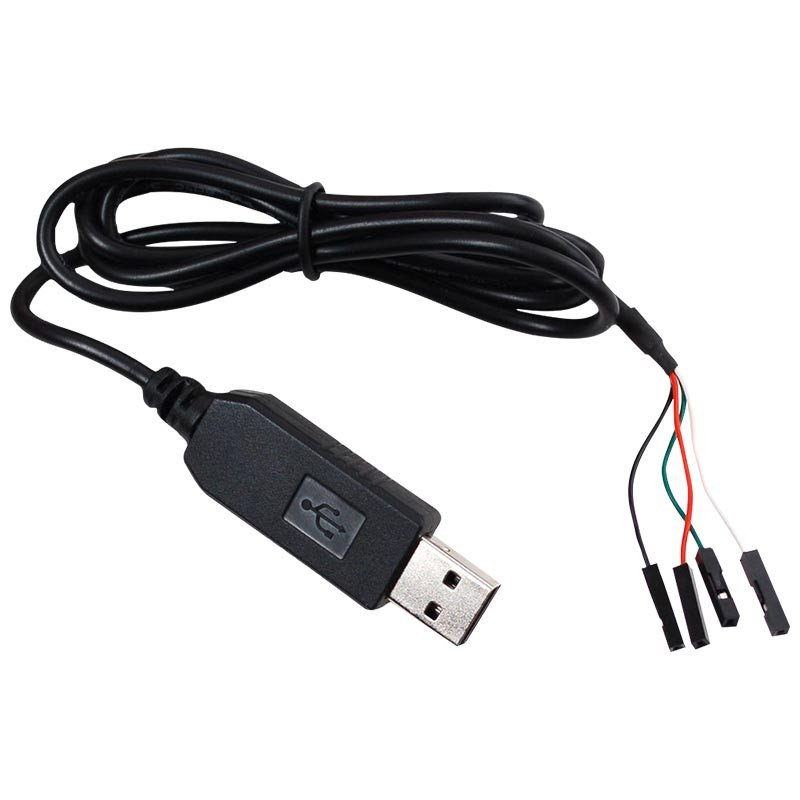
When debugging robotic equipment, we often use grippers, sensors, or other peripherals connected through USB-to-serial adapters.
By default, the system identifies these devices as /dev/ttyUSB0, /dev/ttyUSB1, and so on. However:
- The number may change each time a device is unplugged and reconnected, causing hard-coded names such as
/dev/ttyUSB0to stop working. - Before each use, you need to run
chmod 777 /dev/ttyUSB0to obtain read and write permissions.
We therefore want to assign each device a fixed, custom port name (such as /dev/left_gripper or /dev/right_gripper). This allows the code to identify each device reliably regardless of the order in which they are connected.
1. Find Device Information
First, use lsusb to view the device’s vendor ID (idVendor) and product ID (idProduct).
Unplug and reconnect the device once. The newly appearing line corresponds to the gripper device. For example, my device ID is 0403:6001, representing idVendor:idProduct, respectively.
Bus 001 Device 005: ID 0403:6001 Future Technology Devices International, Ltd FT232 Serial (UART) IC2. Single-Device Setup
Create and edit the configuration file:
sudo vim /etc/udev/rules.d/usb.rulesAdd a rule, for example:
KERNEL=="ttyUSB*", ATTRS{idVendor}=="0403", ATTRS{idProduct}=="6001", MODE:="0777", SYMLINK+="gripper"Here:
KERNEL: Do not modify thisATTRS{idVendor}: Enter the part of the ID before the colonATTRS{idProduct}: Enter the part of the ID after the colonMODE: Leave this set to 0777 by default to allow reading, writing, and executionSYMLINK: Customize this to the fixed name you want ttyUSB0 to use
After editing, restart the udev service:
service udev reload
service udev restart
Unplug and reconnect the device, then run ls /dev/. The port name you configured will appear.
/dev/gripper -> ttyUSB0You can then use /dev/gripper directly in your code.
3. If Two Identical Devices Are Connected
Multiple devices of the same model may have the same idVendor:idProduct. In this case, you need another way to distinguish them.
Most chips have a unique serial number. Use the following commands to view it, replacing the two device paths shown with the devices you need to distinguish:
# 将 /dev/ttyUSB0 和 /dev/ttyUSB1 改成你要区分的两个设备
udevadm info -a -n /dev/ttyUSB0 | grep '{serial}' | head -n 1
udevadm info -a -n /dev/ttyUSB1 | grep '{serial}' | head -n 1
You will see output similar to this:
ATTRS{serial}=="BG00VUIX"
ATTRS{serial}=="BG00VVHF"
This allows us to uniquely identify different devices by their serial numbers.
Add ATTRS{serial}=="BG00VUIX", to the rule. For example, the following entries assign separate names to the left and right grippers:
sudo vim /etc/udev/rules.d/usb.rules# 左手夹爪
KERNEL=="ttyUSB*", ATTRS{idVendor}=="0403", ATTRS{idProduct}=="6001", ATTRS{serial}=="BG00VUIX", MODE:="0777", SYMLINK+="left_gripper"
# 右手夹爪
KERNEL=="ttyUSB*", ATTRS{idVendor}=="0403", ATTRS{idProduct}=="6001", ATTRS{serial}=="BG00VVHF", MODE:="0777", SYMLINK+="right_gripper"After editing, restart the udev service:
service udev reload
service udev restart
Unplug and reconnect the device, then run ls /dev/. The port name you configured will appear.
/dev/gripper -> ttyUSB0You can then use /dev/gripper directly in your code.
Comments