
Baidu Netdisk Link: https://pan.baidu.com/s/1PmlKwowGii04hX3KAxribg?pwd=4u9r Extraction code: 4u9r
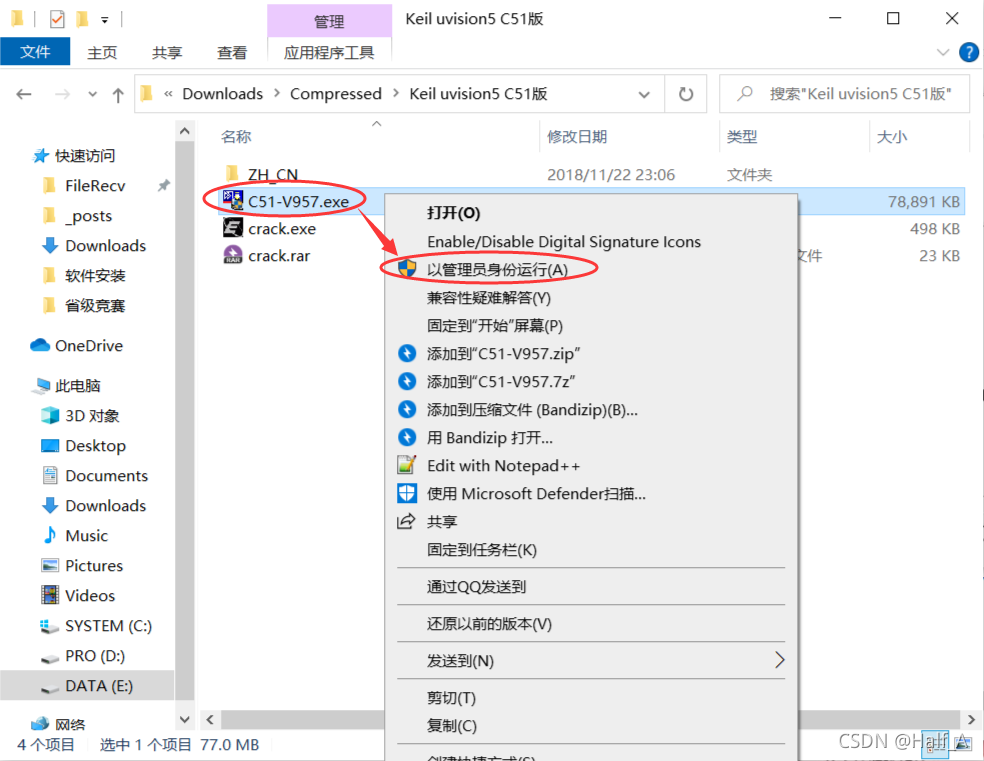
- Extract the installer package, right-click 【C51-V957.exe】, and run it as administrator
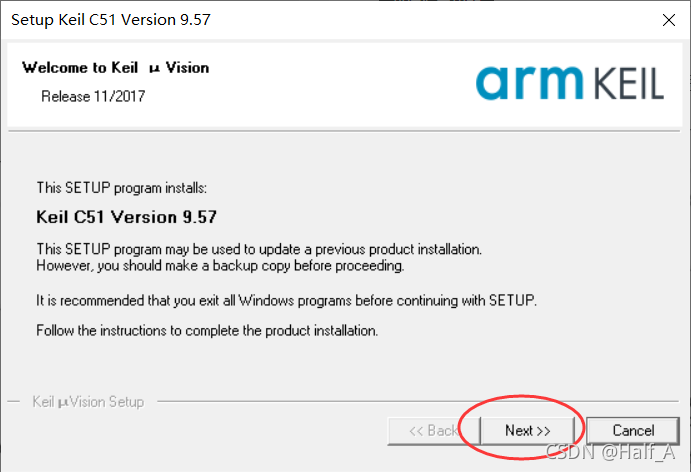
- There is nothing to select; click next to continue the installation
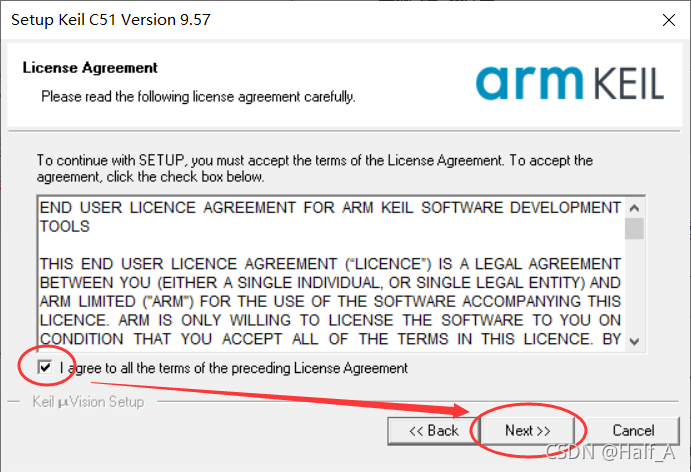
- Accept the user agreement and click next to continue
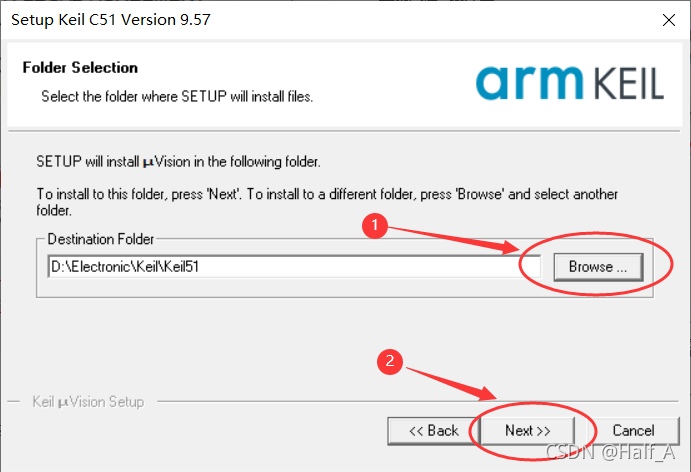
- Select the installation path. The path must not contain Chinese characters. Then proceed with the installation. (Note: If you want to install both the 51 and MDK versions of Keil—that is, if you want to write programs for both 51 MCUs and 32-bit MCUs—you need to install them in two separate folders.)
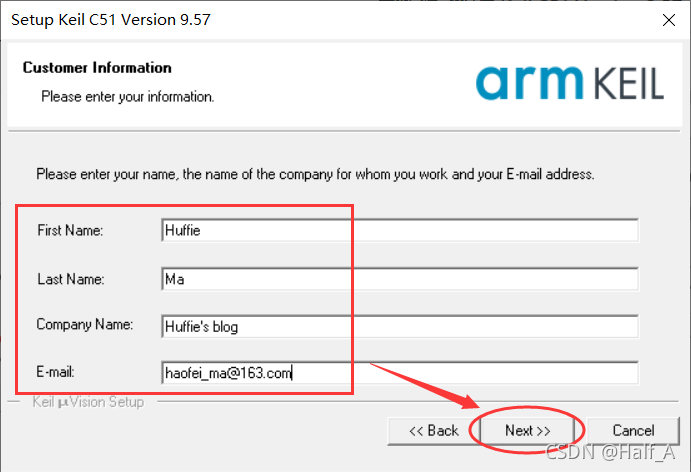
- Enter any information you like. When you are done, simply click next
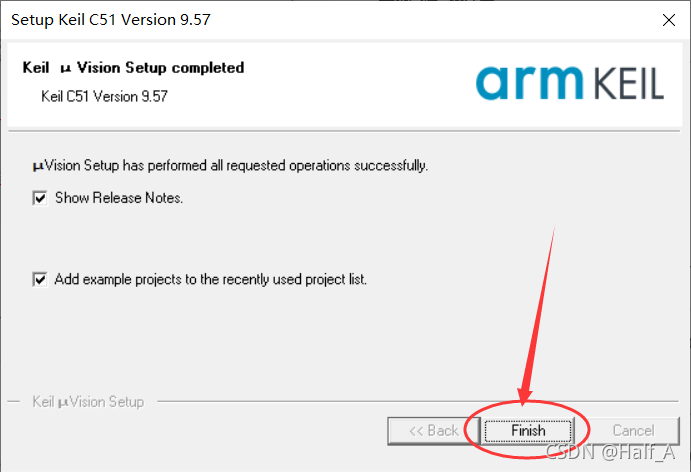
- The installation is quick and takes about a dozen or so seconds. Click finish to complete the installation

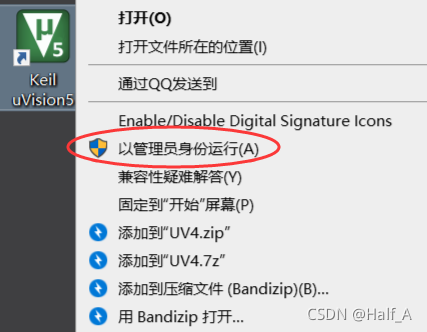
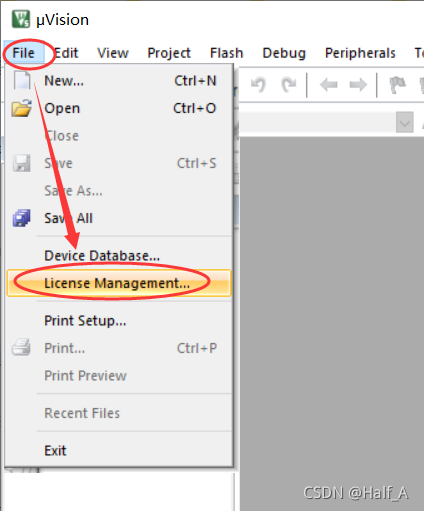
- Return to the desktop, find the 【Keil5】 shortcut, right-click it and run it as administrator, then open the 【File -> License Management】 tab
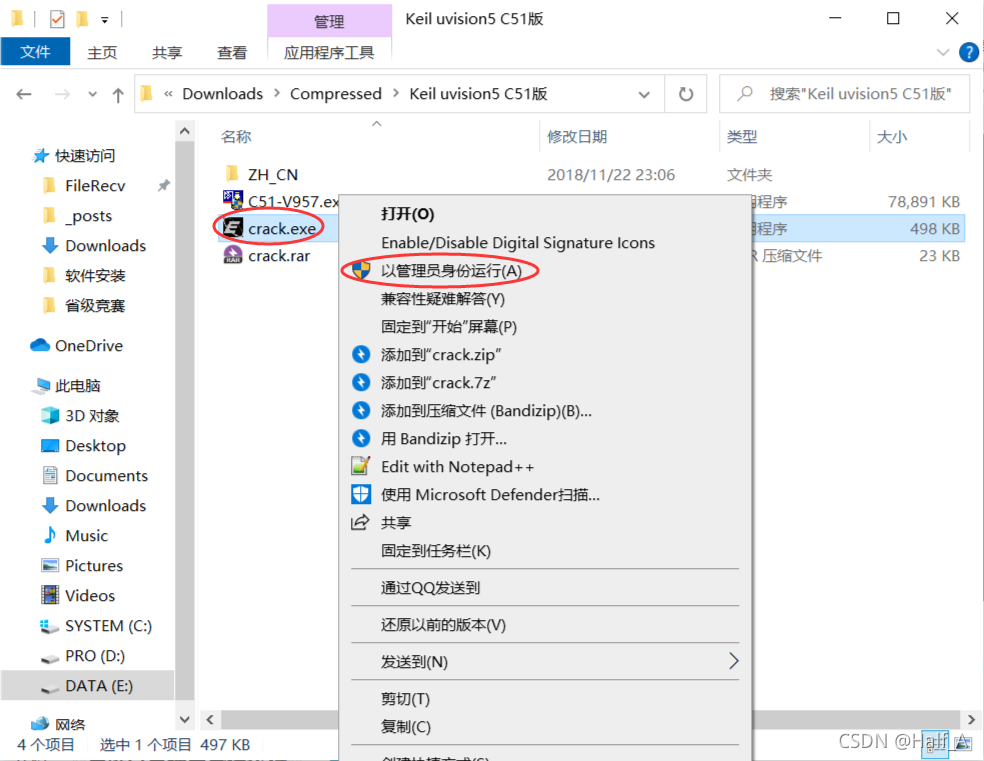
- Find the 【Crack.exe】 file in the extracted installer package and right-click it to run it as administrator
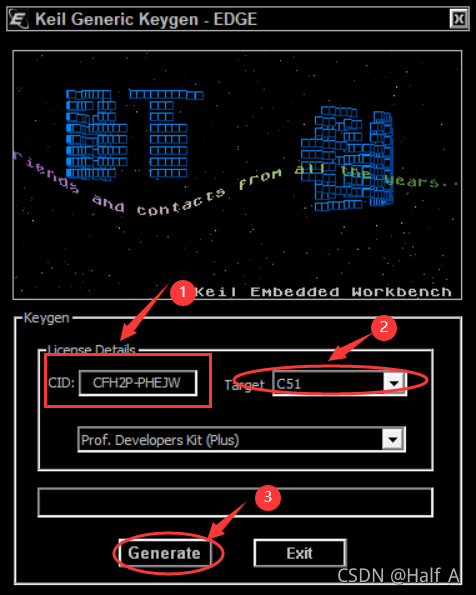
- In 【License Management】, copy the CID and paste it into the crack tool. Select C51 as the target, then click Generate to generate an activation code

-
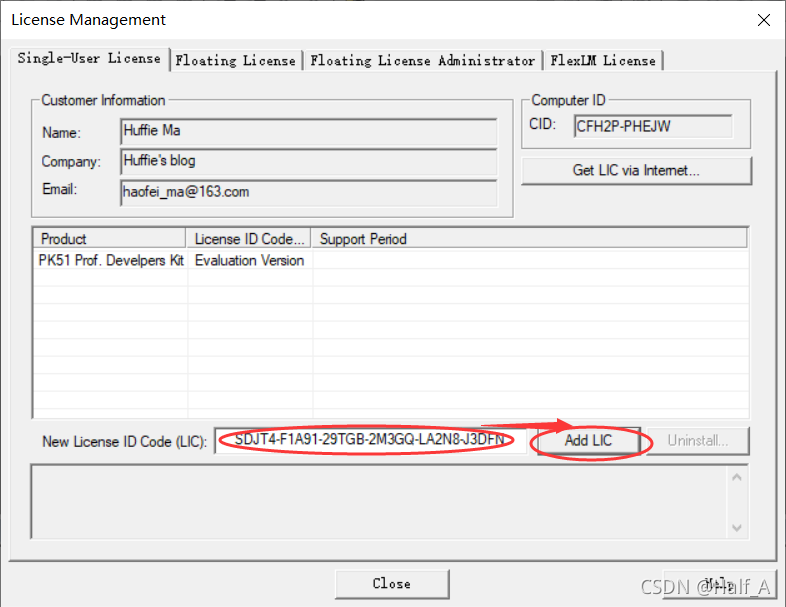
Paste the activation code back into the input box at the bottom of 【License Management】, then click 【Add LIC】
-
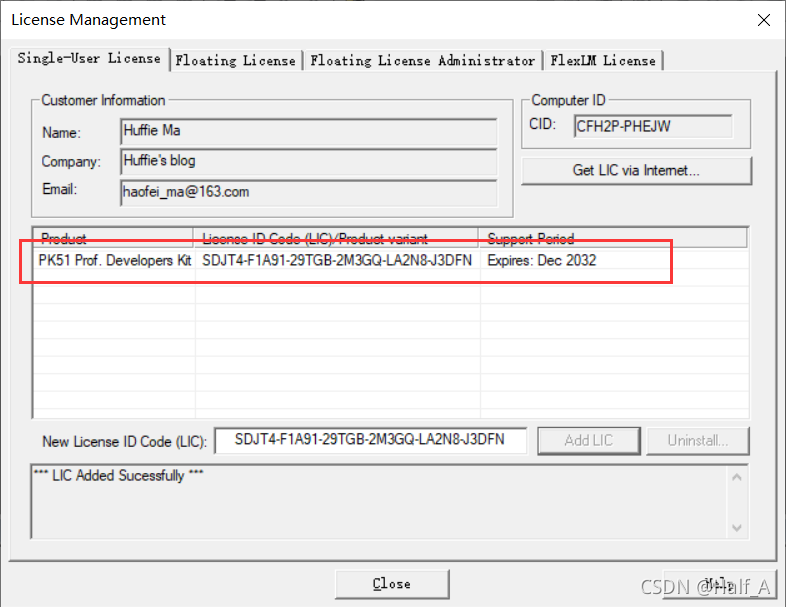
You can see that it has been activated successfully, with activation valid through 2032
Comments