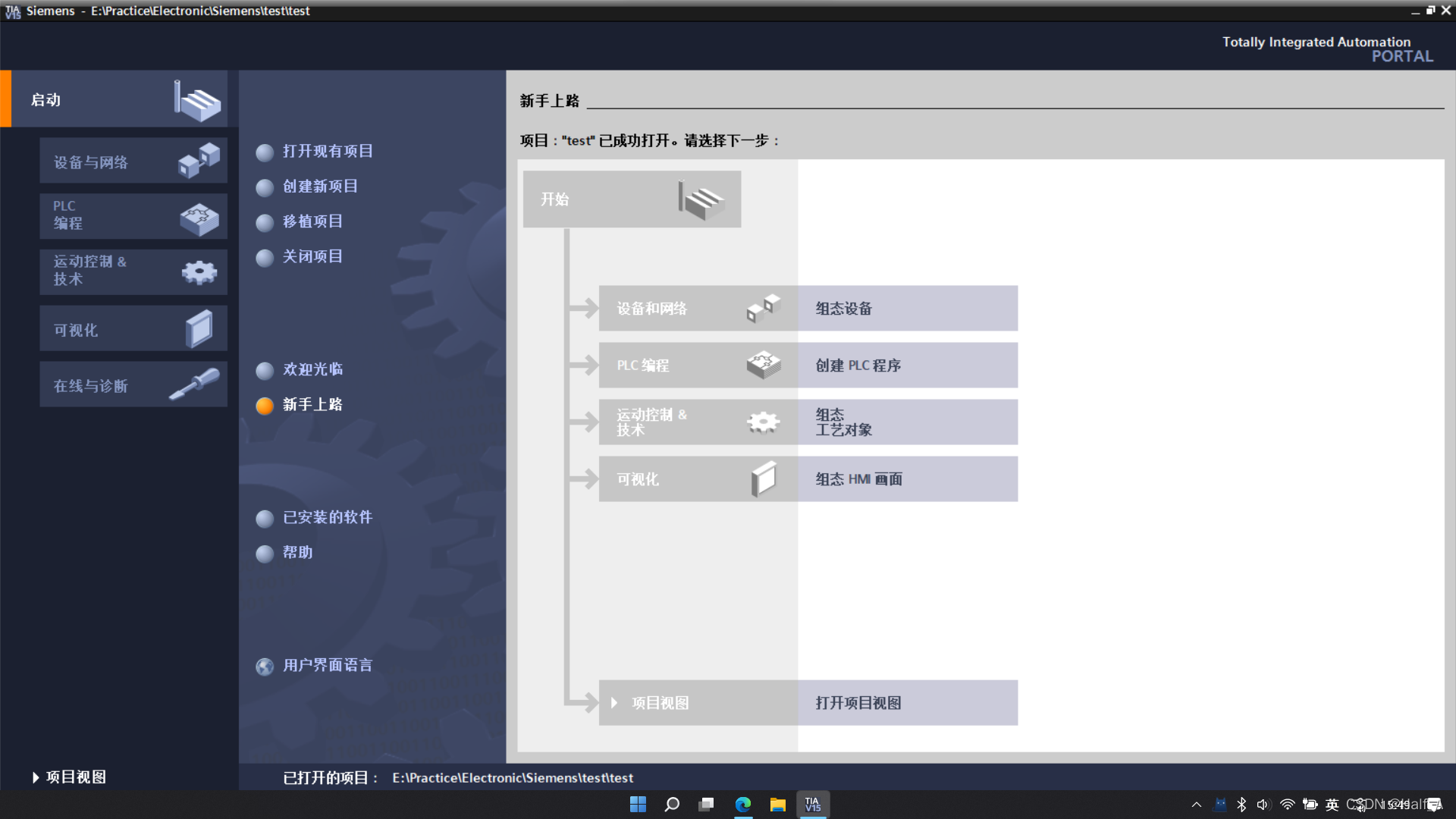
Siemens TIA Portal V15 Download and Installation Guide
An installation guide for Siemens TIA Portal V15 PLC automation design software.
9 posts
An installation guide for Siemens TIA Portal V15 PLC automation design software.
This tutorial explains how to download and install the Keil5 51 edition. Keil5 is a very user-friendly and powerful C language software development system. Keil5 provides a clear and intuitive interface, is very easy and convenient to use, and includes compiler, compiler, installer package, and debugging and tracing features.
This tutorial explains how to download and install the MDK edition of Keil5. Keil5 is a very user-friendly and powerful C software development system. Keil5 provides a clear, intuitive interface, is very easy and convenient to use, and includes a compiler, compiler, installation package, and debugging and tracing features.
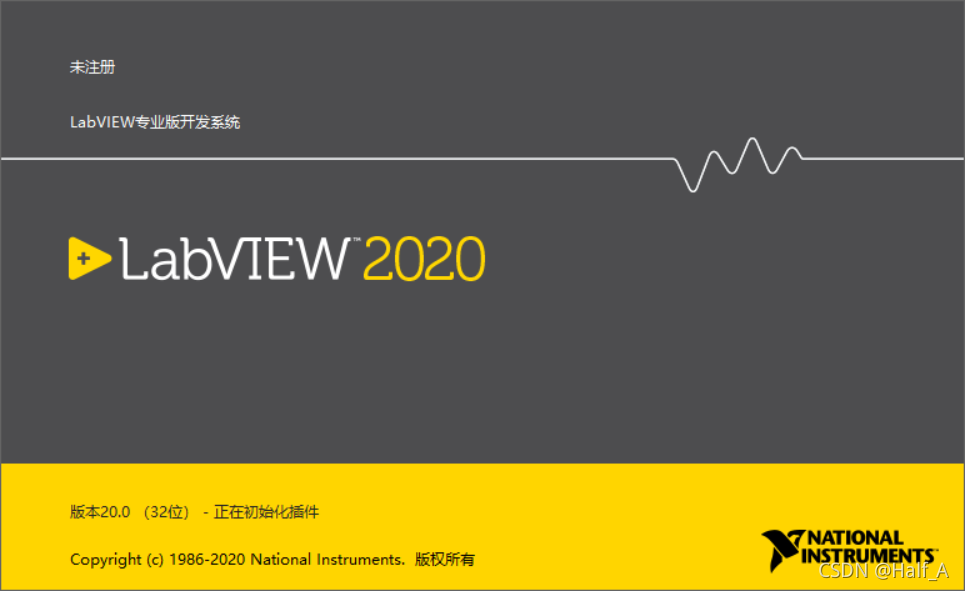
LabVIEW 2020 Chinese edition installation tutorial with Aliyun Drive links and detailed installation steps. For learning reference only—do not use for commercial purposes!
The state machine is the most commonly used design model in engineering applications. With a state machine, we can easily implement decisions and branches in a program flowchart. A LabVIEW state machine consists of a While Loop, a Case Structure, and a shift register.
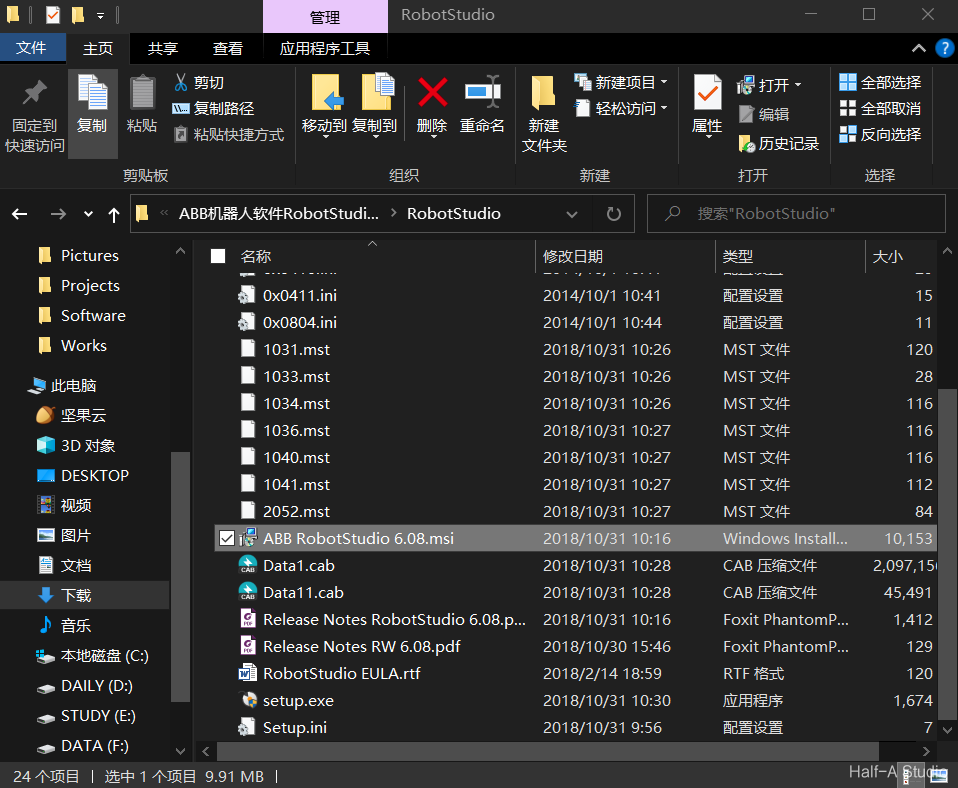
Cloud drive link: https://pan.baidu.com/s/1yUpRG146dUXC9Gj1D94AHw, extraction code: rsaz. Extract the installation package, run ABB RobotStudio 6.08.msi, and follow the prompts step by step to install it. After installation is complete, depending on your computer, extract...
Raspberry Pi installation, configuration, and remote access mainly involve the following steps—preparing the TF card, downloading and writing the image, determining and accessing the IP address, updating and configuring package sources, and implementing Windows remote access. At this point, the initial system installation is complete and you can enter the graphical interface.
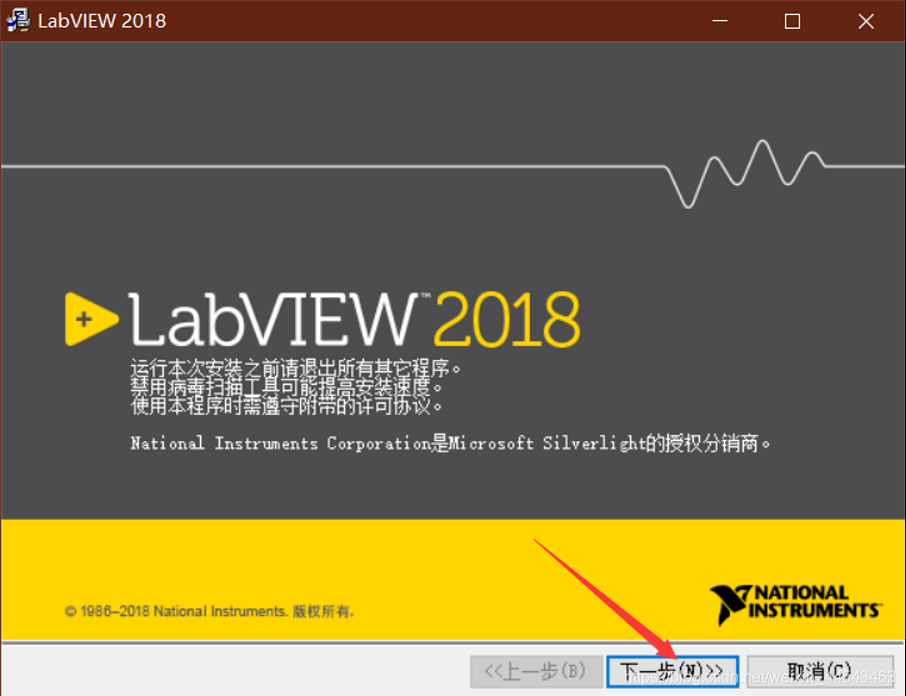
If you need a different version, see the resources page. Download the LabView2018.zip archive from Baidu Netdisk. Before installation, create a new folder for the LabVIEW installation path. It is best not to install it in the root directory of a drive.
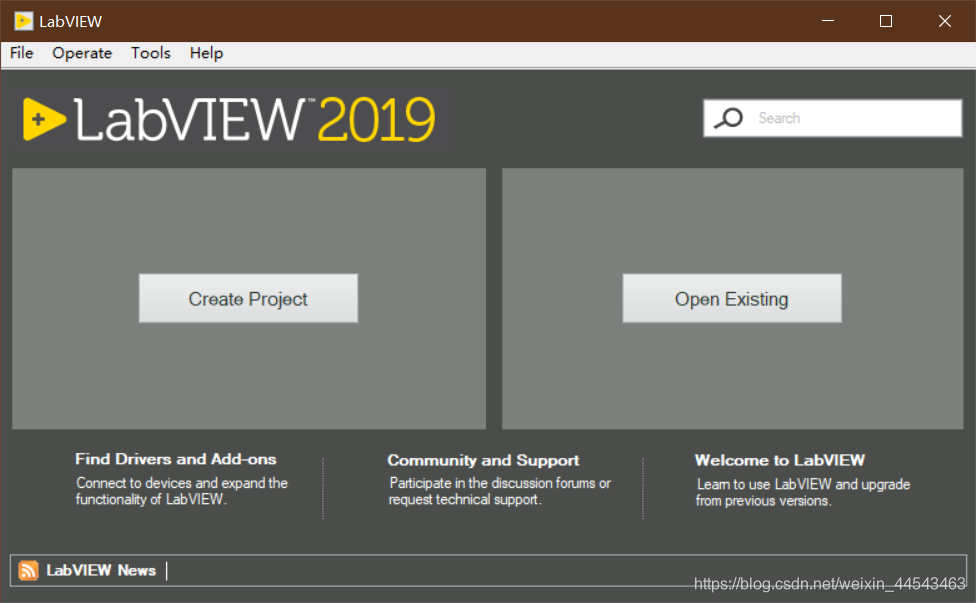
This release is the English version. For the Chinese version, see the resources page. Download the LabView2019.zip archive from the cloud drive, extract it and open the corresponding 64-bit or 32-bit folder, then extract the ISO file inside that folder, open the extracted folder, and double-click install.exe to install.