LabVIEW Study Notes: LabVIEW Study Notes (I): Basic Introduction LabVIEW Study Notes (II): Filter Experiment LabVIEW Study Notes (III): Basic Controls LabVIEW Study Notes (IV): Dynamic Data Types LabVIEW Study Notes (V): Comprehensive Data Type Experiment LabVIEW Study Notes (VI): While Loops and For Loops LabVIEW Study Notes (VII): Variables and Shift Registers LabVIEW Study Notes (VIII): Property Nodes LabVIEW Study Notes (IX): Arrays and Clusters LabVIEW Study Notes (X): Case Structures Other Experiment Records
Arrays
- Array: When processing a series of similar data and performing repeated calculations, consider using an Array. An Array groups data elements of the same type.
- How to create one: Place an Array shell on the front panel and drag a data object or element into the shell to create an Array.
- Array composition: (1) Elements: the data that make up the Array (2)b. Dimension: the length, height, and depth of the Array (an Array can be one-dimensional or multidimensional; when memory allows, each dimension can have up to (2^31)-1 elements)
- Array initialization (1) Enter elements directly on the front panel to initialize. (2) Use a loop; for example, the indexed output of a For Loop is an Array (3)c. Array initialization functions (Note: Uninitialized elements have dimensions only and contain no elements)
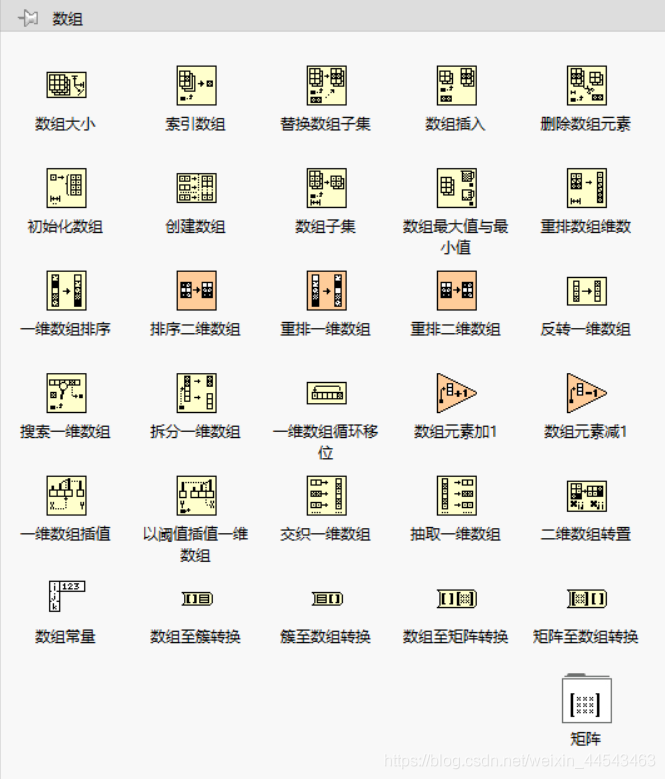
- Array functions: Operations including Array Size, Index Array, Build Array, Array Max & Min, Sort, and Split Array can all be performed with Array functions.
Clusters
- Clusters and Arrays: A Cluster groups data elements of different types. Unlike an Array, a Cluster has a fixed size and can contain different data types, whereas an Array can contain only one data type.
- How to create a Cluster (1) Place a Cluster shell on the front panel (2) Drag data objects or elements into the Cluster shell; draggable objects include numeric, Boolean, string, path, refnum, Array, Cluster controls, and Cluster indicators
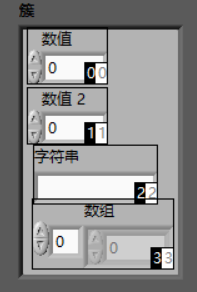
- Cluster order: The logical order of Cluster elements is independent of their positions inside the Cluster. Right-click the Cluster shell and choose Reorder Controls In Cluster from the shortcut menu
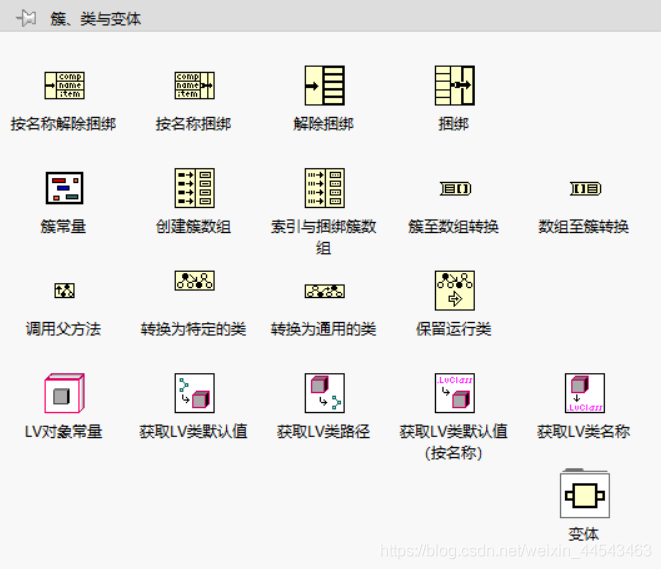
- Cluster functions: The most important Cluster functions are Bundle, which packs elements to create a Cluster, and Unbundle, which unpacks a Cluster to extract its elements
- Error Cluster: (1) Can control the execution order of controls (2) Can also use an error Cluster to control loop termination
- Elements of a waveform Cluster (1) t0: timestamp (2) dt: the time interval of the Y data (3) Y: a set of data that changes over time
Comments