LabVIEW 2020 Download and Installation Tutorial
LabVIEW 2020 Chinese edition installation tutorial with Aliyun Drive links and detailed installation steps. For learning reference only—do not use for commercial purposes!
19 posts
LabVIEW 2020 Chinese edition installation tutorial with Aliyun Drive links and detailed installation steps. For learning reference only—do not use for commercial purposes!
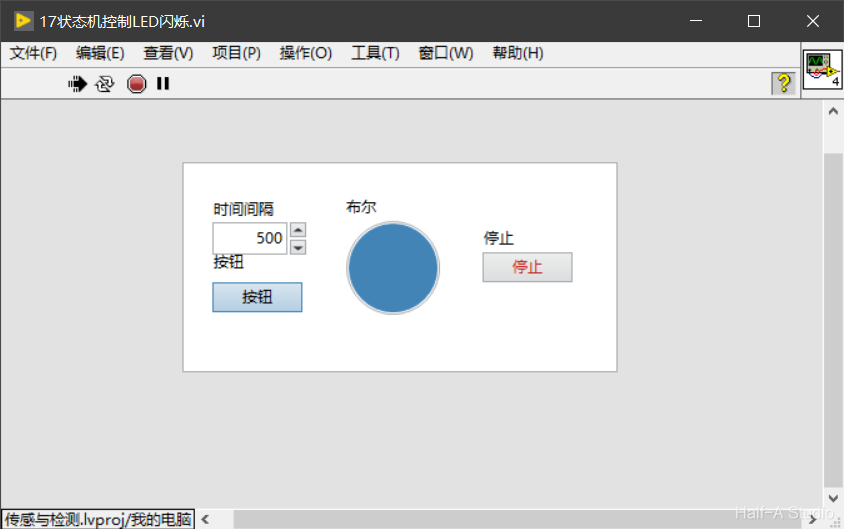
State machines are the most widely used design pattern in engineering applications. With a state machine, we can easily implement decisions and branches from program flowcharts. A LabVIEW state machine consists of a While loop, a case structure, and a shift register.
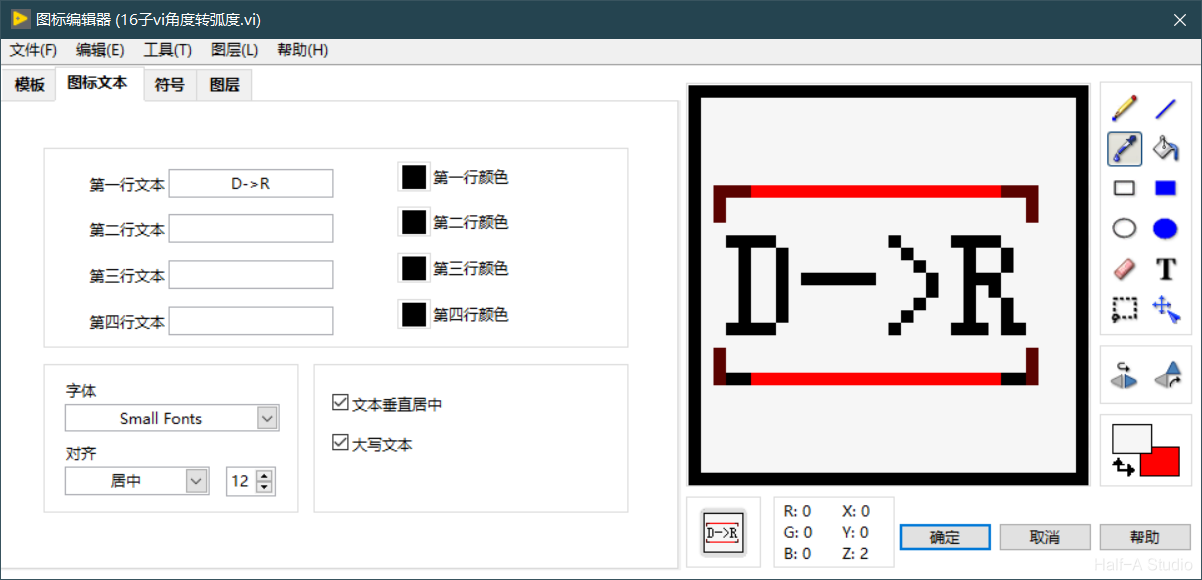
An important concept in programming is modularity, which means dividing a program into several blocks so that modifying one block does not affect the others. In LabVIEW, we use subVIs to implement modular programming.
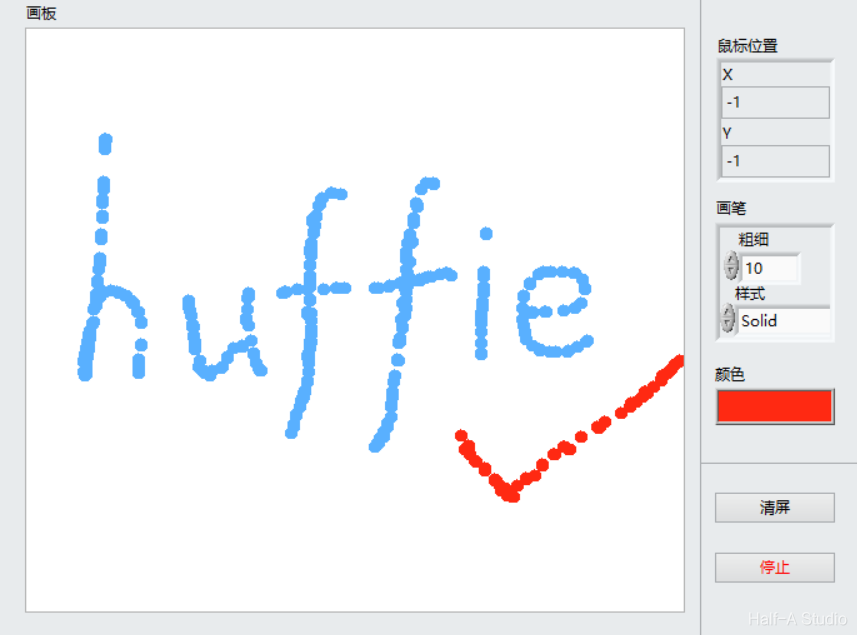
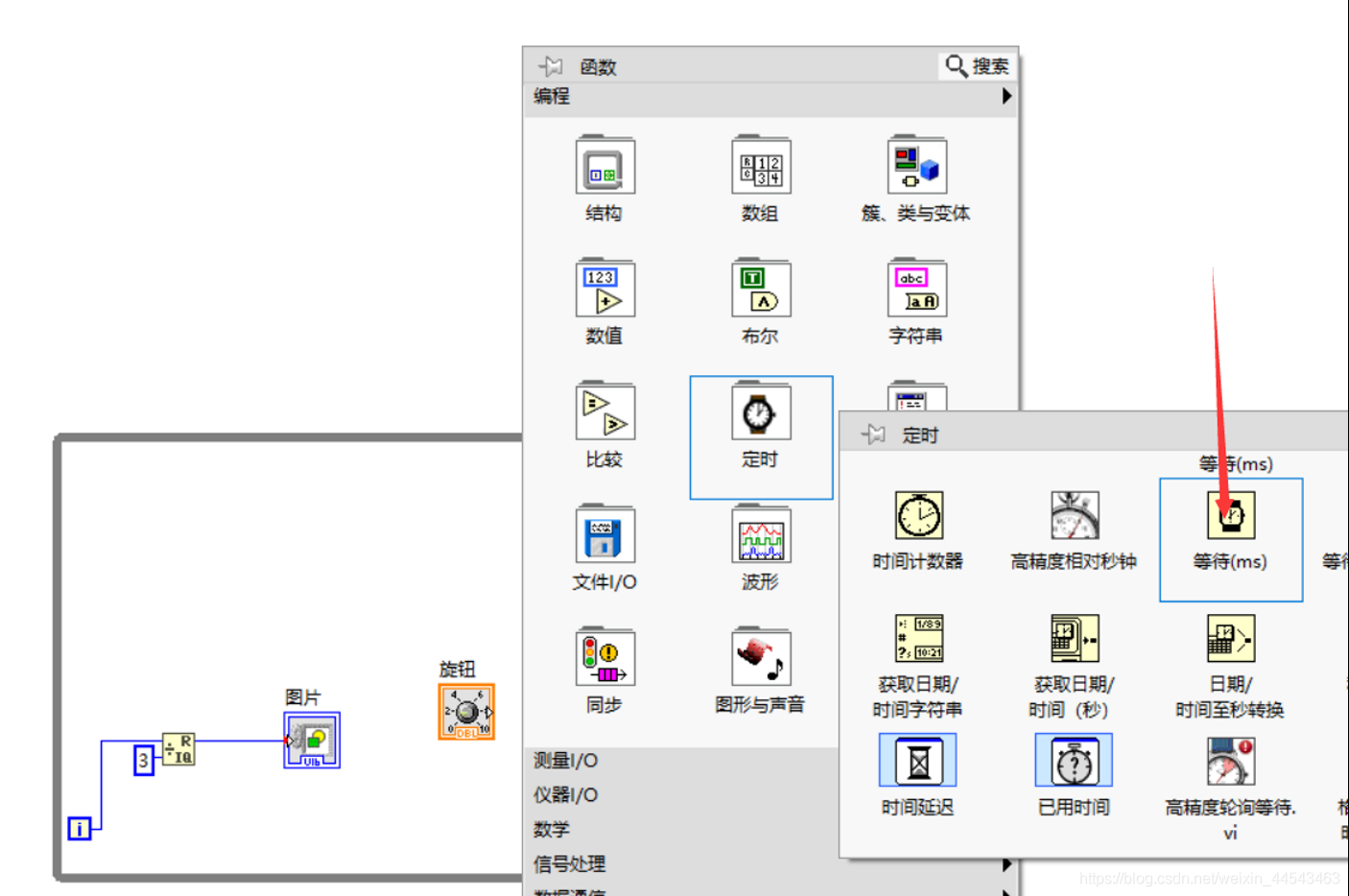
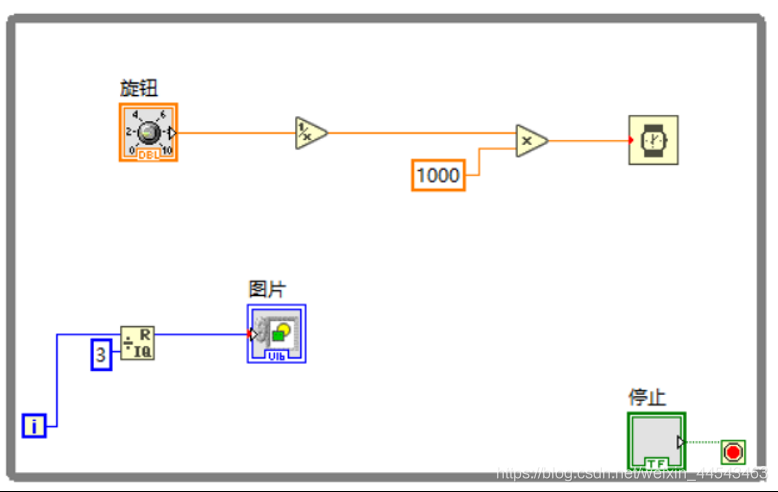
The two-dimensional Picture control provides pixel-level control and can create almost any graphical object. To display an image in a two-dimensional Picture control, you must write an image to the control programmatically. You can draw with the Picture Functions VIs.
A shift register passes the value generated in the previous loop iteration to the next iteration. Shift registers appear as pairs of terminals located at corresponding positions on the borders on opposite sides of a loop. A shift register must be initialized; that is, you must set the value that it passes to the first loop iteration.
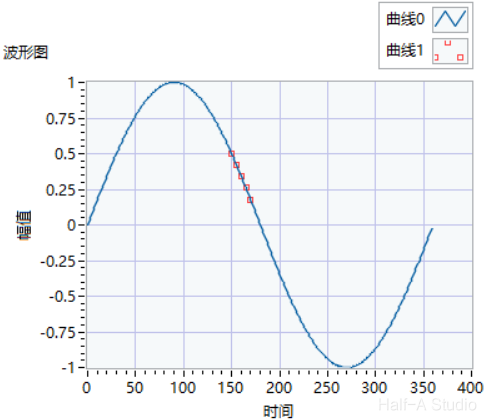
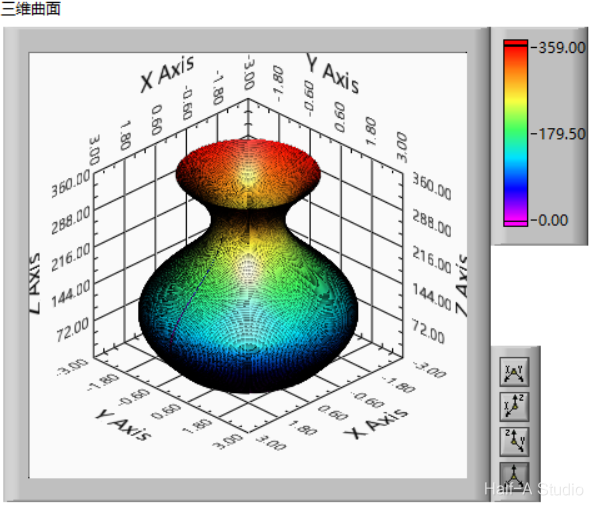
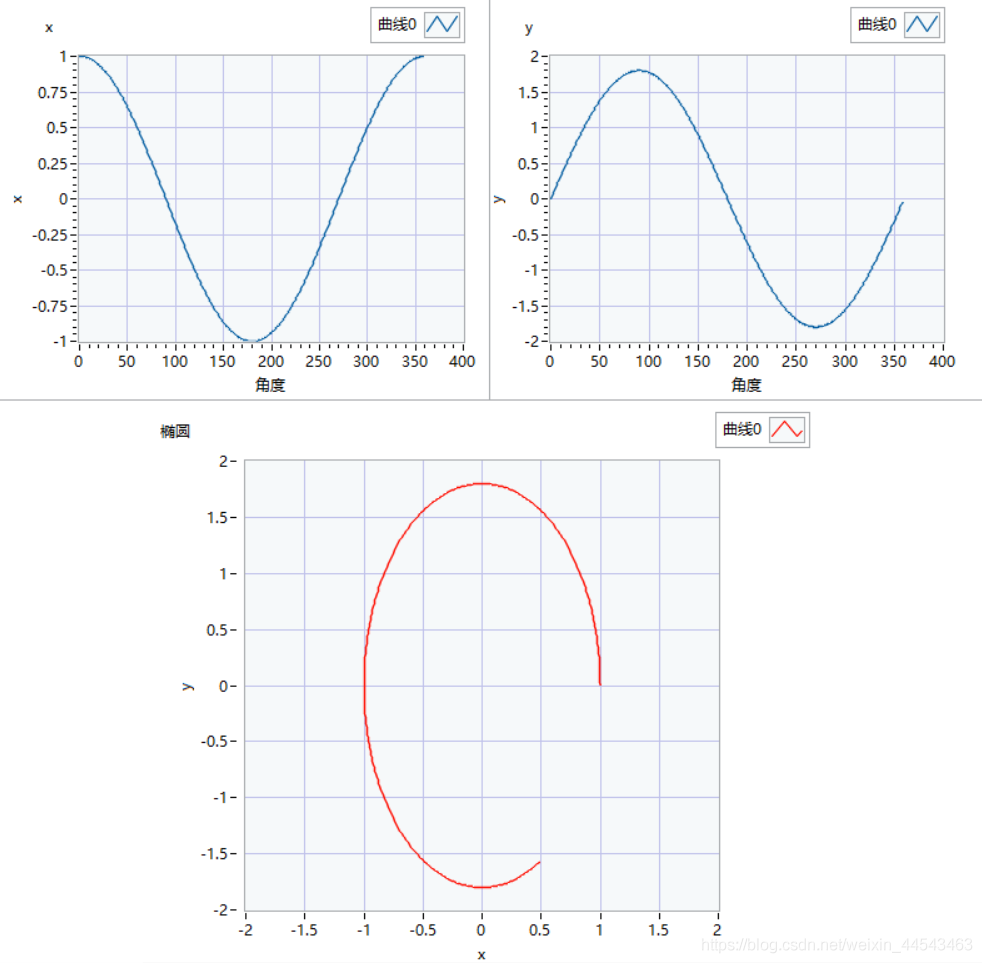
Generating a surface of revolution such as a vase essentially involves sweeping a profile along a guide curve. For a vase, the method is to sweep a circle along a curve. The circle is generated as follows: the total number of loop iterations is 360, corresponding to 360 degrees, while i represents each angle from 0~360.
A for loop runs for a fixed number of iterations and also has a conditional terminal that can terminate a while loop early, equivalent to the break statement in C. For loops are closely tied to array operations, and their most important function is processing array data.
Case structures are similar to if…else… and switch structures in C and are mainly used to select among branches of program logic. A case structure contains two or more subdiagrams or cases. Only one case executes at a time. Right-click the case structure border to add, duplicate, delete, reorder, or select the default case. Multiple input/output tunnels can be created.
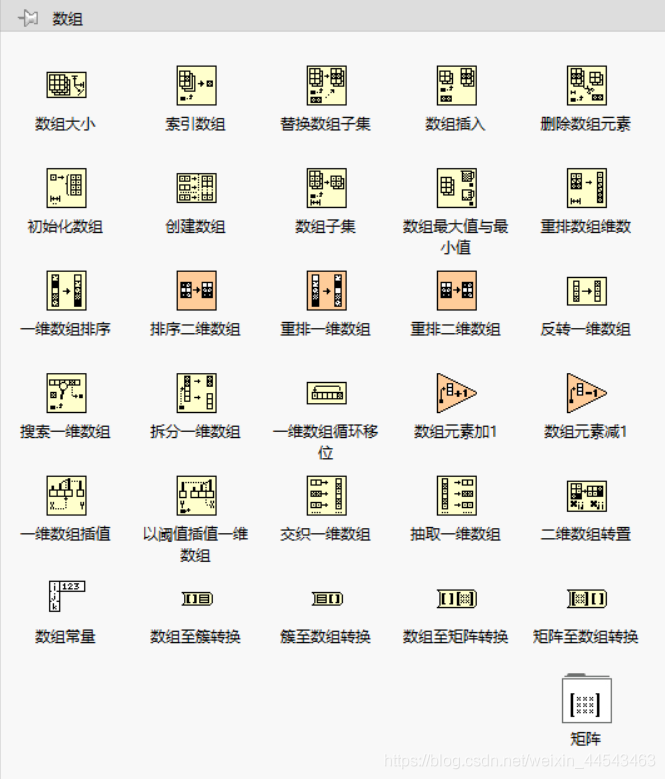
When processing a series of similar data and performing repeated calculations, consider using an Array. An Array groups data elements of the same type. Place an Array shell on the front panel and drag a data object or element into the shell to create an Array. Array functions such as Array Size, Index Array, Build Array, Array Max & Min, Sort, and Split Array can all be performed with Array functions.
Property nodes provide access to object properties. In applications that may need to programmatically change the appearance of front panel objects in response to specific inputs, these changes can be configured by editing property nodes. Right-click a control on the block diagram to create a property node. To configure multiple properties, drag the top or bottom border to add properties. A property node executes its properties from top to bottom.
The purpose of variables is to transfer data between parallel loops. Shift registers can transfer data generated by the previous iteration to the next iteration. Right-click the loop border to add a shift register. The shift register on the right stores the data at the end of each iteration, while the shift register on the left provides the stored data to the next iteration.
A While Loop executes at least once, while a For Loop can execute 0 times. A While Loop automatically outputs the value from the last iteration, while a For Loop automatically outputs an array. You can right-click the border of a While Loop and convert it to a For Loop from the shortcut menu.
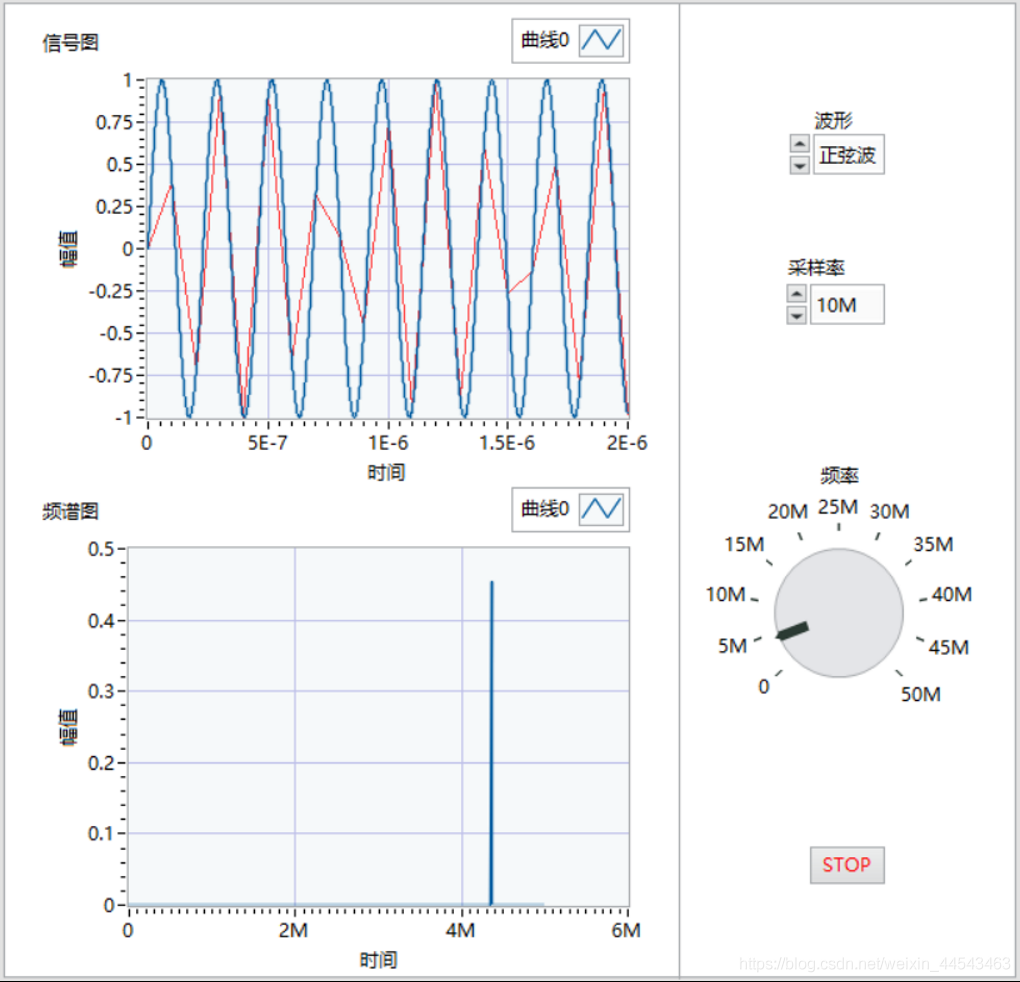
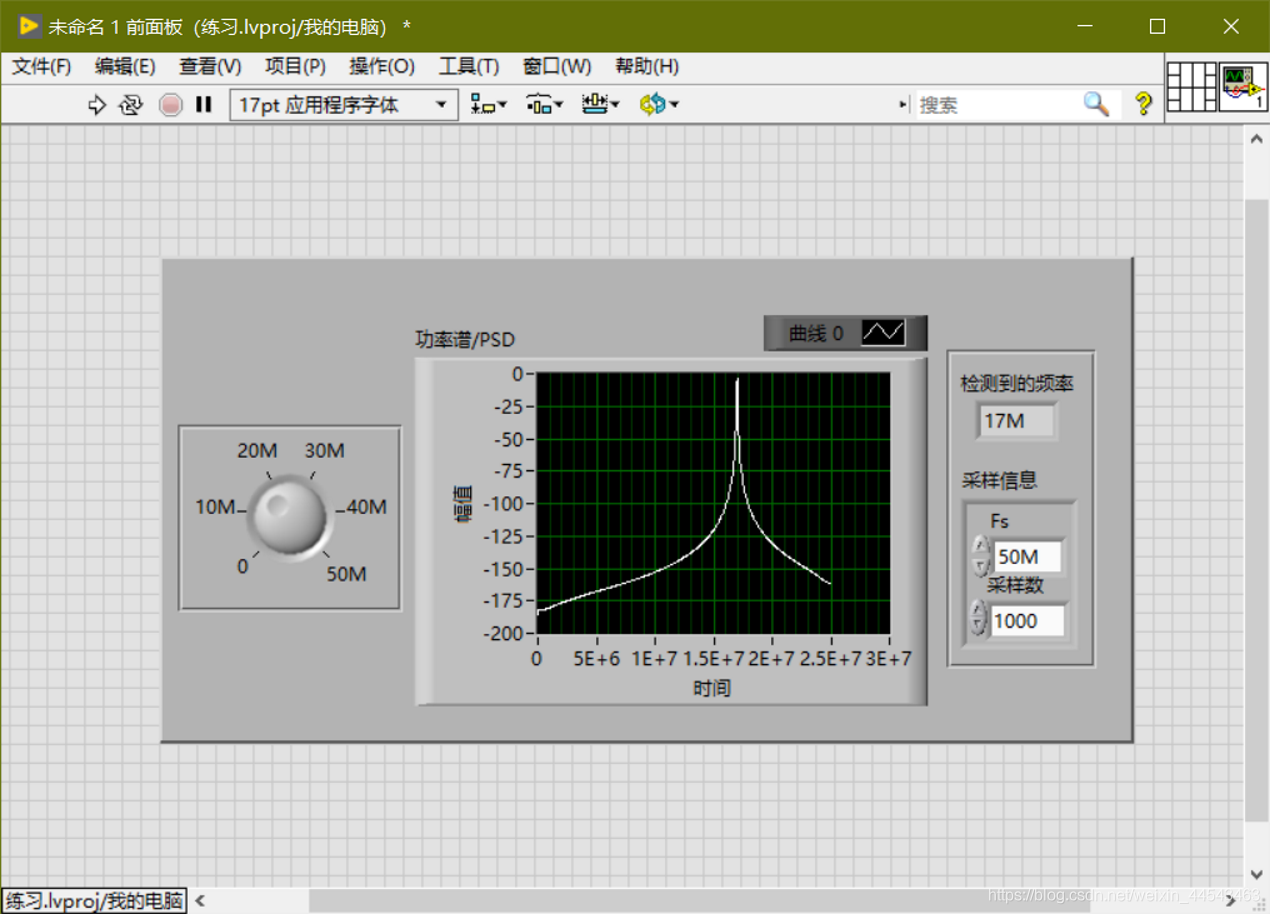
Generate a sine-wave signal with a frequency of 0-50M; choose a sampling rate of 10M/50M/100M; detect the signal frequency; output the sampled signal's power spectrum; and restart averaging if the frequency or sampling rate changes.
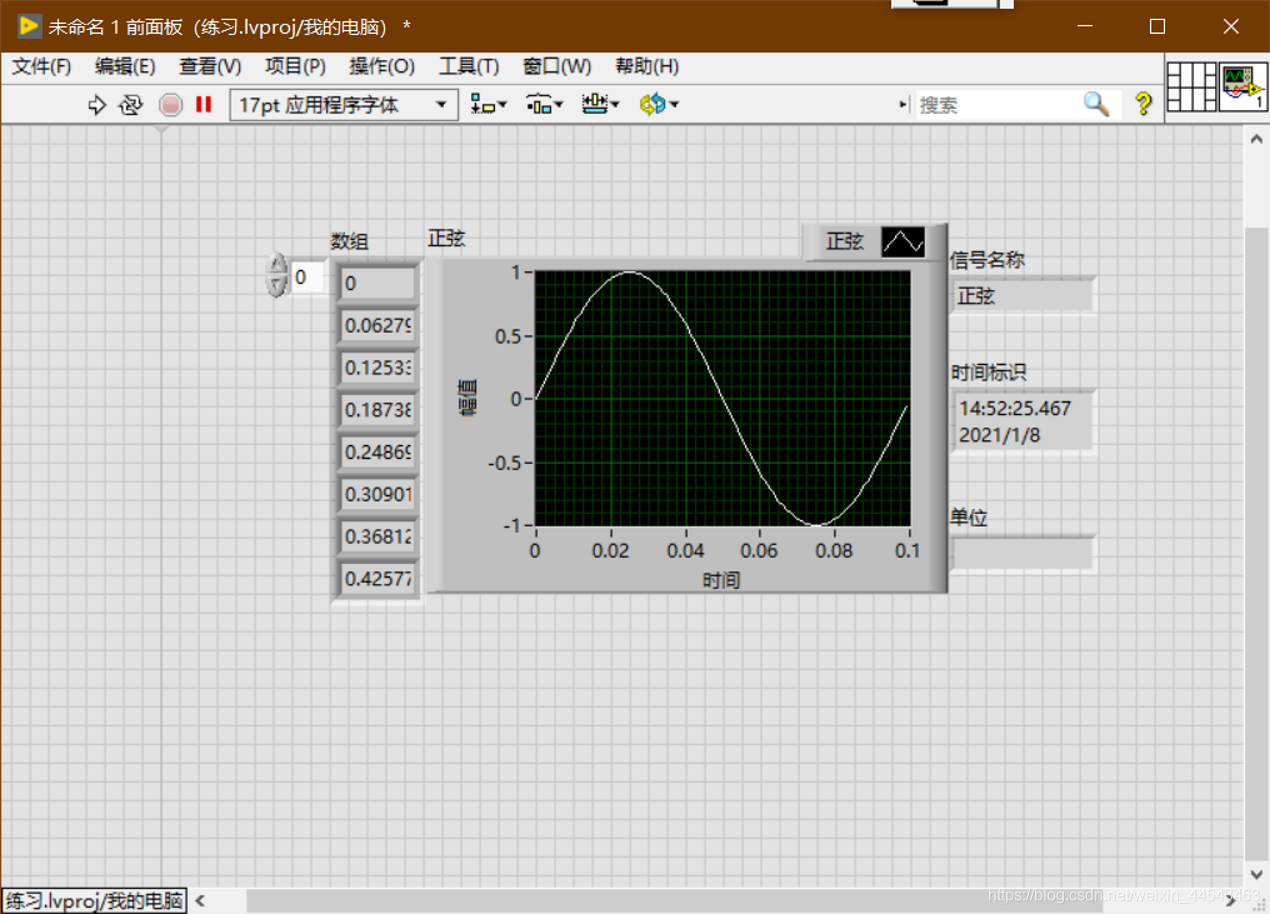
In LabVIEW, the dynamic data type is shown in dark blue. Only Express VI can produce and receive ExpressVI. Use the Get Dynamic Data ExpressVI to retrieve the properties of dynamic data, and use the Set Dynamic Data Attributes ExpressVI to set properties such as the signal name, timestamp, and time mode.
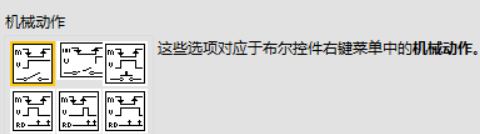
Numeric controls can represent different types of numeric values. The most important setting for Boolean controls is the mechanical action. The display type of string controls can be changed from the shortcut menu. To add items to a control's drop-down list and reorder them, right-click an enum or ring control and select Edit Items from the shortcut menu, or click the Edit Items tab in the Properties dialog box.
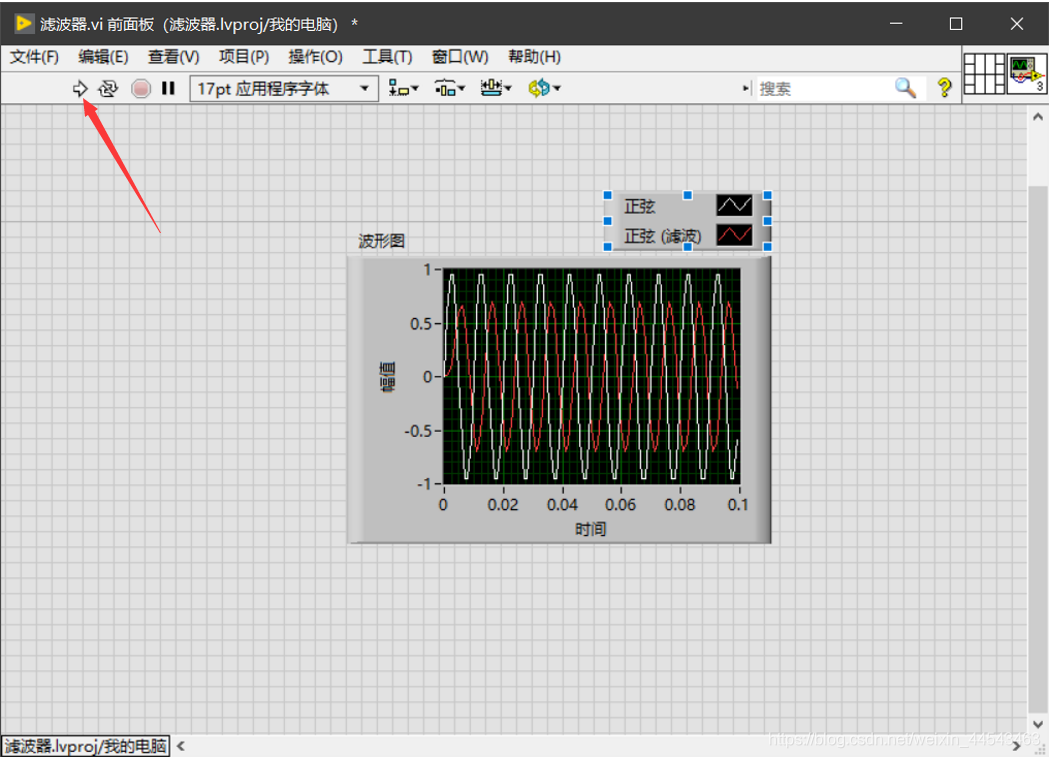
Place an Express VI on the block diagram, configure the dialog box that appears, wire the Express VI, then save and run the VI.
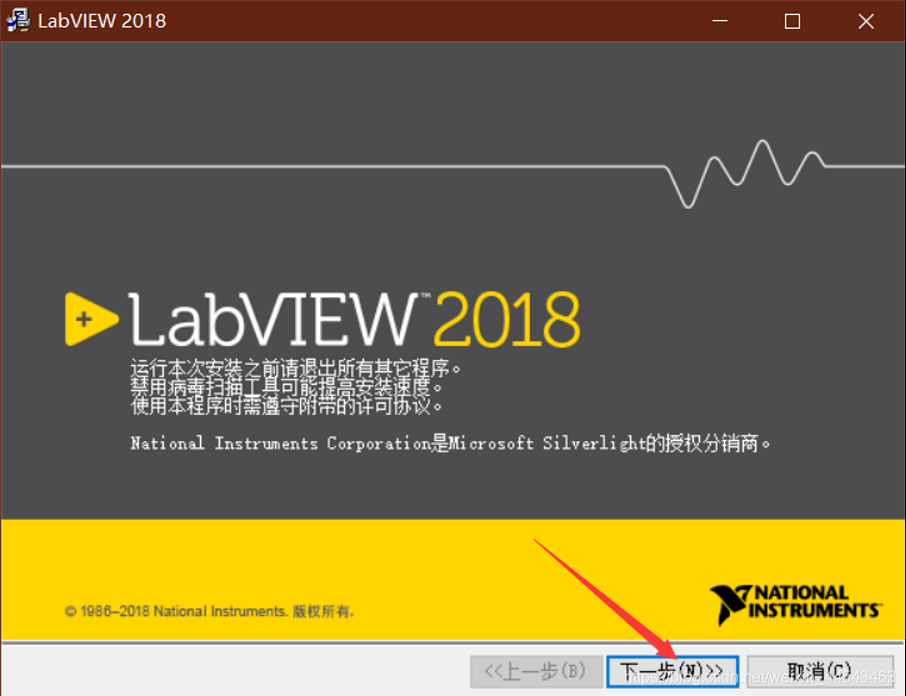
If you need a different version, see the resources page. Download the LabView2018.zip archive from Baidu Netdisk. Before installation, create a new folder for the LabVIEW installation path. It is best not to install it in the root directory of a drive.
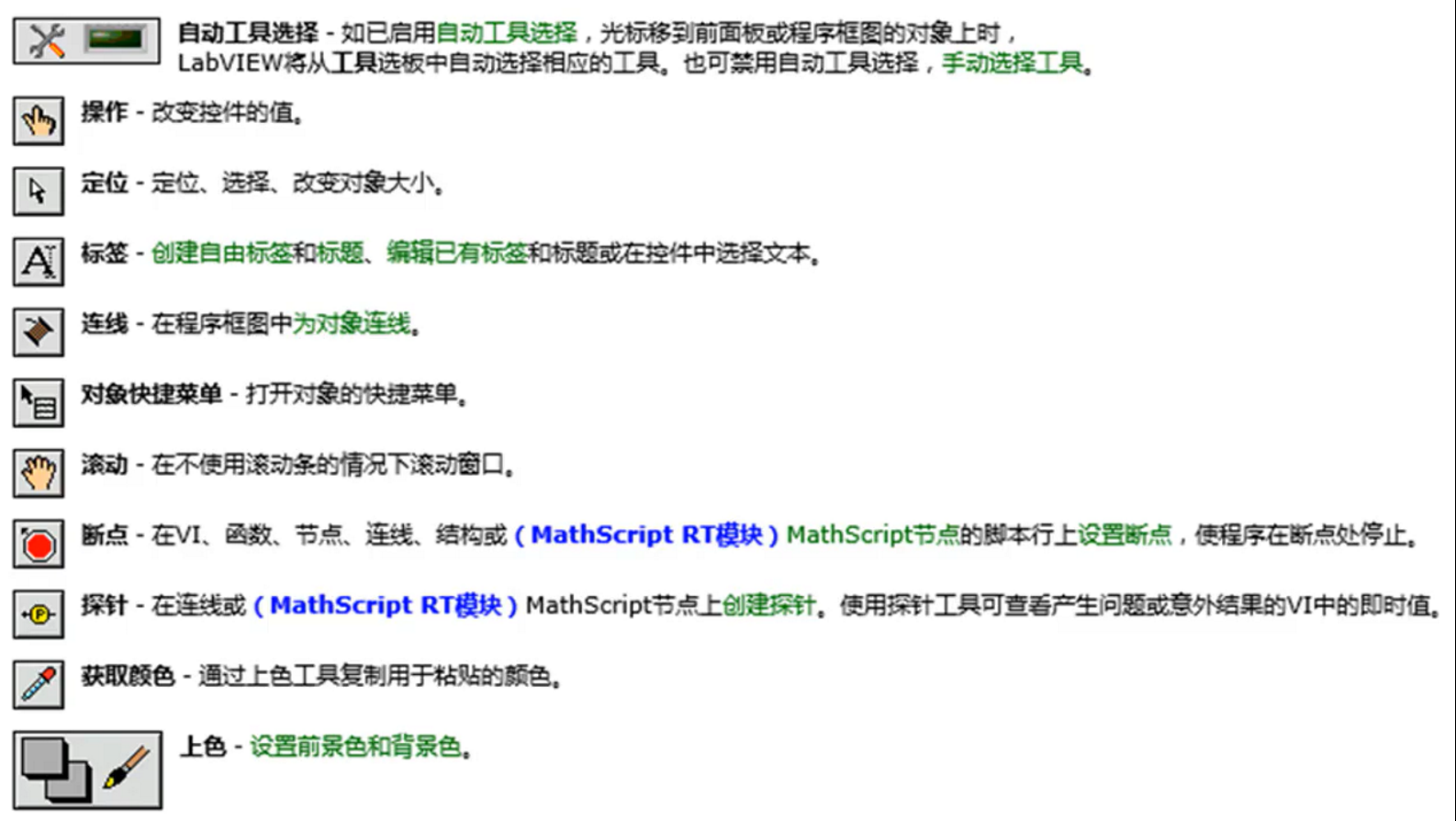
Controls come from the Controls palette. Right-click to open the Controls palette. You can add a control to the front panel by clicking it or dragging it. A block diagram consists of terminals (from the front panel), subVIs, functions, constants, structures, and wires.
This release is the English version. For the Chinese version, see the resources page. Download the LabView2019.zip archive from the cloud drive, extract it and open the corresponding 64-bit or 32-bit folder, then extract the ISO file inside that folder, open the extracted folder, and double-click install.exe to install.