Contents
Concept of the Workspace
A workspace is a folder that holds project development files, similar to a project you create in an IDE on Windows.
Folders in a Workspace
^a357c1
- src: source space
- build: build space; intermediate files produced during compilation, generally not needed
- devel: development space; holds executables, libraries, and other artifacts during development
- install: install space
Creating a Workspace
1. Create the Workspace
mkdir -p ~/catkin_ws/src
cd ~/catkin_ws/src
catkin_init_workspace
2. Build the Workspace
cd ~/catkin_ws
catkin_make
catkin_make install #产生install文件夹
3. Set Environment Variables
source devel/setup.bash4. Check Environment Variables
echo $ROS_PACKAGE_PATH
Creating a Package
catkin_creat_pkg <package_name> [depend1] [depend2] [depend3]
1. Create a Package
cd ~/catkin_ws/src
catkin_create_pkg test_pkg std_msgs rospy roscpp
Note: Packages must be placed under the src folder. A workspace cannot contain two packages with the same name.
After creating the package, the test_pkg folder contains the src and include folders and the package.xml and CMakeLists.txt files.
(1) src folder: holds source code files (2) include folder: holds header files (3) package.xml: information related to the package (such as the name, version number, license, author information, package dependencies, and so on) (4) CMakeLists.txt: describes the package’s build rules
To write Python code, create ascripts** folder under the package and place your Python code in it.**
mkdir scripts2. Build the Package
cd ~/catkin_ws
catkin_make
source ~/catkin_ws/devel/setup.bash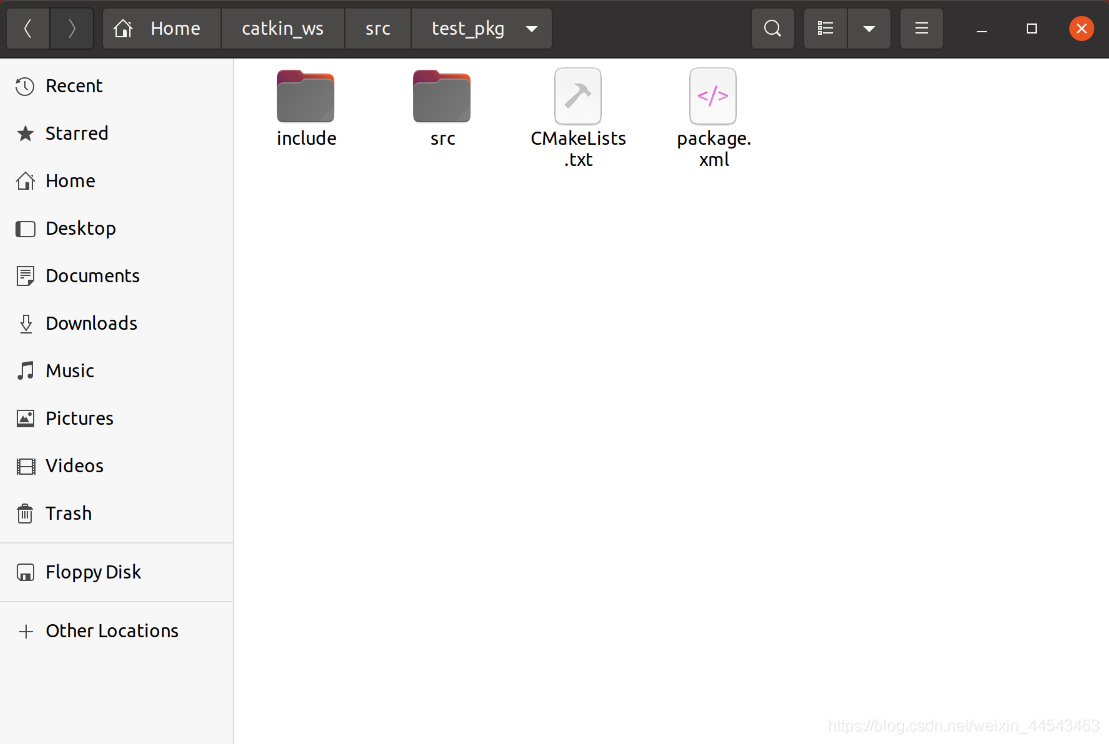
ps. If recompiling the workspace fails after certain operations, you can try using
catkin_make clean
Comments