Multi-Machine ROS Topic Communication
Two Ubuntu systems (such as a desktop PC and a robot), connected via Ethernet cable, sharing ROS nodes.
24 posts
Two Ubuntu systems (such as a desktop PC and a robot), connected via Ethernet cable, sharing ROS nodes.
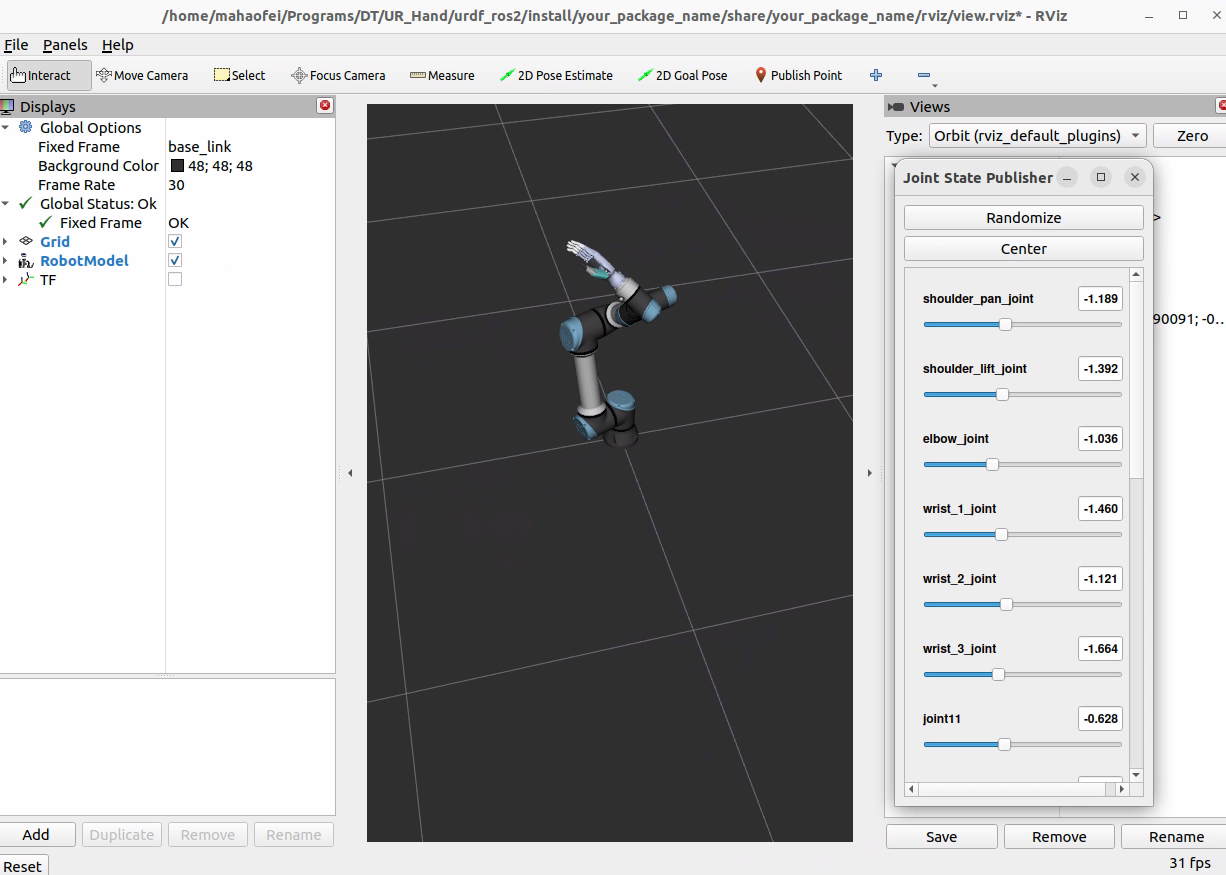
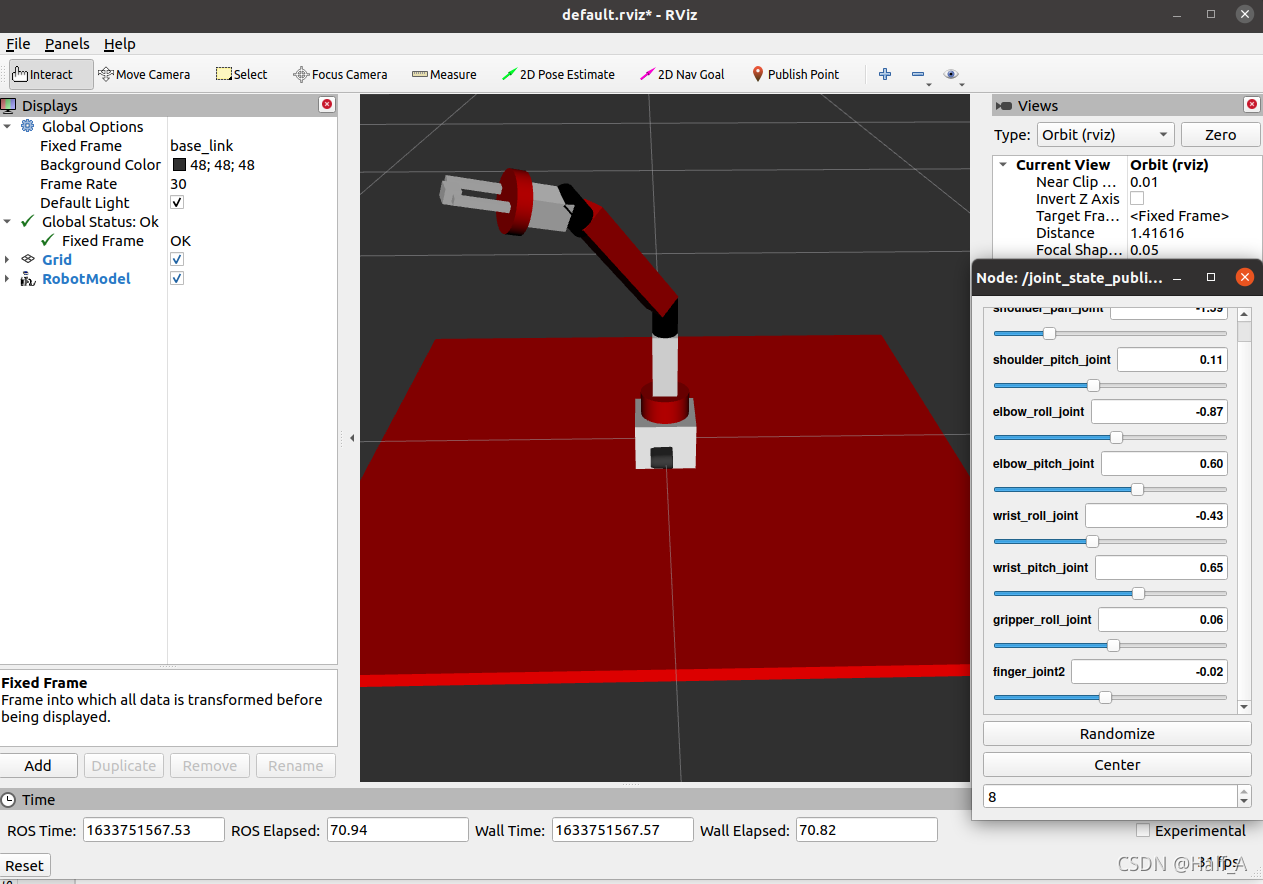
Visualize URDF files with ROS2 and Rviz2, with an example package and a complete modification tutorial.
I recently installed version 22.04 of Ubuntu and ROS 2 Humble on a new computer. To keep up with the times, I learned the new ROS 2 commands and summarized them here for easy reference.
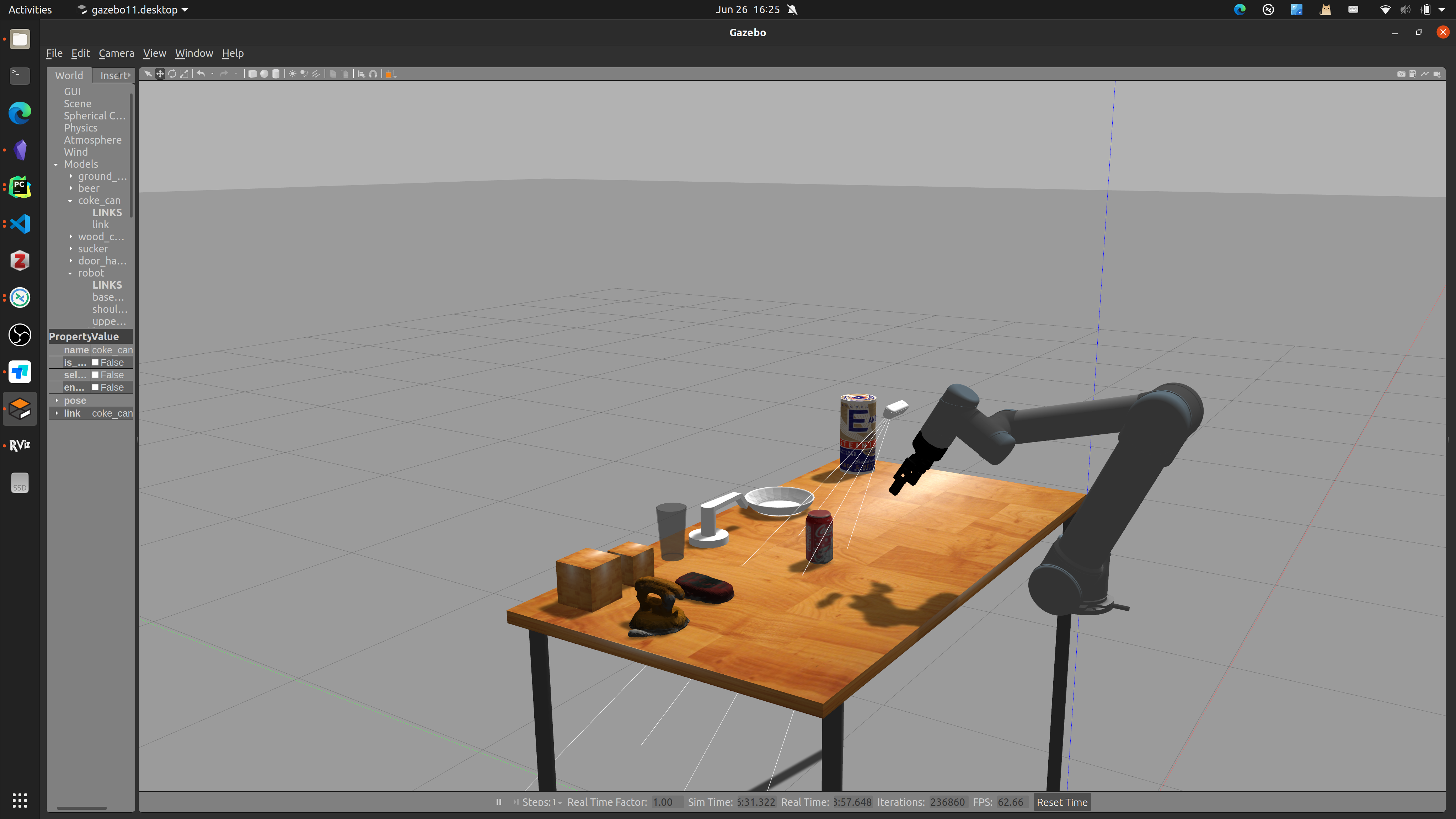
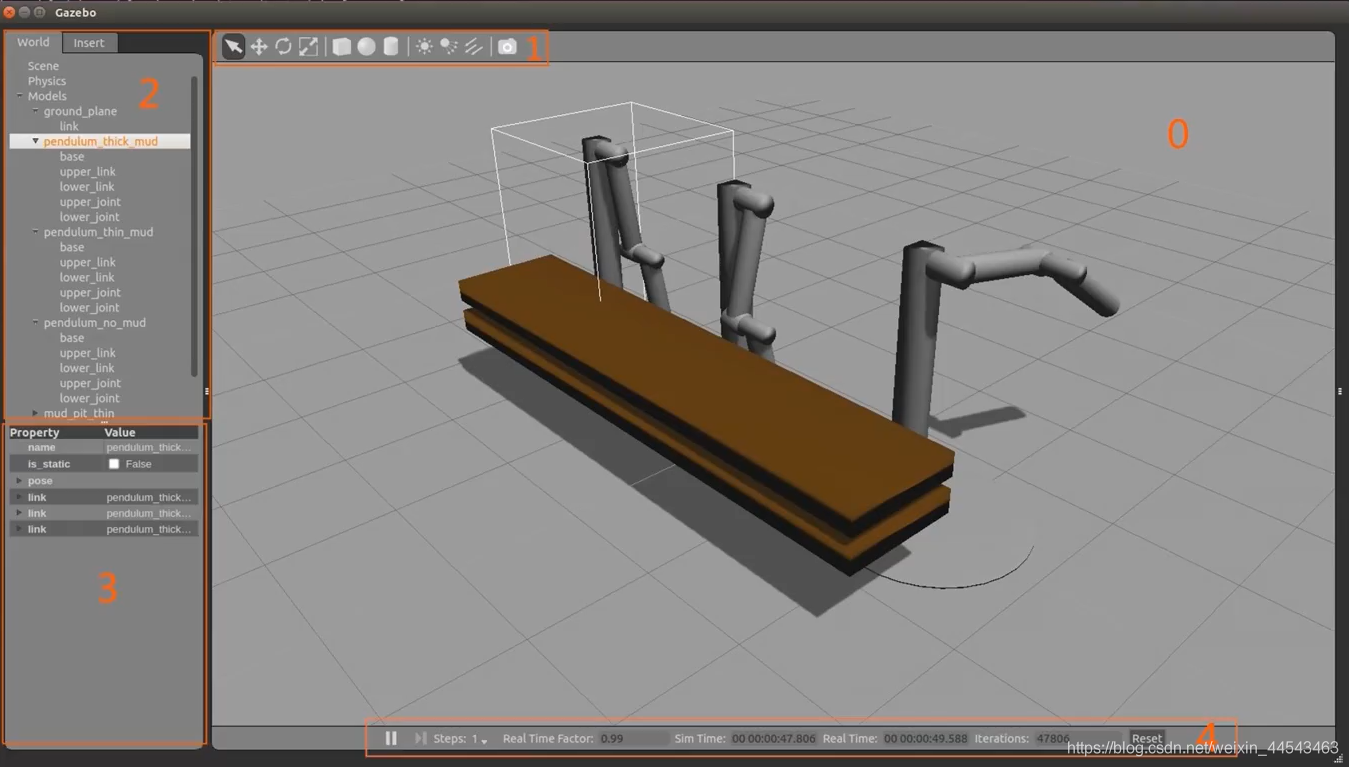
Build a 6D robotic arm simulation environment in Gazebo, add a camera, and implement a grasping simulation experiment.
A collection of various error messages encountered while using the ROS system for robot experiments, updated irregularly.
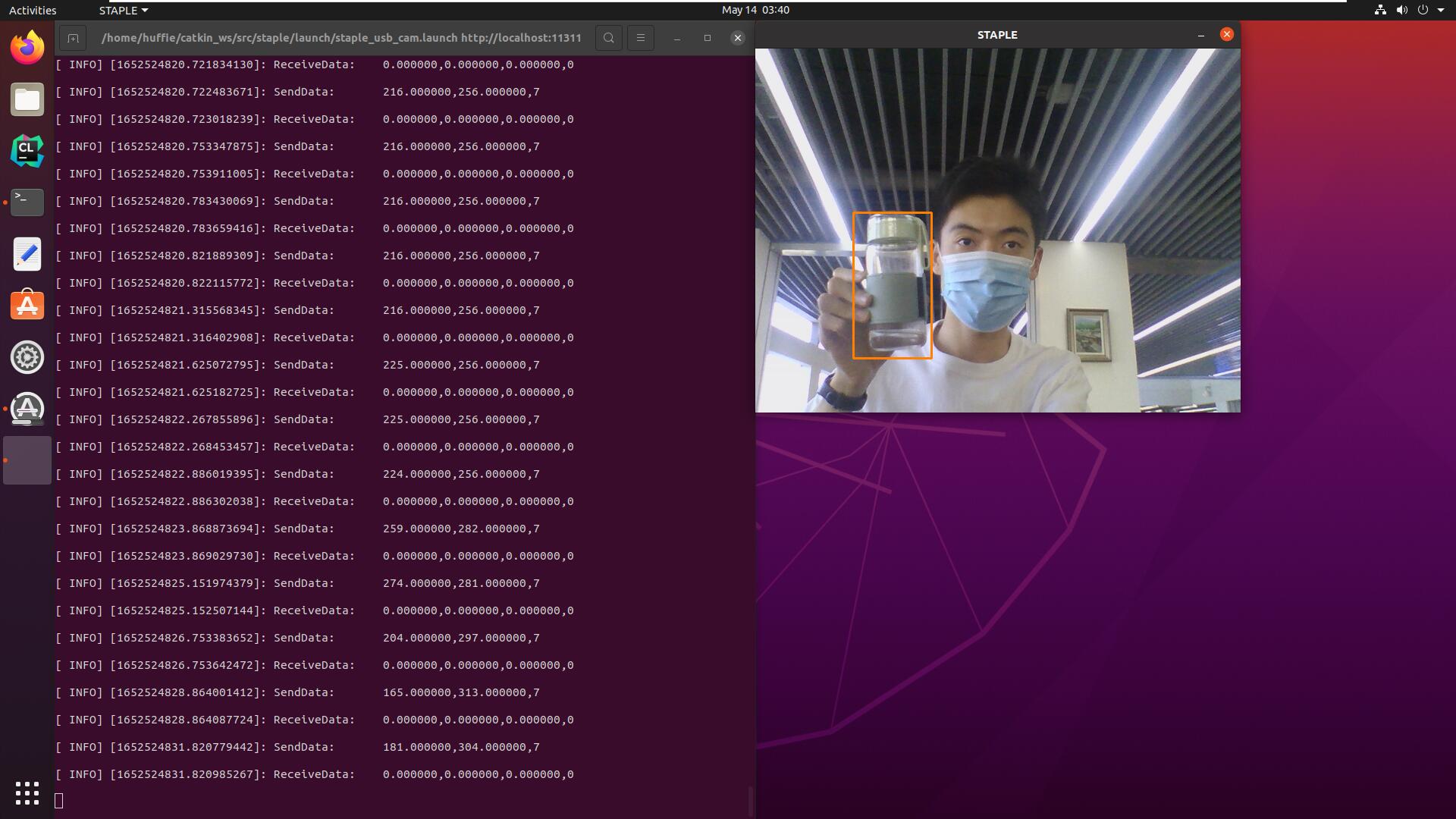
Implemented bidirectional serial communication over UART between a host PC running ROS Noetic and an STM32F1 development board.
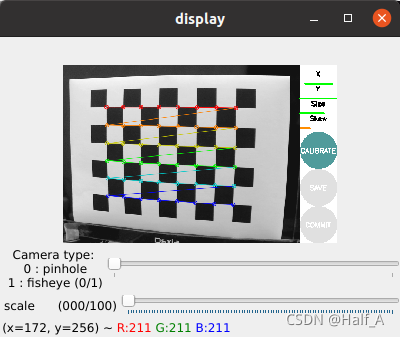
The purpose of camera calibration is to eliminate camera distortion. For details on how distortion occurs, see the previous article. The process of calibrating a USB camera in ROS can be broadly divided into several steps. ① Install the usb_camera driver package; ② run usb_cam to capture images from the USB camera; ③ download and print a checkerboard, then calibrate the camera.
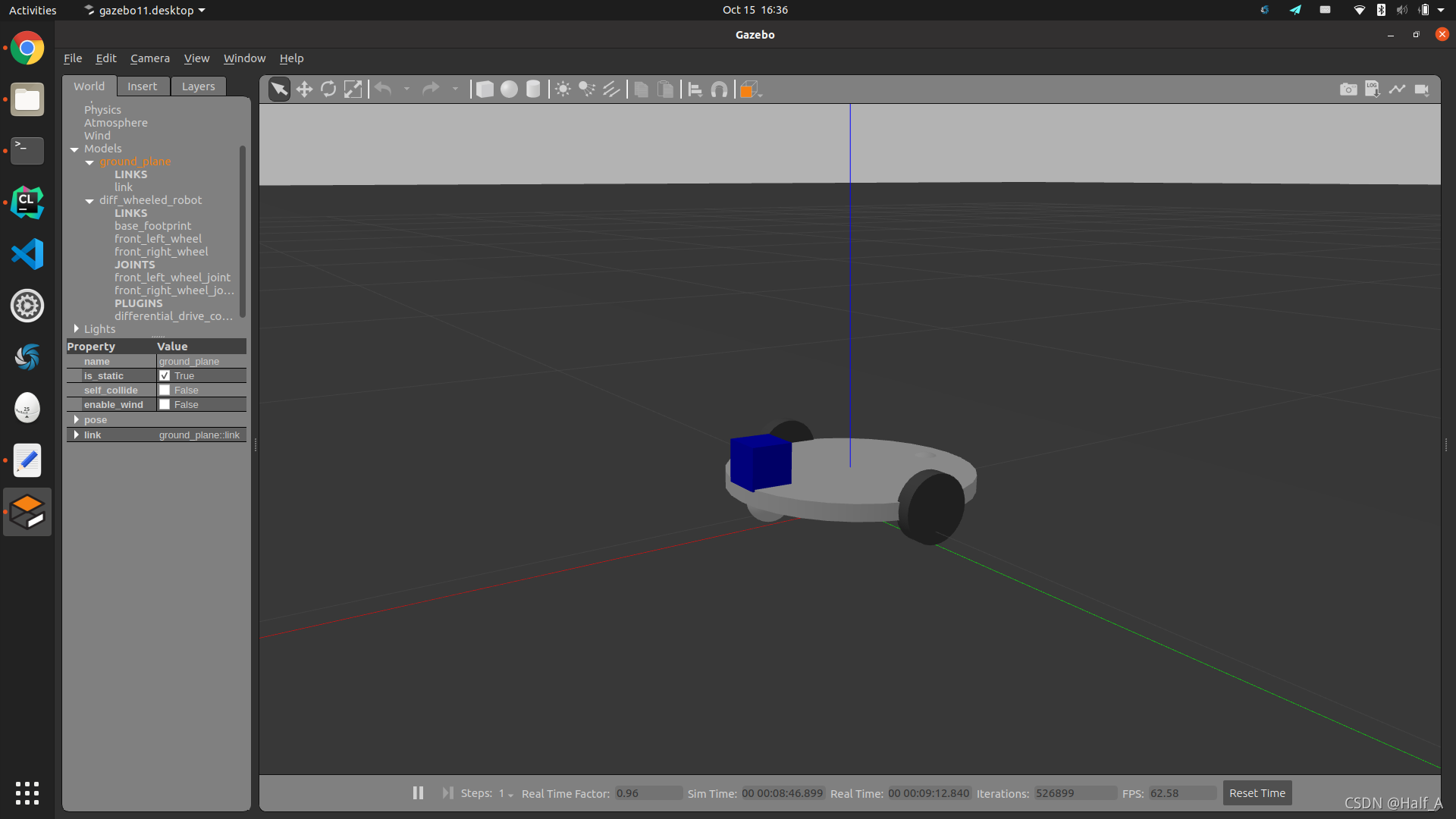
Use xacro description files to create a differential-drive robot model, simulate the model in Gazebo, then use the libgazebo_ros_diff_drive.so plugin to control the robot's motion, and finally implement keyboard control of the robot in the Gazebo environment.
Why create a three-dimensional robot model? Robot simulation tools can help us identify critical errors in a design. Model simulation means that we create a robot model, so it does not necessarily look exactly like the real robot. However, because it is a simulation, the model must include all the characteristics of the real hardware.
Starting with the creation of a workspace and package, this article explains the creation and compilation steps and provides a detailed summary of commonly used ROS commands. It then uses specific examples to explain in detail how to create nodes, services, launch files, and dynamic parameters, and demonstrates how they are used.
Rviz is a three-dimensional visualization tool that is highly compatible with robot platforms based on the ROS software framework. Rviz can graphically display robot sensor data, robot motion status, environmental information, and more.
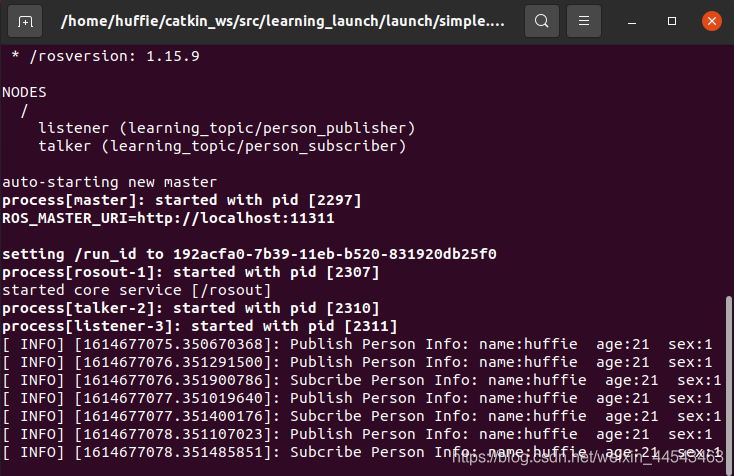
The functions of a laubch file are as follows: it configures and starts multiple nodes through an XML file. It can also start ROS Master automatically (so there is no need to run roscore separately).
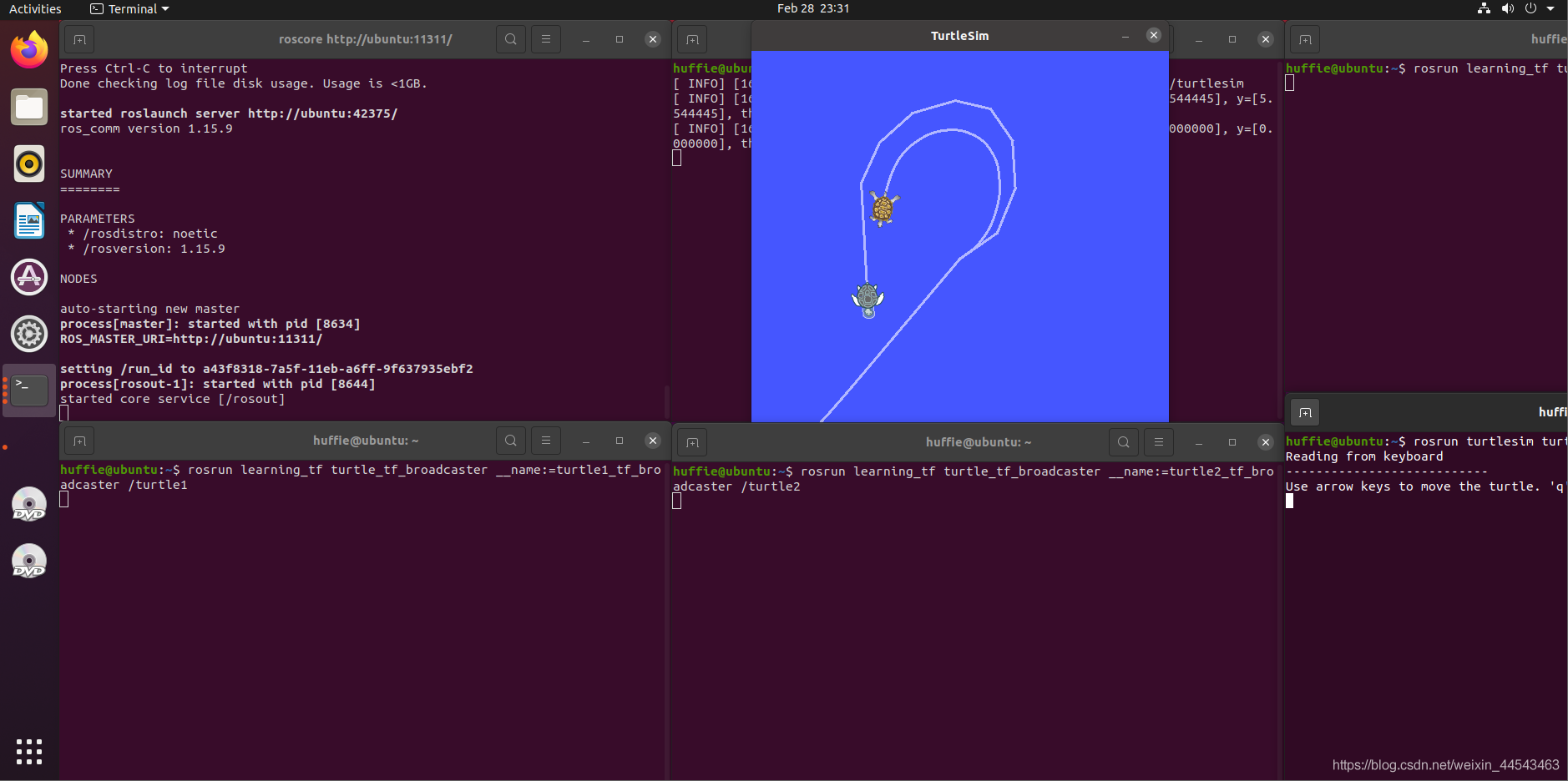
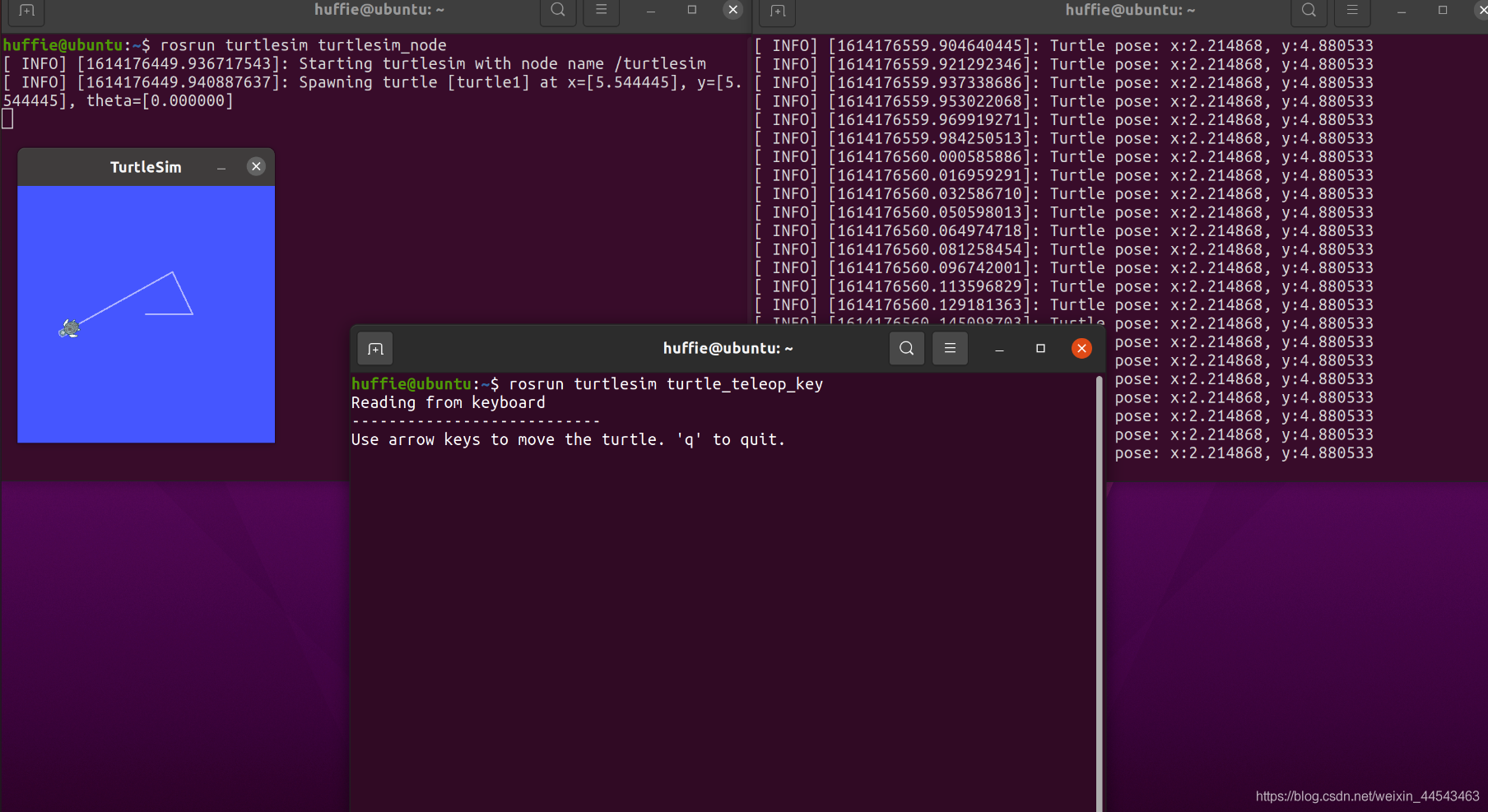
The TF package manages all coordinate frames. It keeps a ten-second history of the relationships among all frames and can show where a grasped object is relative to the robot's center frame.
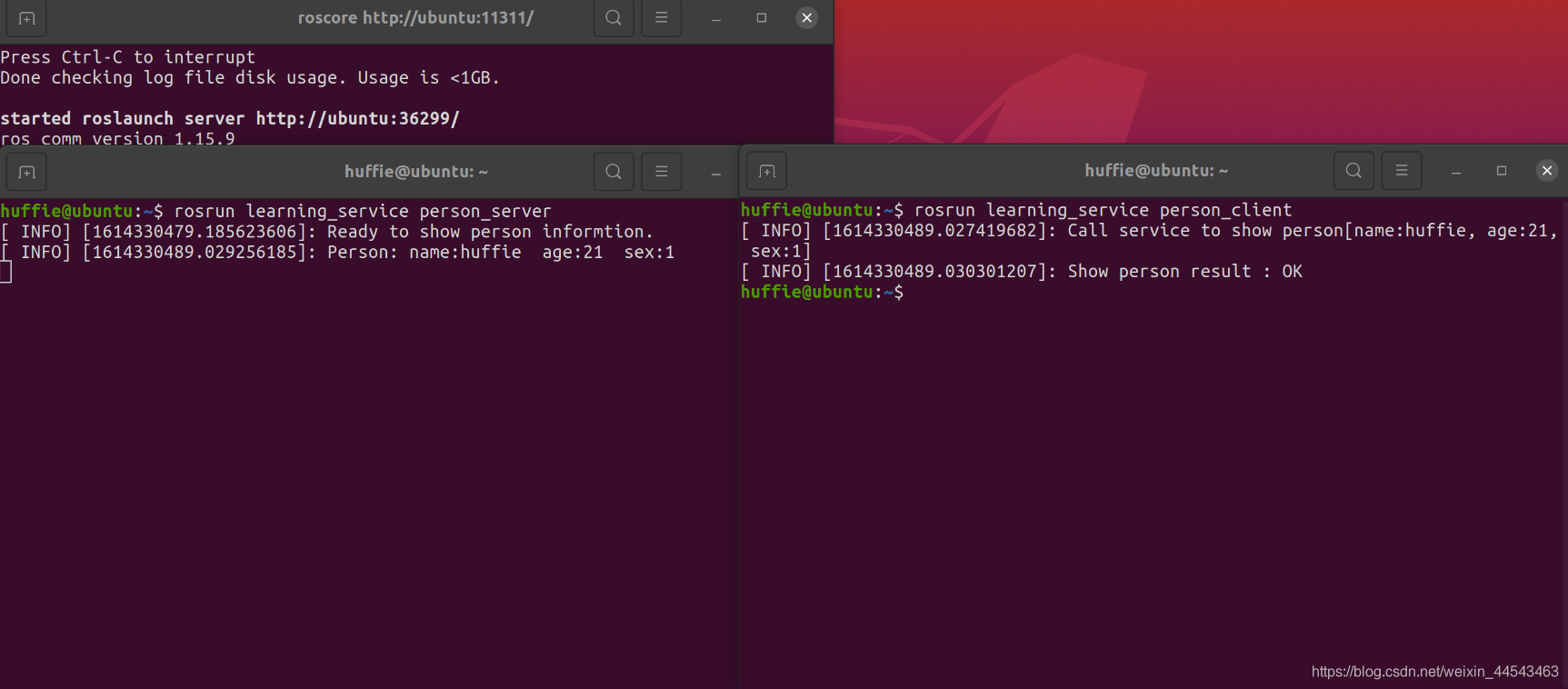
Each time the Client makes one Request, the Server sends data once. The data format is personal information such as name, gender, and so on.
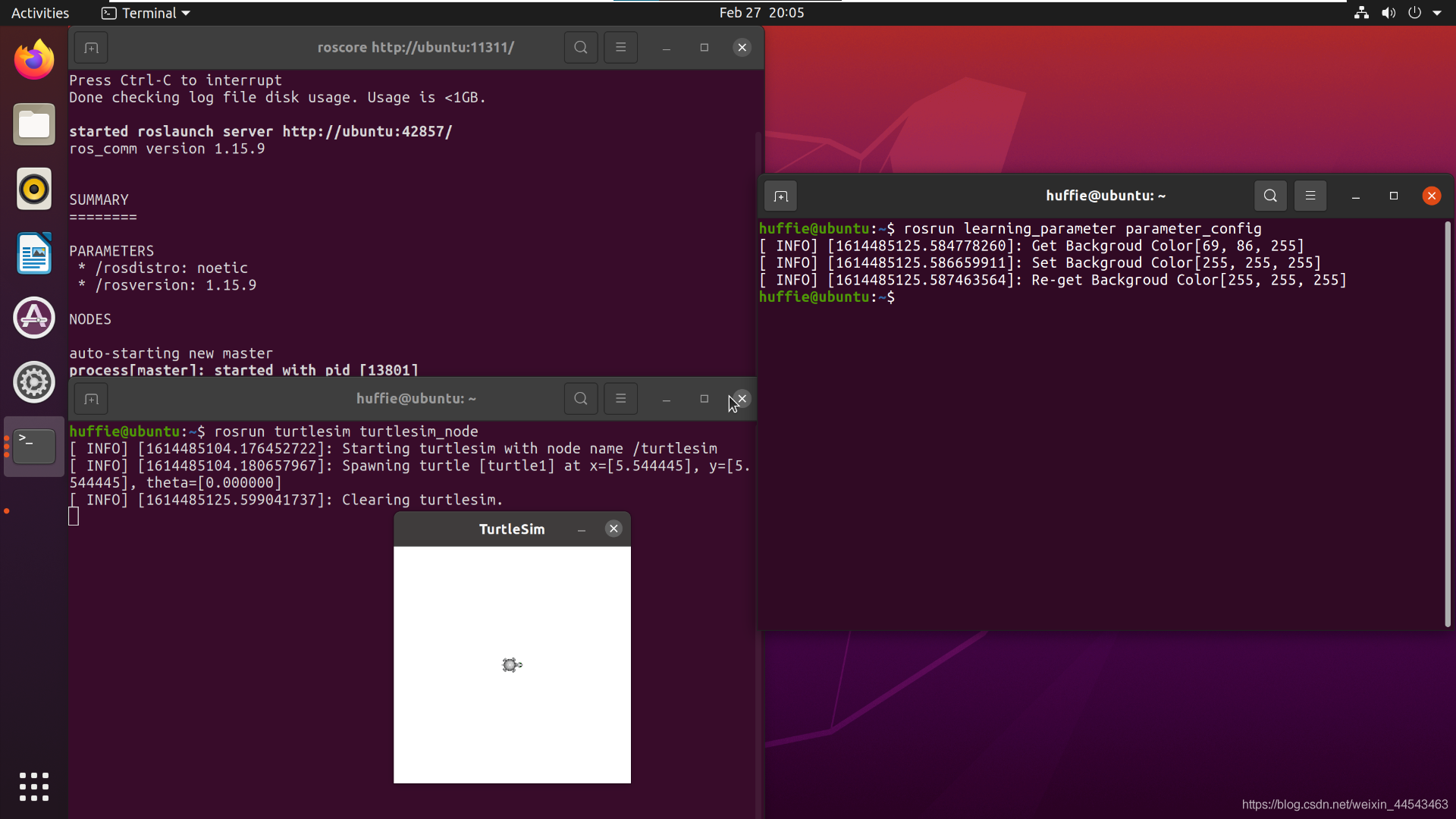
ROS Master includes a Parameter Server, which is a global dictionary that stores configuration parameters. These configuration parameters are globally accessible to all nodes.
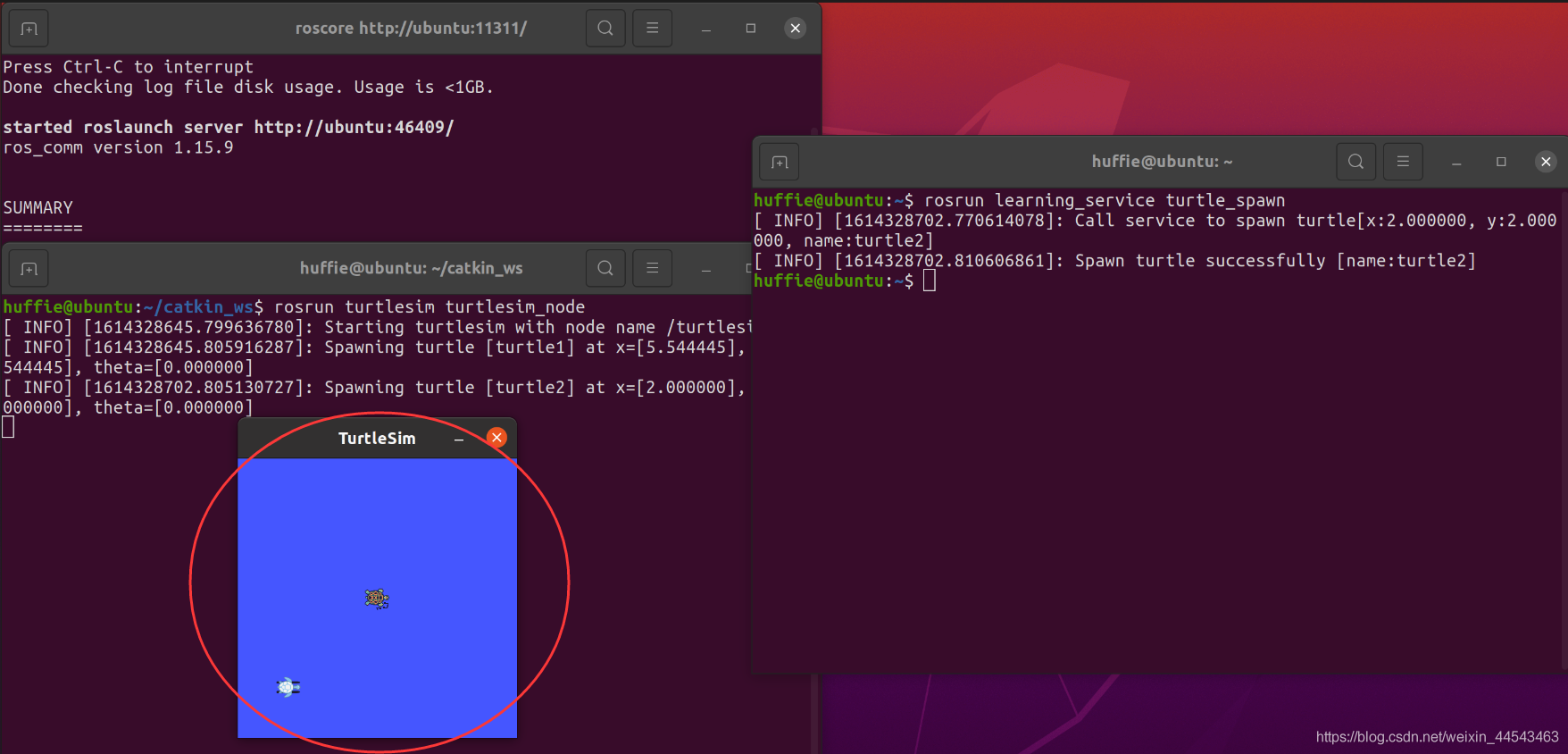
Send a service request programmatically. In other words, the client sends a request to the server to spawn a turtle, and the server returns the response to the client. Go back to the catkin_ws/src directory and create a package named learning_service.
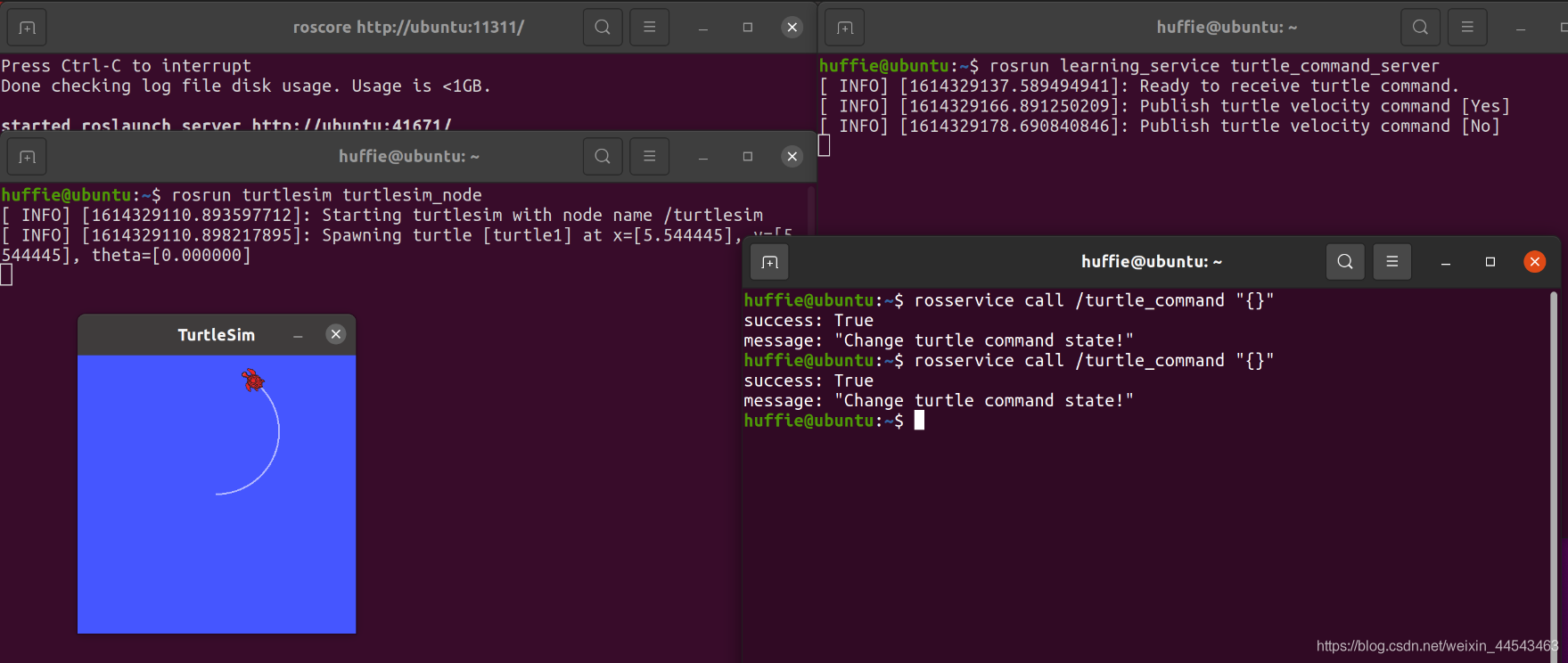
The server waits for a signal. Each time it receives a signal from the client, it toggles the turtle's motion state (moving → stopped, stopped → moving).
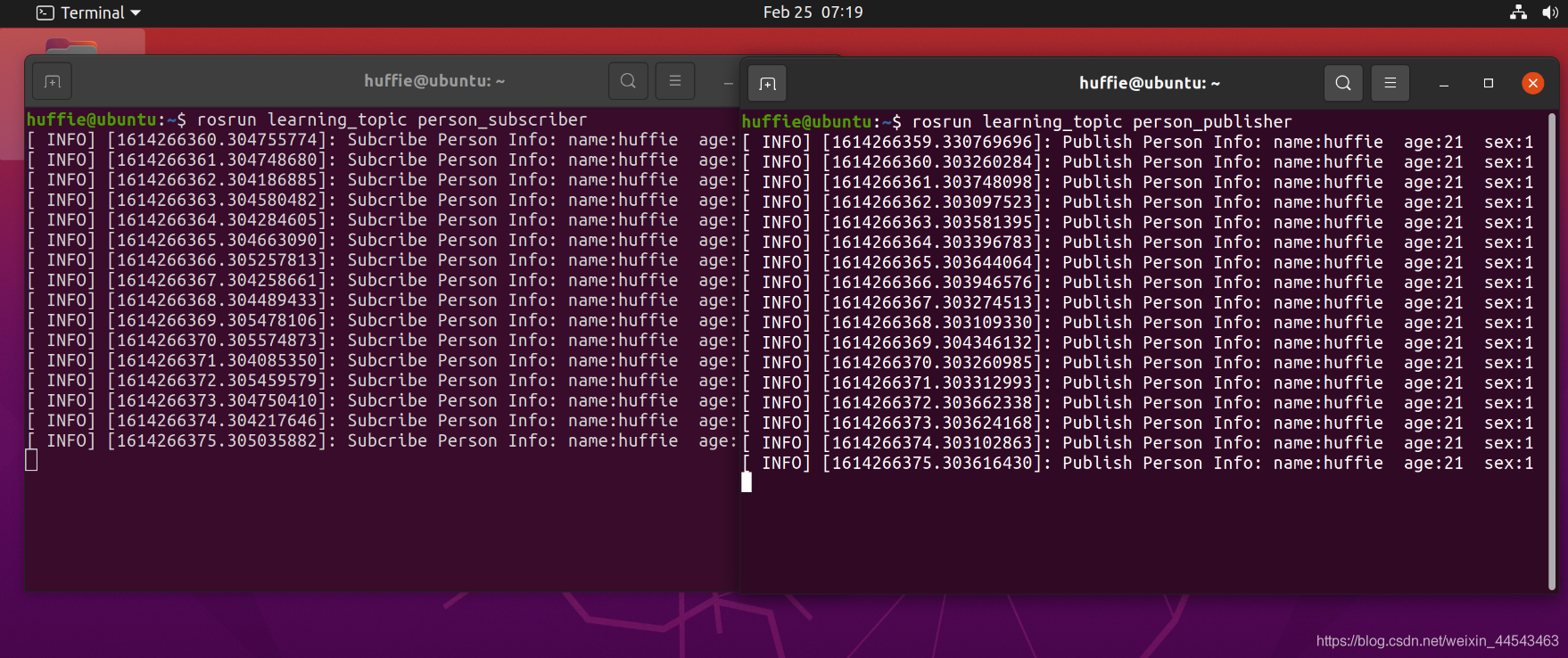
In ROS Master, you can publish and subscribe to predefined messages, such as information about a turtle's motion and pose. However, sometimes you need to define custom message types. The main objective of this section is to define a Person message containing personal information, publish it through a Publisher, and subscribe to it through a Subscriber.
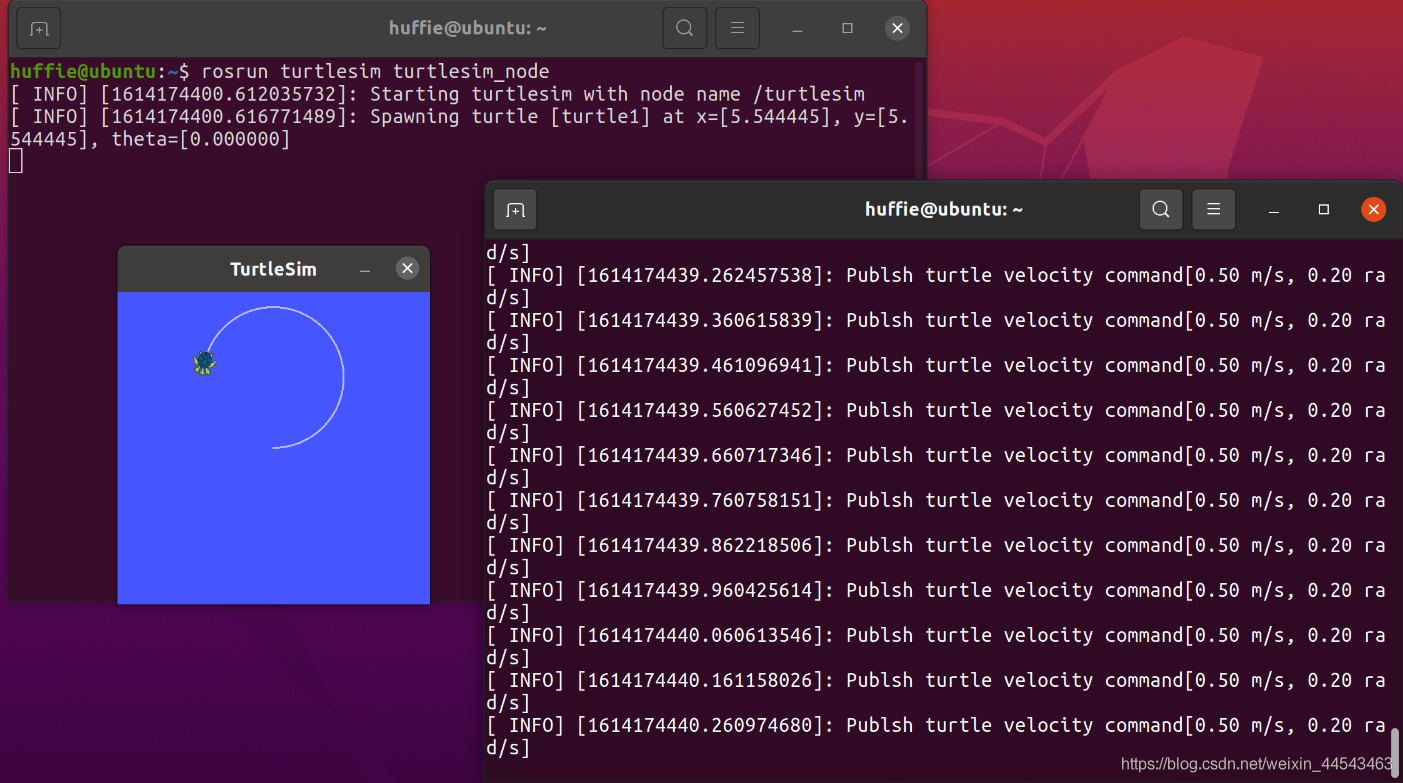
ROS Master contains two nodes: a Subscriber (turtlesim) and a Publisher. The Publisher is implemented in code to publish a Message containing linear velocity and angle. The Message is transmitted through a Topic channel to the Subscriber, thereby controlling the turtle's movement.
In ROS_Master, you can publish and subscribe to messages. ROS_Master contains two nodes: a Subscriber (turtlesim) and a Publisher. The Publisher publishes Messages programmatically. The Message content includes linear velocity and angle, and it is passed to the Subscriber through the Topic pipeline, thereby controlling the turtle's movement.
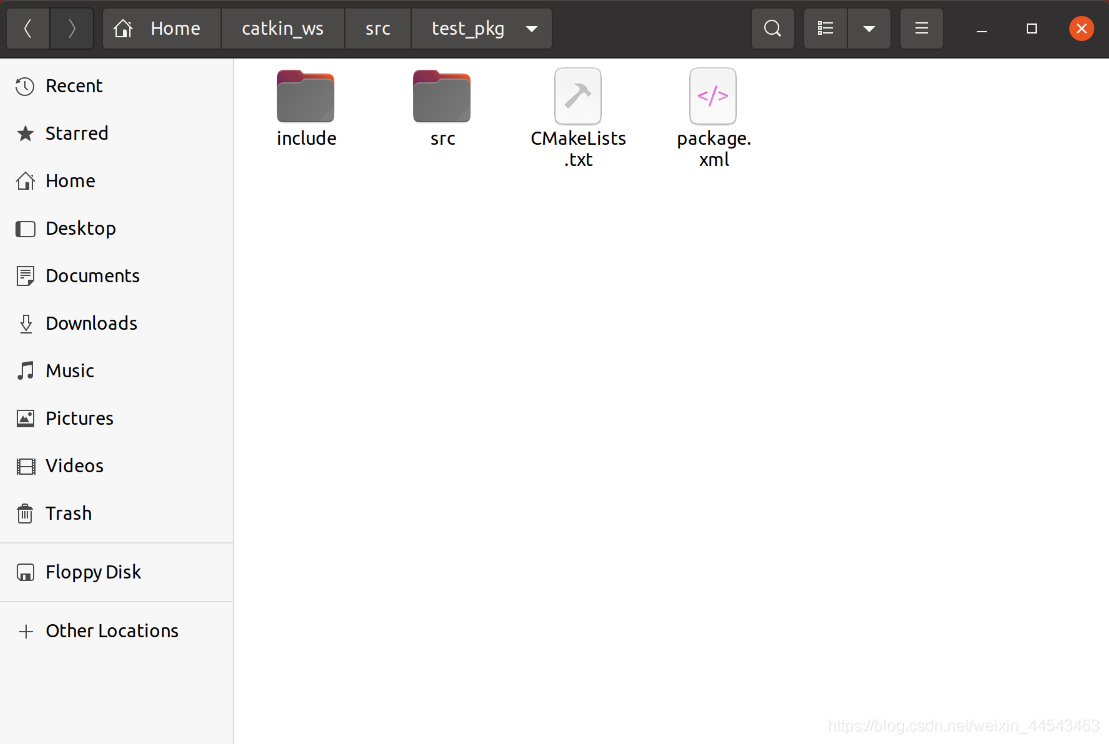
A workspace is a folder that holds project development files, similar to a project you create in an IDE on Windows. Folders in a workspace include …
roscore starts ROS Master and is the first command to run before starting a ROS system; rosrun runs a node in a package. It takes two arguments: the package name first and the node name second.
Add the ROS software repository: open Software & Updates and select the first four download options. Make sure all of them are checked, or dependency issues will occur during installation. Then run the following commands to add the software repository and public key.
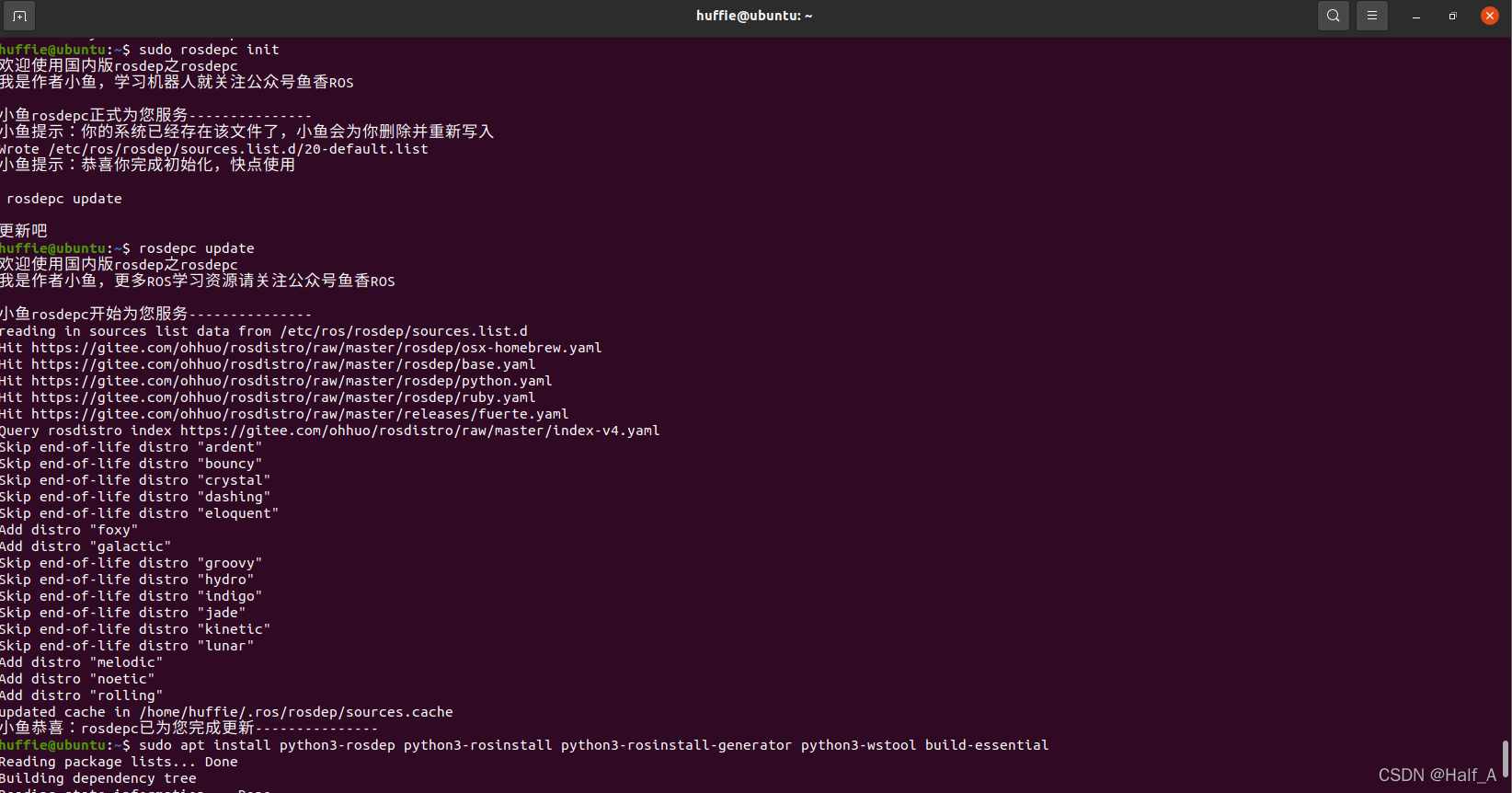
The ROS installation process is covered in my previous blog post, Installing ROS_Noetic on Ubuntu20.04. During installation, rosdep_init reports 【ERROR_cannot download_default_sources_list_from…Website_may_be down.】. rosdep_update always times out and cannot update. I finally found a reliable solution that works.