Contents
I. Goal
ROS Master contains two nodes: a Subscriber (turtlesim) and a Publisher. The Publisher is implemented in code to publish a Message containing linear velocity and angle. The Message is transmitted through a Topic channel to the Subscriber, thereby controlling the turtle’s movement.
II. Create a Package
First, create a workspace. For details, see the previous section, [ROS Study Notes] (II): Creating a Workspace and Package.
Then create a package.
cd ~/catkin_ws/src
catkin_create_pkg learning_topic roscpp rospy std_msgs geometry_msgs turtlesim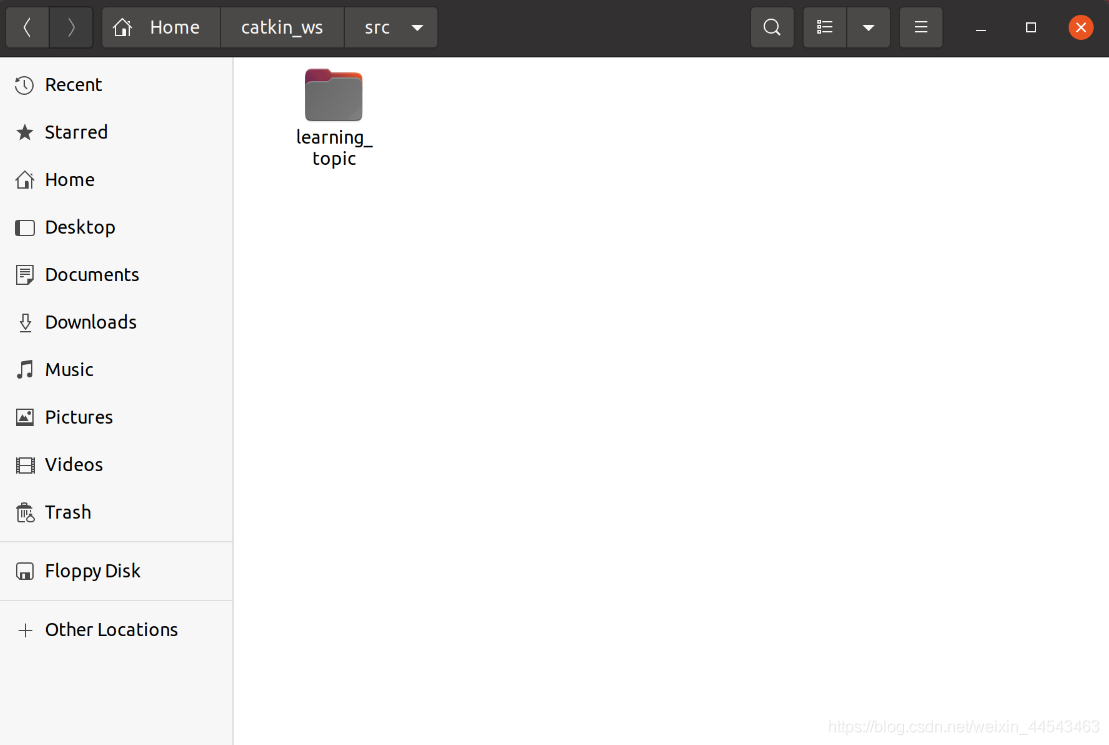
III. Create the Publisher Code
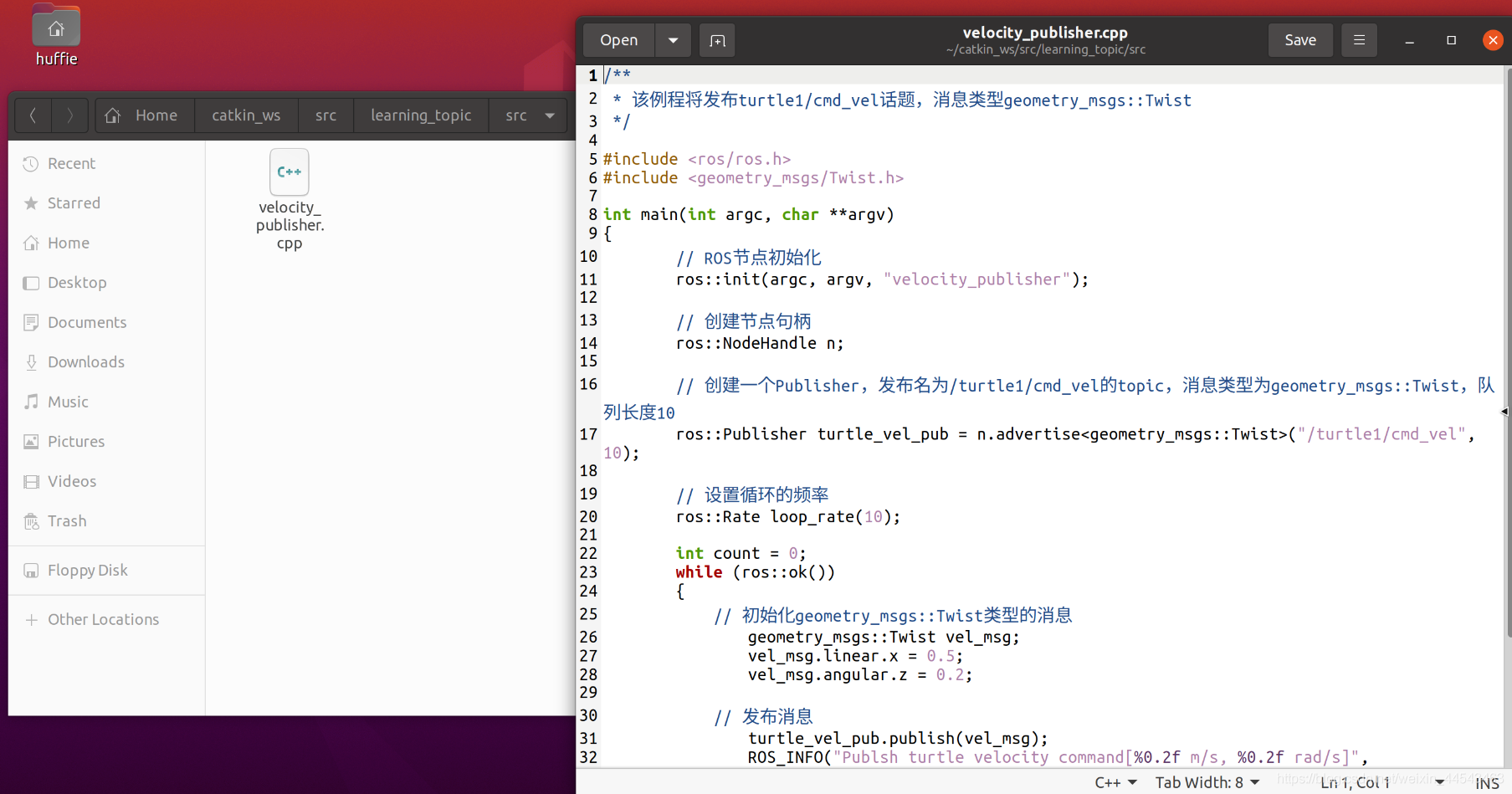
Go to the src folder of the package and create a cpp file (you can also create it directly in the graphical interface).
cd ~/catkin_ws/src/learning_topic/src
touch velocity_publisher.cpp
sudo gedit velocity_publisher.cpp
Enter the following code.
/**
 * 该例程将发布turtle1/cmd_vel话题,消息类型geometry_msgs::Twist
 */

#include <ros/ros.h>
#include <geometry_msgs/Twist.h>

int main(int argc, char **argv)
{
	// ROS节点初始化
	ros::init(argc, argv, "velocity_publisher");

	// 创建节点句柄
	ros::NodeHandle n;

	// 创建一个Publisher,发布名为/turtle1/cmd_vel的topic,消息类型为geometry_msgs::Twist,队列长度10
	ros::Publisher turtle_vel_pub = n.advertise<geometry_msgs::Twist>("/turtle1/cmd_vel", 10);

	// 设置循环的频率
	ros::Rate loop_rate(10);

	int count = 0;
	while (ros::ok())
	{
	    // 初始化geometry_msgs::Twist类型的消息
		geometry_msgs::Twist vel_msg;
		vel_msg.linear.x = 0.5;
		vel_msg.angular.z = 0.2;

	    // 发布消息
		turtle_vel_pub.publish(vel_msg);
		ROS_INFO("Publsh turtle velocity command[%0.2f m/s, %0.2f rad/s]",
				vel_msg.linear.x, vel_msg.angular.z);

	    // 按照循环频率延时
	    loop_rate.sleep();
	}

	return 0;
}
IV. Configure the Build Rules for the Publisher Code
-
Specify the code to compile and the executable to generate
-
Specify the library to link
In the Build section of Learning_topic/CMakeList.txt (above Install), add the following code:
add_executable(velocity_publisher src/velocity_publisher.cpp)	#描述要把哪个程序文件编译成哪个可执行文件
target_link_libraries(velocity_publisher ${catkin_LIBRARIES})	#把可执行文件和库做链接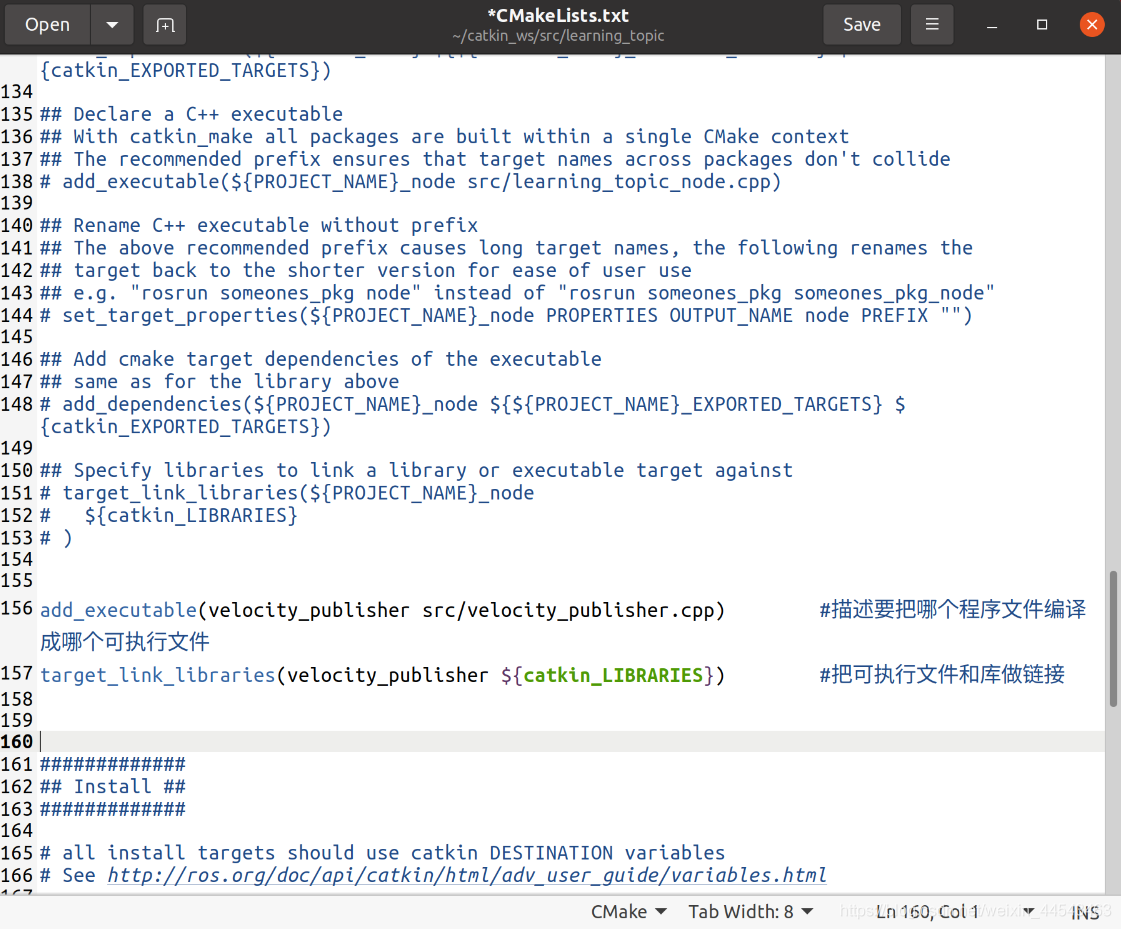
V. Compile and Run the Publisher
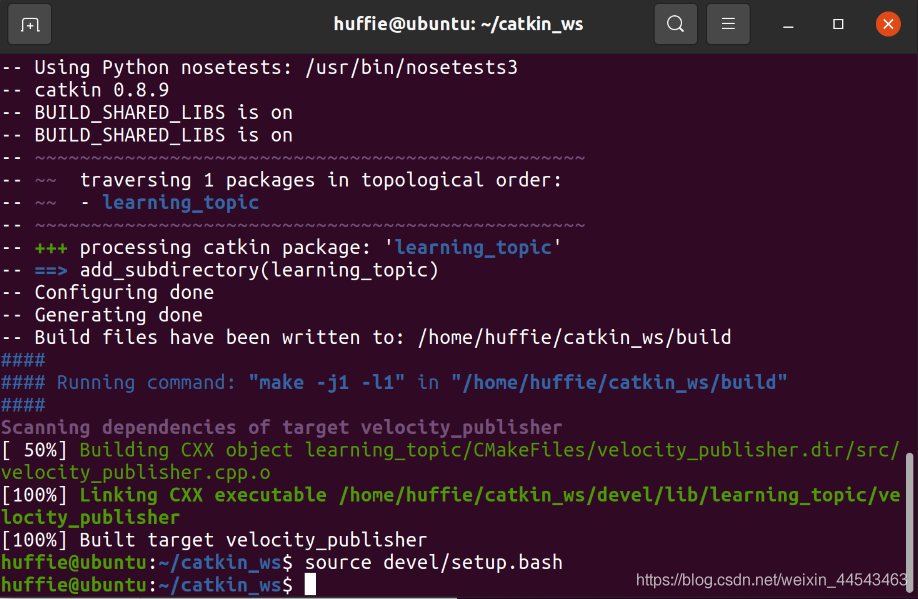
1. Compile
cd ~/catkin_ws
catkin_make
source devel/setup.bash
You can add the source statement to the end of
~/.bashrc. This way, you do not need to enter the source command in the terminal every time to create the environment variables (replace the username in the path with your own).source /home/【Username】/catkin_ws/devel/setup.bash
2. Run
roscore
rosrun turtlesim turtlesim_node
rosrun learning_topic velocity_publisher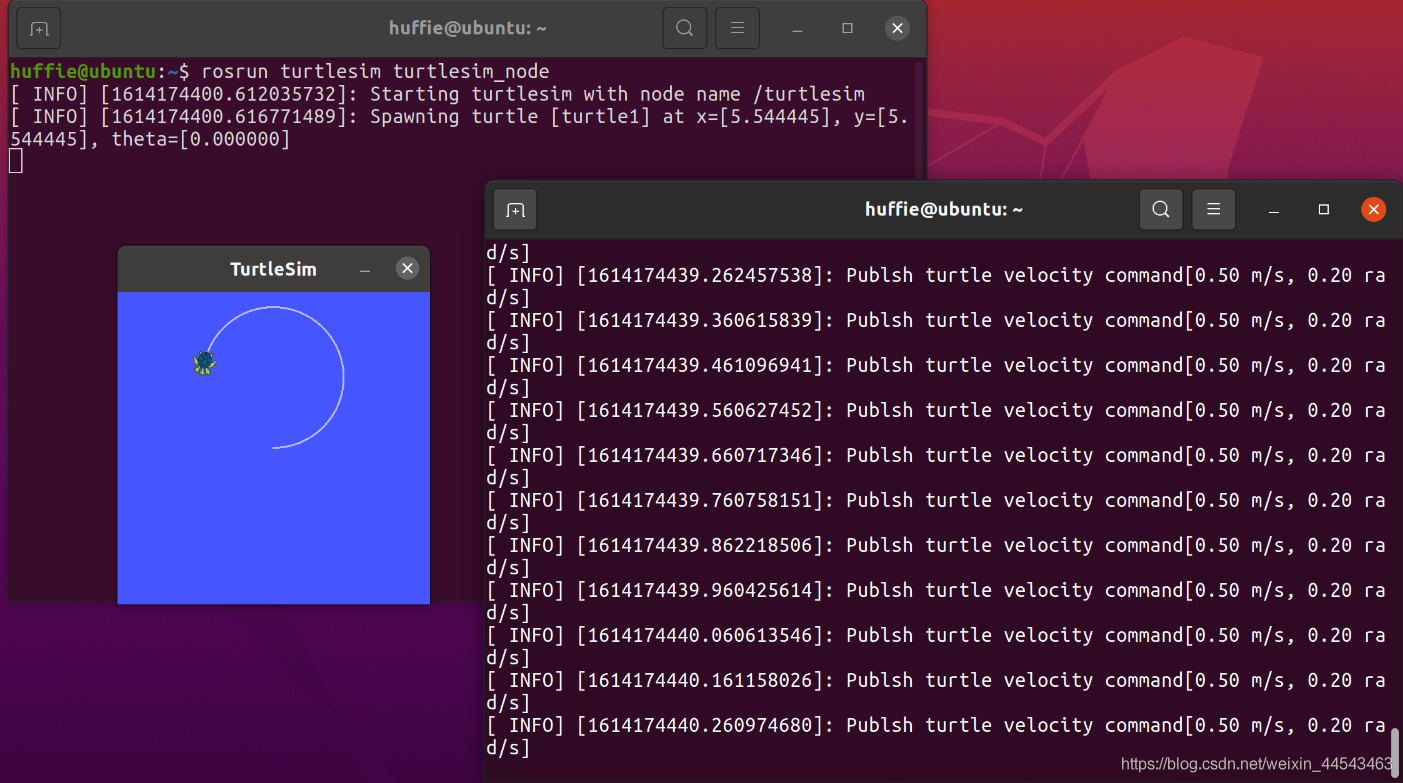
Reference tutorial: Guyue’s 21-Lecture Introduction to ROS GitHub: https://github.com/guyuehome/ros_21_tutorials Bilibili: https://www.bilibili.com/video/BV1zt411G7Vn
Comments