Contents
- I. Objective
- II. Custom Topic Messages
- 1. Define the msg File
- 2. Add Package Dependencies to package.xml
- 3. Add Build Options to CMakeLists.txt
- 4. Compile to Generate the Relevant Files
- III. Create the Publisher
- IV. Create the Subscriber
- V. Configure the Build Rules for the Publisher and Subscriber Code
- VI. Compile and Run
I. Objective
In ROS Master, you can publish and subscribe to predefined messages, such as information about a turtle’s motion and pose. However, sometimes you need to define custom message types.
The main objective of this section is to define a Person message containing personal information, have a Publisher publish it, and have a Subscriber subscribe to it.
II. Custom Topic Messages
1. Define the msg File
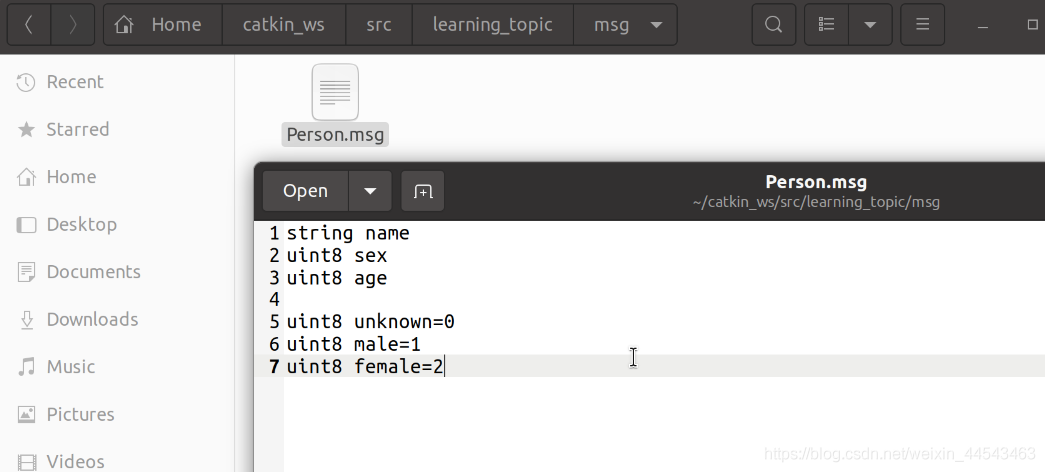
In the learning_topic package, create a new folder named msg, then create a Person.msg file in it and add the following code:
string name
uint8 sex
uint8 age

uint8 unknown=0
uint8 male=1
uint8 female=2
Note: uint8 and string need to be expanded into the corresponding formats in different programs, so some configuration is required first.
2. Add Package Dependencies to package.xml
Add the following code near the end of the file:
<build_depend>message_generation</build_depend><exec_depend>message_runtime</exec_depend>build_depend is a build dependency on a package that dynamically generates messages.
exec_depend is a runtime dependency on the message runtime package.

3. Add Build Options to CMakeLists.txt
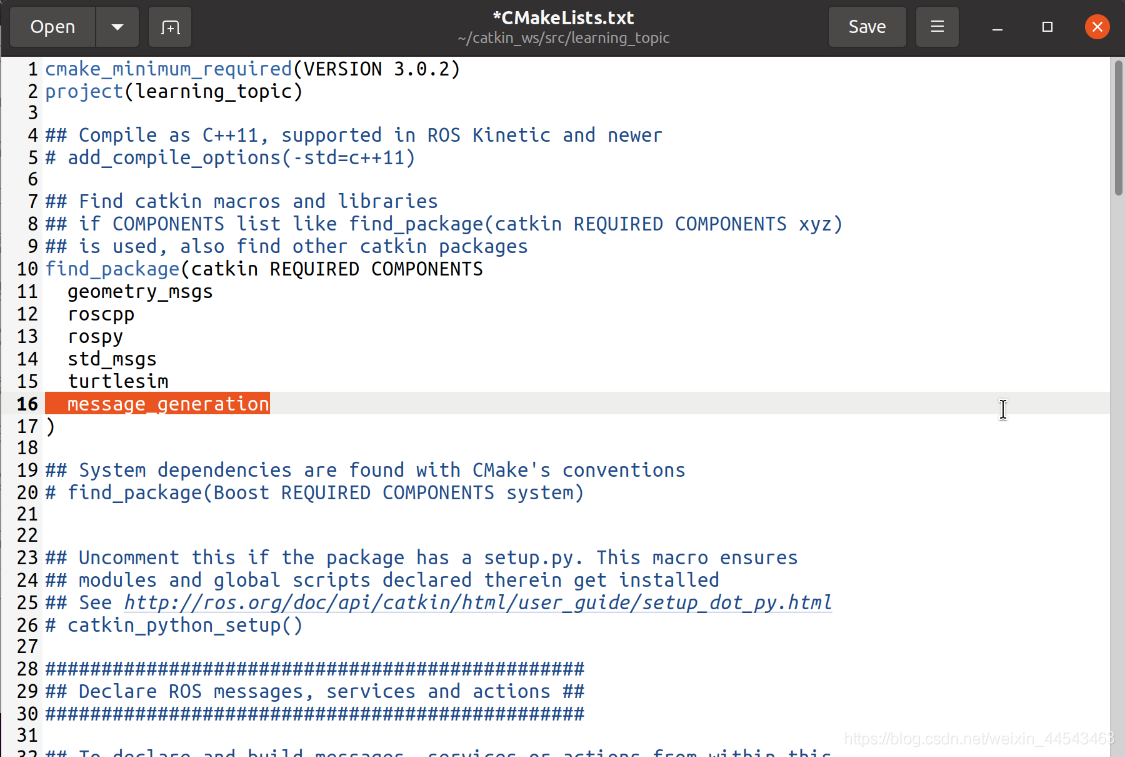
First, add a statement inside find_package to include the dependent package:
find_package(catkin REQUIRED COMPONENTS
  geometry_msgs
  roscpp
  rospy
  std_msgs
  turtlesim
  message_generation
)
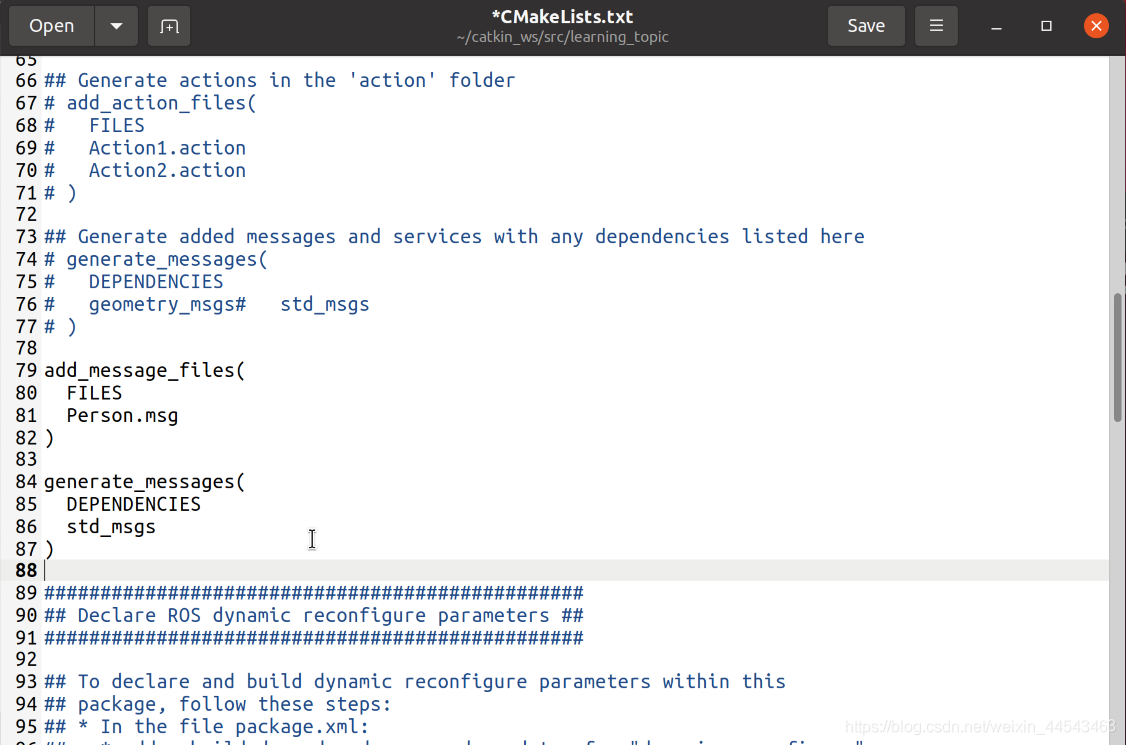
Then add the following below this function:
add_message_files(
  FILES
  Person.msg
)

generate_messages(
  DEPENDENCIES
  std_msgs
)
add_message_files uses Person.msg as the defined interface.
generate_messages specifies the package dependencies required when compiling the Person.msg file.
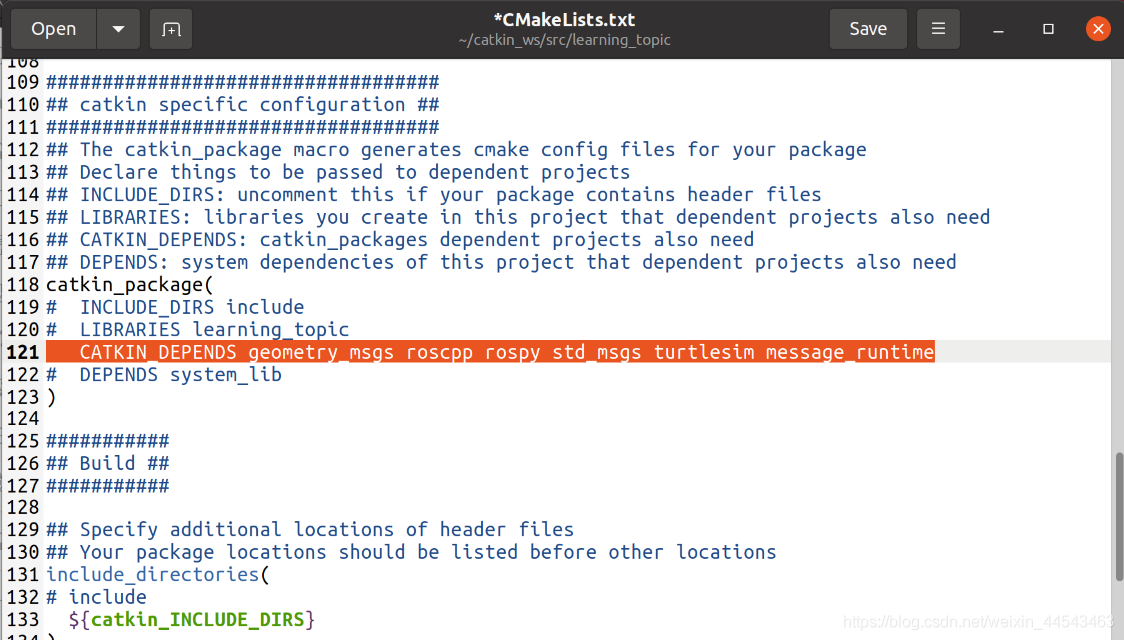
Next, under catkin specific configuration, update catkin_packages by adding its message_runtime dependency. The modified code is as follows:
catkin_package(
#  INCLUDE_DIRS include
#  LIBRARIES learning_topic
   CATKIN_DEPENDS geometry_msgs roscpp rospy std_msgs turtlesim message_runtime
#  DEPENDS system_lib
)
4. Compile to Generate the Relevant Files
cd ~/catkin_ws
catkin_make
III. Create the Publisher
In the ~/catkin_ws/src/learning_topic/src folder, create a person_publisher.cpp file with the following content:
/**
 * 该例程将发布/person_info话题,自定义消息类型learning_topic::Person
 REFERENC:www.guyuehome.com.
 */

#include <ros/ros.h>
#include "learning_topic/Person.h"

int main(int argc, char **argv)
{
    // ROS节点初始化
    ros::init(argc, argv, "person_publisher");

    // 创建节点句柄
    ros::NodeHandle n;

    // 创建一个Publisher,发布名为/person_info的topic,消息类型为learning_topic::Person,队列长度10
    ros::Publisher person_info_pub = n.advertise<learning_topic::Person>("/person_info", 10);

    // 设置循环的频率
    ros::Rate loop_rate(1);

    int count = 0;
    while (ros::ok())
    {
        // 初始化learning_topic::Person类型的消息
    	learning_topic::Person person_msg;
		person_msg.name = "huffie";
		person_msg.age  = 21;
		person_msg.sex  = learning_topic::Person::male;

        // 发布消息
		person_info_pub.publish(person_msg);

       	ROS_INFO("Publish Person Info: name:%s  age:%d  sex:%d",
				  person_msg.name.c_str(), person_msg.age, person_msg.sex);

        // 按照循环频率延时
        loop_rate.sleep();
    }

    return 0;
}
IV. Create the Subscriber
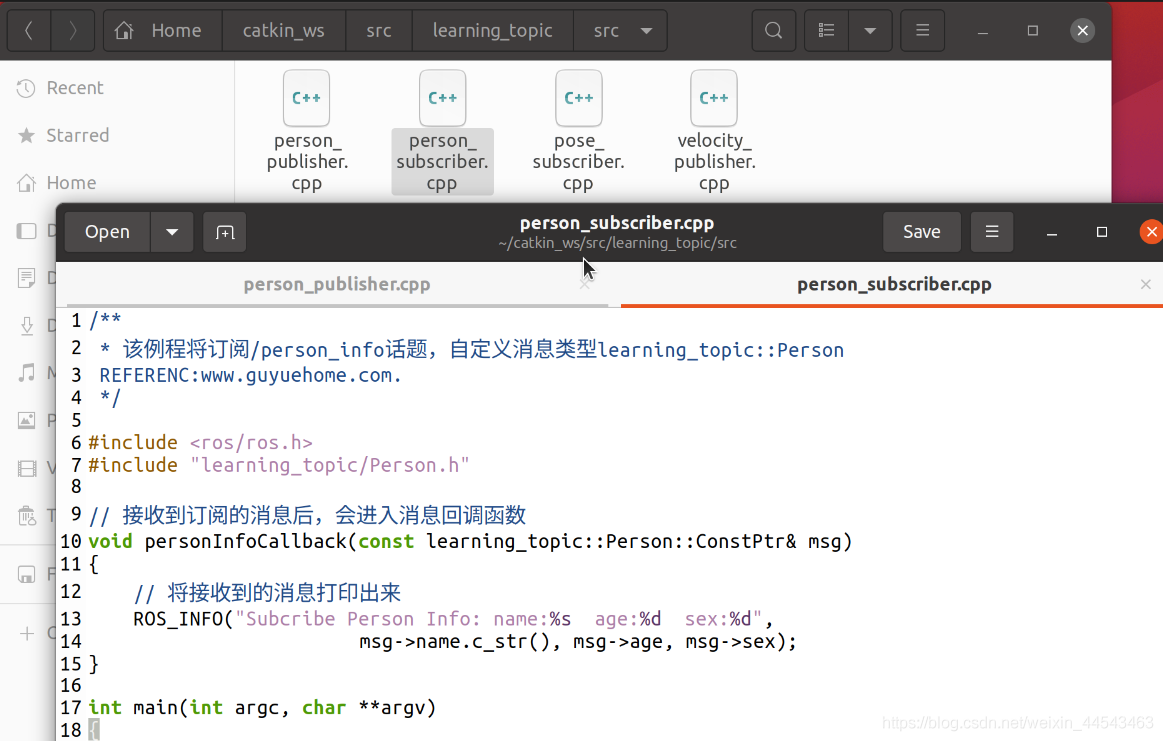
In the ~/catkin_ws/src/learning_topic/src folder, create a person_subscriber.cpp file with the following content:
/**
 * 该例程将订阅/person_info话题,自定义消息类型learning_topic::Person
 REFERENC:www.guyuehome.com.
 */

#include <ros/ros.h>
#include "learning_topic/Person.h"

// 接收到订阅的消息后,会进入消息回调函数
void personInfoCallback(const learning_topic::Person::ConstPtr& msg)
{
    // 将接收到的消息打印出来
    ROS_INFO("Subcribe Person Info: name:%s  age:%d  sex:%d",
			 msg->name.c_str(), msg->age, msg->sex);
}

int main(int argc, char **argv)
{
    // 初始化ROS节点
    ros::init(argc, argv, "person_subscriber");

    // 创建节点句柄
    ros::NodeHandle n;

    // 创建一个Subscriber,订阅名为/person_info的topic,注册回调函数personInfoCallback
    ros::Subscriber person_info_sub = n.subscribe("/person_info", 10, personInfoCallback);

    // 循环等待回调函数
    ros::spin();

    return 0;
}
V. Configure the Build Rules for the Publisher and Subscriber Code
In the CMakeLists.txt file, add the following code to the build section:
add_executable(person_publisher src/person_publisher.cpp)
target_link_libraries(person_publisher ${catkin_LIBRARIES})
add_dependencies(person_publisher ${PROJECT_NAME}_generate_messages_cpp)

add_executable(person_subscriber src/person_subscriber.cpp)
target_link_libraries(person_subscriber ${catkin_LIBRARIES})
add_dependencies(person_subscriber ${PROJECT_NAME}_generate_messages_cpp)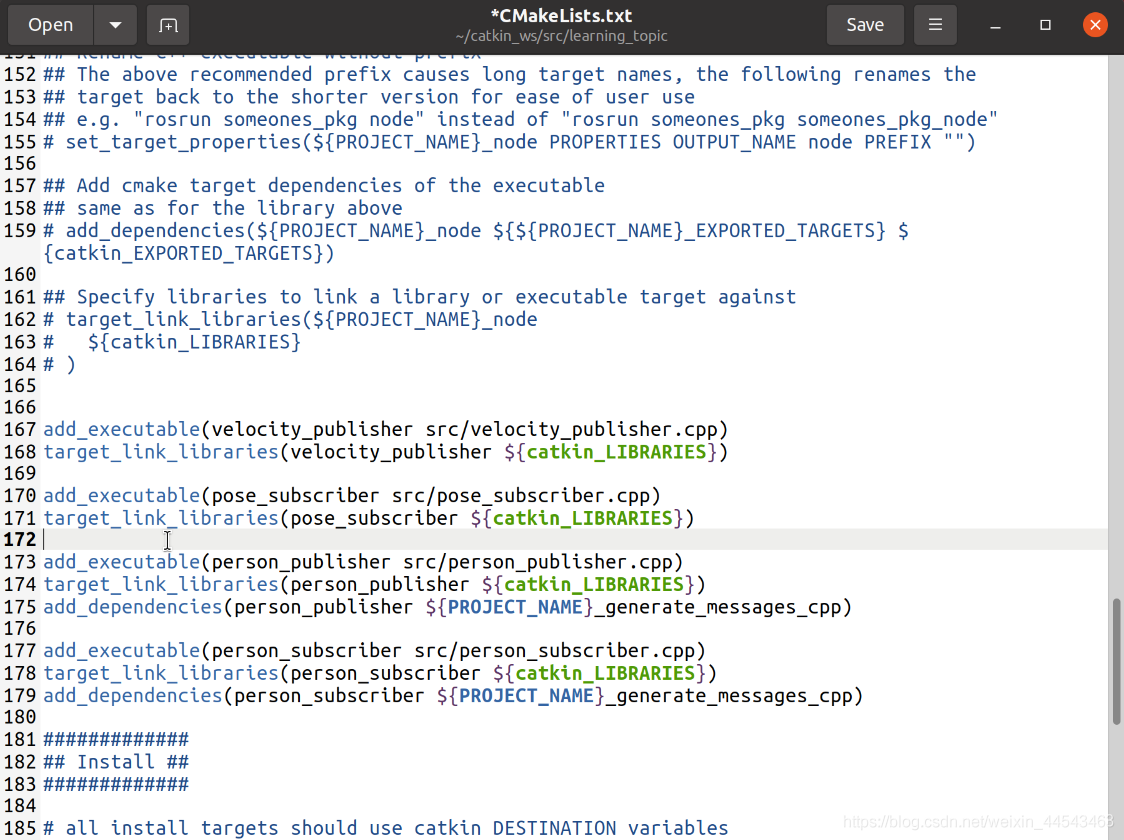
VI. Compile and Run
First, compile the package by returning to the main directory:
cd ~/catkin_ws
catkin_make
Run roscore:
roscoreRun the Subscriber:
rosrun learning_topic person_subscriberRun the Publisher:
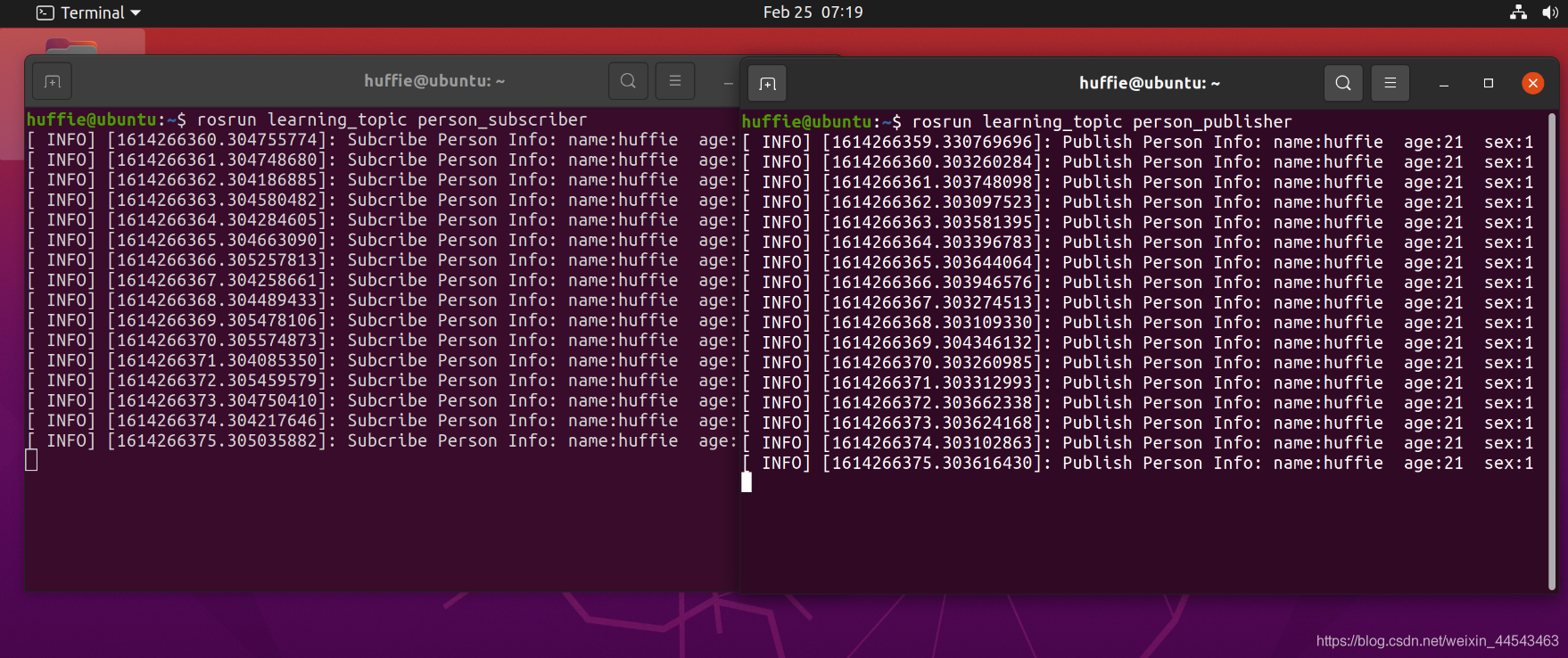
rosrun learning_topic person_PublisherYou can see the Publisher publishing personal information and the Subscriber receiving it.
Comments