Contents
I. Objective
The server waits for a signal. Each time it receives a signal from the client, it toggles the turtle’s motion state (moving → stopped, stopped → moving).
II. Create the Server Code
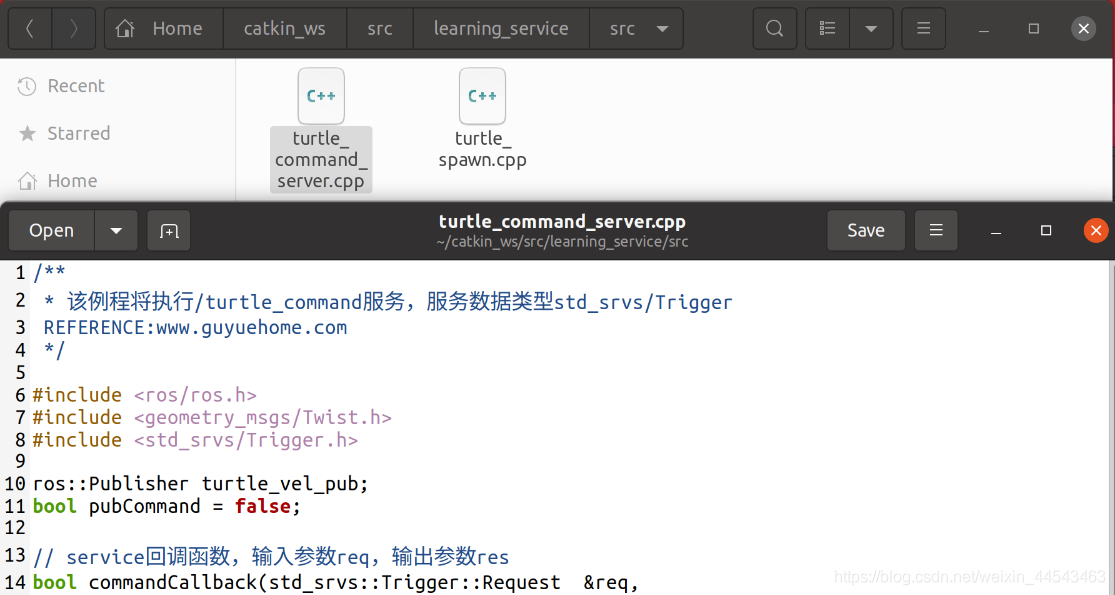
In the ~/catkin_ws/src/learning_service/src directory, create a file named turtle_command_server.cpp.
/**
 * 该例程将执行/turtle_command服务,服务数据类型std_srvs/Trigger
 REFERENCE:www.guyuehome.com
 */

#include <ros/ros.h>
#include <geometry_msgs/Twist.h>
#include <std_srvs/Trigger.h>

ros::Publisher turtle_vel_pub;
bool pubCommand = false;

// service回调函数,输入参数req,输出参数res
bool commandCallback(std_srvs::Trigger::Request  &req,
         			std_srvs::Trigger::Response &res)
{
	pubCommand = !pubCommand;

    // 显示请求数据
    ROS_INFO("Publish turtle velocity command [%s]", pubCommand==true?"Yes":"No");

	// 设置反馈数据
	res.success = true;
	res.message = "Change turtle command state!";

    return true;
}

int main(int argc, char **argv)
{
    // ROS节点初始化
    ros::init(argc, argv, "turtle_command_server");

    // 创建节点句柄
    ros::NodeHandle n;

    // 创建一个名为/turtle_command的server,注册回调函数commandCallback
    ros::ServiceServer command_service = n.advertiseService("/turtle_command", commandCallback);

	// 创建一个Publisher,发布名为/turtle1/cmd_vel的topic,消息类型为geometry_msgs::Twist,队列长度10
	turtle_vel_pub = n.advertise<geometry_msgs::Twist>("/turtle1/cmd_vel", 10);

    // 循环等待回调函数
    ROS_INFO("Ready to receive turtle command.");

	// 设置循环的频率
	ros::Rate loop_rate(10);

	while(ros::ok())
	{
		// 查看一次回调函数队列
    	ros::spinOnce();

		// 如果标志为true,则发布速度指令
		if(pubCommand)
		{
			geometry_msgs::Twist vel_msg;
			vel_msg.linear.x = 0.5;
			vel_msg.angular.z = 0.2;
			turtle_vel_pub.publish(vel_msg);
		}

		//按照循环频率延时
	    loop_rate.sleep();
	}

    return 0;
}
Implementation process:
- Initialize the ROS node
- Create a server instance
- Wait for service requests in a loop and invoke the callback function
- Process the service request in the callback function and return response data
III. Configure the Build Rules for the Server Code
Open the learning_service package’s CMakeLists.txt and add the following code in the area shown.
add_executable(turtle_command_server src/turtle_command_server.cpp)
target_link_libraries(turtle_command_server ${catkin_LIBRARIES})
This compiles turtle_command_server.cpp into the turtle_command_server executable and links the required libraries.

IV. Compile and Run
Compile the server:
cd ~/catkin_ws
cadkin_make
Load the environment variables (if .bashrc already contains the added environment variables, you do not need to perform this step again):
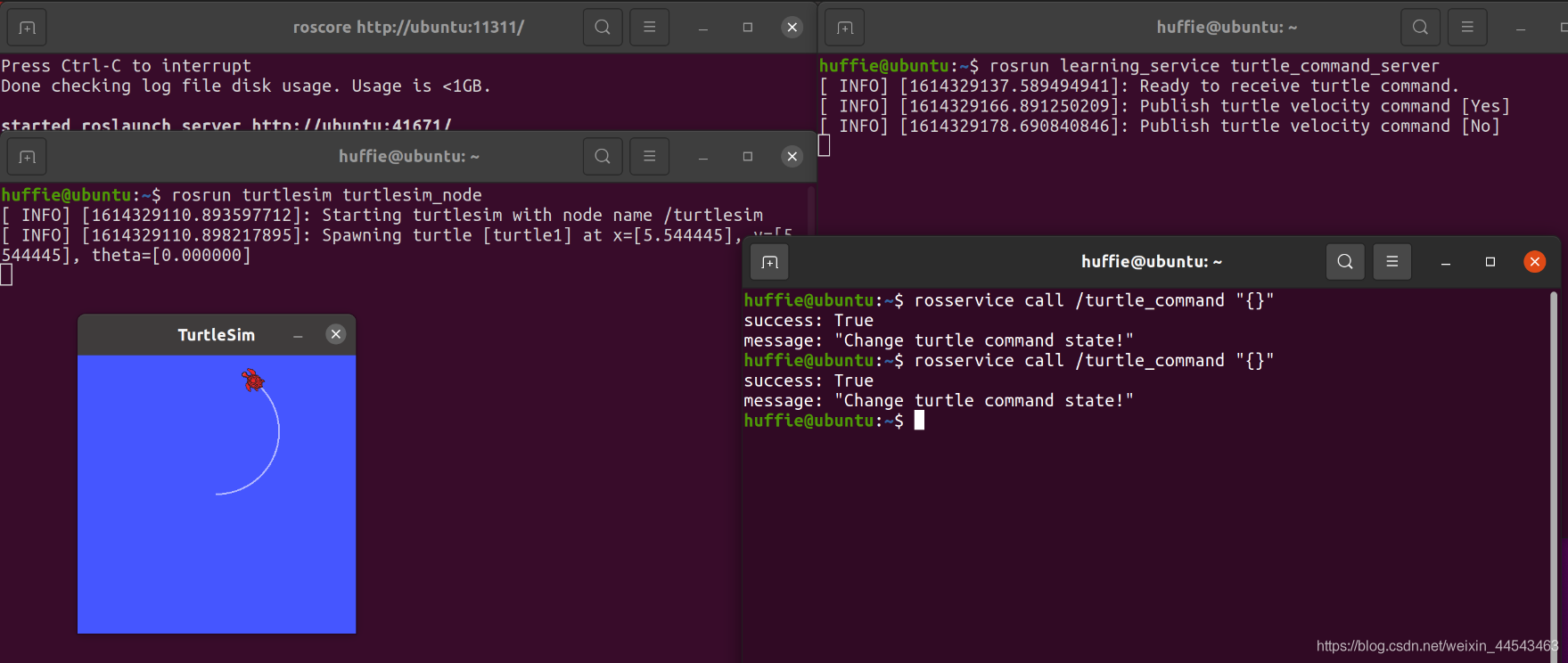
source devel/setup.bashThen run the following commands (launch each of the following three lines in a separate terminal):
roscore
rosrun turtlesim turtlesim_node
rosrun learning_service turtle_command_server
Open another terminal and enter rosservice call /turtle_command+空格+两次Tab to send a signal. The turtle starts moving; send the same signal again, and the turtle stops.
Comments