Installing Ubuntu20.04 on a Raspberry Pi 4B
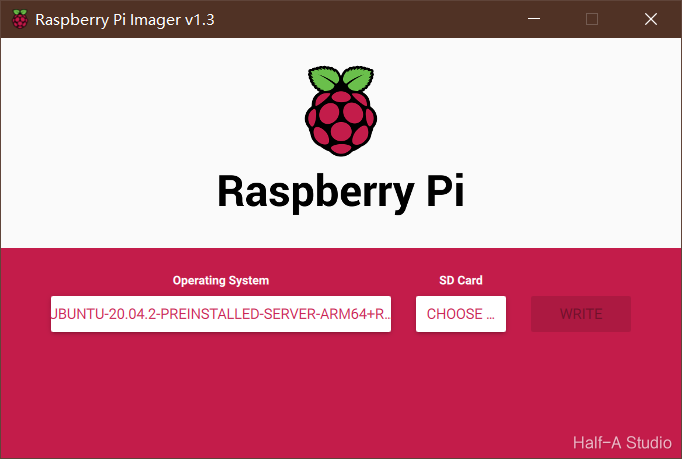
Go to the official Ubuntu website and download the Ubuntu installation package for Raspberry Pi. Use DiskGenius to format the SD card, delete all sectors, and then format it. Download the official imaging tool, select the .xz file you just downloaded as the image, select your SD card, and write the image. Then configure the Ubuntu environment...