Baidu Netdisk link: https://pan.baidu.com/s/1gyiFn5nOdPkLdp-1kRwwHA Extraction code: labv
Before installation, create a new folder for the LabVIEW installation path. It is best not to install it in the root directory of a drive.
- Download and extract the LabVIEW 2018 installation package, then run the installer.

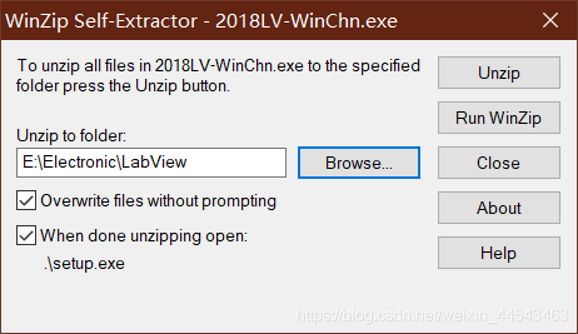
- Select the path where the installer files will be extracted, then click Unzip.
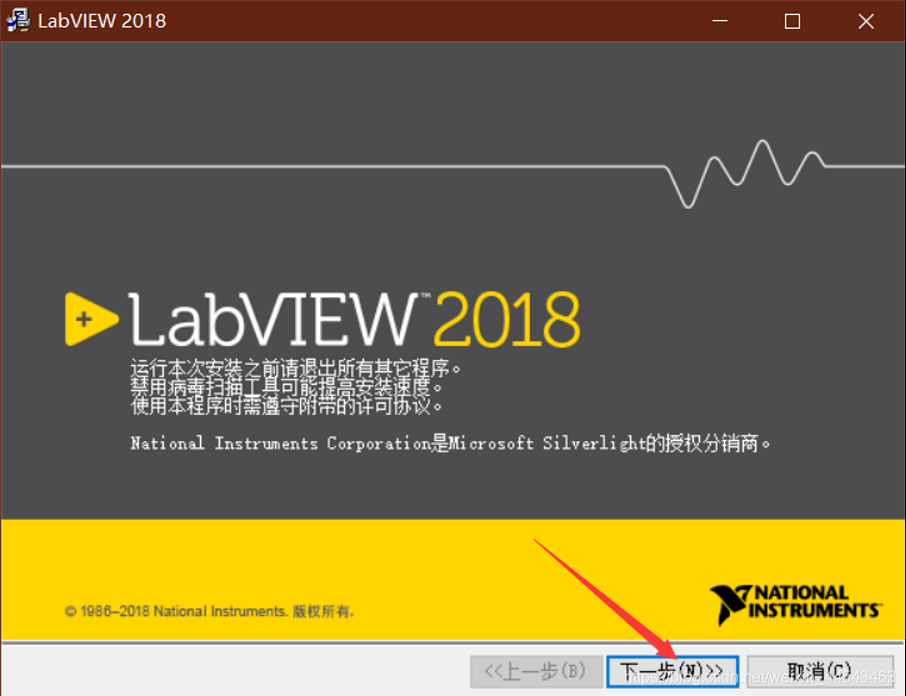
- Start the installation and click Next.
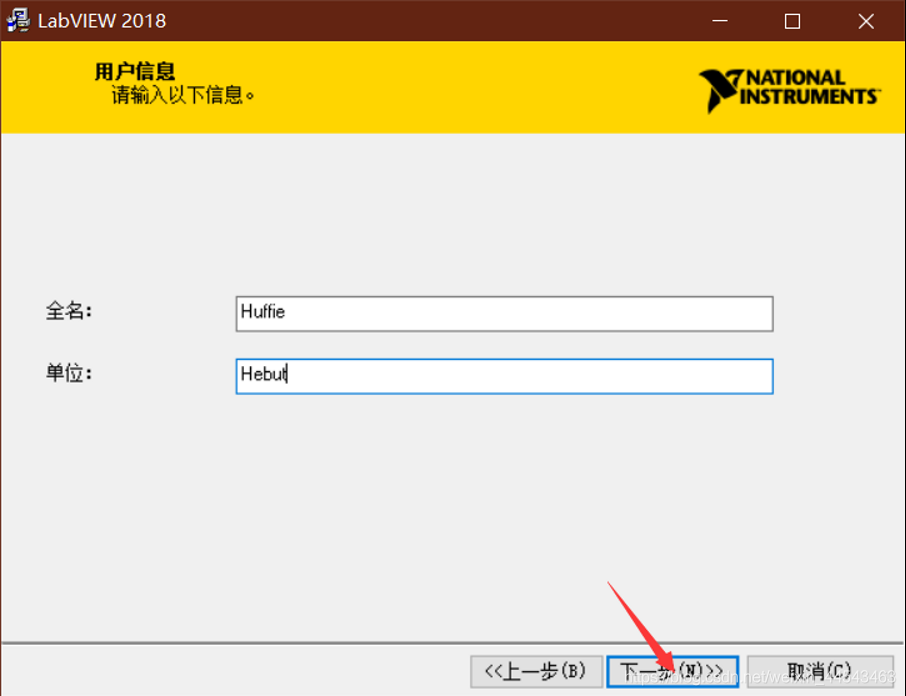
- Enter the user information. You can enter anything.
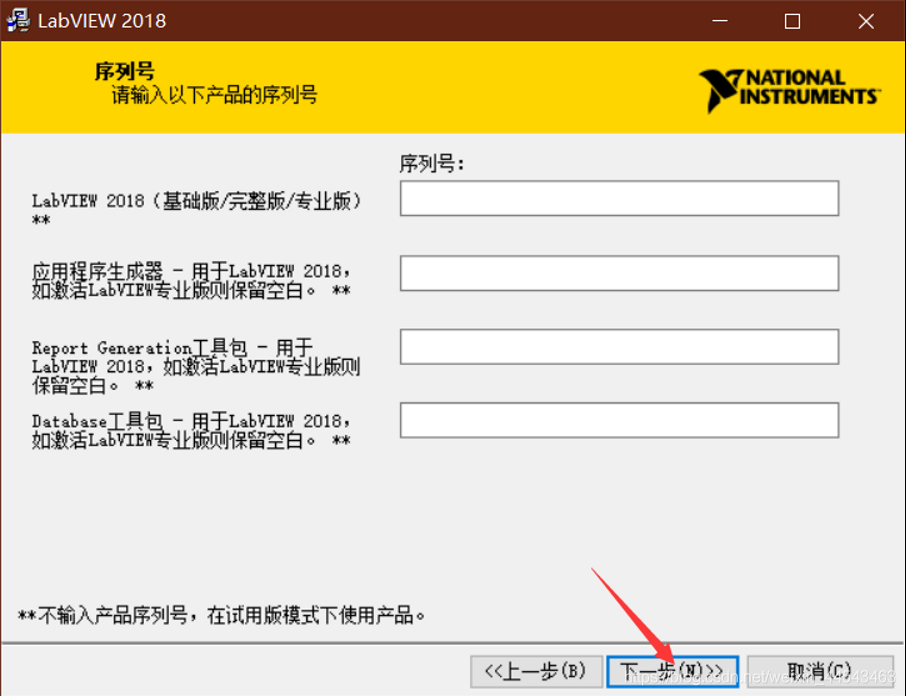
- Do not enter a serial number. Skip it and click Next.
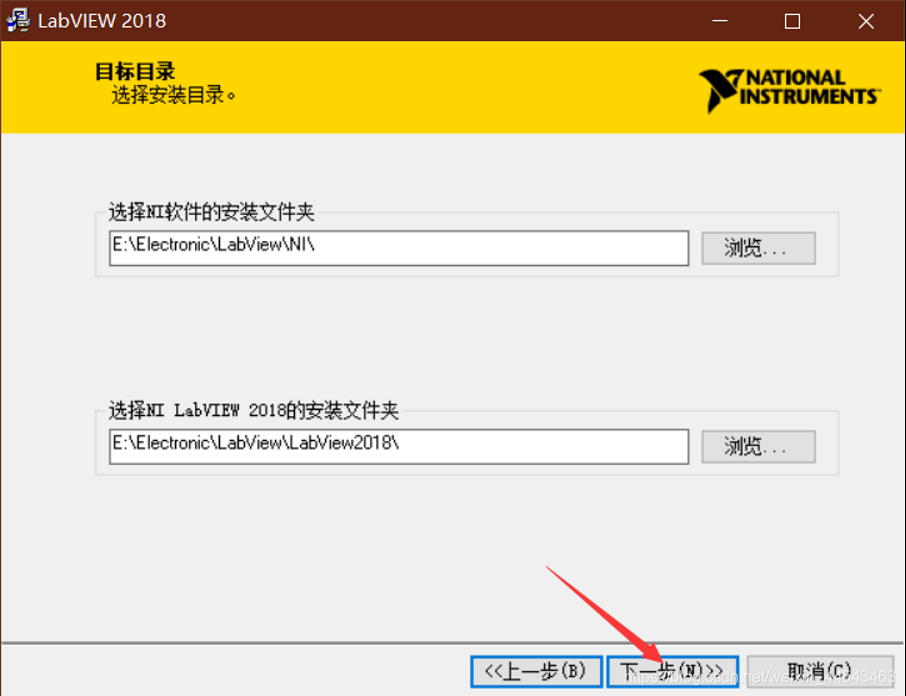
- Select the installation directory and click Next.
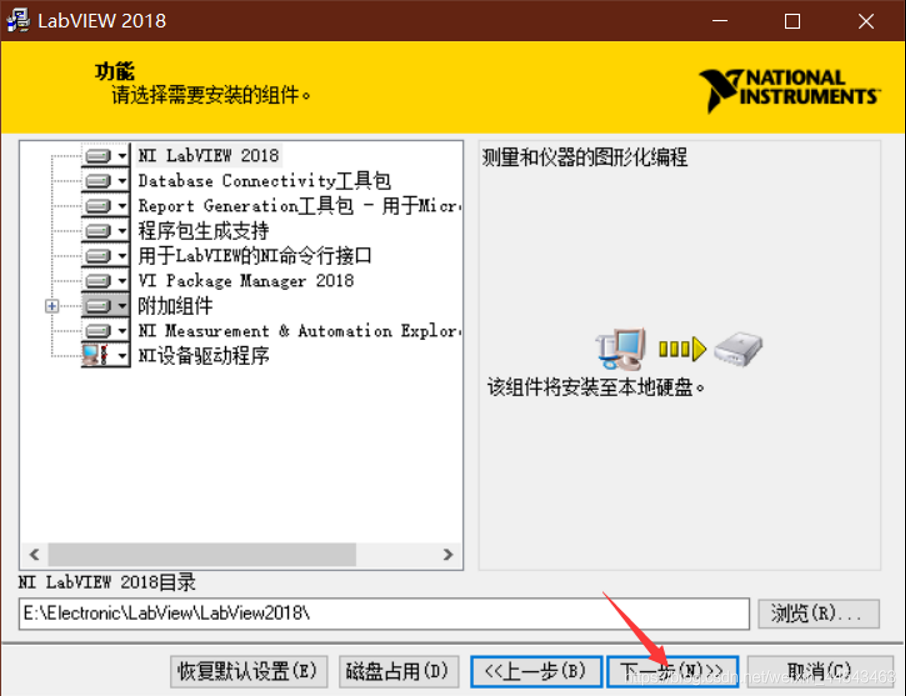
- Select the components to install. In most cases, you can keep the defaults and click Next.
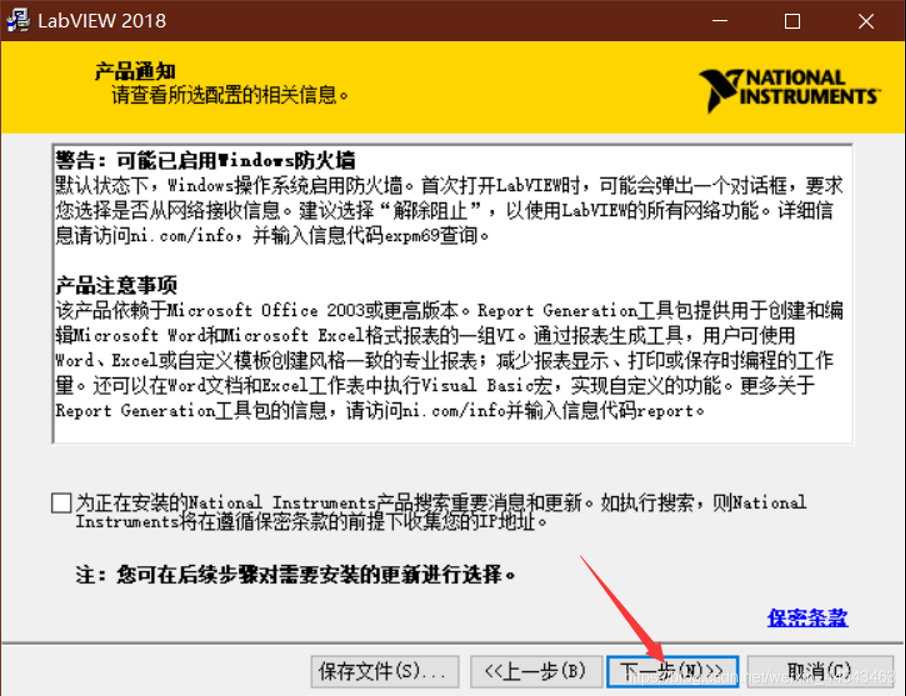
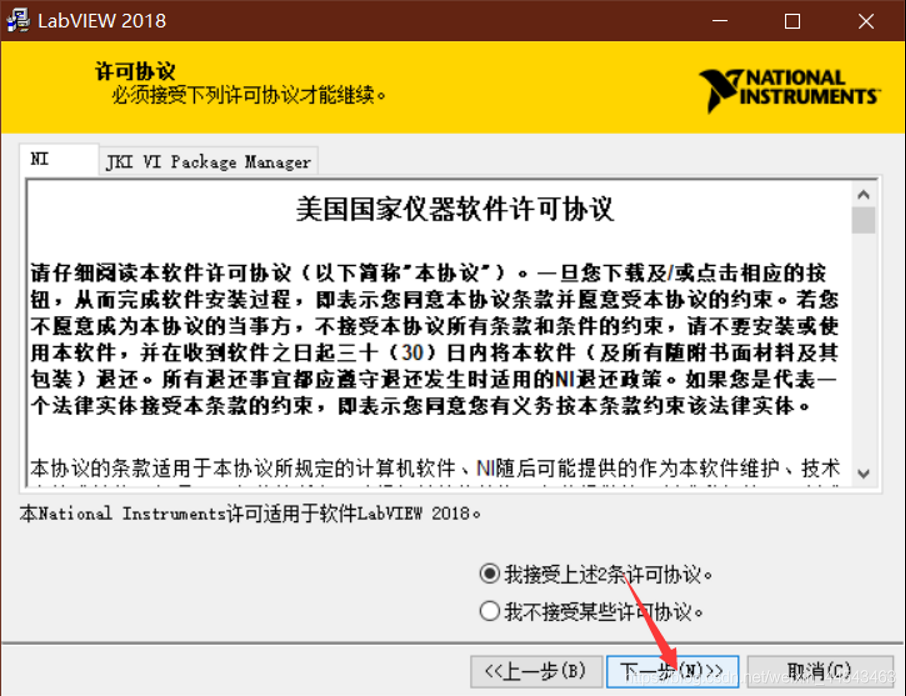
- Accept the license and keep clicking Next.


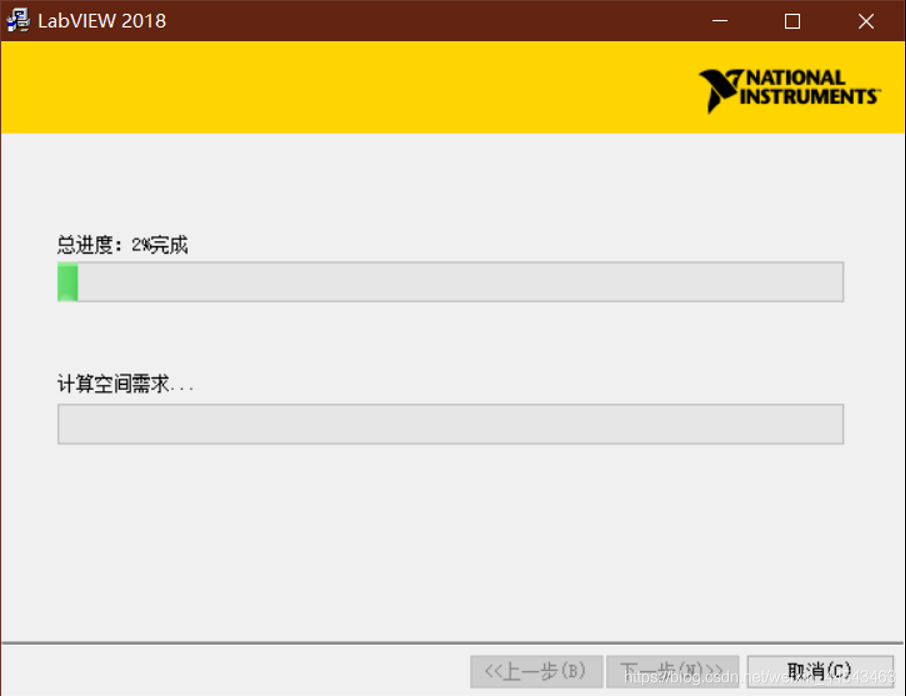
If a prompt appears asking you to install support, you do not need to install this driver if you do not use an NI data acquisition card. Just click I do not need support. If you need the driver later, you can install it separately.
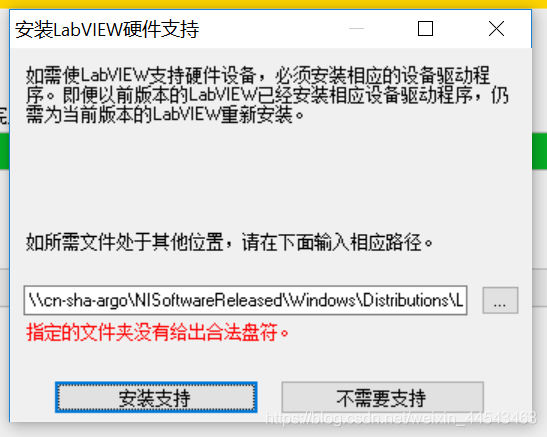
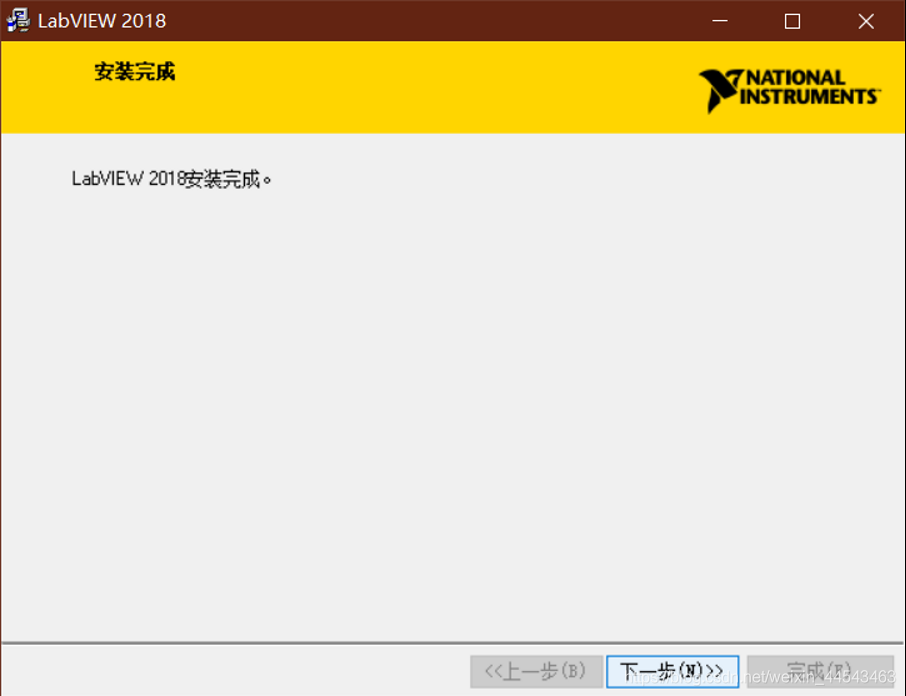
- Register and crack the software.
Open the cracking tool.
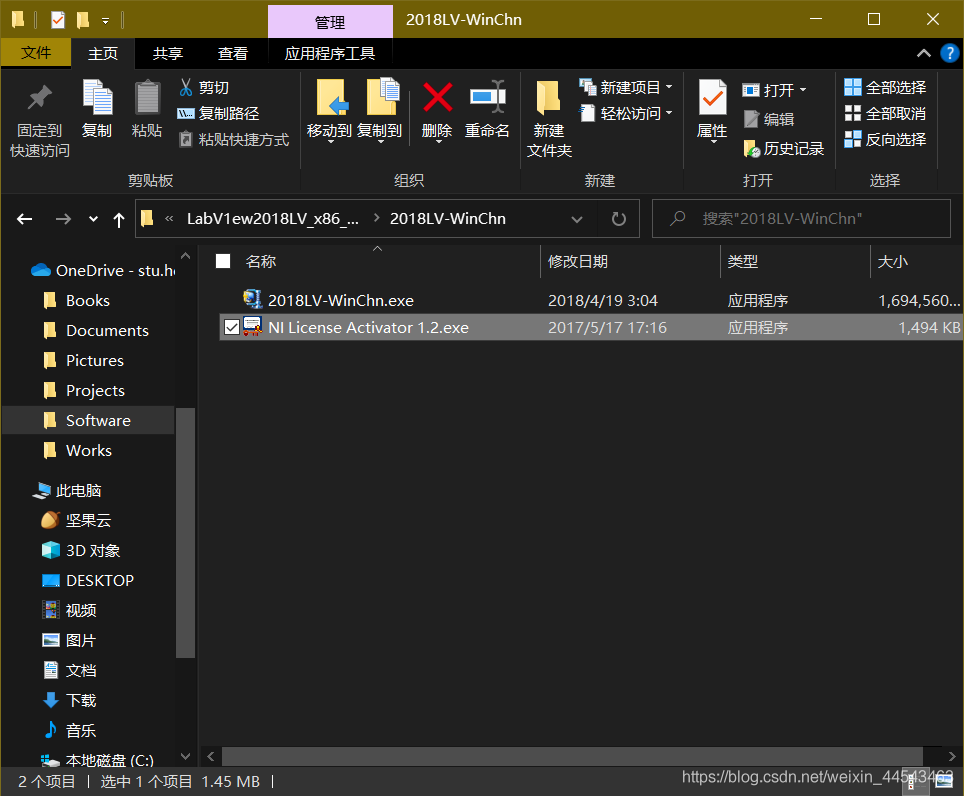
Right-click to activate each item, turning them all green.
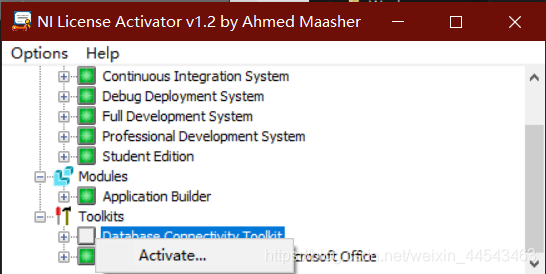
This completes the installation and cracking of LabVIEW. You can now use it normally.
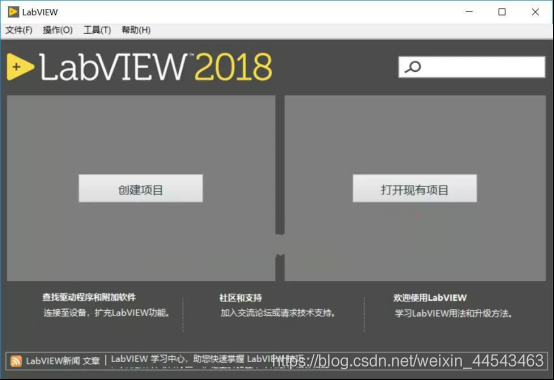
You can find the newly installed LabVIEW 2019 under All Apps in the Start menu.
Comments