Installing LabView2019
Note: This release is the English version. For the Chinese version, see Installing LabView2018 1. Download the LabView2019.zip archive from the cloud drive
Baidu Netdisk link: https://pan.baidu.com/s/1gyiFn5nOdPkLdp-1kRwwHA Extraction code: labv
2. Extract the archive, open the corresponding 64-bit or 32-bit folder, extract the ISO file inside that folder, open the extracted folder, and double-click install.exe
3. Follow the steps below to install
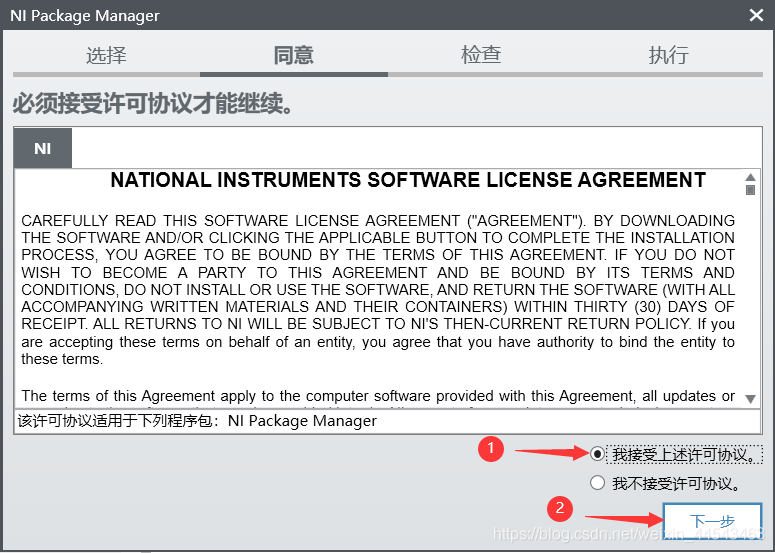
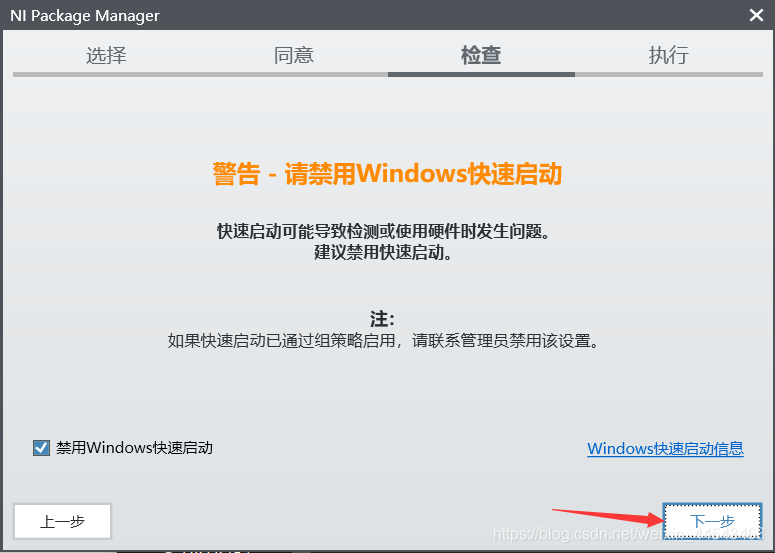
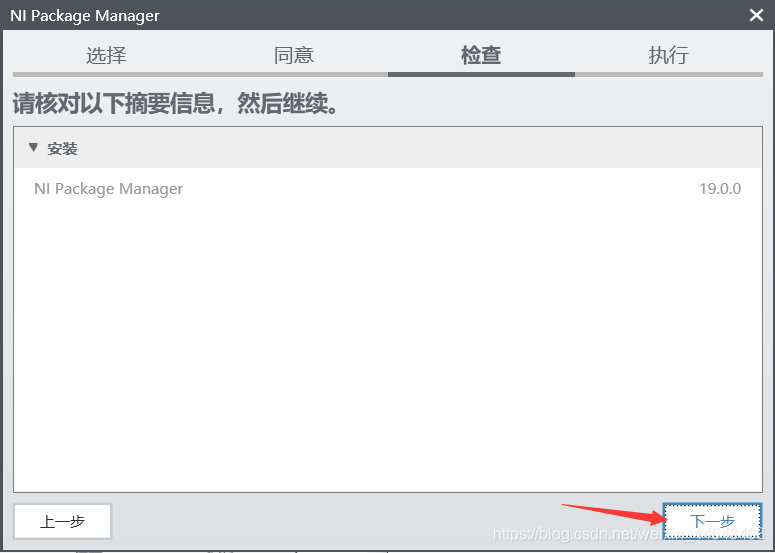
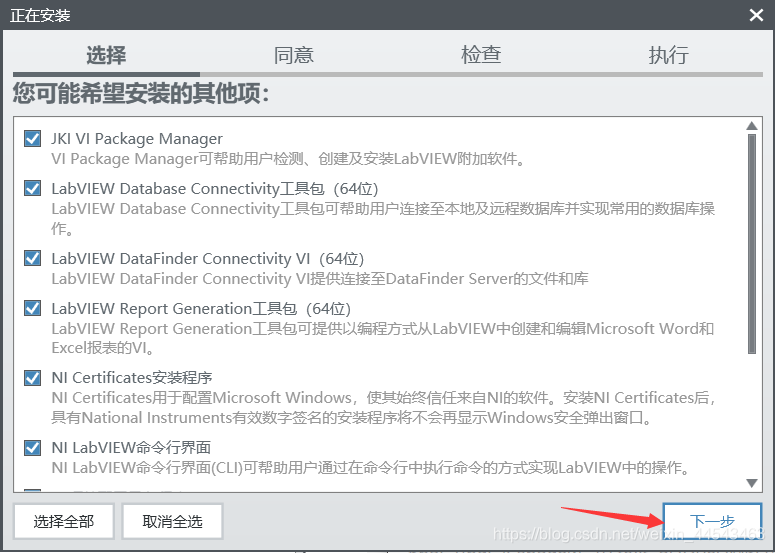
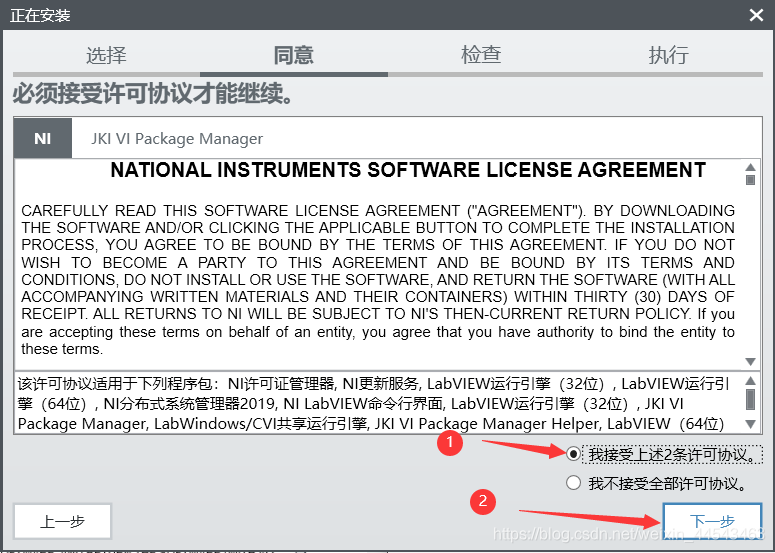
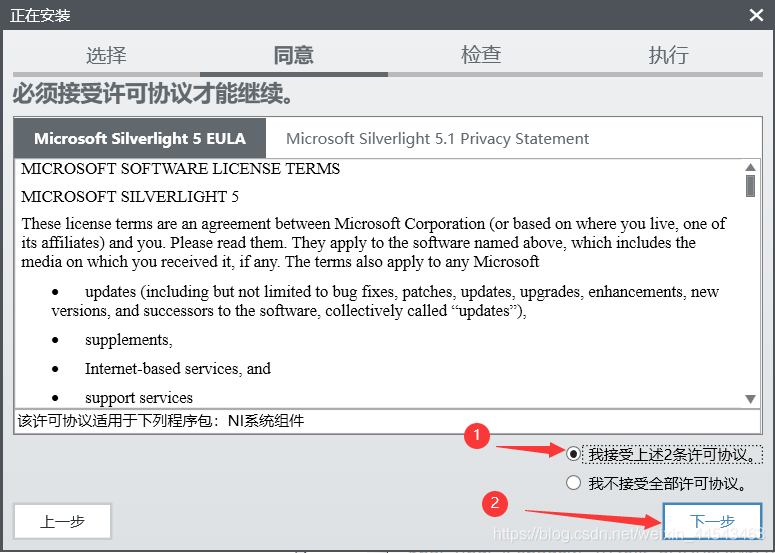

Wait for the installation to finish.

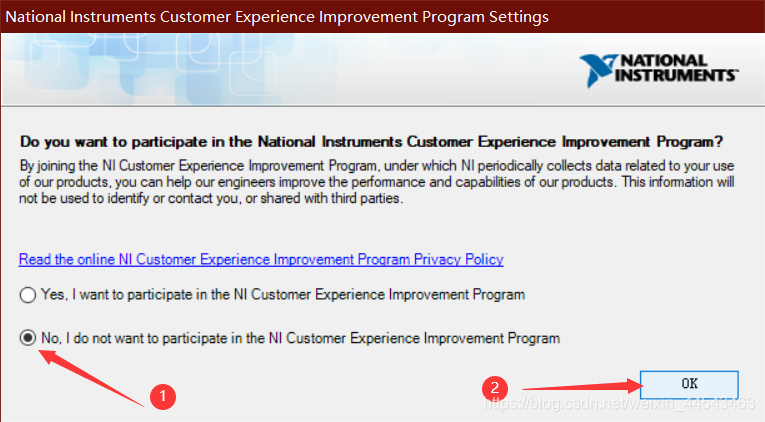
Do not sign in here. Close all windows directly, then click Restart Now.

3. Crack the software
Open the cracking tool in the Crack folder
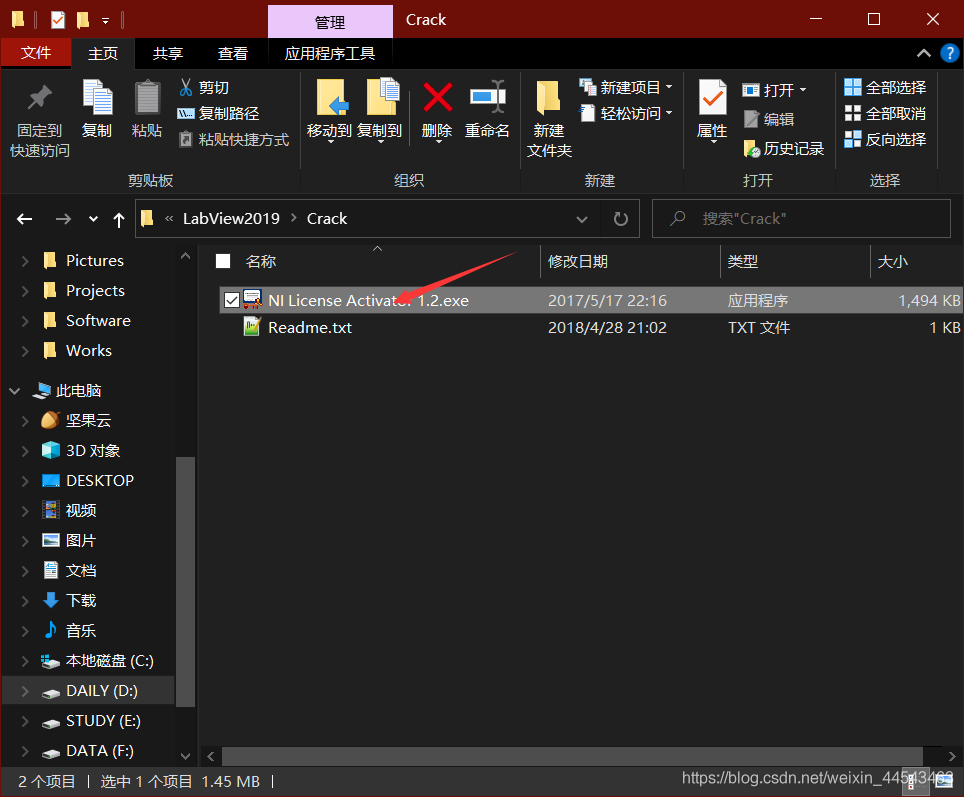
Right-click to activate and turn everything green
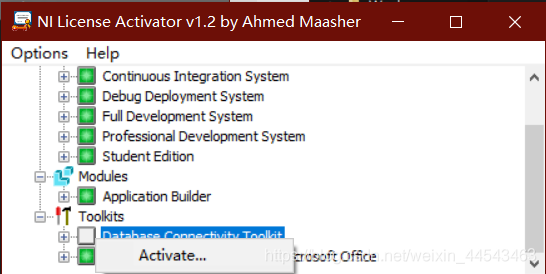
LabView is now installed and cracked. You can use it normally from here.
You can find the newly installed LabView2019 in All apps in the Start menu
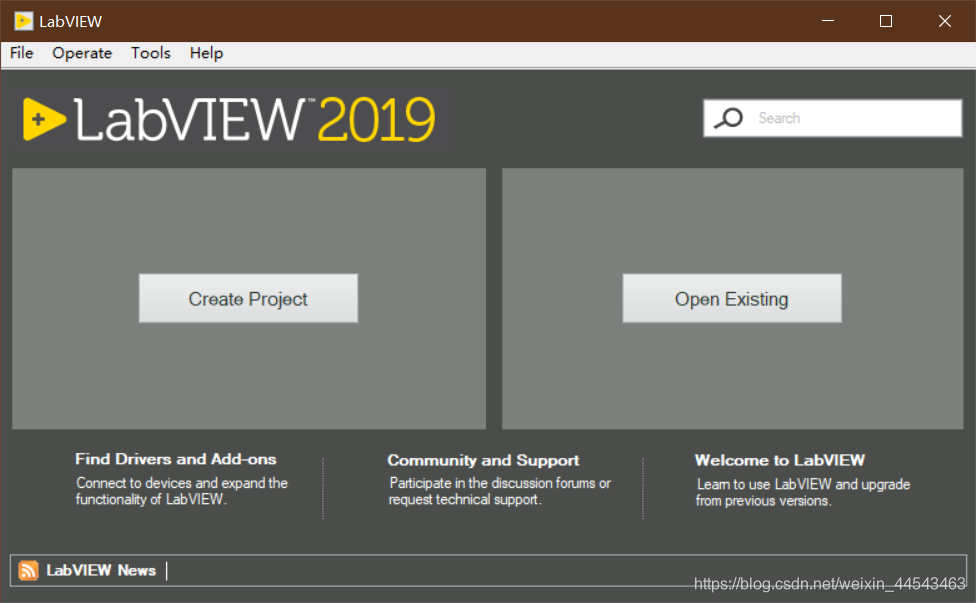
Uninstalling LabView2019
Open Control Panel, sort by installation date, find the program shown in the figure, and double-click to uninstall

Select Remove All
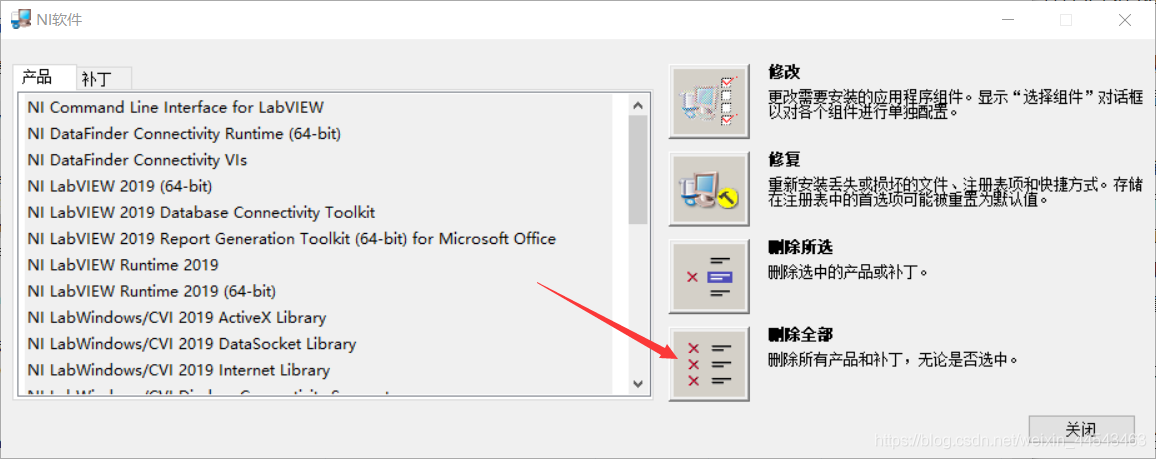
Then remove the other LabView-related programs in Control Panel
Comments