Link: https://pan.baidu.com/s/15mAoxOT_9aMnUQet08Wj4g Extraction code: evvm
This tutorial covers installation of the Chinese edition of LabVIEW 2020; the English edition installation process is the same.
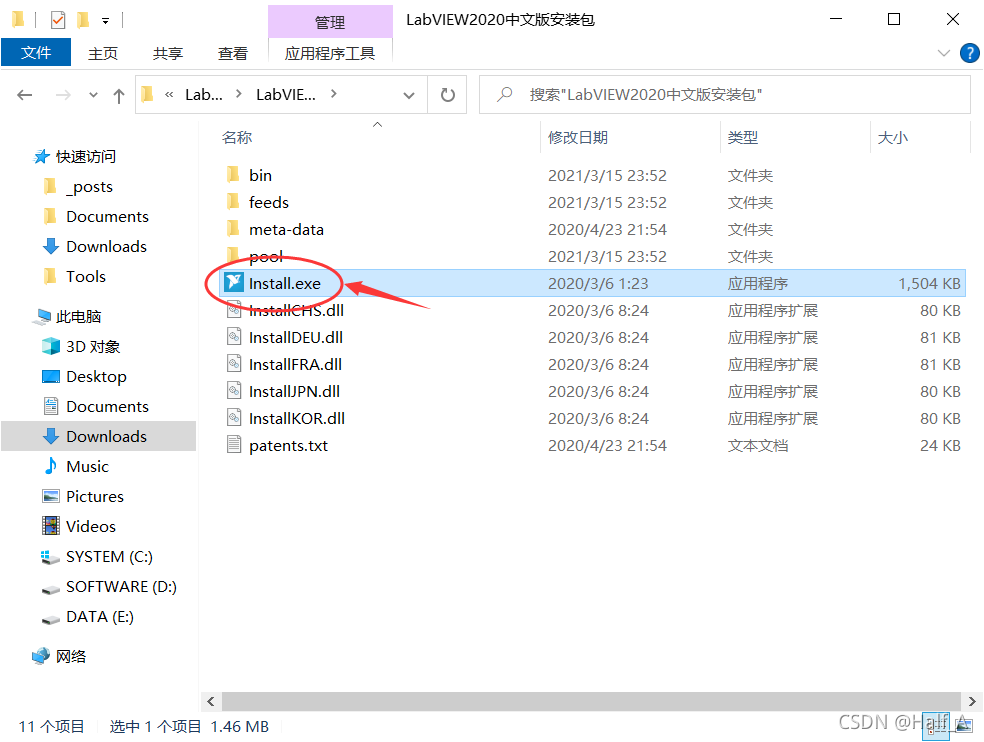
- Open the extracted folder, go to the installer directory, and double-click 【Install.exe】 to start installation.
- Accept the license agreement, then click Next

- Click Next directly
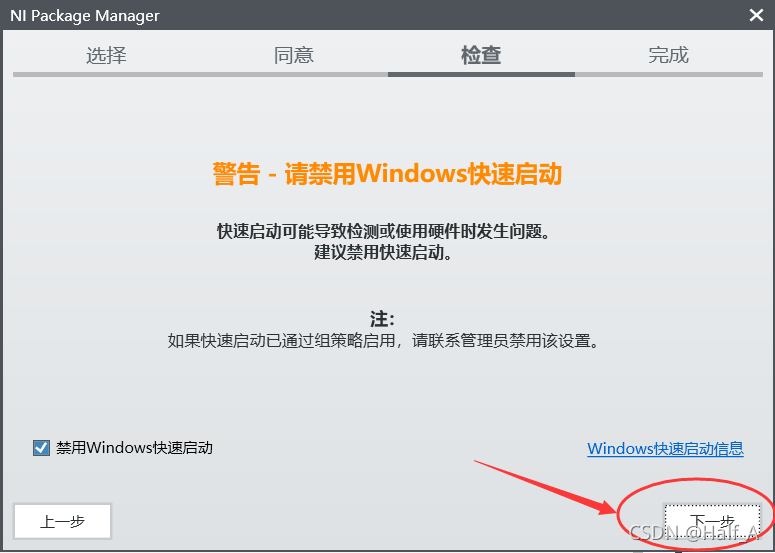
- Nothing to choose here—click Next

- Wait about ten seconds while related components install, then a selection menu will pop up—keep the default options and click Next

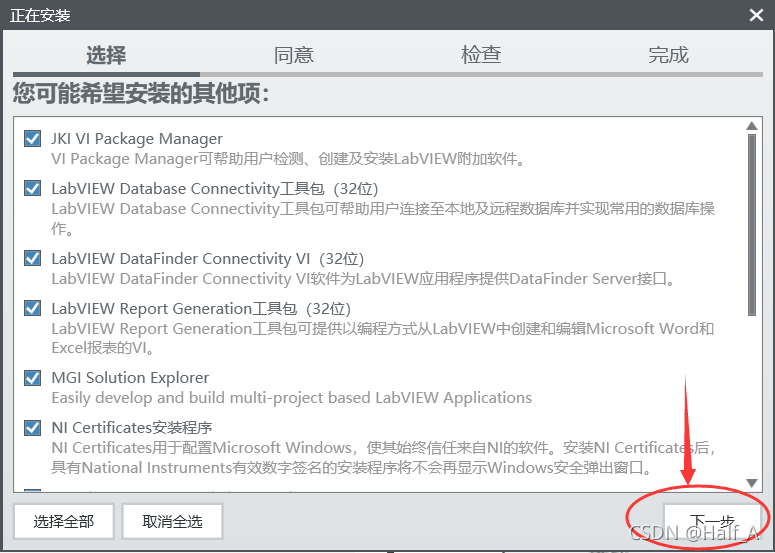
- I accept, then Next
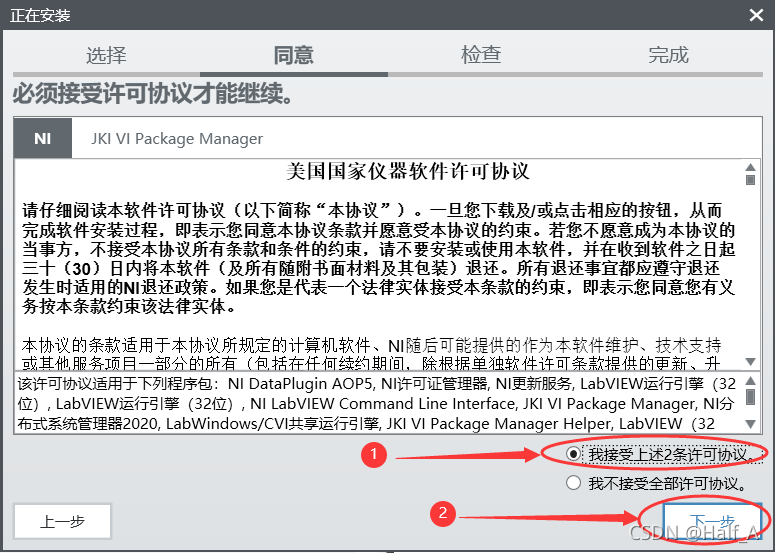
- Still nothing to choose—accept, then Next
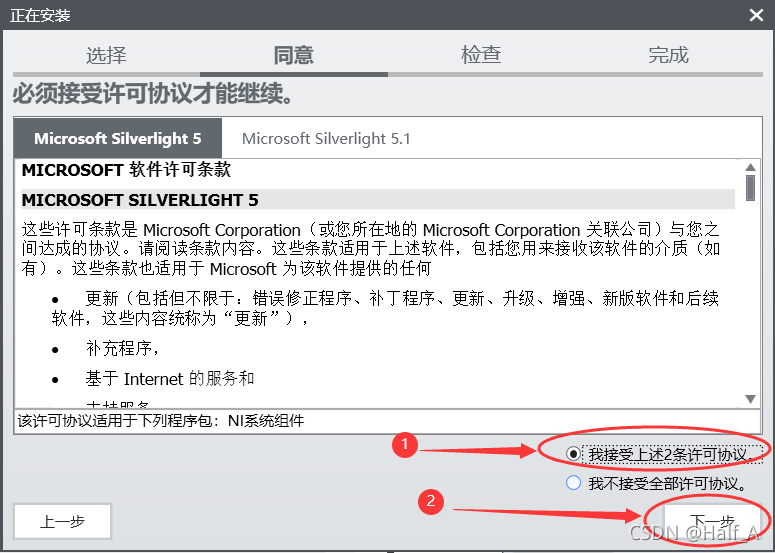
- Review the information; a normal installation should have no issues—click Next

- Wait for installation; the process takes about a minute
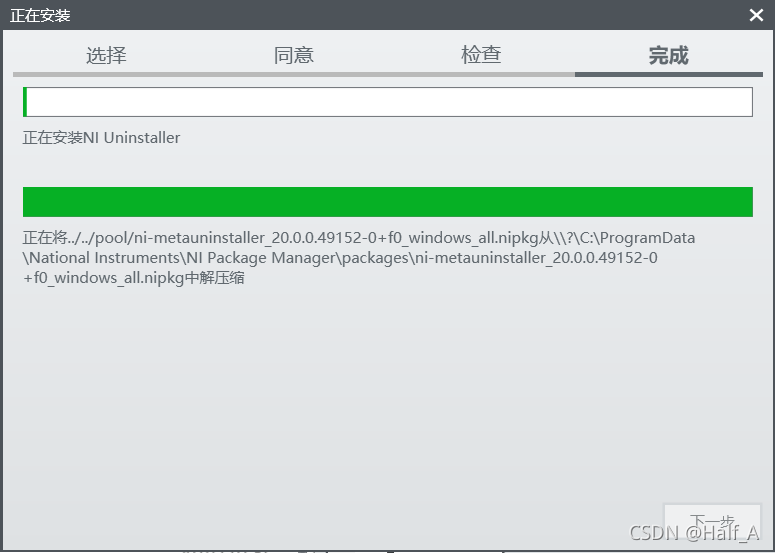
- Select yes

- Select do not join the customer experience improvement program, then click OK

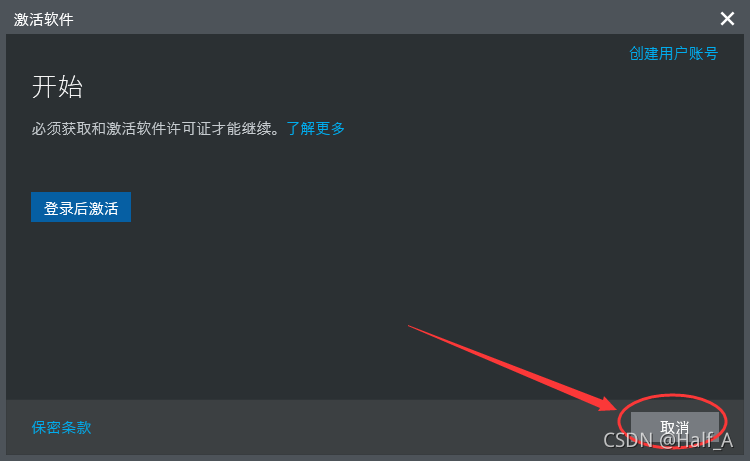
- On the login page that appears, click Cancel
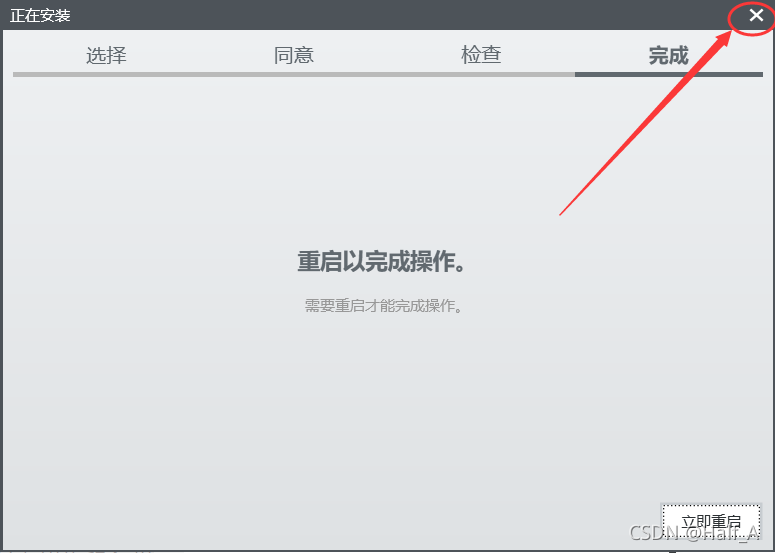
- No restart needed—click the X in the top-right corner to close the installer
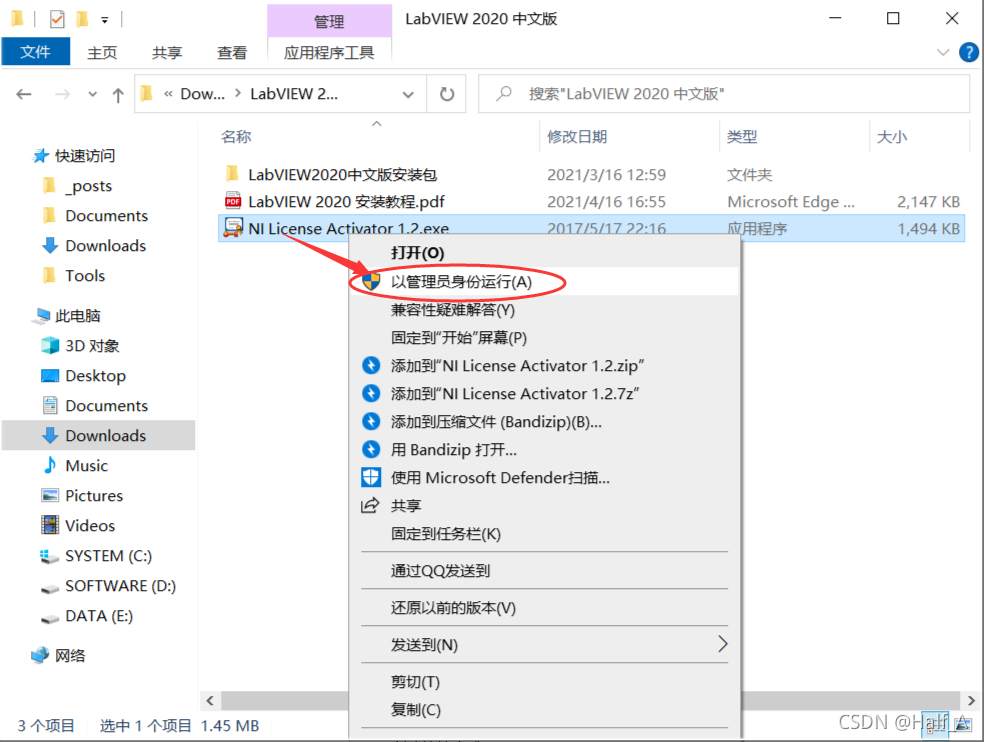
- Open the installer package, find 【NI License Acticator 1.2】, right-click and Run as administrator
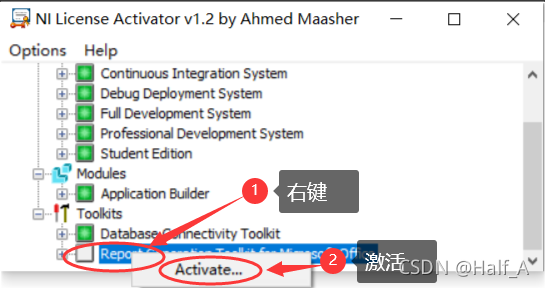
- Right-click every item and activate
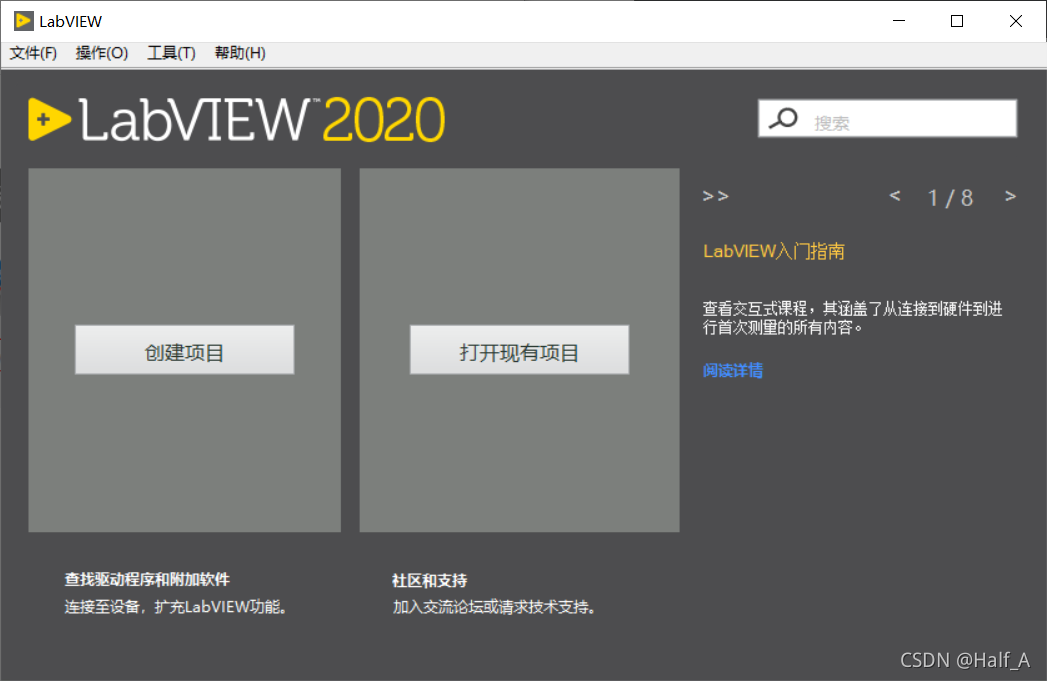
- Installation is now complete—find the installed program in the Start menu and launch it

Comments