Contents
I. Objective
Send a service request programmatically.
In other words, the client sends a request to the server to spawn a turtle, and the server returns the response to the client.
II. Create the Package
Go back to the catkin_ws/src directory and create a package named learning_service.
cd ~/catkin_ws/src
catkin_create_pkg learning_service roscpp rospy std_msgs geometry_msgs turtlesim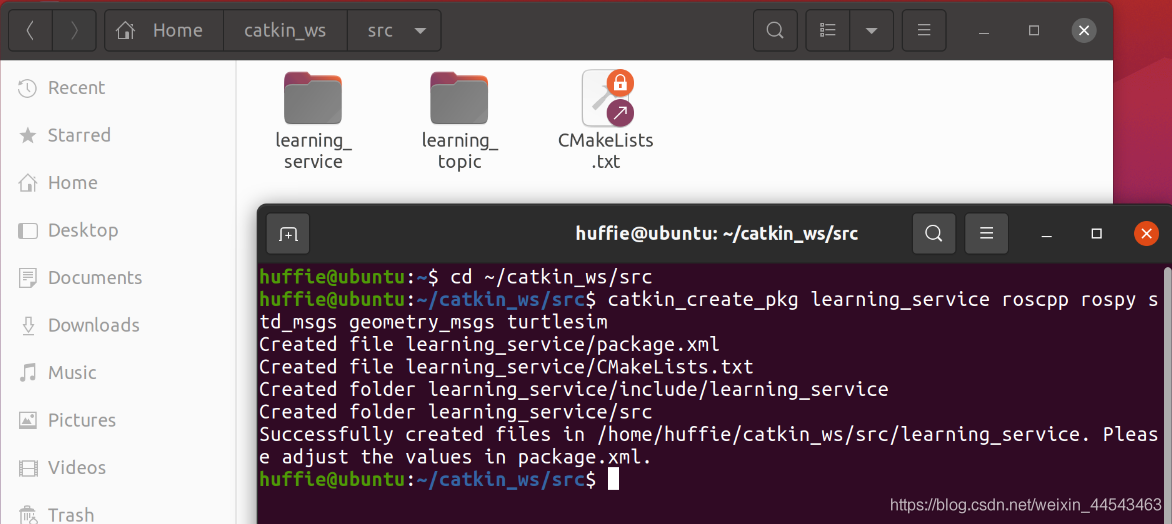
III. Create the Client Code
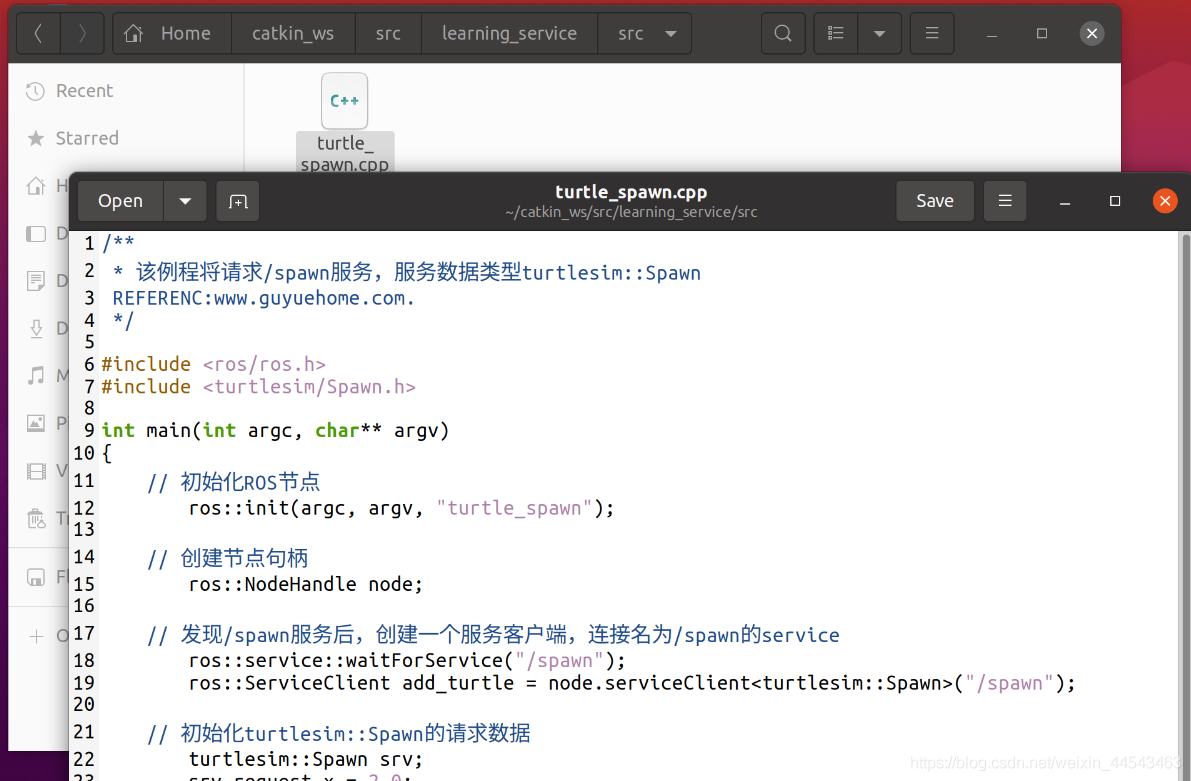
In the ~/catkin_ws/src/learning_service/src directory, create a file named turtle_spawn.cpp with the following contents:
/**
 * 该例程将请求/spawn服务,服务数据类型turtlesim::Spawn
 REFERENC:www.guyuehome.com.
 */

#include <ros/ros.h>
#include <turtlesim/Spawn.h>

int main(int argc, char** argv)
{
    // 初始化ROS节点
	ros::init(argc, argv, "turtle_spawn");

    // 创建节点句柄
	ros::NodeHandle node;

    // 发现/spawn服务后,创建一个服务客户端,连接名为/spawn的service
	ros::service::waitForService("/spawn");
	ros::ServiceClient add_turtle = node.serviceClient<turtlesim::Spawn>("/spawn");

    // 初始化turtlesim::Spawn的请求数据
	turtlesim::Spawn srv;
	srv.request.x = 2.0;
	srv.request.y = 2.0;
	srv.request.name = "turtle2";

    // 请求服务调用
	ROS_INFO("Call service to spawn turtle[x:%0.6f, y:%0.6f, name:%s]", srv.request.x, srv.request.y, srv.request.name.c_str());

	add_turtle.call(srv);

	// 显示服务调用结果
	ROS_INFO("Spawn turtle successfully [name:%s]", srv.response.name.c_str());

	return 0;
};
The code 👆 is implemented in the following steps:
- Initialize the ROS node
- Create a Client instance
- Send the service request data
- Wait for the response after the Server processes the request
IV. Configure the Compilation Rules for the Client Code
In learning_service, open CMakeLists.txt and add the following code in the area shown:
add_executable(turtle_spawn src/turtle_spawn.cpp)
target_link_libraries(turtle_spawn ${catkin_LIBRARIES})
add_executable adds a compilation rule, and target_link_libraries links some required libraries.

V. Build and Run
Build:
cd ~/catkin_ws
catkin_make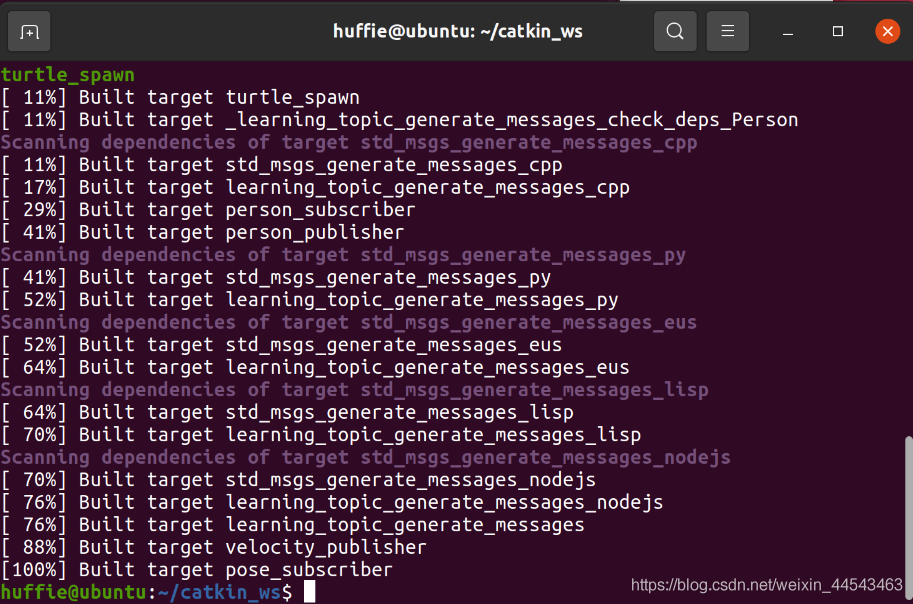
Run the client. You can see that a second turtle has been spawned.
source devel/setup.bash
roscore
rosrun turtlesim turtlesim_node
rosrun learning_service turtle_spawn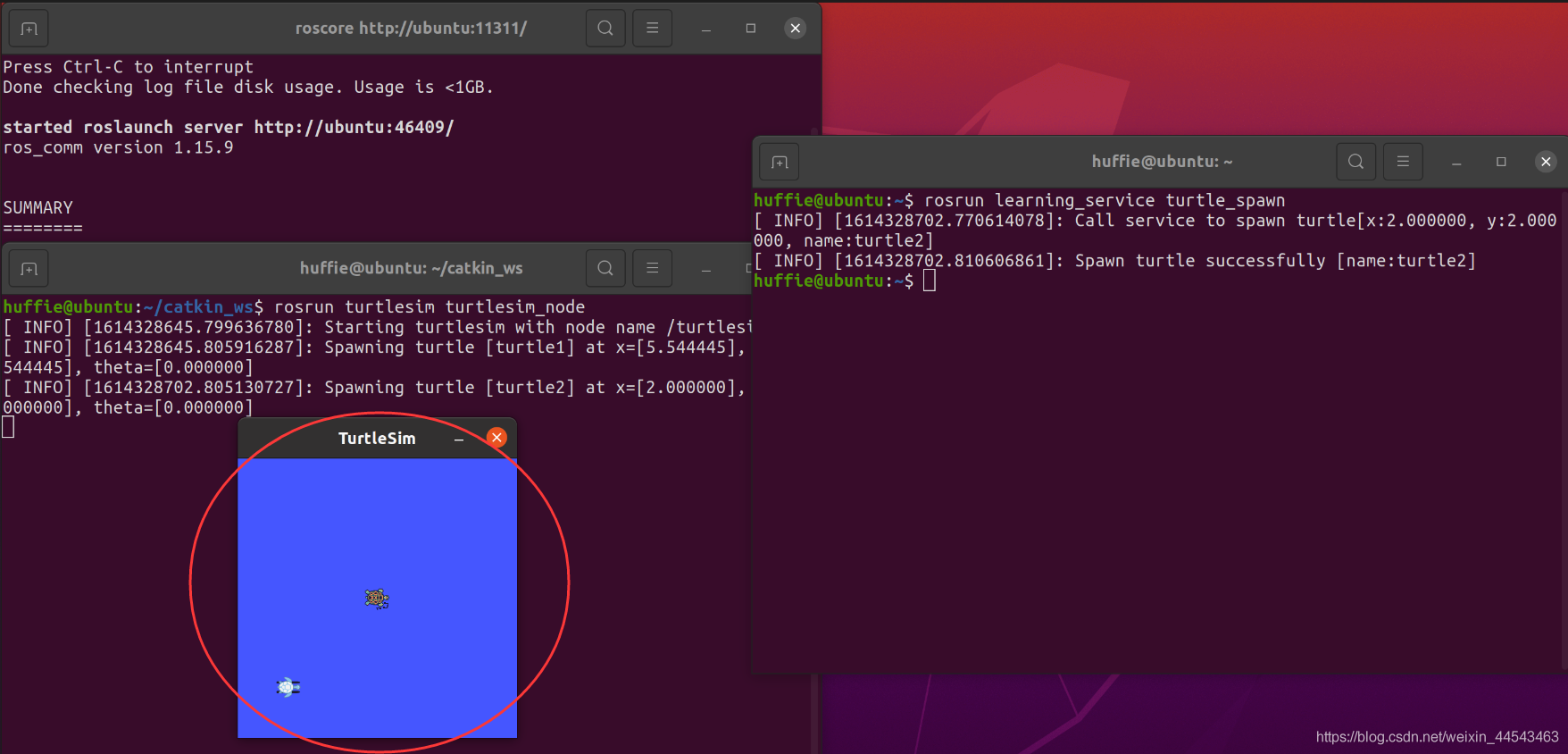
Comments