Create a More Efficient Shell Environment with Zsh
Zsh is fully compatible with Bash, supports intelligent command completion, offers a wide range of UI themes and plugins, and greatly improves both efficiency and aesthetics.
9 posts
Zsh is fully compatible with Bash, supports intelligent command completion, offers a wide range of UI themes and plugins, and greatly improves both efficiency and aesthetics.
Certain needs, such as restarting a task at scheduled times, publishing blog updates on a schedule, or regularly backing up files, require certain tasks to be run on a schedule.
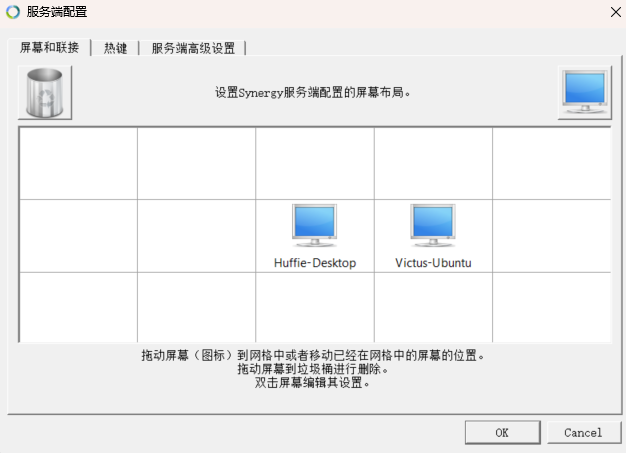
Deskflow is free software that lets you control multiple computers with a single keyboard and mouse.
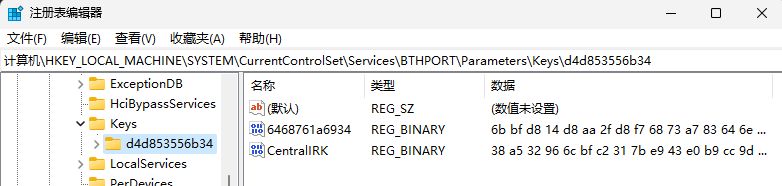
I have Ubuntu and Windows installed in a dual-boot setup and usually use a Bluetooth mouse and headphones. However, I have to re-pair the devices every time I switch operating systems, so I wanted to make pairing work across both systems.
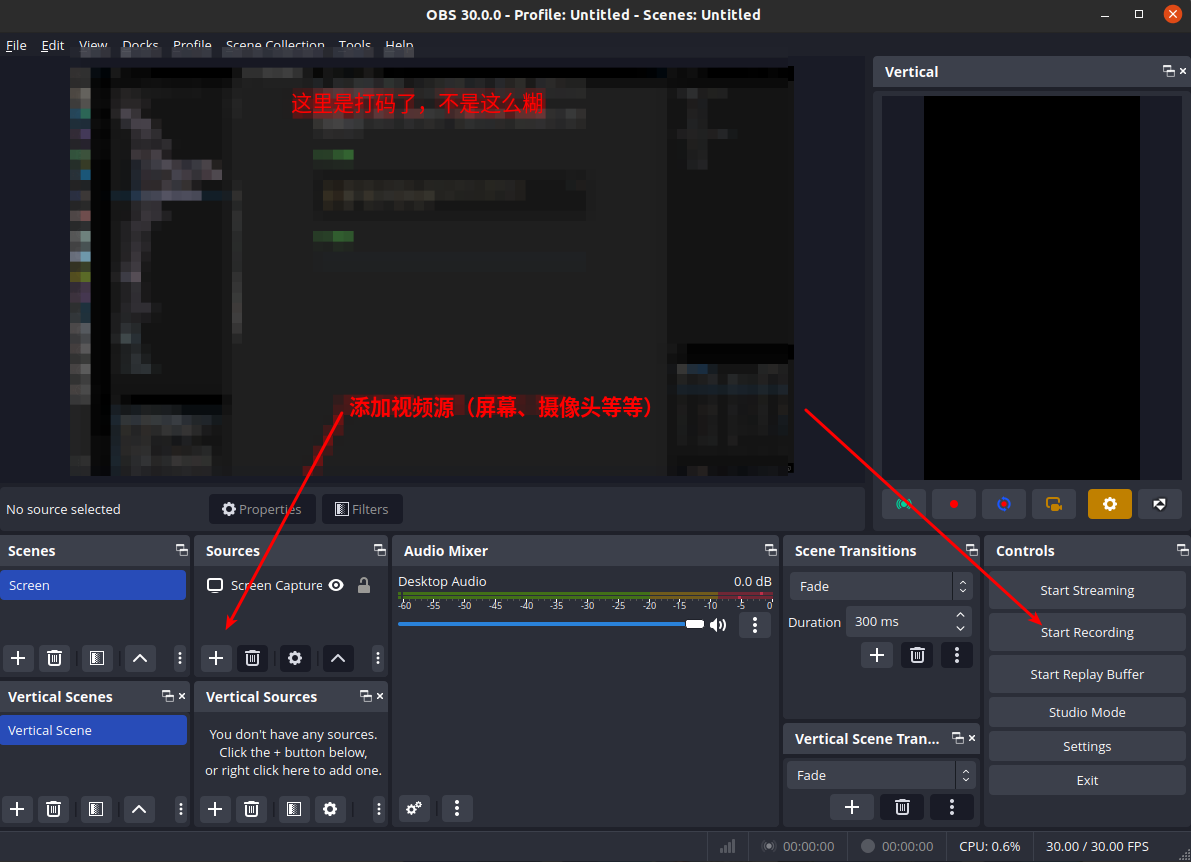
By default, Ubuntu can only take screenshots but cannot take screenshots, and the experience is very poor, so this article introduces two screenshot and screen recording tools I commonly use.
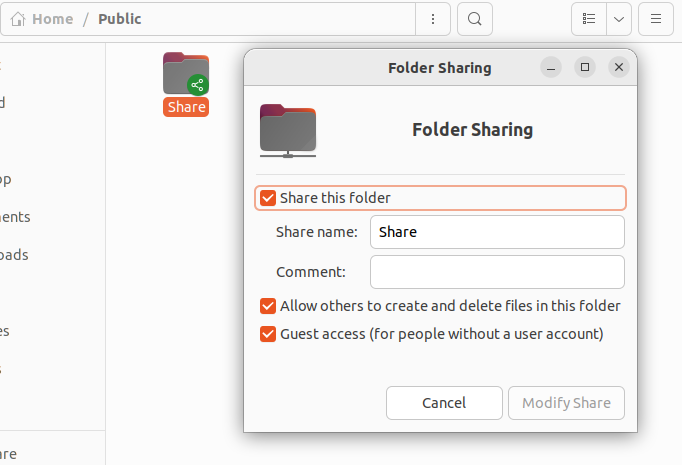
Explains how to set up a shared folder between Ubuntu and Windows for convenient file transfers.
I previously used Nutstore for multi-device sync, but Nutstore only provides 1G of traffic per month, which is not enough. So I switched to OneDrive. This post records the OneDrive setup process on Ubuntu.
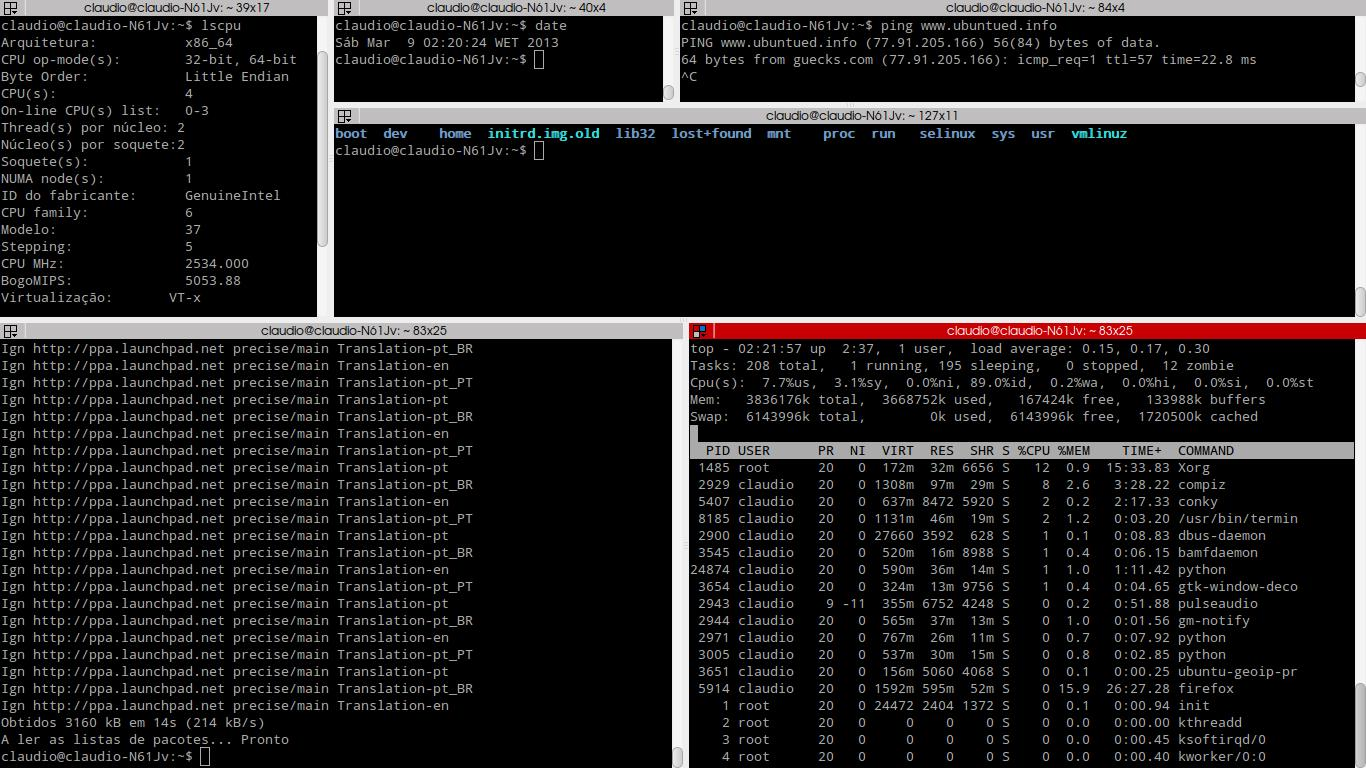
A handy terminal emulator.
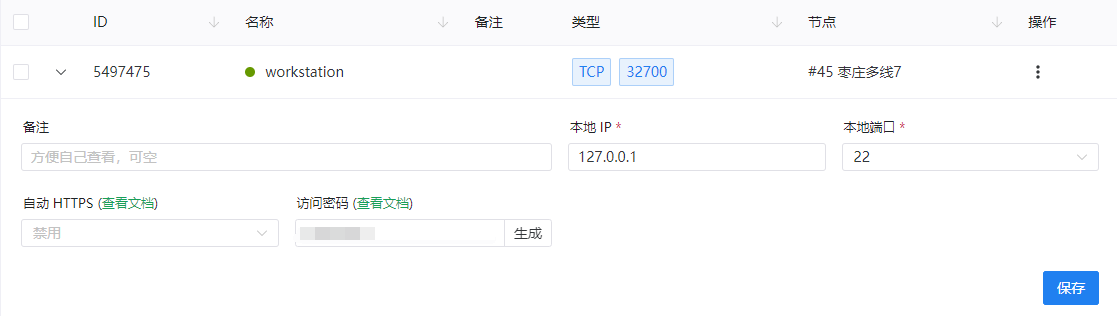
I don't want to use remote desktop tools such as Sunlogin and ToDesk. My personal computer and the server are not on the same LAN, but I need remote access to the server, so I'm considering NAT traversal.