Recognizing Text and Numbers in Images with Python and EasyOCR
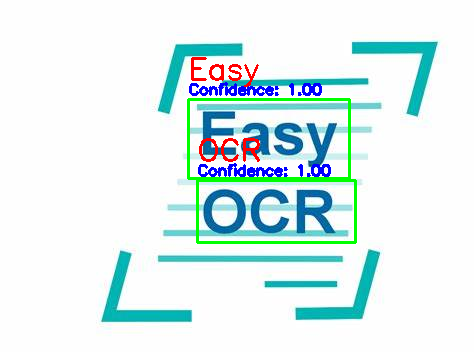
A project needed a small feature for recognizing text and numbers in images, so I found EasyOCR, a useful open-source library. This article explains how to use it.
8 posts
A project needed a small feature for recognizing text and numbers in images, so I found EasyOCR, a useful open-source library. This article explains how to use it.
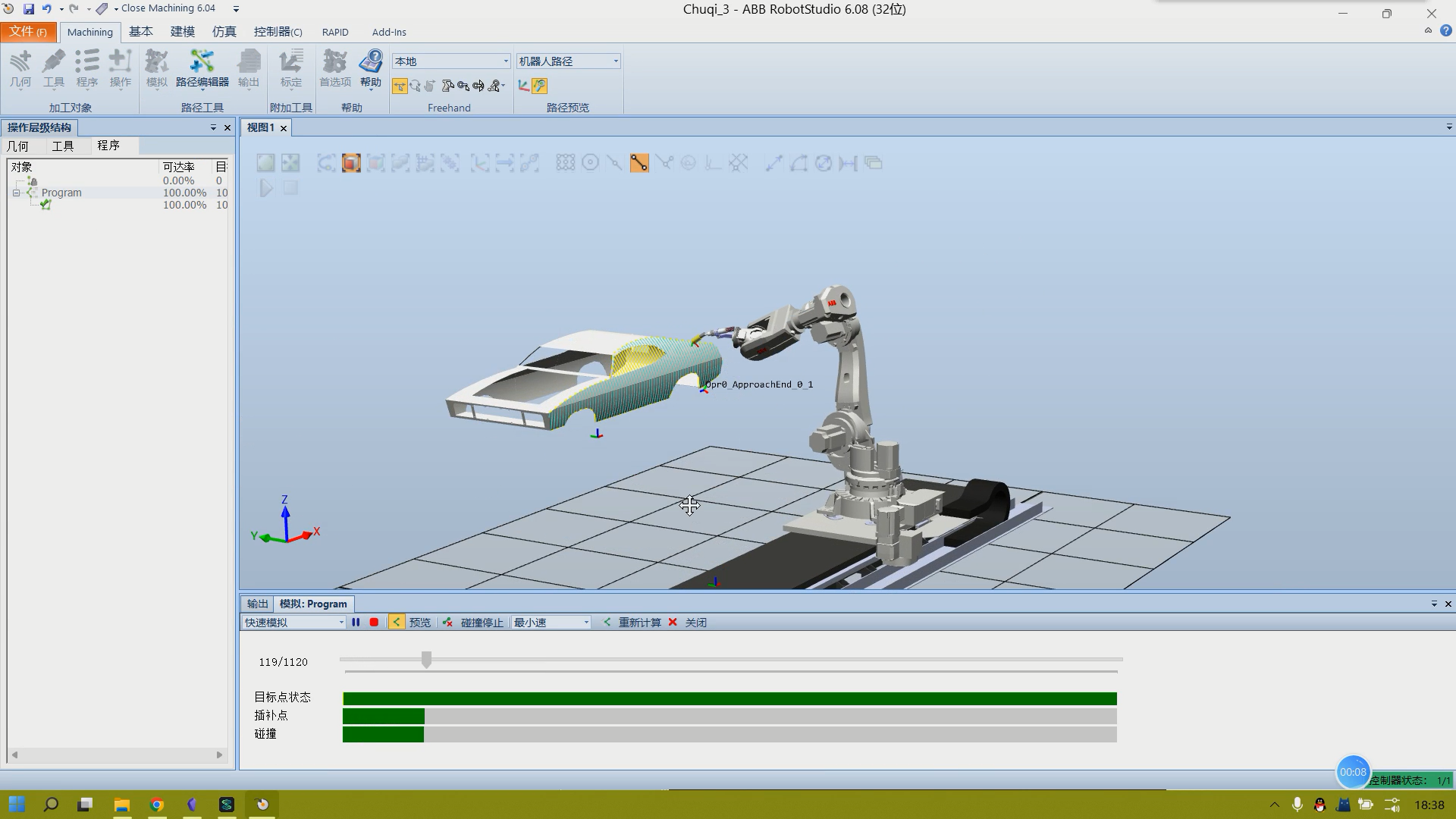
Import a CAD model with complex curved surfaces, such as a car body, into RobotStudio. Use RobotStudio for path planning to enable a robotic arm to paint the car body.
Notes and examples on functions and methods for array operations with NumPy, including array creation, slicing and indexing, basic array operations (transposing, joining, sorting, flattening, and more), and the use of some basic array computation functions.
We may want to install many different versions of Python on a computer, or we may want a Python environment to contain only the packages we use so it is easier to package and distribute a program. These situations all require creating Python virtual environments. Anaconda is a tool for managing Python environments like this.
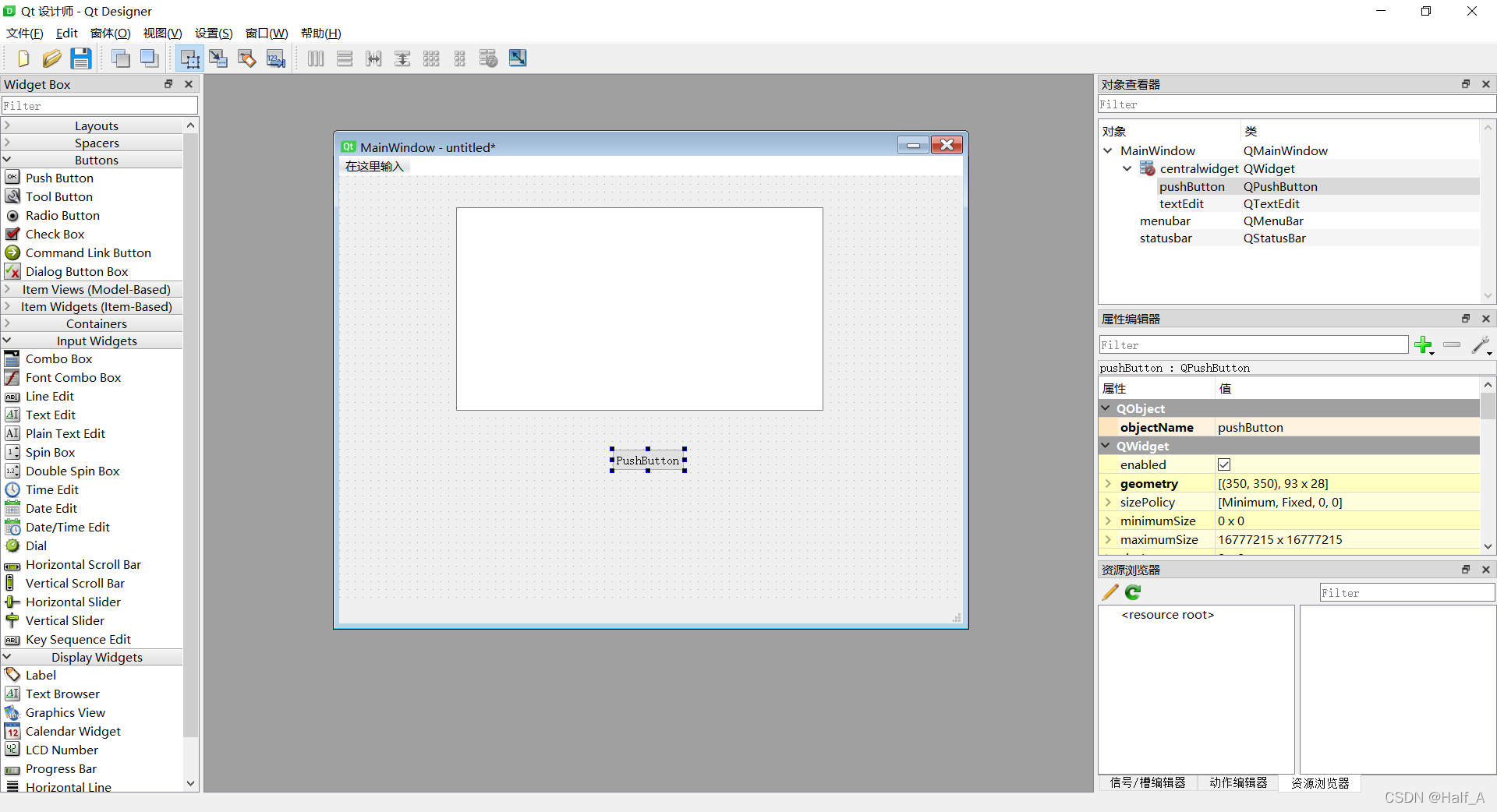
The lab recently needed to process many spreadsheets, so I built a Python tool to help. The program uses PyQt5 for the graphical interface. This post records the full workflow—from installing PyQt5, to designing the UI, to writing code that drives the widgets, and finally packaging the app as an exe.
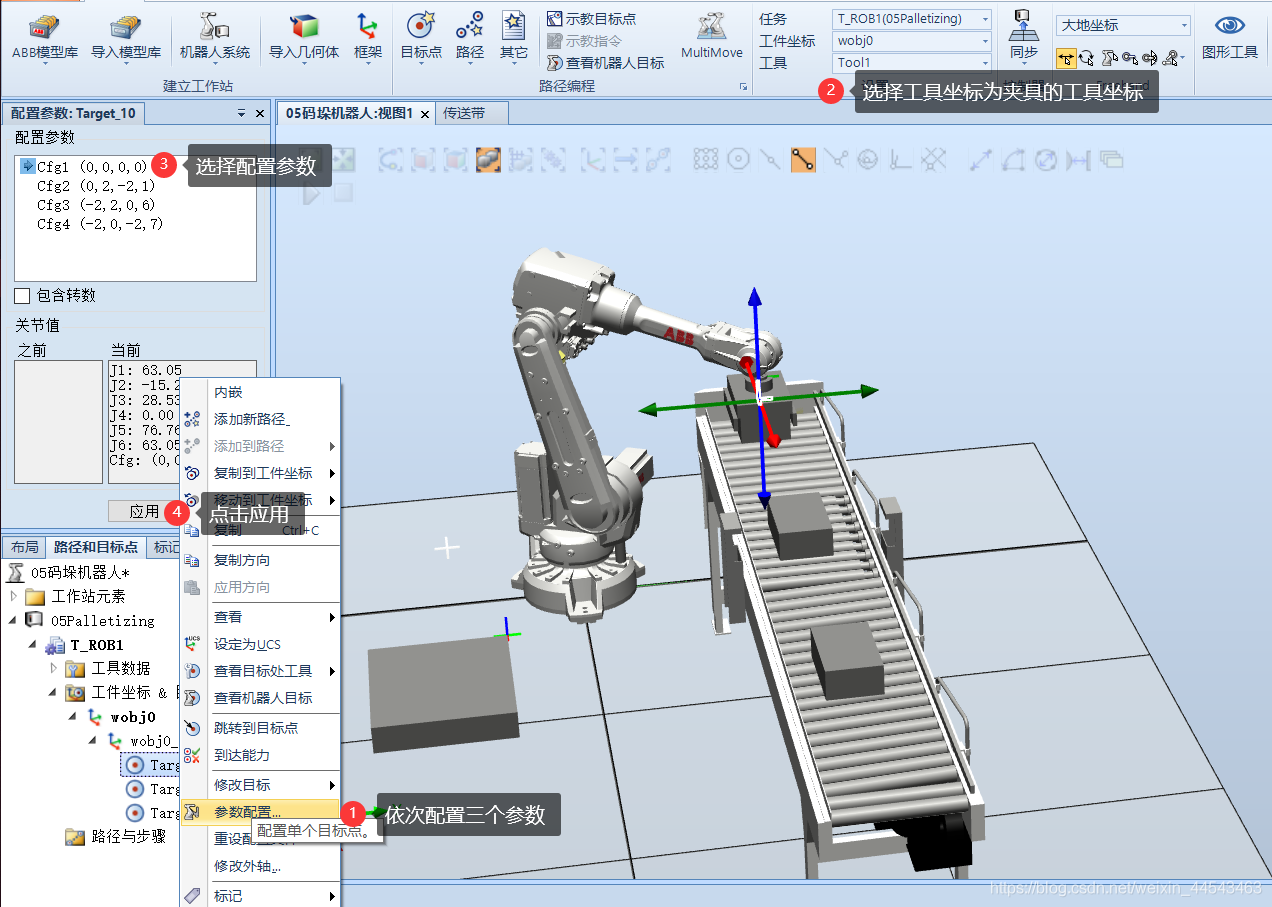
First, import an IRB2600 robot and move the gripper's local coordinate origin to the center of its top surface (where it connects to the flange). Align the local coordinates of the gripper Smart Component with the coordinates of the robot's end flange...
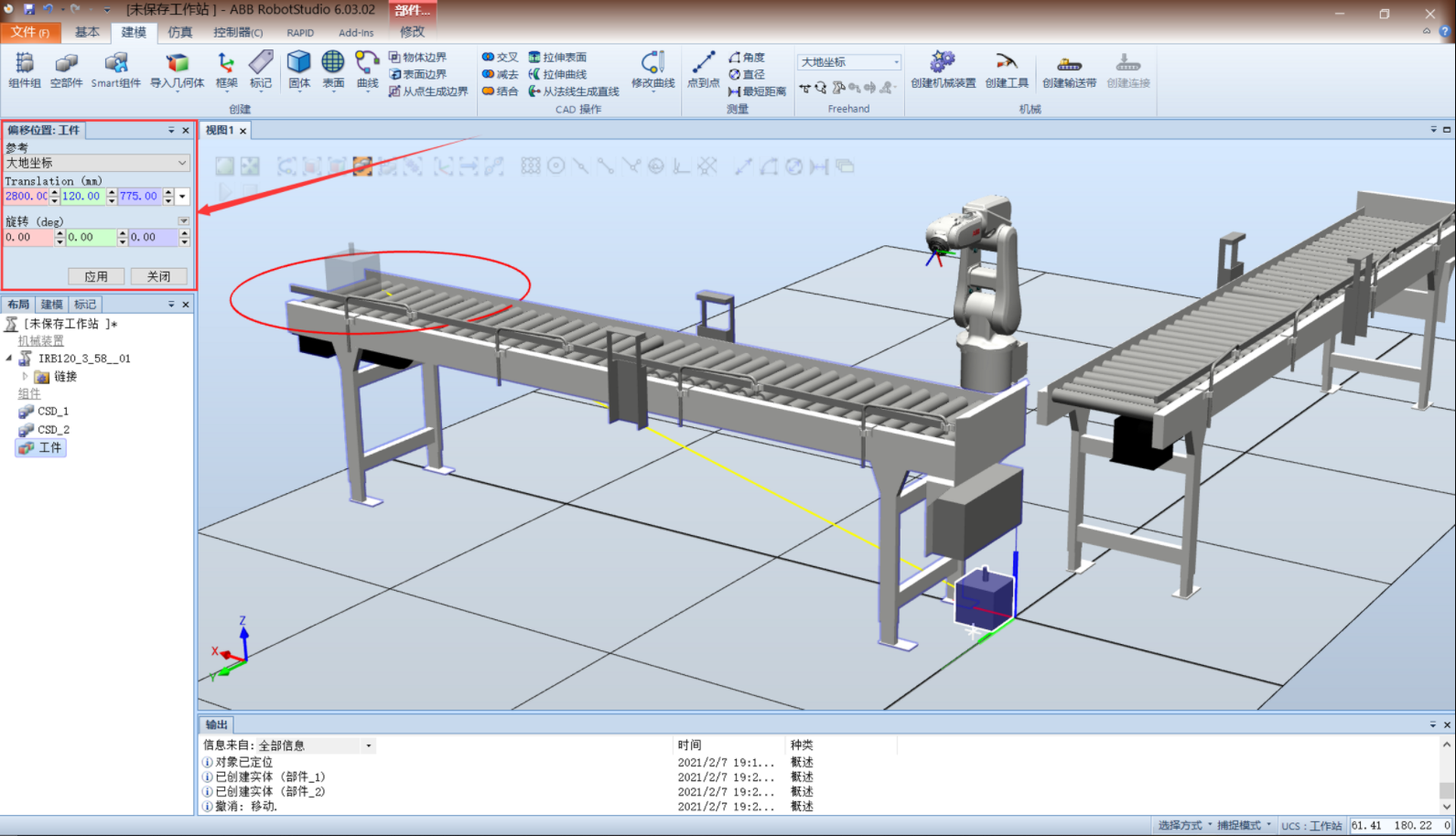
Start by building the mechanical structure of the system. Import two conveyors, rotate the second conveyor 90° about the z-axis, then offset it -3200mm along the y-axis. Import the IRB120 robot and move it to a suitable position. Create a workpiece model...
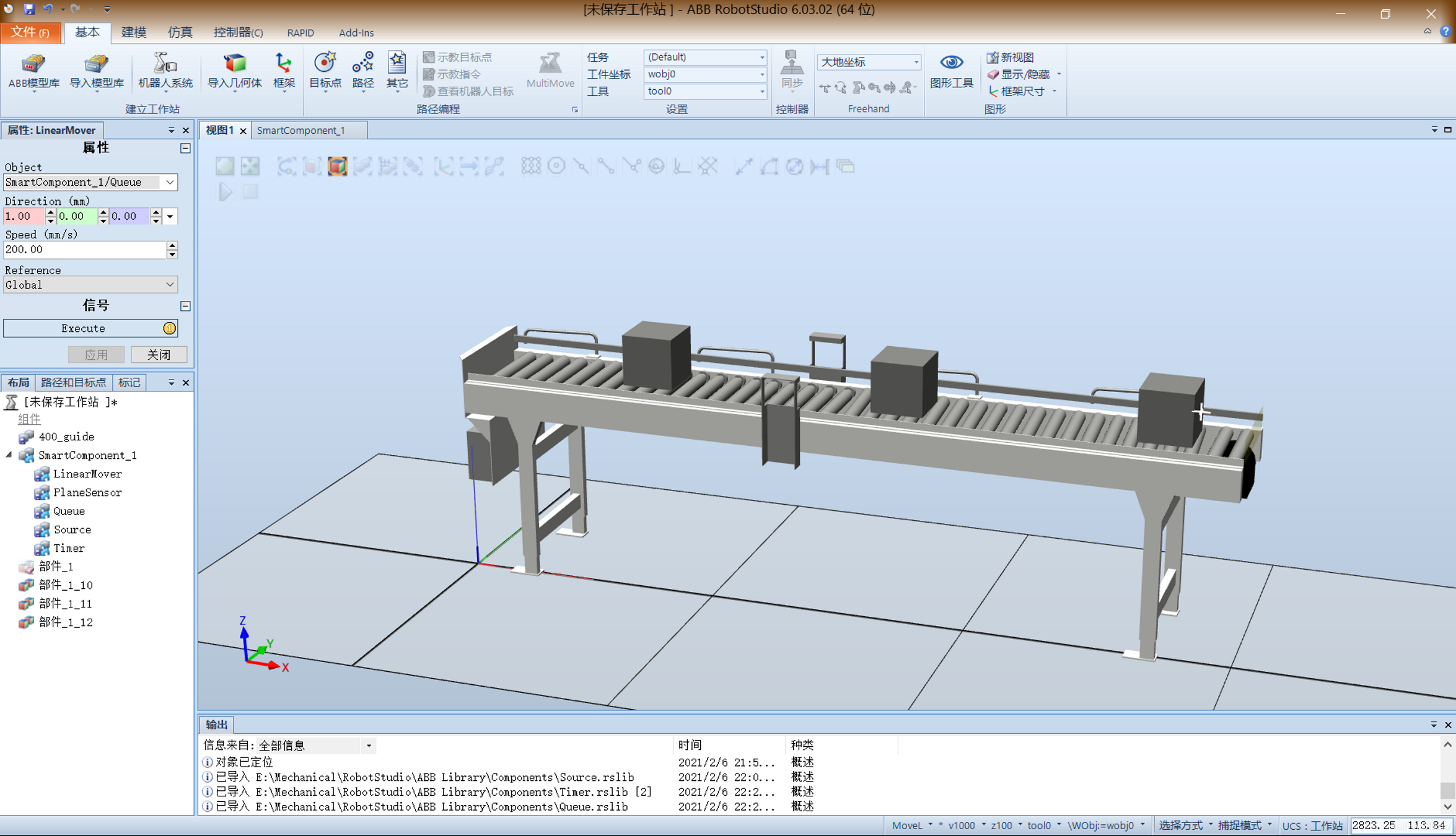
Create a new station and import a conveyor from Equipment. Create a cube to serve as the object carried by the conveyor. Drag the small cube onto the conveyor at the desired position, using Snap and Set Position to position it precisely...