Setting Up Scheduled Tasks on Ubuntu
Certain needs, such as restarting a task at scheduled times, publishing blog updates on a schedule, or regularly backing up files, require certain tasks to be run on a schedule.
10 posts
Certain needs, such as restarting a task at scheduled times, publishing blog updates on a schedule, or regularly backing up files, require certain tasks to be run on a schedule.
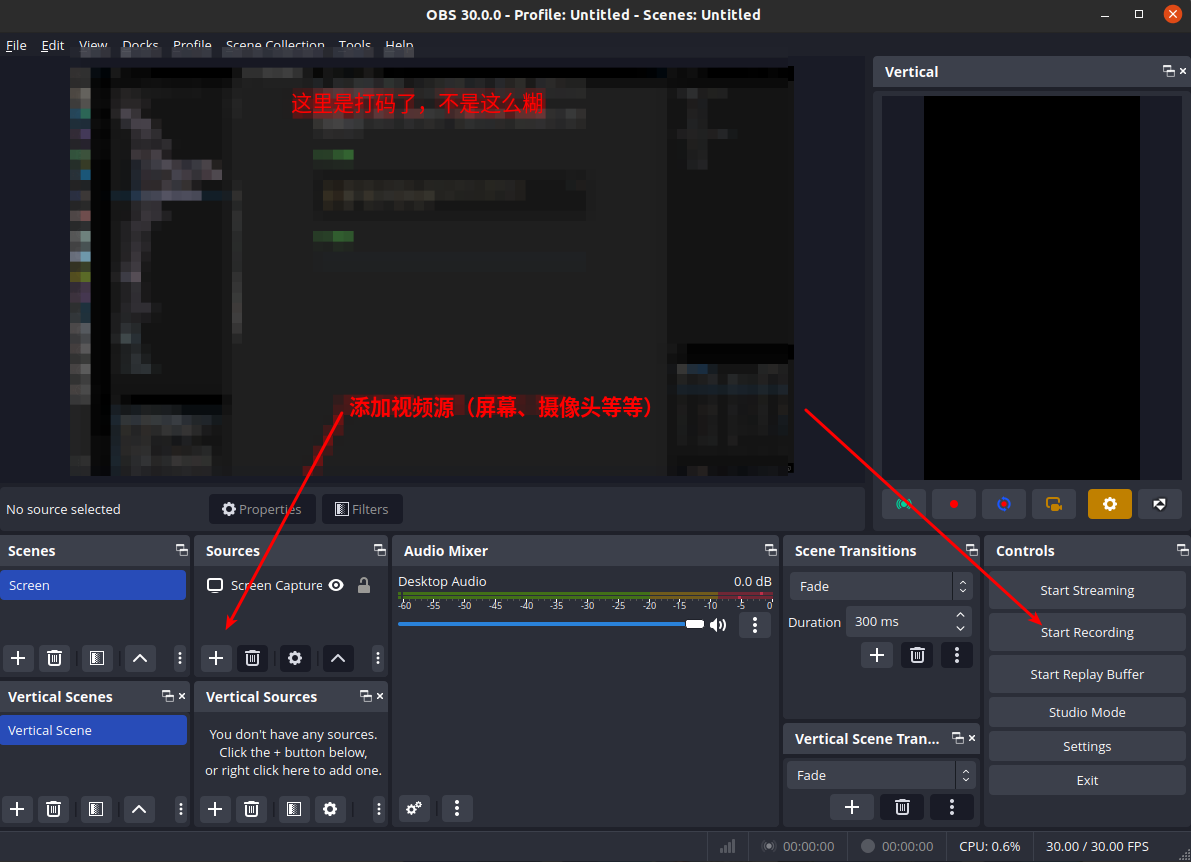
By default, Ubuntu can only take screenshots but cannot take screenshots, and the experience is very poor, so this article introduces two screenshot and screen recording tools I commonly use.
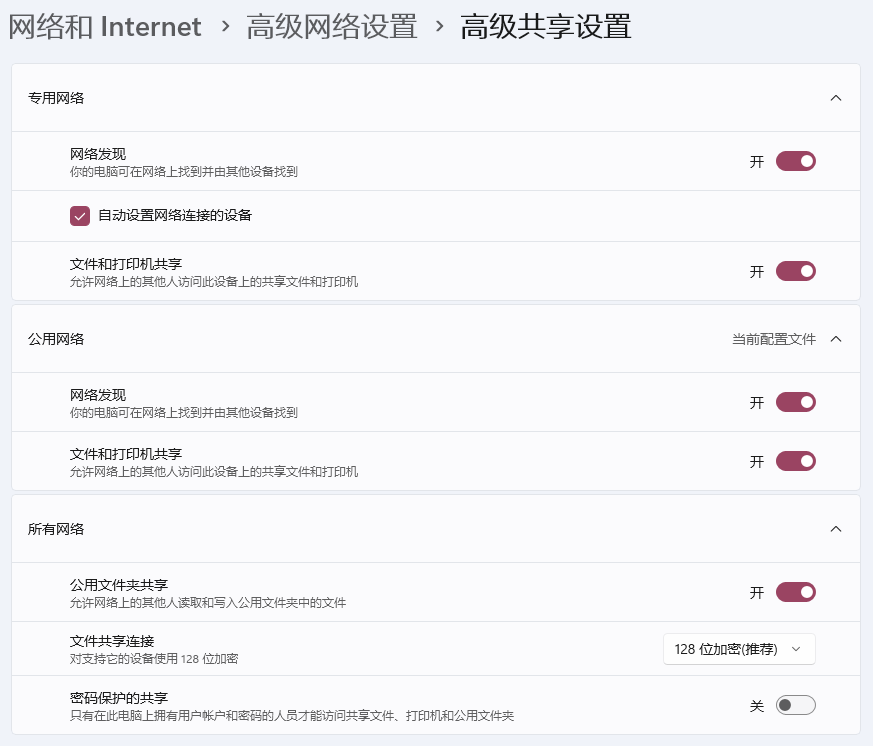
Share a folder on a Windows computer over a local network so that other systems on the network can access it directly
I previously used Nutstore for multi-device sync, but Nutstore only provides 1G of traffic per month, which is not enough. So I switched to OneDrive. This post records the OneDrive setup process on Ubuntu.
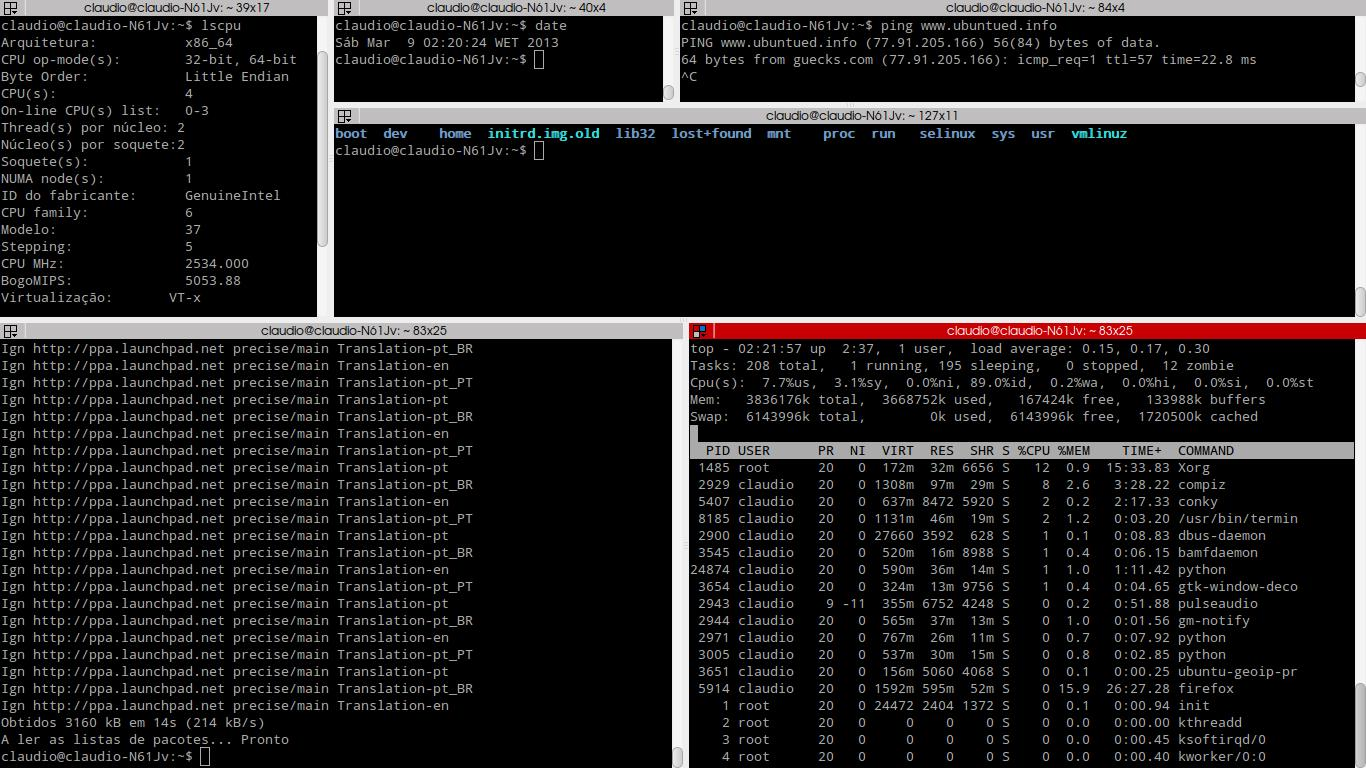
A handy terminal emulator.
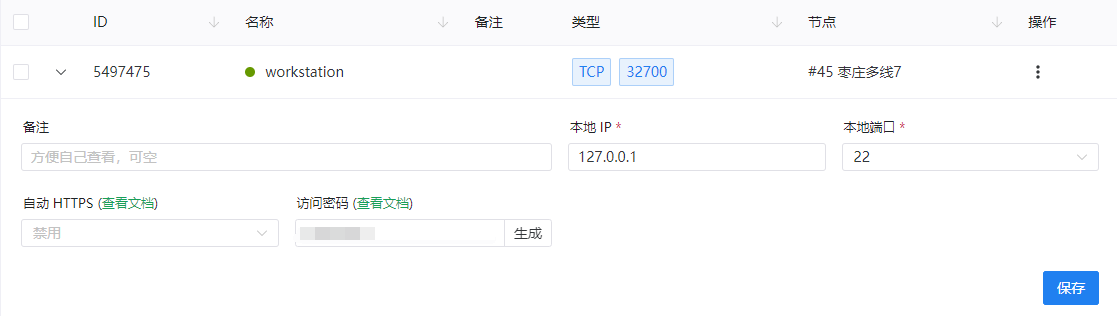
I don't want to use remote desktop tools such as Sunlogin and ToDesk. My personal computer and the server are not on the same LAN, but I need remote access to the server, so I'm considering NAT traversal.
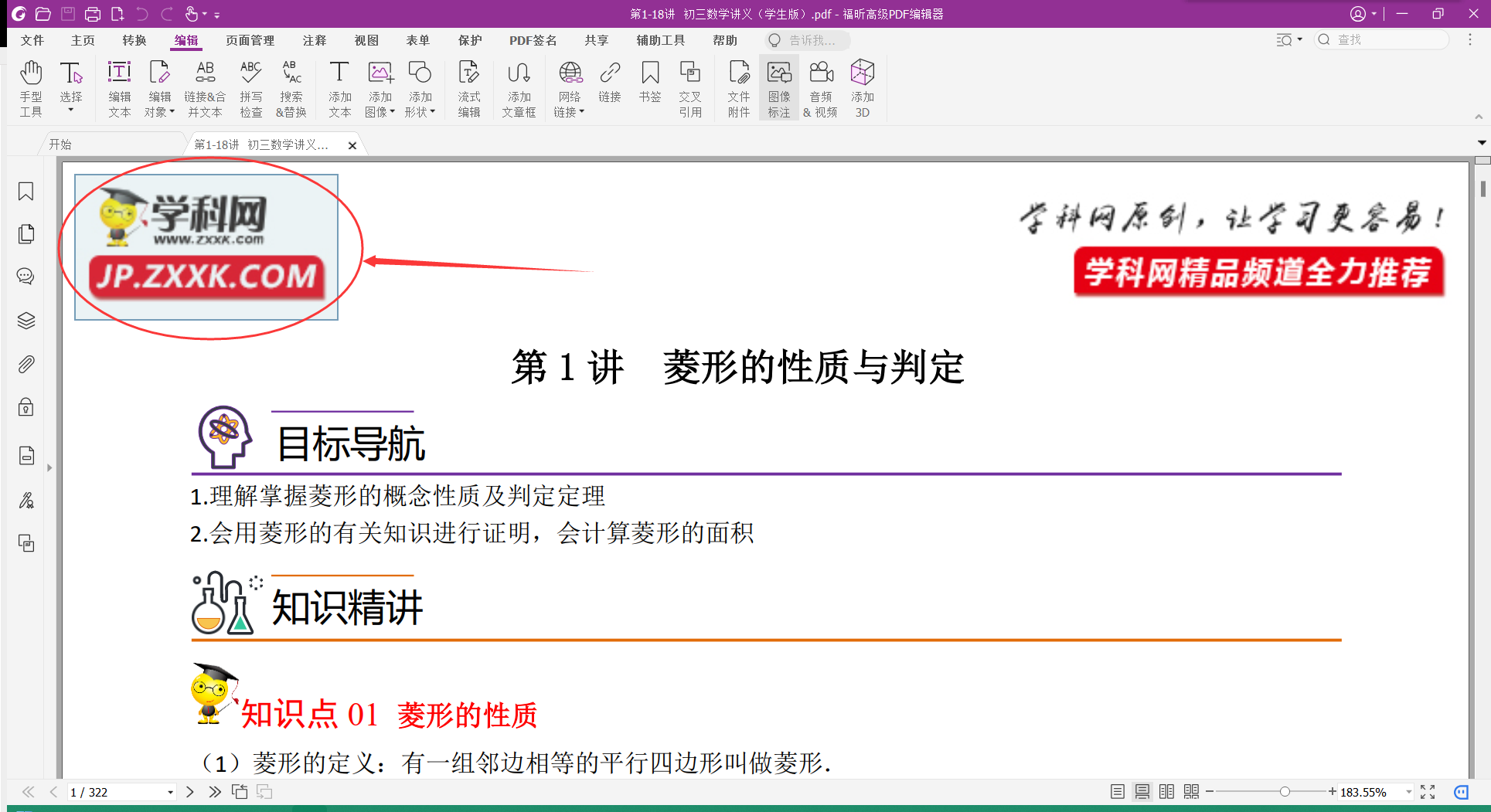
Methods for removing watermarks with Foxit PDF Editor, including regular watermarks, background watermarks, text watermarks, and other watermarks.
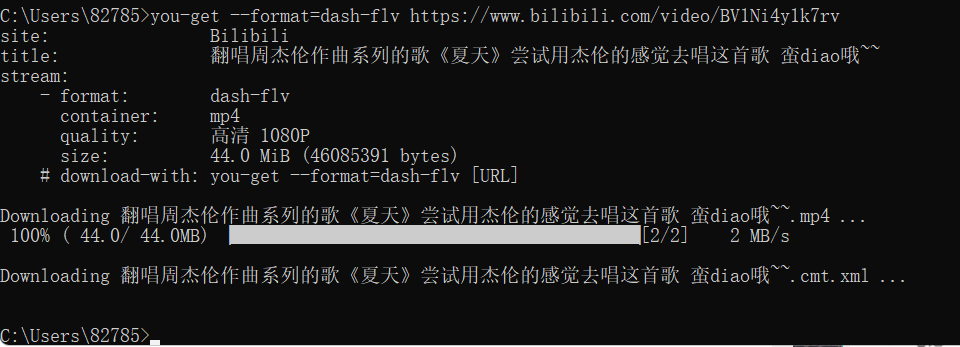
Use you-get, a project on GitHub, to download videos, images, and audio from most major websites. Supported websites include YouTube, Twitter, Facebook, bilibili, AcFun, niconico, NetEase Cloud Music, Kugou Music, QQ Music, iQIYI, Tencent Video, Douyin, Kuaishou, Zhihu, and many others.
Introduces how to look up literature indexed on various websites and how to download it, as well as how to check the impact factors of major journals.
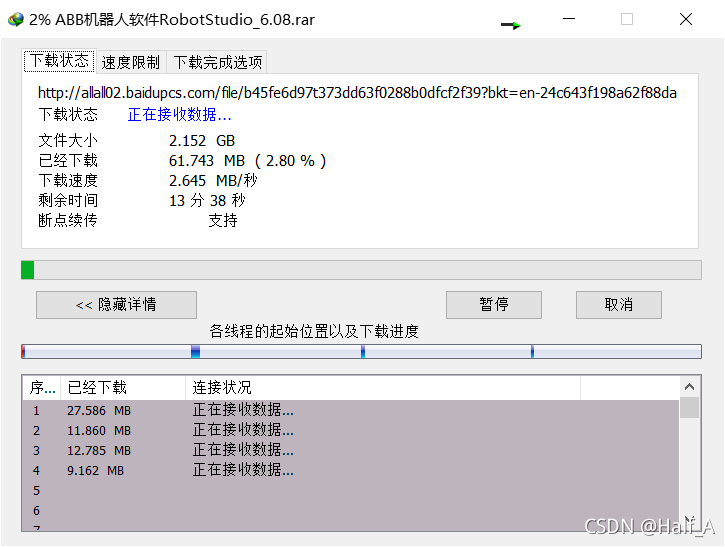
Use the Tampermonkey extension with IDM direct links to download from Baidu Netdisk without speed limits.