[ROS Study Notes] (VII) Implementing the Server
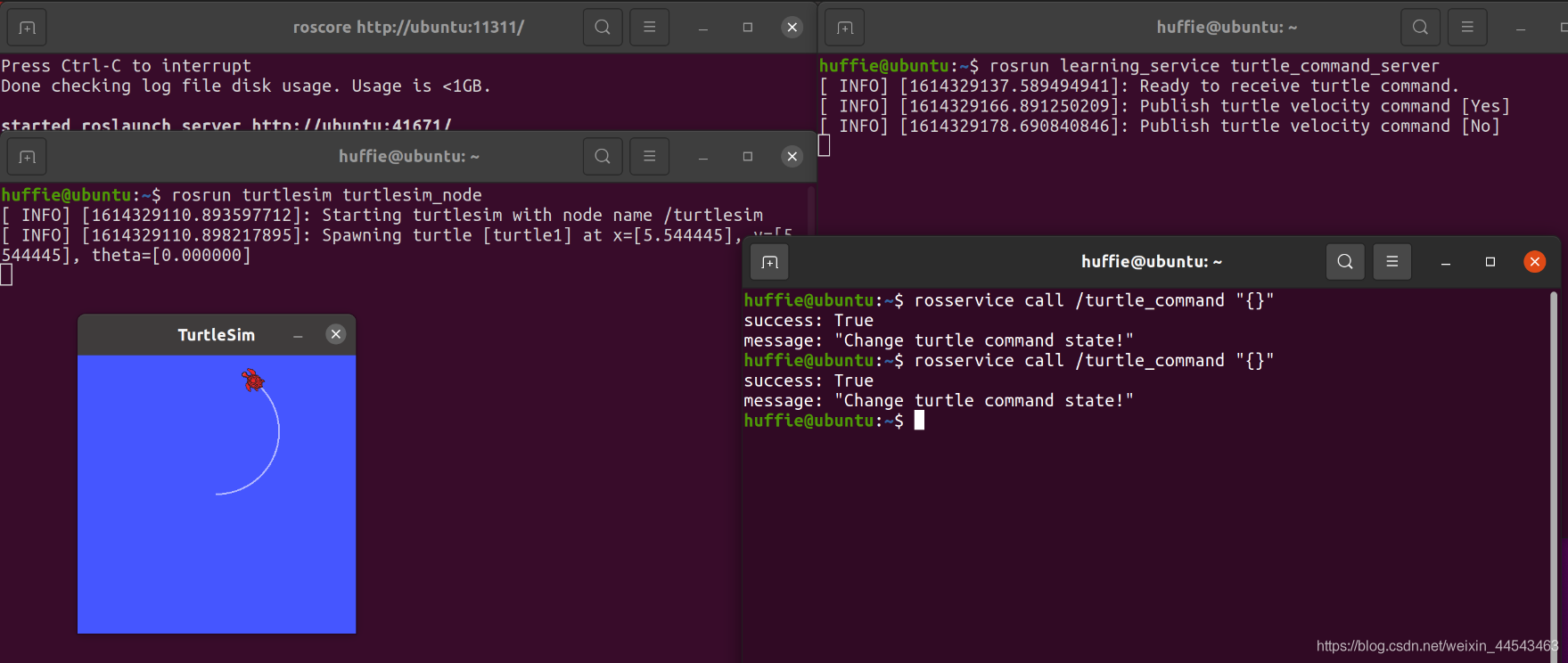
The server waits for a signal. Each time it receives a signal from the client, it toggles the turtle's motion state (moving → stopped, stopped → moving).
Notes on robotics, vision, and systems.
The server waits for a signal. Each time it receives a signal from the client, it toggles the turtle's motion state (moving → stopped, stopped → moving).
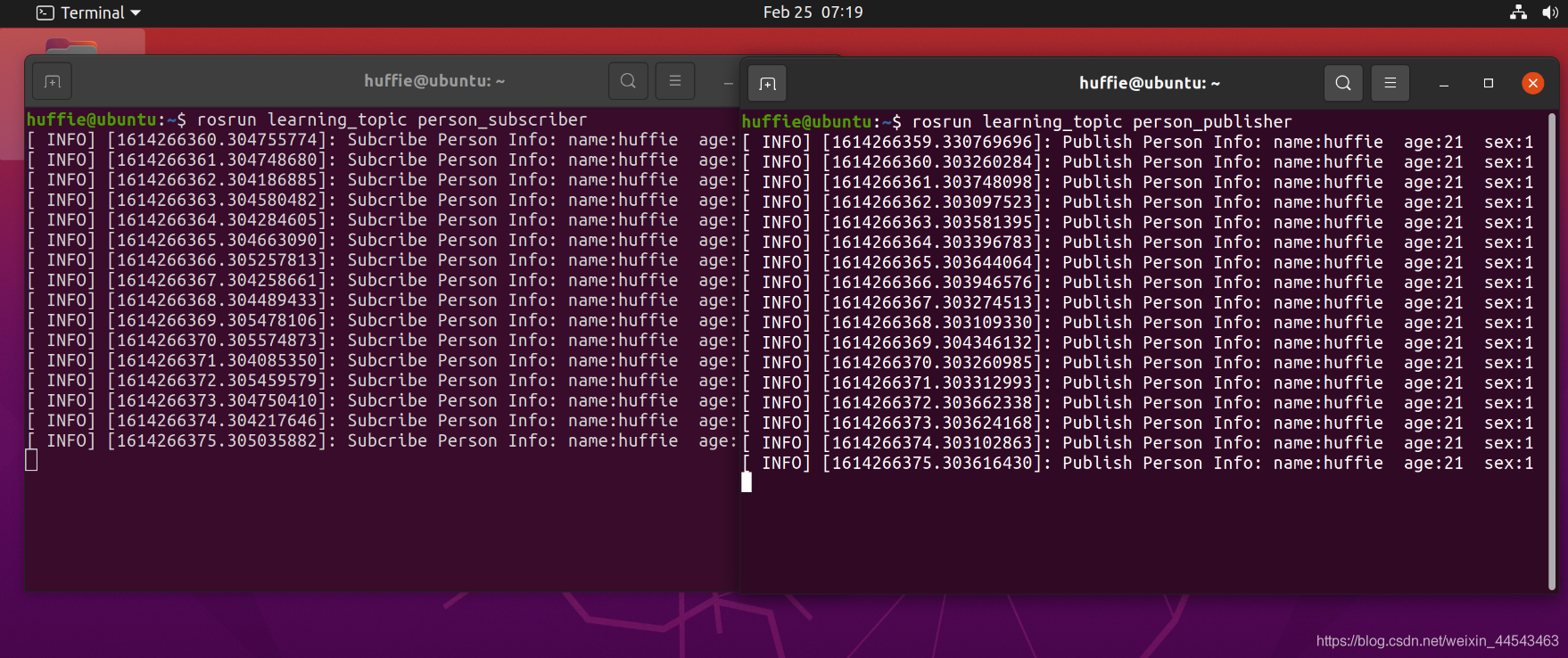
In ROS Master, you can publish and subscribe to predefined messages, such as information about a turtle's motion and pose. However, sometimes you need to define custom message types. The main objective of this section is to define a Person message containing personal information, publish it through a Publisher, and subscribe to it through a Subscriber.
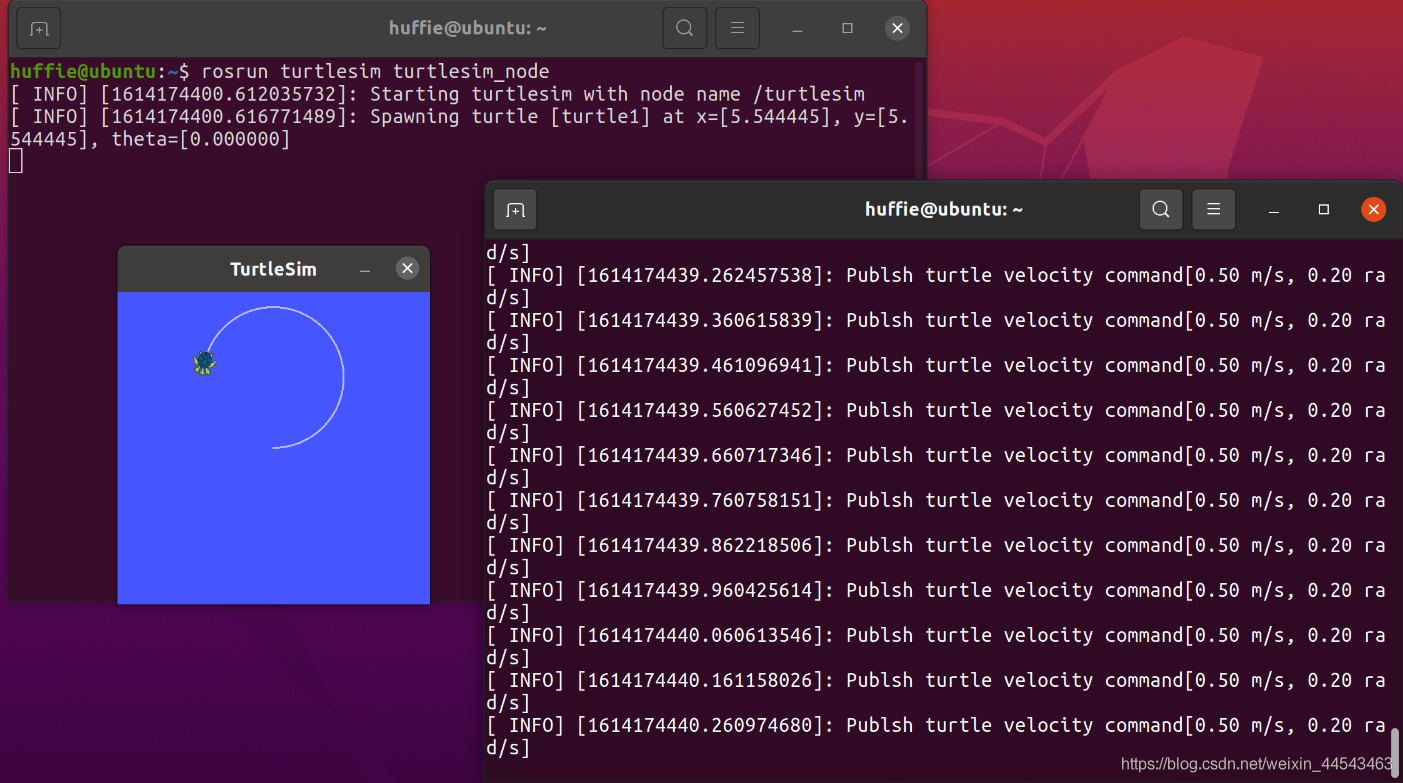
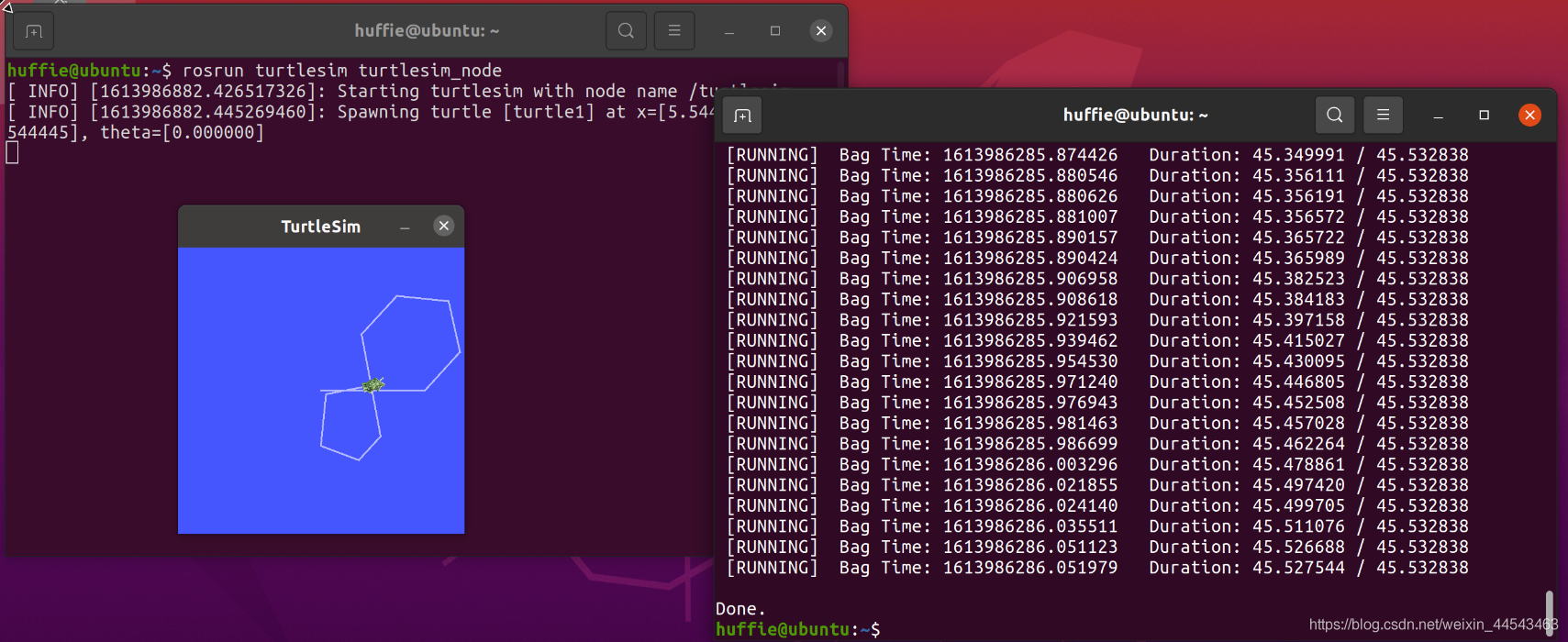
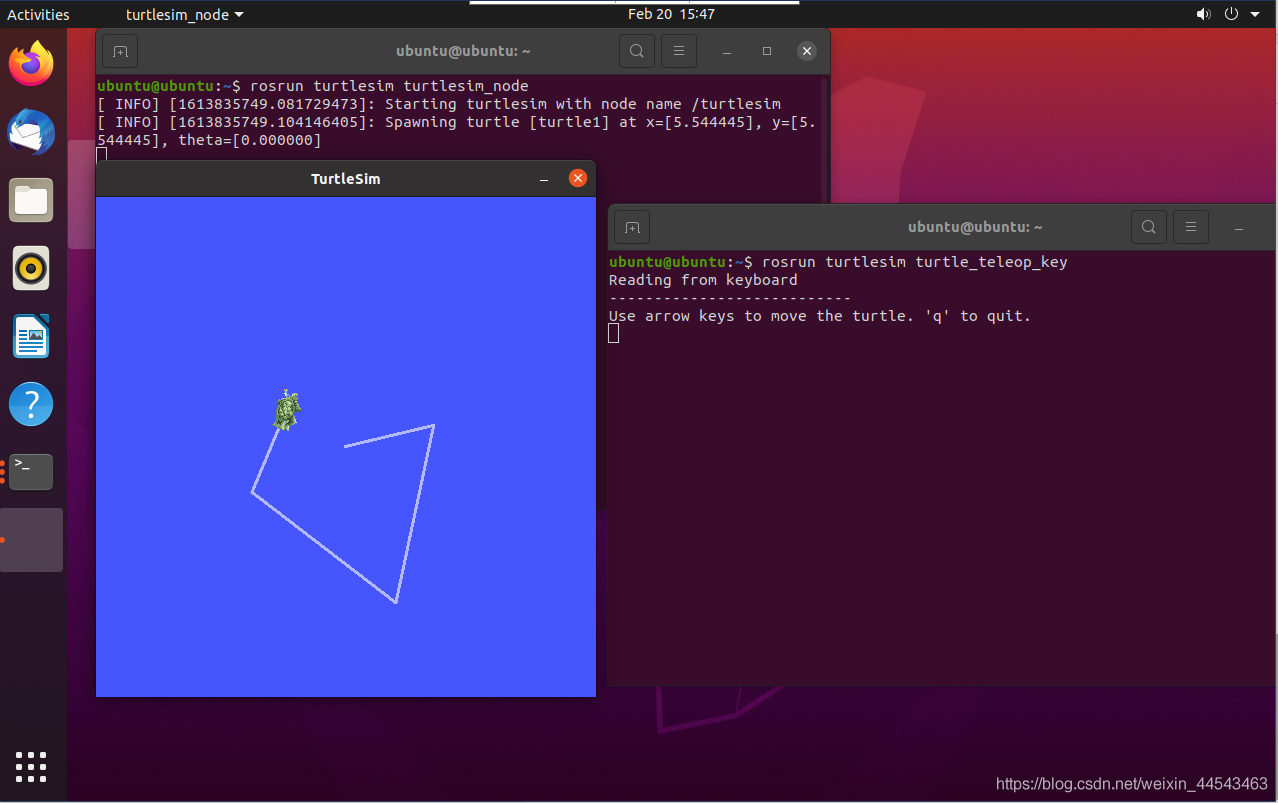
ROS Master contains two nodes: a Subscriber (turtlesim) and a Publisher. The Publisher is implemented in code to publish a Message containing linear velocity and angle. The Message is transmitted through a Topic channel to the Subscriber, thereby controlling the turtle's movement.
In ROS_Master, you can publish and subscribe to messages. ROS_Master contains two nodes: a Subscriber (turtlesim) and a Publisher. The Publisher publishes Messages programmatically. The Message content includes linear velocity and angle, and it is passed to the Subscriber through the Topic pipeline, thereby controlling the turtle's movement.
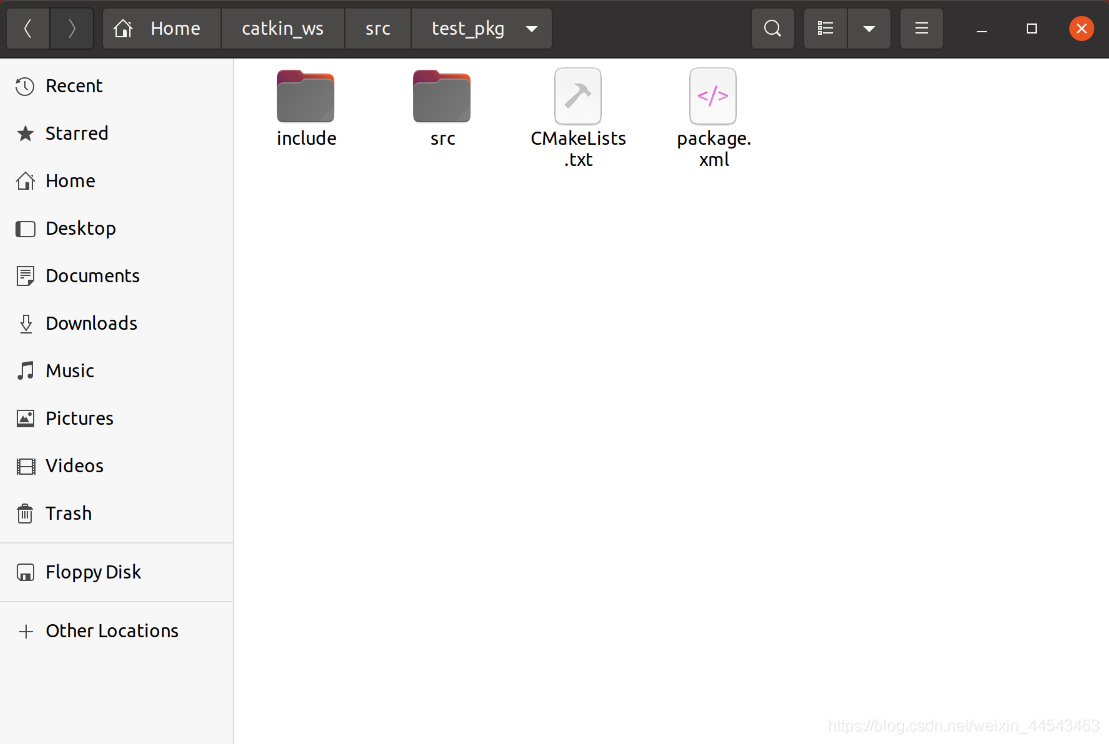
A workspace is a folder that holds project development files, similar to a project you create in an IDE on Windows. Folders in a workspace include …
roscore starts ROS Master and is the first command to run before starting a ROS system; rosrun runs a node in a package. It takes two arguments: the package name first and the node name second.
Add the ROS software repository: open Software & Updates and select the first four download options. Make sure all of them are checked, or dependency issues will occur during installation. Then run the following commands to add the software repository and public key.
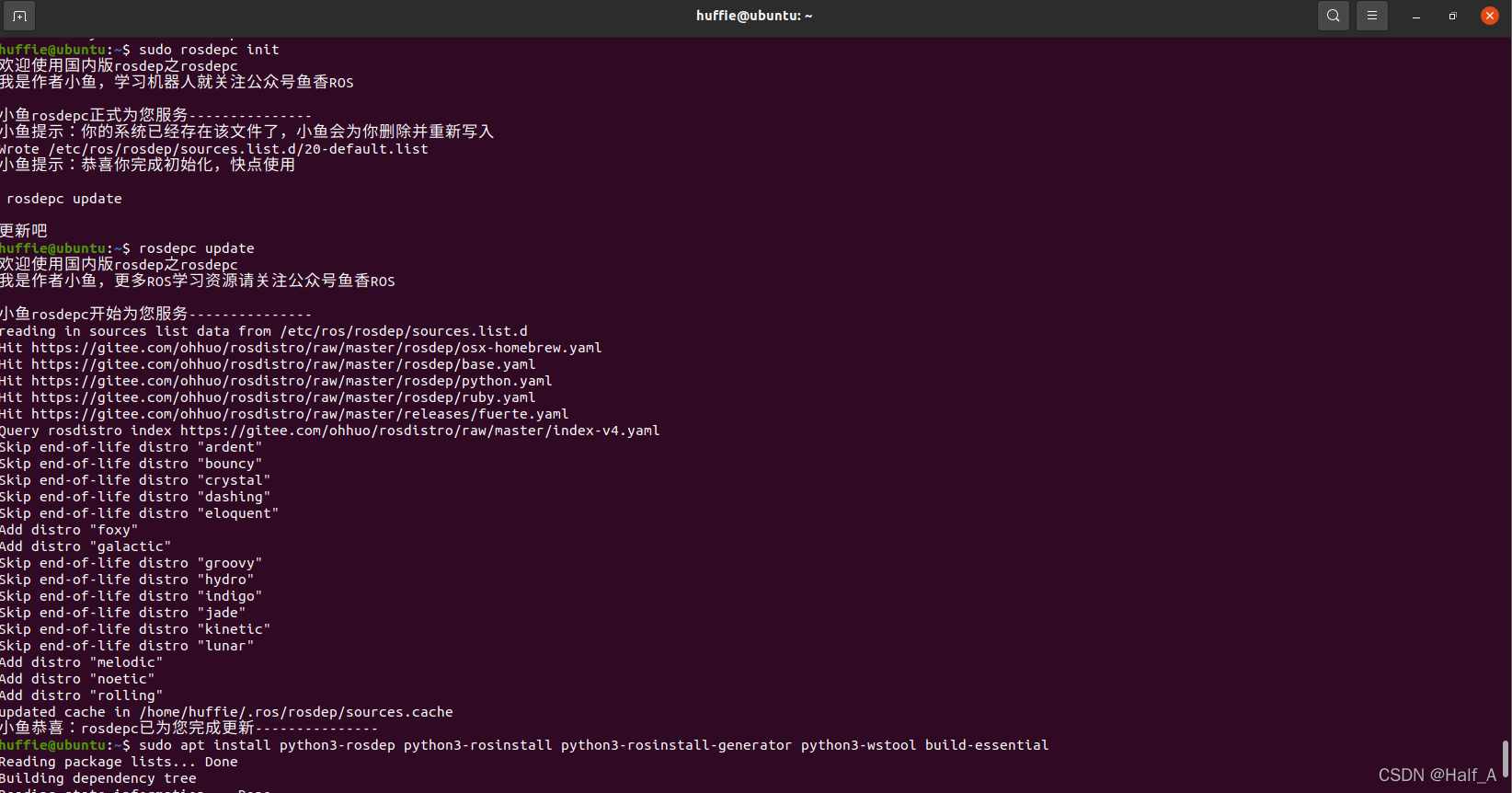
The ROS installation process is covered in my previous blog post, Installing ROS_Noetic on Ubuntu20.04. During installation, rosdep_init reports 【ERROR_cannot download_default_sources_list_from…Website_may_be down.】. rosdep_update always times out and cannot update. I finally found a reliable solution that works.
I tried using PicGo on Ubuntu, but every time I installed a plugin, it prompted me to install Node.js. Following the installation steps did not solve the issue, so I reinstalled Node.js.
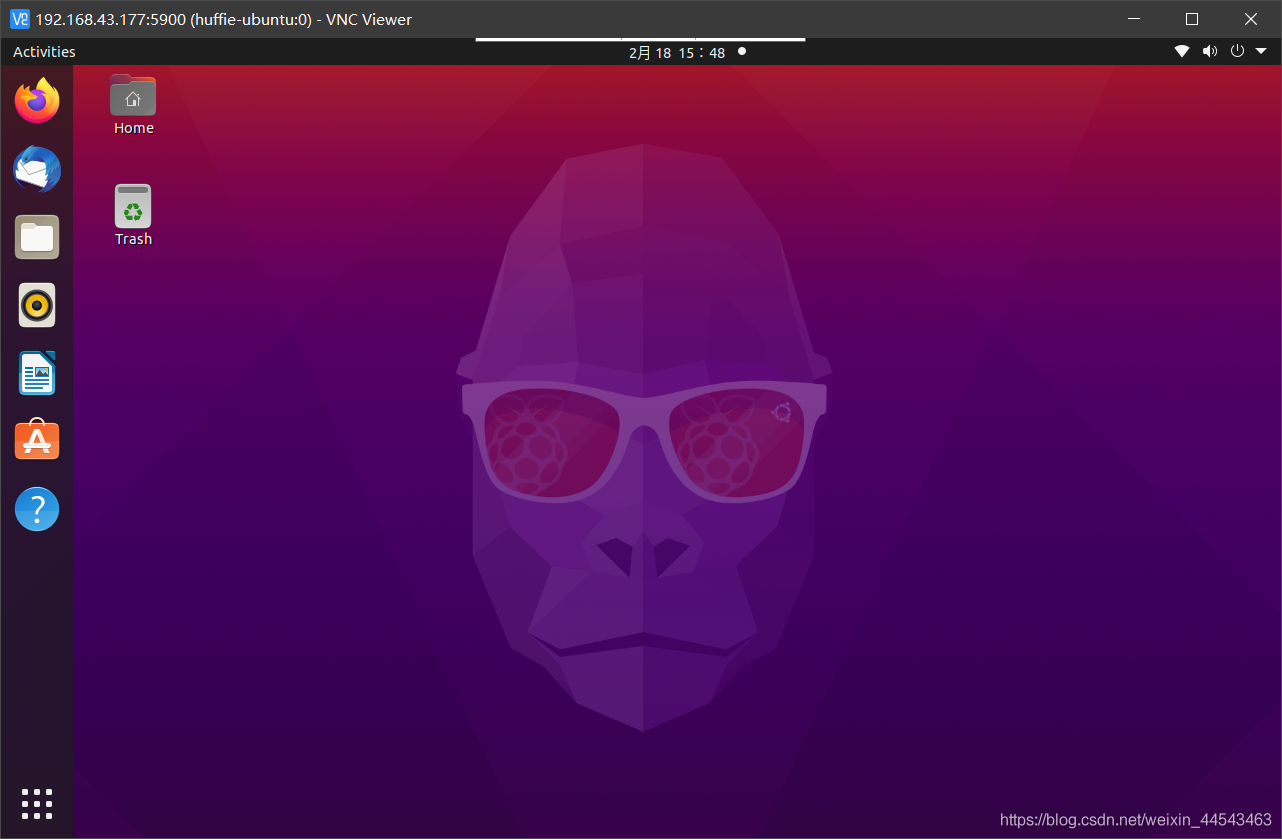
I wanted to connect to my Raspberry Pi remotely using VNC. I searched online and tried many related blog posts and various methods, but I kept running into problems. Finally, after much effort, I found a method that works.